Nettio Designs

Design + Creativity + Adventure = LOVE

  • HOME
  • JOIN THE 2023 MONTHLY FAVES
  • THE SHOP
  • ABOUT
  • CONTACT
You are here: Home / Archives for Template-y Goodness

It’s Time to Party, 1st Anniversary Style!

POSTED ON February 15, 2012 IN 1st Anniversary, A Week In the Life

That’s right! The NettioDesigns 1st Anniversary celebration is finally here!

Woohoooo, I’m so excited!

If you’ve been wondering where I’ve been hiding last two weeks, well, I suspect the new look of the site may be a big clue, haha, but yes, for the last two weeks I’ve been buried under a pile of code working hard to spiffy up NettioDesigns for her very first birthday party.

As I’ve been telling my team, this was meant to be more of a revamp than a complete redesign but looking at it now, I’m realizing other than the background, the colors and some fonts, almost everything has changed in some way, haha. There’s still a few things that need tweaking (aren’t there always?), but I think she’s looking pretty good so if you’re viewing this post in a feed reader or email, be sure to stop by and check out the new look!

Of course the new design is only the kickoff to the 1st anniversary celebration so over the next two weeks, we’re going to be partying it up here at NettioDesigns with new products, a contest and more!

And to get things started today, I’ve got a much-requested NEW product up in the NettioDesigns Shoppe…

Photo Book Frenzy: A Week in the Life 8×10
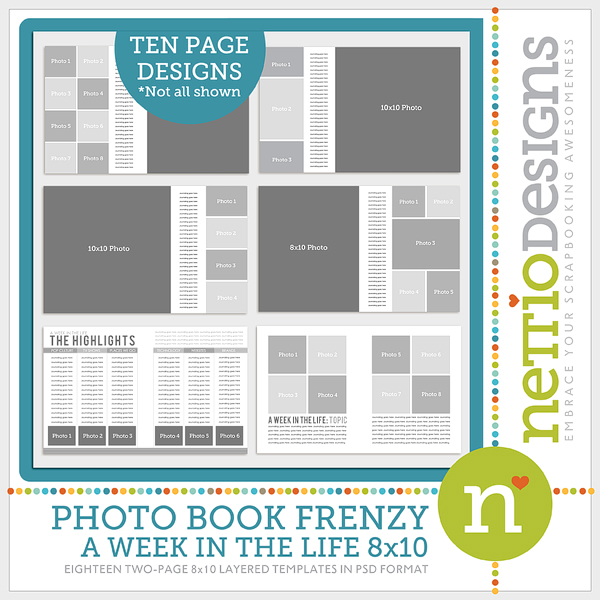
Yes, that’s right, the modern, magazine-style design I used for my popular A Week in the Life Blurb photo book is now available in template form!

You can read all of the details in the shoppe but included in the template set are 18 two-page 10×16 page spreads, including 8 photo-style pages and 2 A Week in the Life highlight pages. Each photo spread comes in both a left and right version so you can mix and match the spreads to your hearts content.

And for all my square-loving friends out there, I also put together a 12×12-inch version of the templates…

Photo Book Frenzy: A Week in the Life 12×12
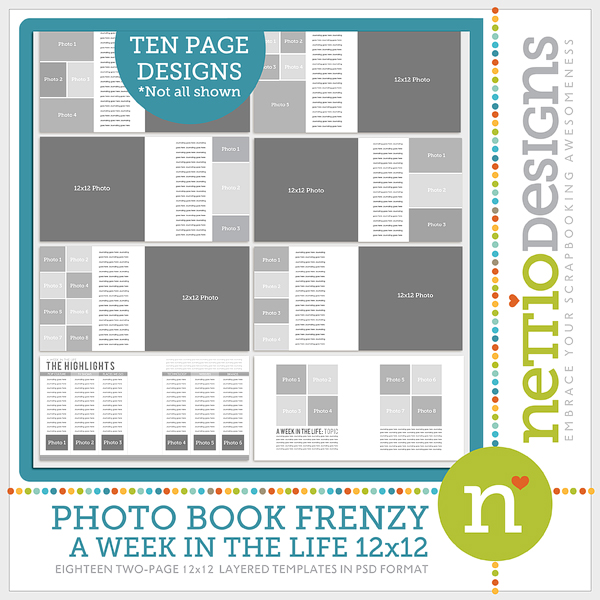
 

Both sets of the Photo Book Frenzy: A Week in the Life Templates are up in the NettioDesigns Shoppe now but before you pop over to the shoppe, I’ve got one more little announcement…

It’s time for the NettioDesigns 1st Anniversary Sale-a-bration!
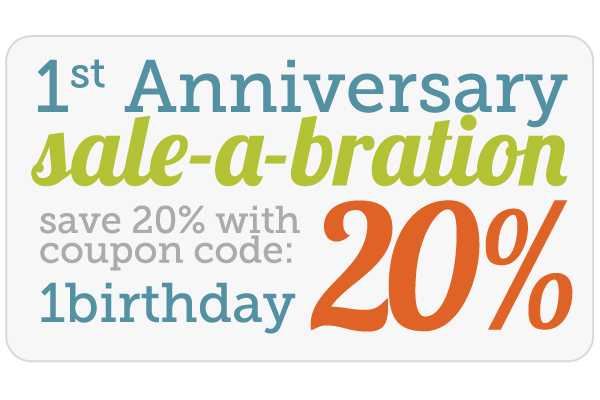
That’s right, starting today through the end of the month you can use coupon code: 1birthday to save 20% off everything in the NettioDesigns Shoppe! Storewide sales aren’t too common around here so if you’ve had your eye on something, here’s your chance to pick it up and save a little $$$.

And of course, if you’re a NettioDesigns News email list subscriber, check your email for an exclusive subscriber only discount code. Want to get in on the subscriber goodness? Sign up here.

And if you want to make sure you don’t miss out on any of the NettioDesigns 1st Anniversary Celebration fun over the next two weeks, look for the image below at the top on the site. It will link you direct to all 1st Anniversary related content:

Well that’s all I’ve got for today! Be sure to stop by NettioDesigns tomorrow where I’ll be chatting more about what it means to “embrace your scrapbooking awesomeness” and how you can get yourself in the running for some free stuff!
Fraudulent Drugs Are A Huge Global Problem

POSTED IN 1st Anniversary, A Week In the Life, Template-y Goodness

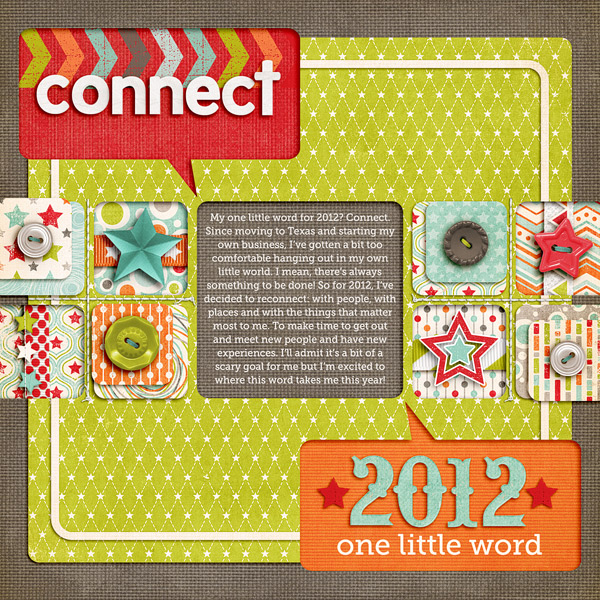
My One Little Word for 2012

POSTED ON January 26, 2012 IN One Little Word

Welcome to One Little Word 2012.

If you’re new to the concept of One Little Word, the idea is rather than making a long list of resolutions for you have no intention to keep, you choose a single word to focus on for the year.

My word for the past year and half has been ADVENTURE.

I chose this as my word in the summer of 2009 when Adam was coming home from Afghanistan and we made the big move from Colorado to Texas. I figured new location+new job=new adventures and I wanted to make sure I was in the right mind frame to embrace all the change. And I have to say, I LOVED this word. It’s a word that I know will stay with me for a long time to come.

But after a year and half, it’s time to focus on a new word.

So the word I’ve chosen for 2012 is…

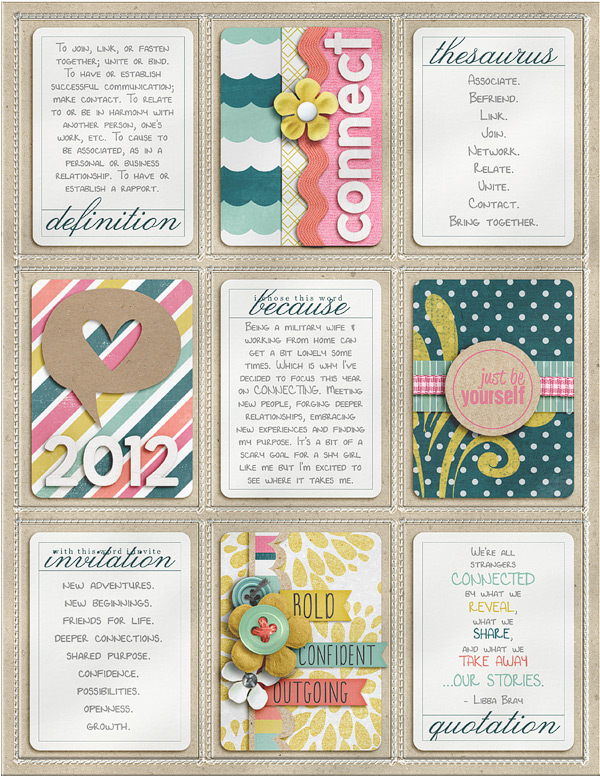
CONNECT.

I’ll admit this word kind of terrifies me a little bit. Ok maybe a lot, haha.

But I also think that’s a sign it’s the right word for me. Because it’ll push me out of my comfort zone.

And if I’m being honest, I definitely need that push.

A year ago when we moved here to Texas, I made the decision to give this little design business a real shot. And so in February I opened up NettioDesigns and for the most part I’ve really loved it.

But what I don’t think I anticipated was how lonely it can get working at home by myself all the time. I mean, it’s not like I’m a stranger to being alone – I’ve done two deployments! But add in the fact that this military base we’re currently stationed at is largely a training base where people only stay for a few months and well, it’s been a bit hard to get motivated to get out and meet people. Even more so when running your own business from home – there’s always something to be done.
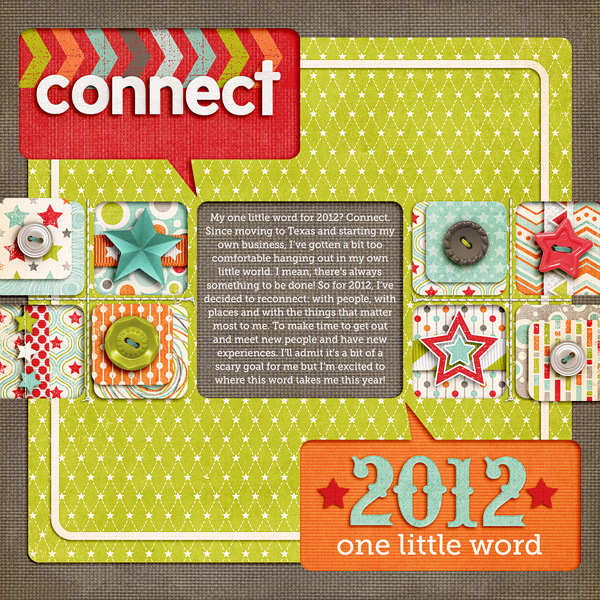
Which is why I’ve chosen CONNECT as my word for this year. Because I want to focus more on connecting: with people, with life, and with myself, both online and offline.

And to keep myself extra motivated this year, I’m participating in Ali Edwards’ One Little Word class over at Big Picture Classes.

This month’s prompt was to fill up a pocket page protector with 9 cards – 5 word cards from Ali and 4 cards of our own making. Since I’m doing my layouts all digitally, I used Traci Reed’s 8.5×11 Slip Ins for my pockets and combined them with a brand new collab kit from Shawna Clingerman which will be being released this weekend. I really love how it turned out!

I don’t know where CONNECT is going to take me this year but I sure am excited (and a wee bit nervous) to see how this word-y adventure (like how I worked it in? ) pans out. Should be interesting for sure!

So what about you? Anyone else playing along with One Little Word? What word have you chosen for 2012?

Psst…looking for an awesomely easy way to capture your One Little Word for this year? Check out my It’s Goal-tastic Template Pack in the NettioDesigns Shoppe.

How Can Customers Lower Their Remedy Costs

POSTED IN One Little Word, Digital Scrapbooking, Template-y Goodness

New Year, New Release: It’s Goal-tastic!

POSTED ON January 24, 2012 IN Announcements

Happy Tuesday everyone! Are you ready for the first NettioDesigns Template Tuesday release of 2012?

One of my favorite things about start of a new year is the possibility for new dreams, new goals and of course, new projects!

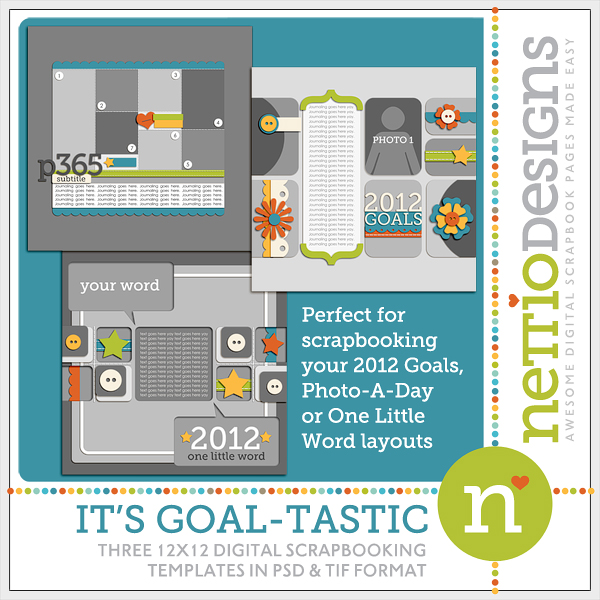
So in keeping with the new year theme, I’ve created this goal-tastic 3-pack of templates sure to get you inspired scrapbooking your favorite new year projects including Project 365/Photo-a-day, One Little Word and your 2012 Goals.

It’s Goal-tastic 12×12 Layered Template Pack

Nettiodesigns ItsGoaltasticTemplates preview

All three of these templates are based off layouts I created to document my own memories and like all NettioDesigns templates, these templates feature my signature clean & modern layered paper-lovin’ style as well as unique details guaranteed to make your layouts stand out from the crowd.

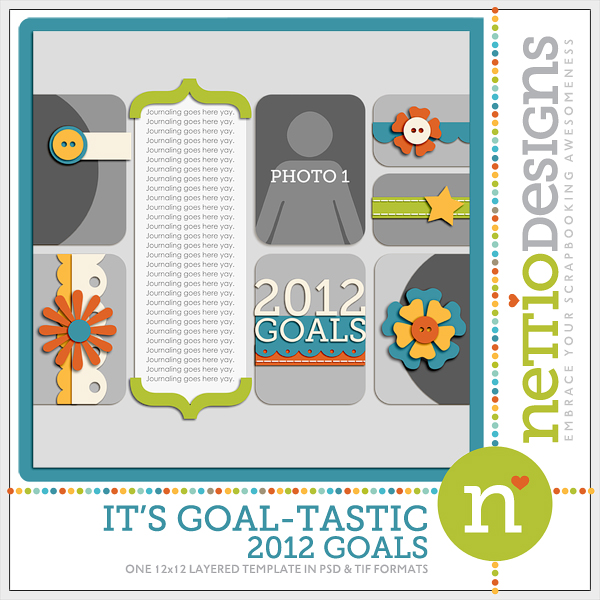
It’s Goal-tastic: 2012 Goals

Whether you call them resolutions or goals, we all have hopes and dreams for the new year. But how often do we actually remember them? This template makes capturing your goals quick, easy and fun thanks to the bold paper blocked design, layered details and room for photos and plenty of journaling.

Nettio itsgoaltastic 2012goals

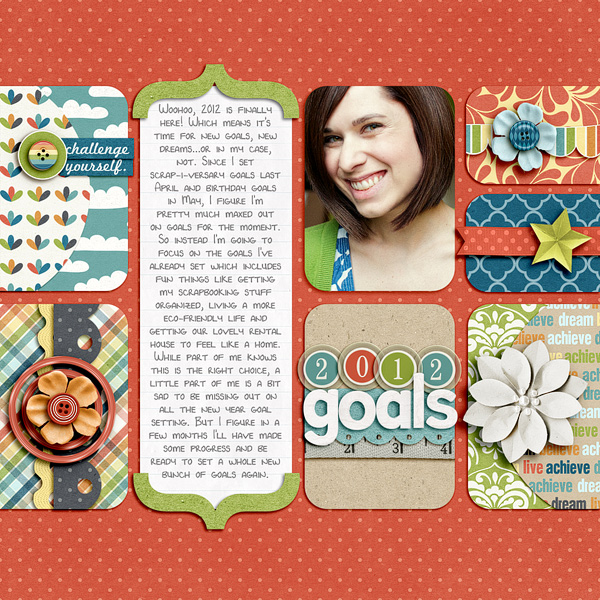
My 2012 Goals for the year featuring Shawna Clingerman’s I Can kit:

Nettio 2012goals

It’s Goal-tastic: Project 365

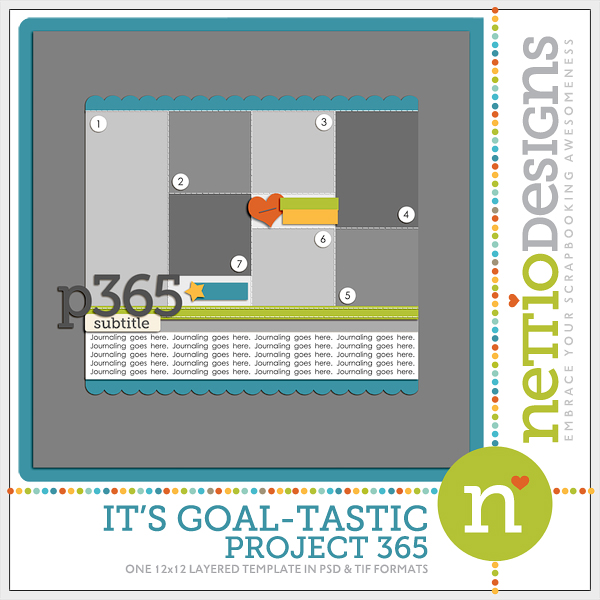
Based off my own layouts from my Deployment 365 Project in 2009, this photo-friendly template features room for up to seven photos and two paper accent blocks, all of which can be transformed and rotated to create a variety of photo sizes and layouts.

Nettio itsgoaltastic P365

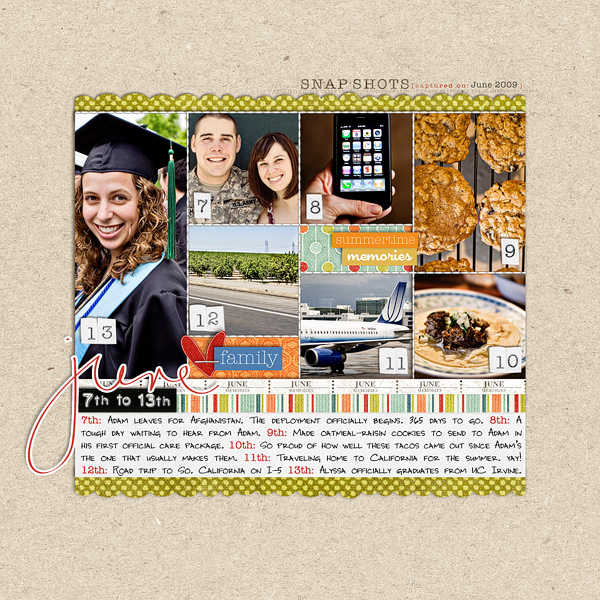
In this layout, I’ve used the template as designed:

Nettio p365 june

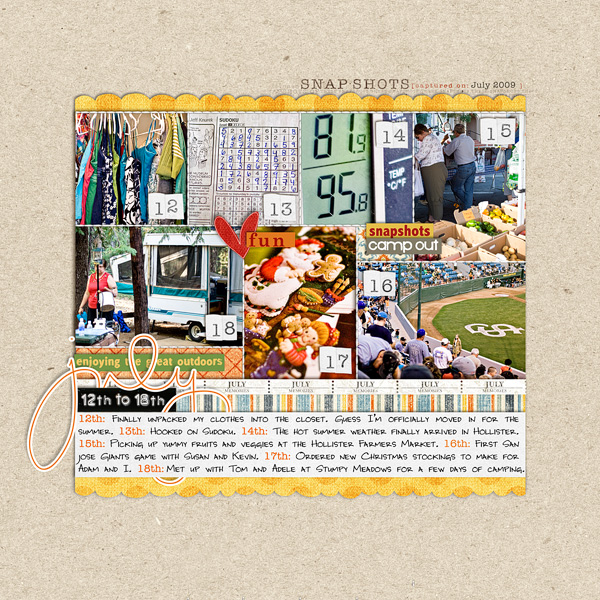
Here I’ve transformed and rotated the photo blocks to fit the photos I had for that week. This template is the perfect blend of versatility and consistency enabling you to adapt the design for your own personal photos while still maintaining a consistent look for all your pages throughout the project.

Nettio p365 july

It’s Goal-tastic: One Little Word

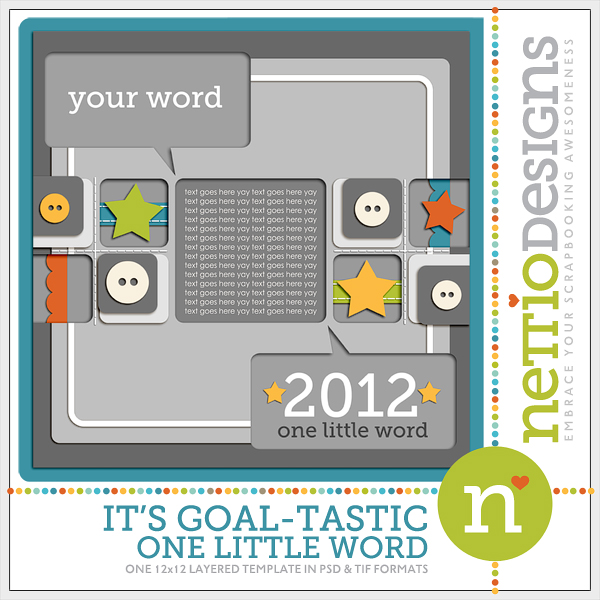
One Little Word is one of my favorite new projects of the year and this template is the perfect starting point for sharing your favorite words, conversations or other text-heavy stories. In addition to including plenty of space for your journaling, this template features layered papers and elements and unique cut-out design sure to make your page pop.

The cut-out design was created using an Inner Shadowing layer style so all of the cut-out areas can be moved, transformed or adapted to fit your individual needs.

Nettio itsgoaltastic OLW

My One Little Word for 2012 featuring Zoe Pearn’s One For the Boys kit:

Nettio olw2012

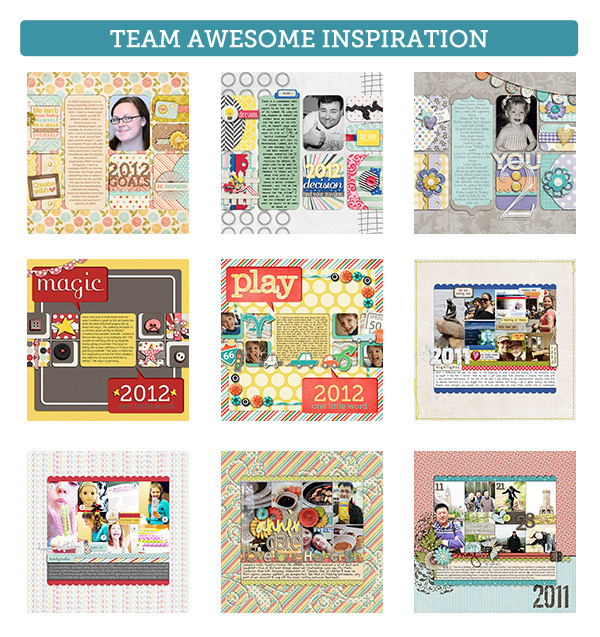
As always, the NettioDesigns Team Awesome has stepped up to show-off the versatility and ease of the It’s Goal-tastic templates. Check out this awesome eye candy:

Nettio CTlayouts ItsGoaltastic

The It’s Goal-tastic 12×12 Layered Template Pack is on sale for 20% thru Thursday so if you want to pick them up AND save a little cash in the process, stop by the NettioDesigns Shoppe and check them out today!

It’s Goal-tastic 12×12 Layered Template Pack

Happy Goal Scrapping!

Fraudulent Drugs Are A Huge Global Problem

POSTED IN Announcements, Template-y Goodness

How To Use the Holiday Faves Templates To Create Your Own Holiday Album

POSTED ON November 17, 2011 IN Holiday Faves, Holiday Faves 2011

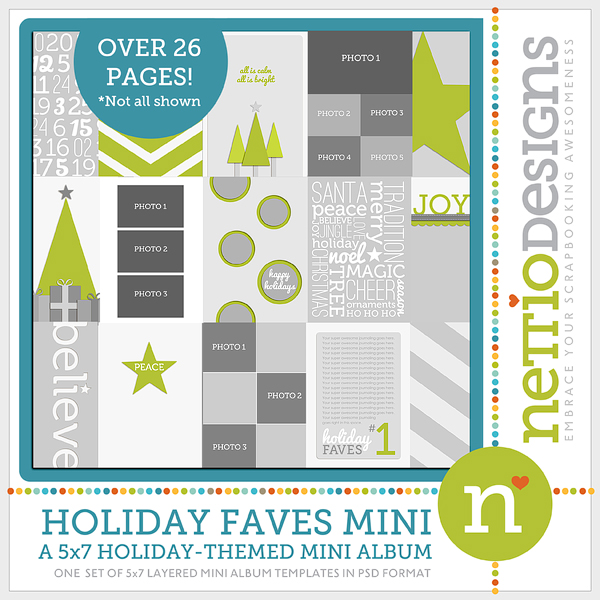
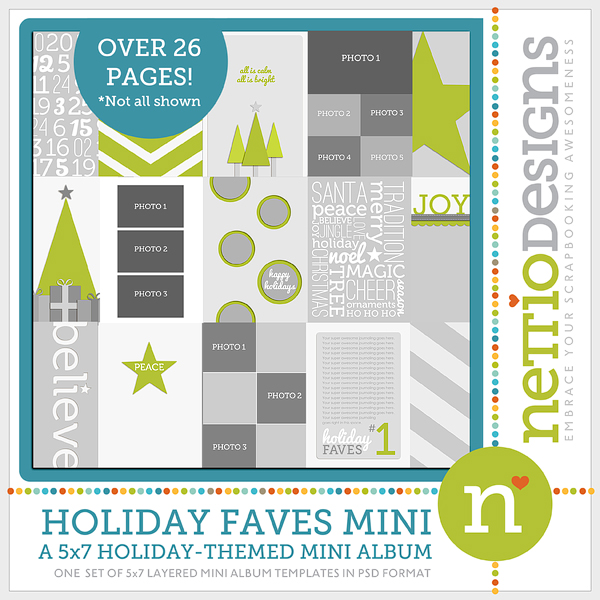
As I mentioned in Tuesday’s post, I’ve released my first-ever mini album templates in the NettioDesignsShoppe: the Holiday Faves 5×7 Mini Album Templates:

Nettio HolidayFavesMini preview

I’m sure there are some of you are wondering how you can use the mini album templates to build the foundation for your own Holiday album, so today I wanted to offer you a little glimpse into how I’m using these templates to build my own album.

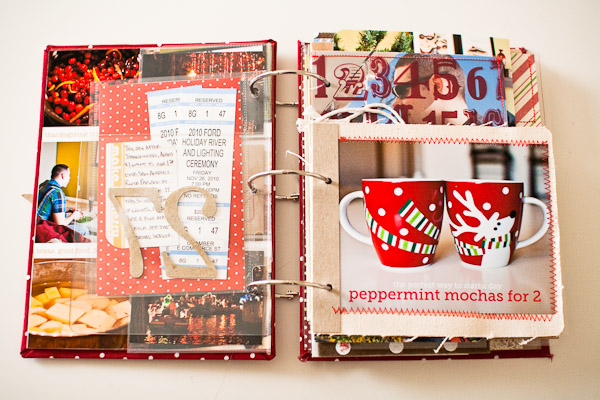
As I mentioned on Tuesday, my Holiday Faves mini album is going to be a 5×7 hybrid mini album so I will be creating the foundation of my album digitally using these templates and then printing out my pages and adding photos and accents directly to the album during the holiday season.

For the purpose of this post, I’m going to assume you’ll be creating a hybrid album as well but if you’re wanting to use these templates 100% digitally, the process is the same, you’ll just be printing out everything after you’ve finished your album rather than before the holiday season starts.

How To Use the Holiday Faves Mini Album Templates

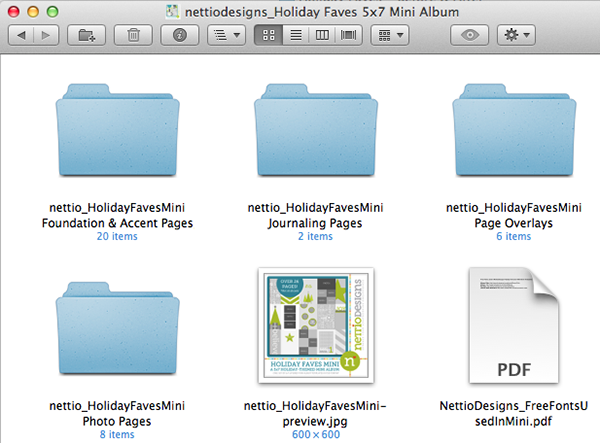
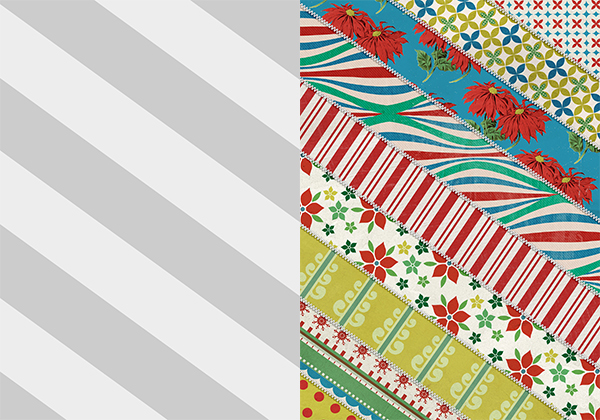
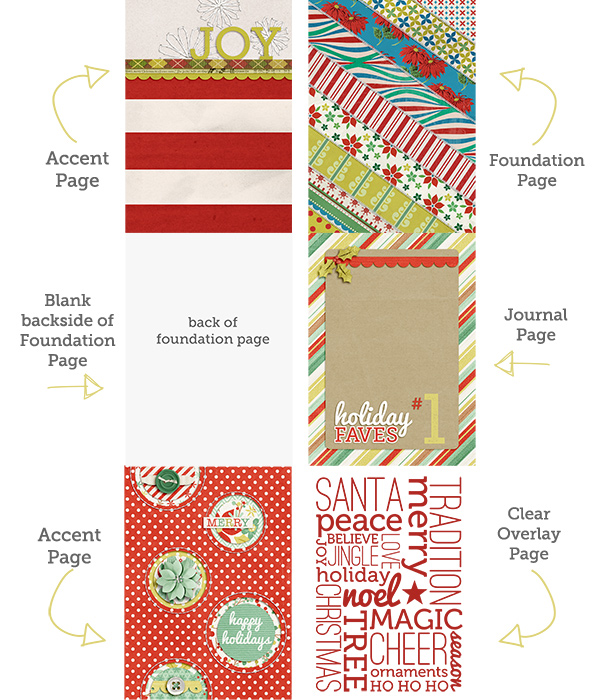
Ok, so, the Holiday Faves mini album templates include four types of pages which can be mixed and match to create your album: Foundation & Accent Pages, Journaling Pages, Overlay Pages and Photo Pages.

Screen Shot 2011 11 17 at 3 34 00 PM

Let’s dive a little deeper into the difference between all these pages and when you’d actually use them:

Foundation Pages

The Foundation Pages are designed to be the pages on which you build the well, foundation, of your album. All of the foundation page templates are made of simple paper strips or paper blocks, with the idea being that you will clip digital papers to them to pretty them up, print them, and then add photos, memorabilia, journaling or accents to them during the holiday season.

Before Afters foundation

Accent Pages

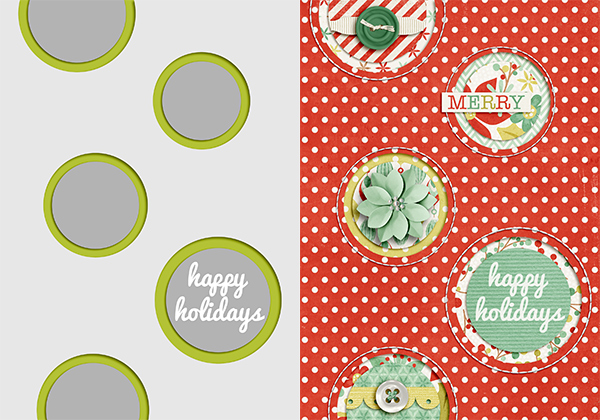
The Accent Pages go along with the Foundation pages in building your album, but rather than adding anything to these pages during the holiday season, they’re designed to stand on their own as is and be the pretty jewels of your album.

I’m planning to embellish my accent pages digitally since I’m going to be traveling and would like to keep my album as flat as possible, but you could definitely add your papers to the templates and then embellish them with real world paper accents as well.

Before Afters accent

Journaling Pages

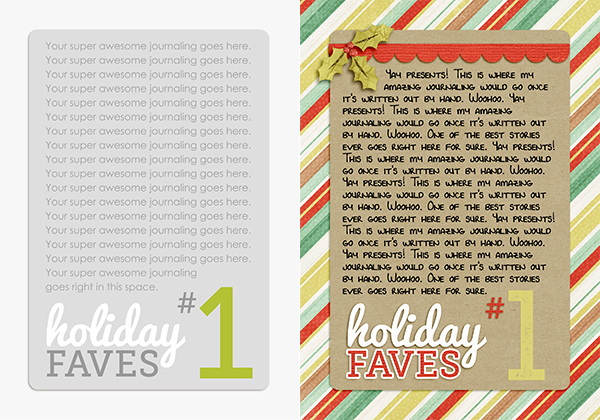
The journaling pages are the pages where you’ll add your stories: in my case, my Holiday Faves. I’m planning to add my journaling by hand so I’ll be printing all my journaling pages out at the same time as my accent and foundation pages, but if you would rather add your journaling digitally, you can wait to print your journaling pages until after you’ve typed up your story.

Before Afters journal

Overlay Pages

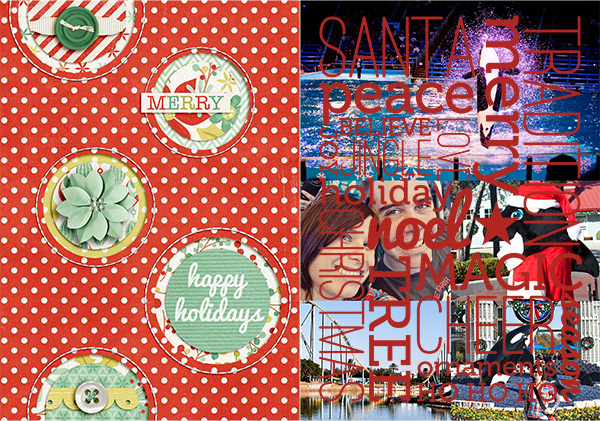
The Overlay Pages aren’t really pages as much as they are transparent PNG files you can use to create your own printable ink jet transparency pages for your album.

If you’ve seen Ali Edwards’ December Daily albums, you probably know what I’m talking about but the Overlay pages are like clear accent or foundation pages that allow you to see the pages behind it, sort of like this:

Before Afters overlayrt

Then when you turn the overlay transparency page, you reveal the photo page beneath it like this:

Before Afters overlaylt

I love to include overlay pages like this because it adds some fun dimension to the album without adding to much bulk so I’ll be sharing more about how I print the overlays onto the ink jet transparencies next week.

Photo Pages

Unlike the Foundation, Accent and Journaling pages, the Photo Pages are not meant to be printed out ahead of time as part of your album foundation. I included them in the templates as any easy way for you to create multiple photo 5×7 sized pages to your album after the holiday season starts. Just clip your photos and print the page out on photo paper and add it to your album.

Before After photo

Putting All the Pages Together

So how do you go about actually combining all these different types of pages to create your album?

Well it’s really it’s up to you!

All of the templates are designed to be completely mix and match so there’s really no “right” way to combine them.

But a few things you might want to consider as you’re ordering your pages are:

  • making sure to leave room to add photos and/or memorabilia
  • how often you want to include journaling
  • whether you’re planning to add additional non-digital pages into your album as well (like fabric pages, page protectors, etc)

I’ll be sharing my full Holiday Faves mini album foundation next week, but here’s a glimpse at a six page grouping I’m planning to include in my album to give you an idea about how I’m combining all the pages together.

My Mini Album Foundation Before:


Album before

As you can see, I’ve included 2 Accent Pages, 1 Foundation Page, 1 Journaling Page and 1 Overlay Page. I also left the back of the Foundation Page blank so I can add a 5×7 photo later and I’ve left the journaling text off the journaling card so I can add my journaling by hand.

Here’s a look at what these same six pages might look like after I start adding in my photos and stories:

My Mini Album Foundation After:


Album after

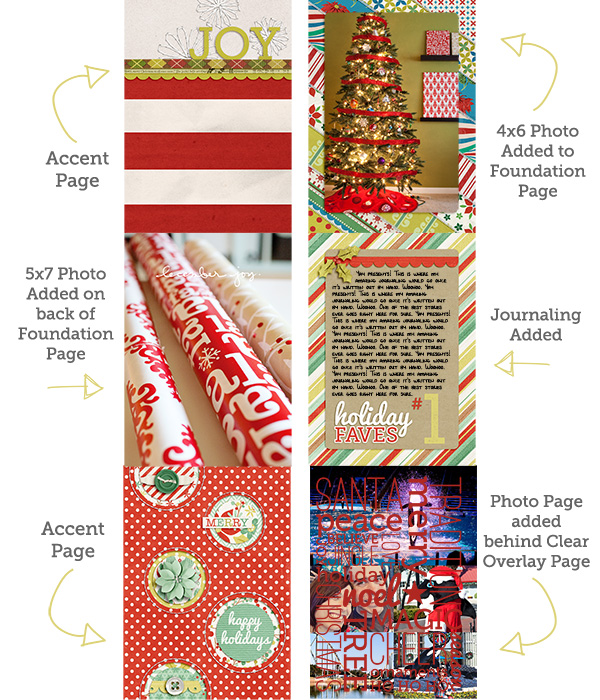
So you can see how I left the accent pages alone but added a 4×6 photo to the front of the foundation page and 5×7 photo to the back. I also added my journaling onto the journaling page and I added a photo page behind the clear overlay page.

Anyway, I hope that gives you some ideas of how you can use the Holiday Faves 5×7 Mini Album templates to create your own Holiday mini album. As I mentioned I’ll be back next week to share by full mini album foundation but if you have any questions in the meantime, feel free to ask away in the comments section of this post.

Psst…Ready to get your Holiday Mini Album scrapbooking on? Stop by the NettioDesigns Shoppe and pick them the Holiday Faves 5×7 Mini Album Templates here.

Benefits Of Using Canadian Pharmacy

POSTED IN Holiday Faves, Holiday Faves 2011, Mini Albums, Template-y Goodness, Tips & Tricks

Introducing December Daily, NettioDesigns-Style

POSTED ON November 15, 2011 IN Holiday Faves, Holiday Faves 2011

Wow, November is half over! The holidays will be here before we know which means it’s time for one of the scrapbooking projects I most look forward to every year: December Daily.

For those new to the December Daily concept, December Daily is a scrapbooking album project made popular by the lovely and talented Ali Edwards so I’ll let her tell you about it in her own words:

December Daily is an album project that documents the 25 days leading up to Christmas. Many people start their documentation earlier and many people go longer.

One of the keys to success in this project is getting an album structure set-up in advance of December so that during December you can enjoy the season & enjoy the process of documenting your days without having to be putting the entire thing together at the same time. It is not meant to be stressful. It is meant to be a way to creatively celebrate the season and document you special holiday memories in one album.

For my December Daily album last year, I created a 7×9 mixed-size paper mini book and I have to say I LOVED it.

Of all the scrapbooking projects and layouts I completed in 2010, this little album is the one that I haven’t been able to stop thinking about.

There is just something magical about putting together the foundation of the album ahead of time and then seeing it fill up with memories over the course of the holiday season.

Since last Christmas, I’ve been thinking a lot about my December Daily album, what I loved and what I didn’t and this is the list I came up with:

What I Loved About December Daily:

  • Collecting memorabilia – LOVED picking up bits & pieces of life throughout the season knowing I already had a home for them
  • Mini Album– Loved the mini album size and I especially loved being able to flip through the pages everyday. An 8×8 all digital album is definitely not for me.
  • Photos – Loved printing photos at home to include in my album right away


What I Didn’t Love About December Daily:

  • The Daily-ness – As much as I love the concept, I’ve realized that a page a day is WAY too much work for me. I want to be able to skip a day and not feel guilty or even close the album on the 26th and call it done.
  • Mixed Sized Pages – While I love the look of the pages showing behind each other, the mishmash of sizes made it too complicated to put together each day.
  • The Cost – Paper supplies expensive. Plus it made me a little sad to see all the beautiful digi kits out there and not have a reason to use them.
  • Not As Travel Friendly – Last year we stayed home for Christmas so it was fine but this year we’ll be traveling which means I need an album I can easily take with me on the go.

So with all these points in mind, I’ve come up with new plan for a not-so-daily December Daily album which is much more me. A 5×7 hybrid mini album complete with foundation pages which I’ll print and then fill up with goodness over the Holiday season. And I have to admit, I may have done a happy dance or two in excitement over it. Maybe.

And what’s even more exciting, you can create your own not-so-daily December Daily mini album right along with me thanks to the new release that’s up in the NettioDesigns Shoppe today!

Holiday Faves 5×7 Mini Album Templates

That’s right, I’m taking my Faves on a Holiday spin, 5×7 hybrid mini album-style with my first ever set of mini-album digital scrapbooking templates. I am a HUGE fan of mini albums so I can’t even tell you how excited I am about this. Seriously, lots of oh-so-excited happy dances are going on over here, haha.

You can read about all the details of the Holiday Faves 5×7 Mini Album Templates in the NettioDesigns Shoppe but here are a few specific things I want to point out:

  • The mini album templates are 5×7 inches which for me is the perfect balance of size and at-home printability since you can print 2 5×7 pages on a single 8.5×11 pages. Woohoo for saving trees!
  • I designed the templates to be a starting point for building your Holiday album foundations pages so I kept the design simple so you can dress them up or down depending on your personal style. The goal is to let your photos, memorabilia and memories take center stage.
  • I will be going with a Holiday Faves theme for my album with my plan being to document my top ten favorite things from this Holiday season (with the backup plan being if I only get to say, 5, it’ll be ok). But if you’re not a Faves fiend like I am, haha, I also included a “Holiday Memories” cover and journaling option as well as a list of the fonts I used so you can customize your own.

Starting Thursday here on the NettioDesigns Blog, I will be sharing more details on how I’m personally using these templates to create the foundation for my own Holiday Faves album and of course throughout December I’ll be showing how it all comes together as well. It’s going to be fun!

The Holiday Faves 5×7 Mini Album Templates are up in NettioDesigns Shoppe now and are 20% off through Thursday, November 17th, no coupon needed,  so now’s a great time to get yourself ready to scrap your little holiday heart out.

I’m know I’m really excited about this project so I hope you’ll join along in the fun with me!

Can I take Levitra if I am taking other remedies at the same time

POSTED IN Holiday Faves, Holiday Faves 2011, Mini Albums, Template-y Goodness

Getting Caught Up With My FAVE-O-RITES

POSTED ON October 13, 2011 IN Announcements, the Faves

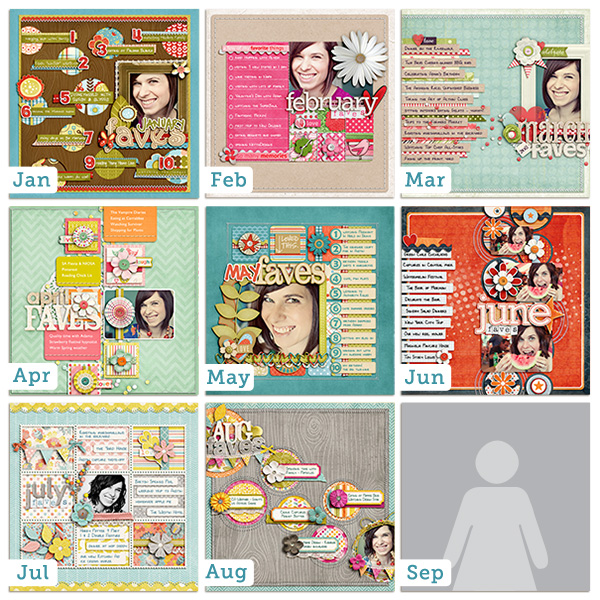
My quest to get caught up on my 2011 Faves layouts has been going along swimmingly.

I am now caught up through August which means I only have September left to do and I’ll be officially caught up. I’m not one to use the phrase “caught up” in scrapbooking very often but in this case I’m pretty excited to be able to say that.

Don’t they look fun together?

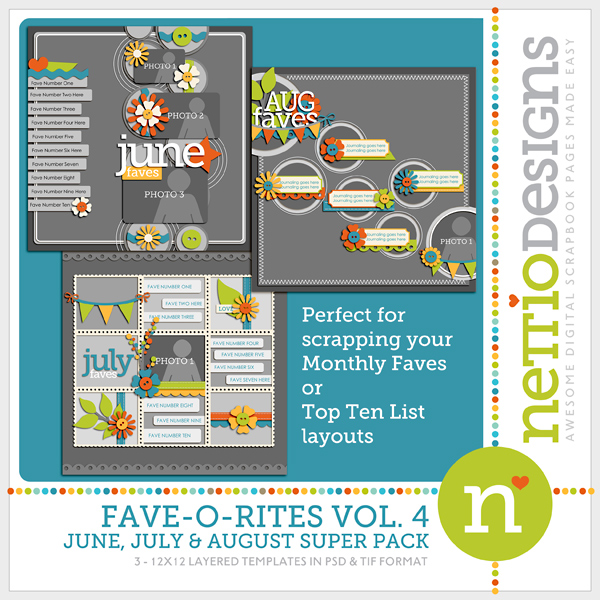
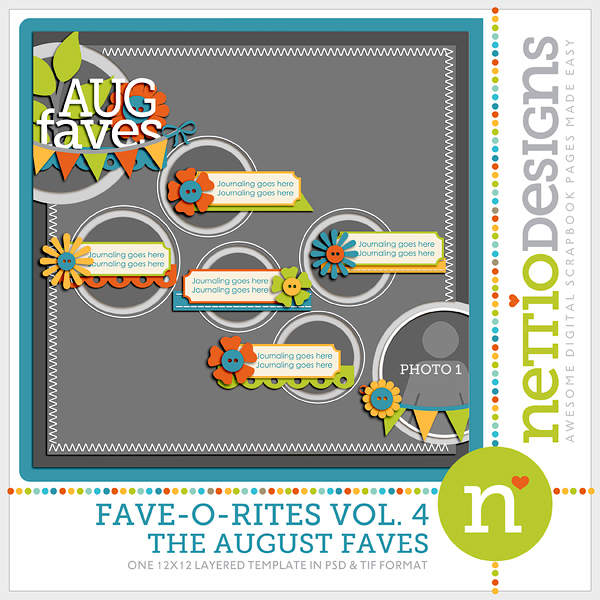
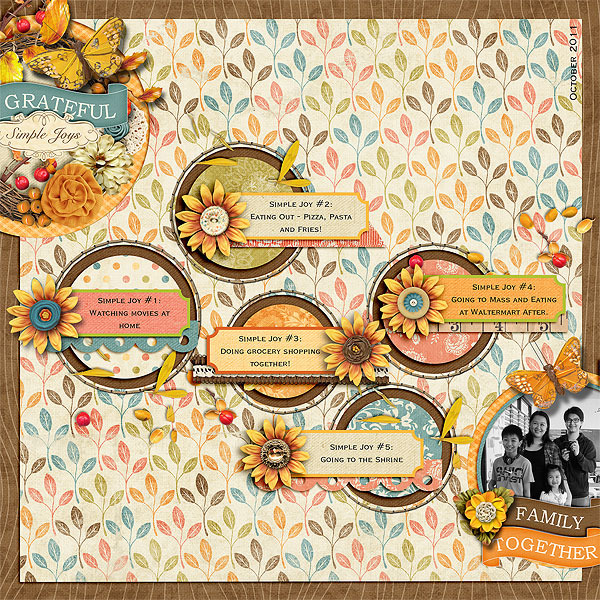
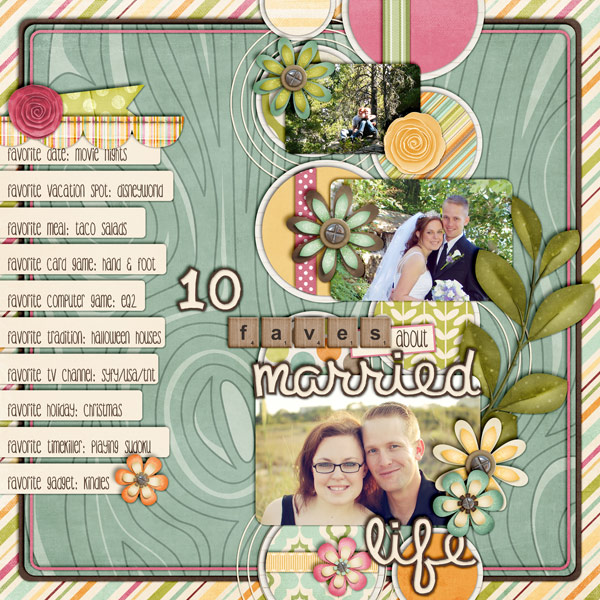
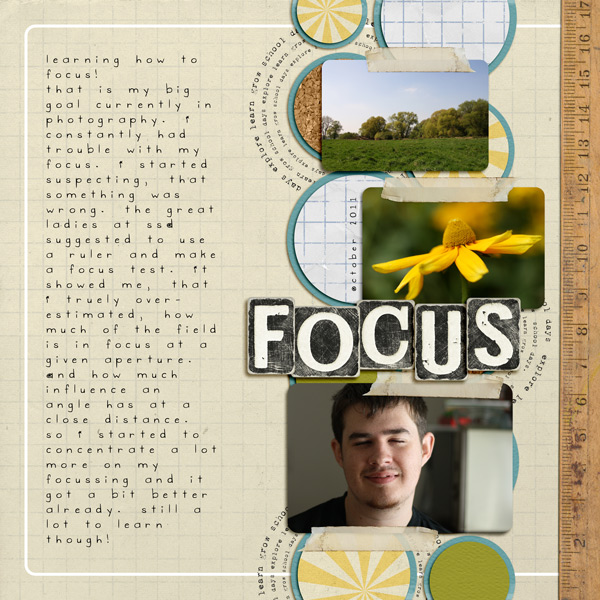
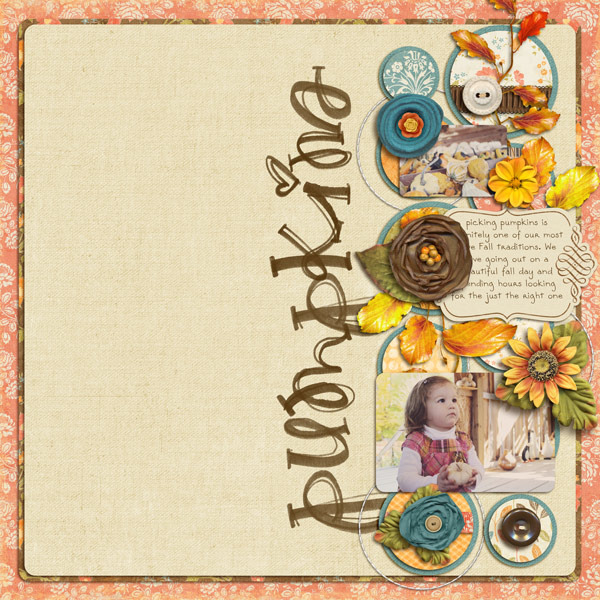
The good news for you Faves fans is this means I have a brand-new FAVE-O-RITES template super pack being released in the NettioDesigns Shoppe today!

FAVE-O-RITES Vol. 4 Super Pack

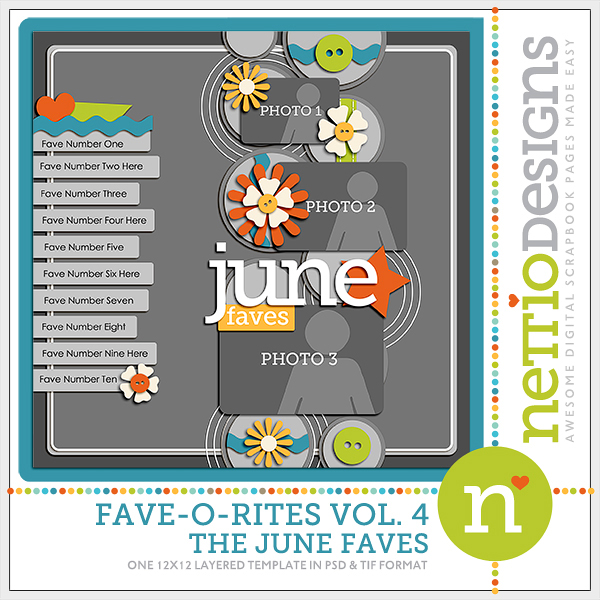
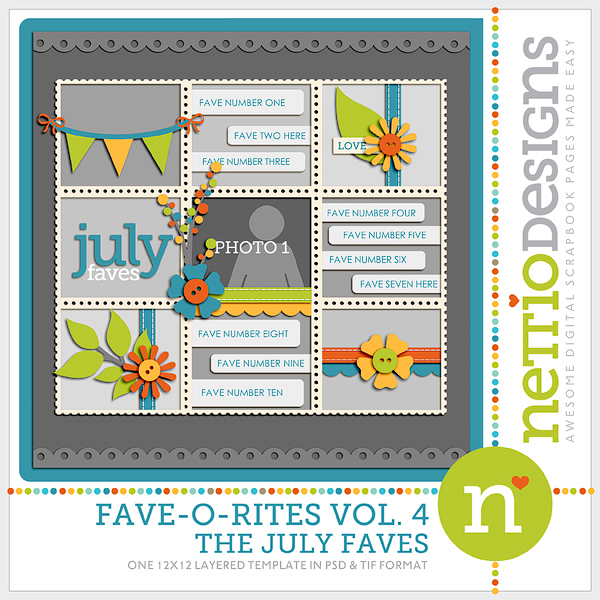
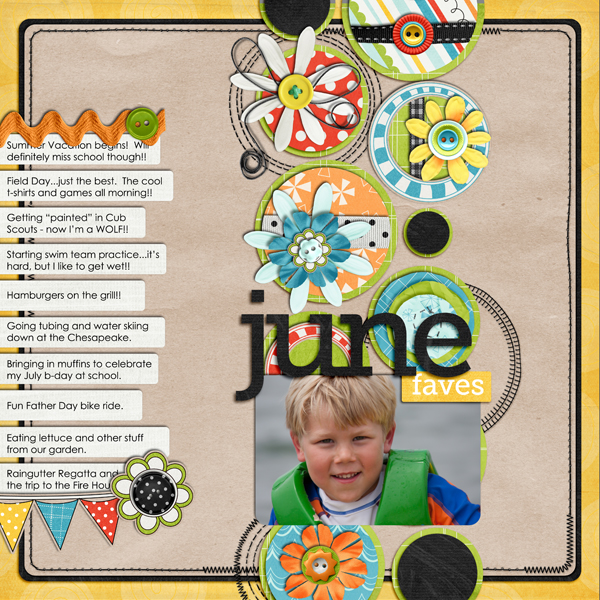
FAVE-O-RITES Vol. 4 includes three 12×12 digital scrapbooking templates based on my June, July and August Faves layouts.

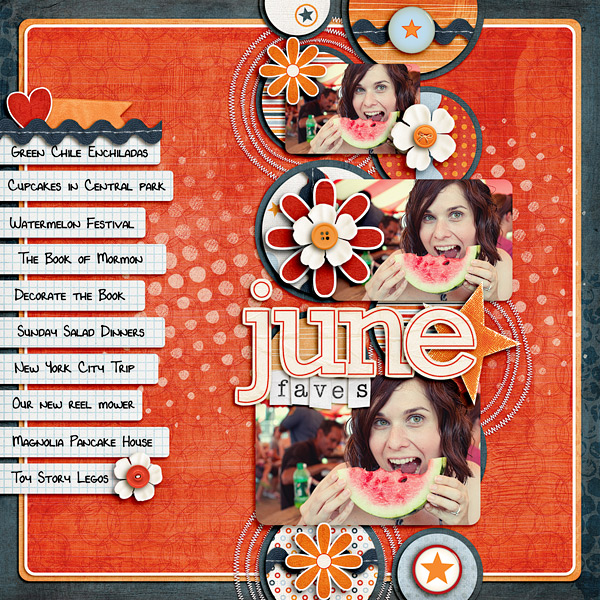
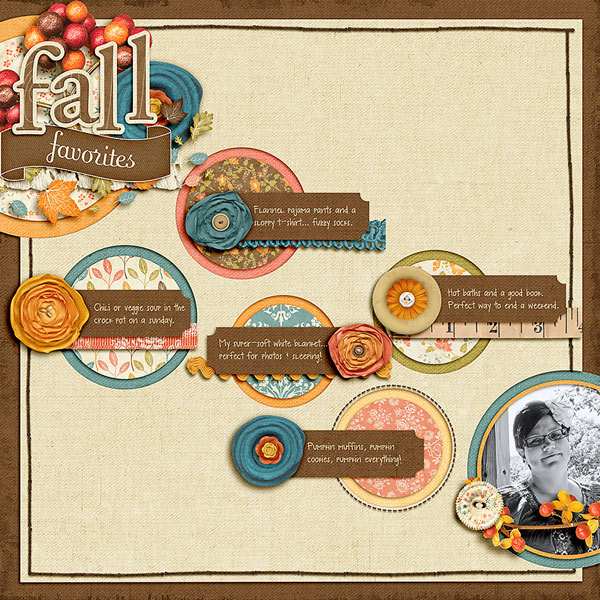
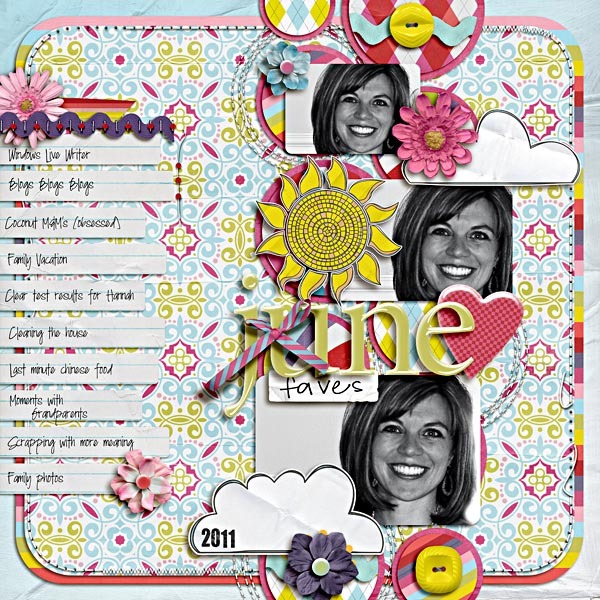
My June Faves layout (I heart that photo, haha):

Credits: Full Throttle by Fee Jardine; Blissful Stitches: Curves by Traci Reed; Alpha from Birthday Girl by Zoe Pearn; Teeny Type Alpha by Zoe Pearn (retired); Choose Happiness by Kristin Cronin-Barrow and Shawna Clingerman; Everyday Moments by Lauren Grier and Jenn Barrette; Pumpkin Parade by Heather Roselli; Font is DJB Lynnette by Darcy Baldwin


And the June Faves template:

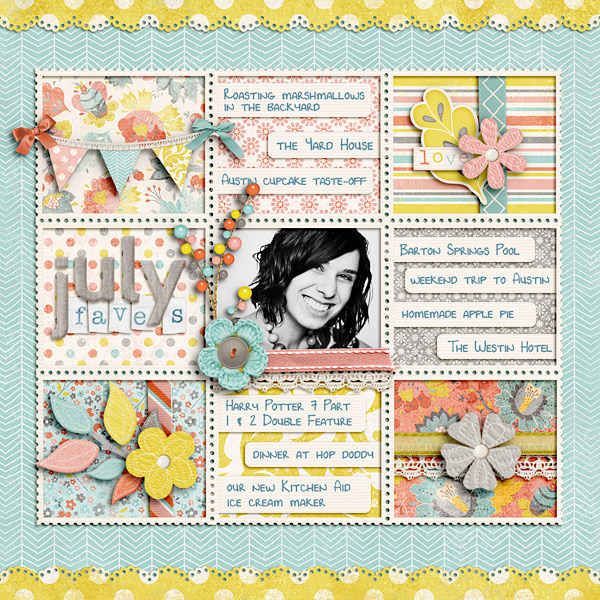
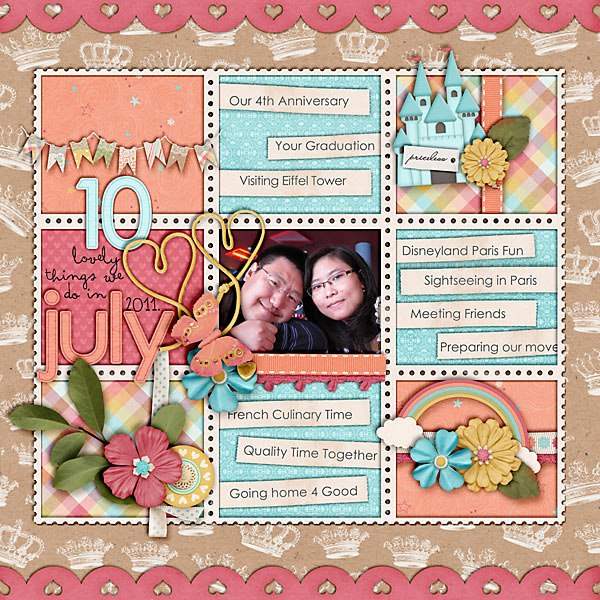
My July Faves layout:

Credits: Beautiful You by Zoe Pearn; Blissful Stitches Straight by Traci Reed; Teeny Type Alpha by Zoe Pearn (retired); Font is DJB Lynnette by Darcy Baldwin


And the July Faves template:

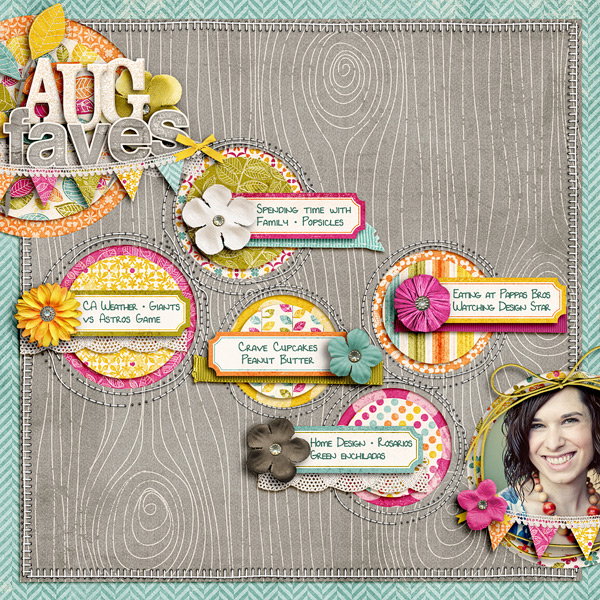
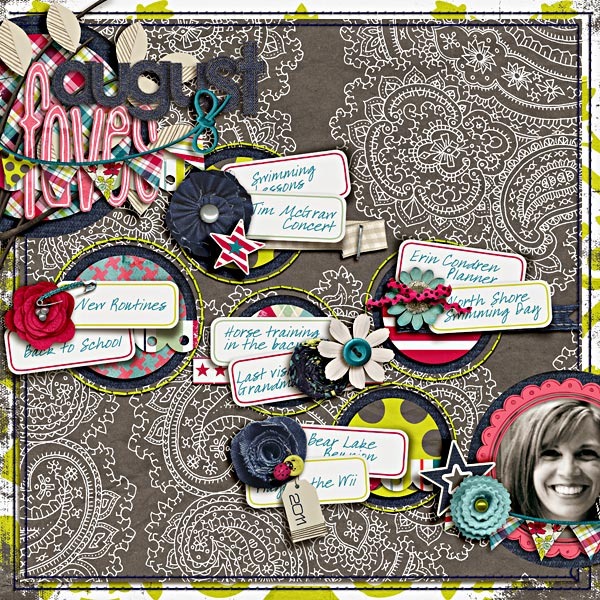
My August Faves layout:

Credits: Indian Summer by Zoe Pearn; Alpha from Those Who Want to Sing by Zoe Pearn; Blissful Stitches Square by Traci Reed; Bad Sewing Machine XXIV: Small 'N Round by Traci Reed; Font is DJB Lynnette by Darcy Baldwin


And the August Faves template:

And of course, what’s a New Release day without some NettioDesigns Team Awesome inspiration!

I always love seeing their take on my templates because they really show just how versatile these templates they can be.


The FAVE-O-RITES Vol. 4 Super Pack is up NOW in the NettioDesigns Shoppe and is 20% off thru Friday, October 14.

Pick up FAVE-O-RITES Vol. 4 right here.

Can I take Levitra if I am taking other remedies at the same time

POSTED IN Announcements, the Faves, Template-y Goodness

  • « Previous Page
  • 1
  • …
  • 4
  • 5
  • 6
  • 7
  • Next Page »
HI I'M LYNNETTE. Graphic designer, tech-lovin’ memory keeper and lover of bold colors & patterns, good food and the great outdoors. Here at Nettio Designs, I share a behind the scenes peek at my own creative & life adventures. Read more...

KICKSTART YOUR CREATIVITY


By popular demand, photo book templates are back! Grab all three sets in the shop.
ADVENTURES IN ORGANIZING
GOAL-SETTING
MEMORY KEEPING
PROJECT LOVE
LIFE ADVENTURES
TIPS & TRICKS
BEHIND THE SCENES

POPULAR PROJECTS

TO SEE ALL MY PROJECTS, CLICK HERE

MUST READ POSTS

  • WHY EVERY SCRAPPER SHOULD SCRAP A FAVES PAGE
  • HOW TO CREATE A SCRAP-WORTHY MAP WITH PHOTOSHOP
  • REMEMBERING THE IMPORTANCE OF TELLING YOUR STORY
  • WHAT DOES IT MEAN TO CREATIVELY CAPTURE YOUR LIFE ADVENTURES?
  • BROWSE BY CATEGORY

    BROWSE THE ARCHIVES

    GET IT FOR FREE

    Copyright © 2025 ·Dynamik Website Builder · Genesis Framework by StudioPress · WordPress · Log in