Nettio Designs

Design + Creativity + Adventure = LOVE

  • HOME
  • JOIN THE 2023 MONTHLY FAVES
  • THE SHOP
  • ABOUT
  • CONTACT
You are here: Home / Archives for Mini Albums

How To Design Type For Your 10 Things I Love About You Mini Book

POSTED ON February 5, 2013 IN 10 Things I Love Mini, Memory Keeping

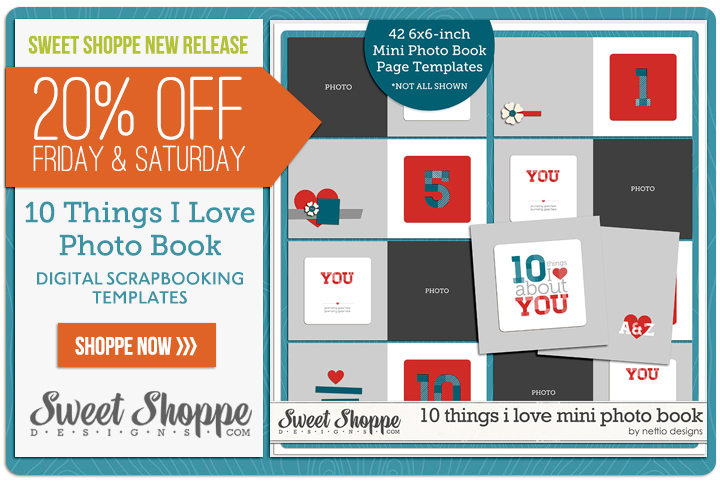
Over the weekend at Sweet Shoppe Designs I released my 10 Things I Love About You Mini Photo Book Templates based on my Valentine’s Day mini photo book I wrote about last week. One of my favorite things about this album are the text-based pages. Not only are they the bread & butter of the book’s sentiment but they’re fun to design as well! So today I wanted to share a little tutorial about how I styled the text in my 10 Things I Love About You album.

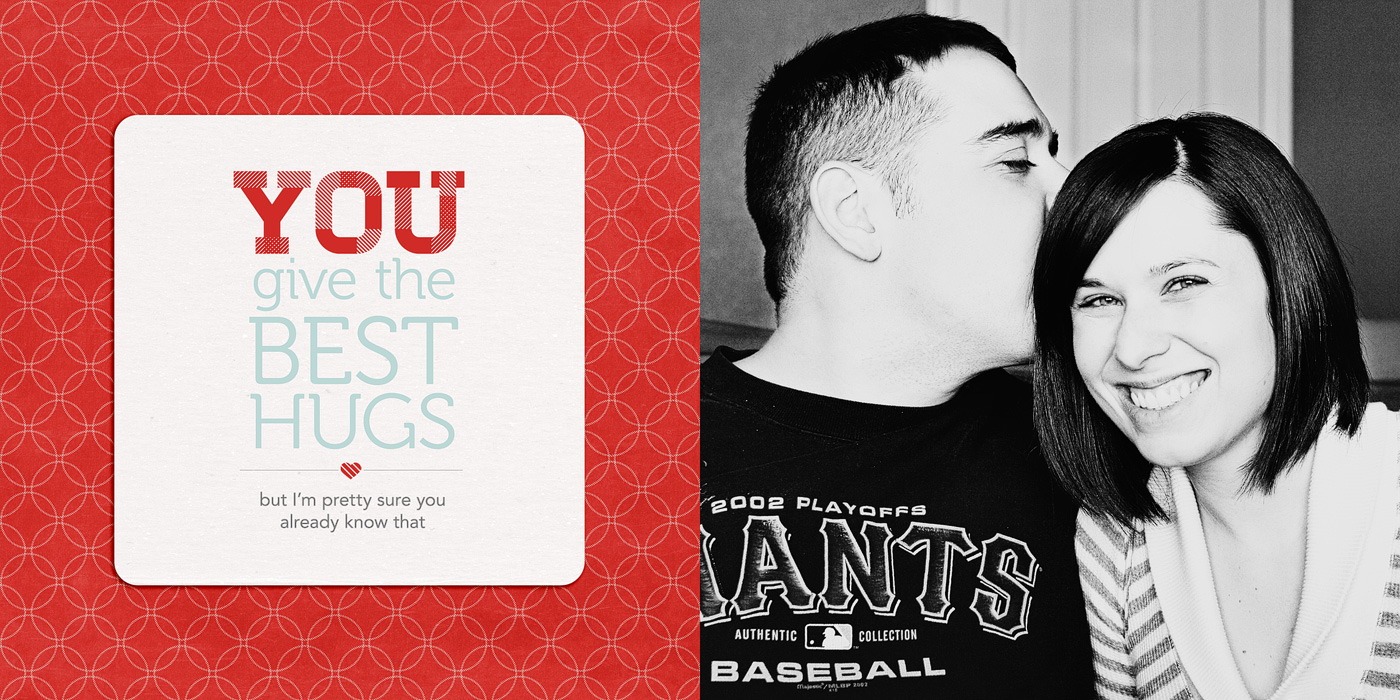
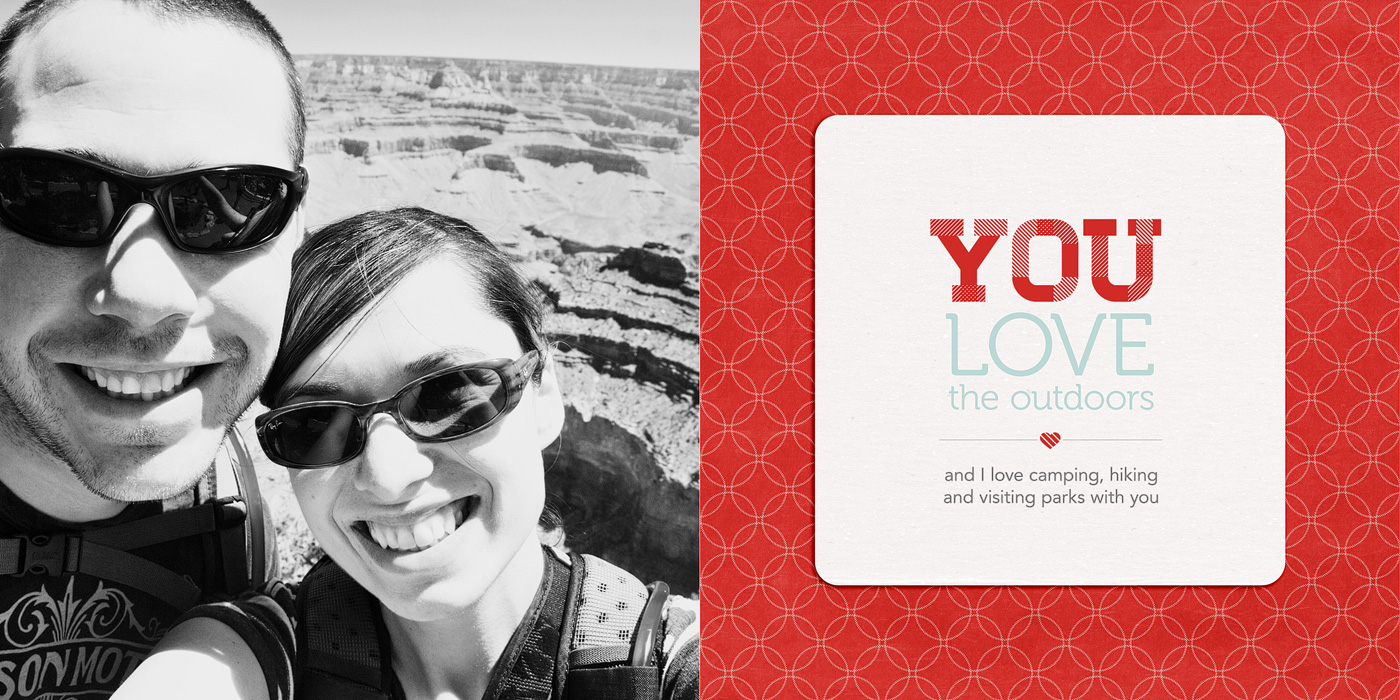
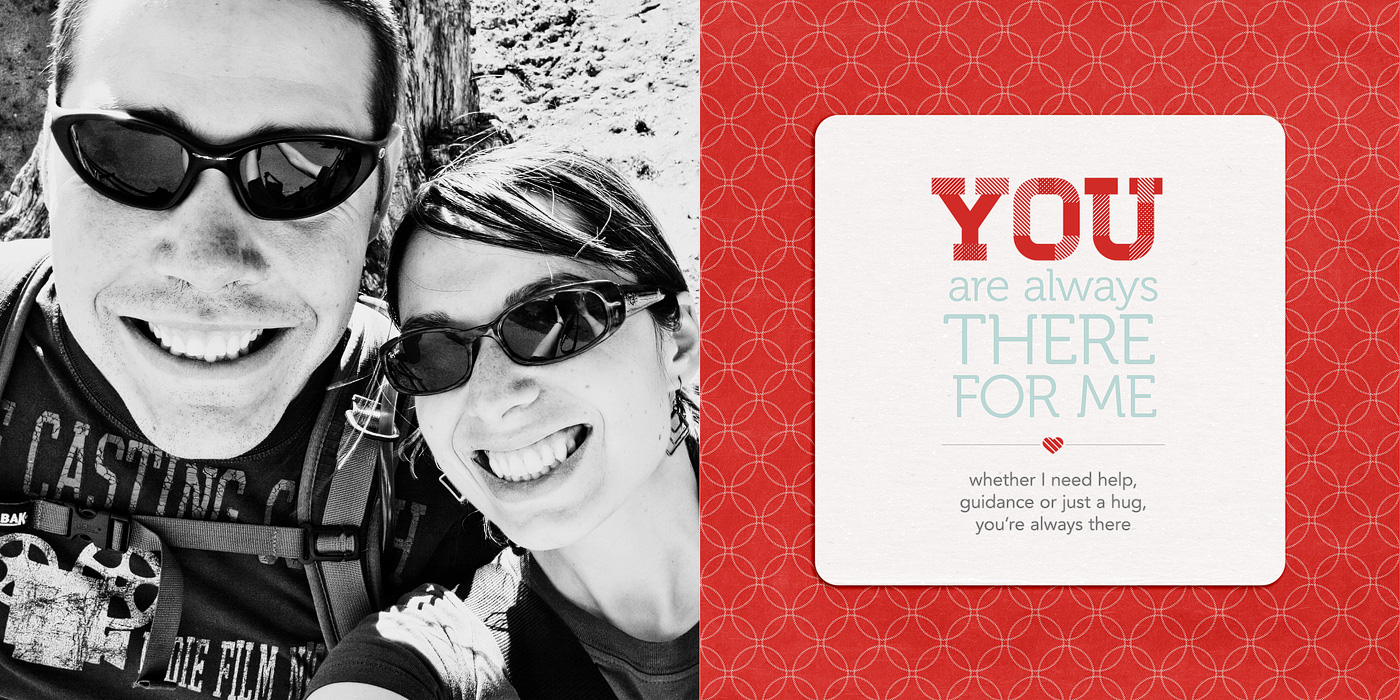
Here’s a look at the text in one of the spreads in my album. In this tutorial I’m going to show you how I designed the title & journaling on the right page.
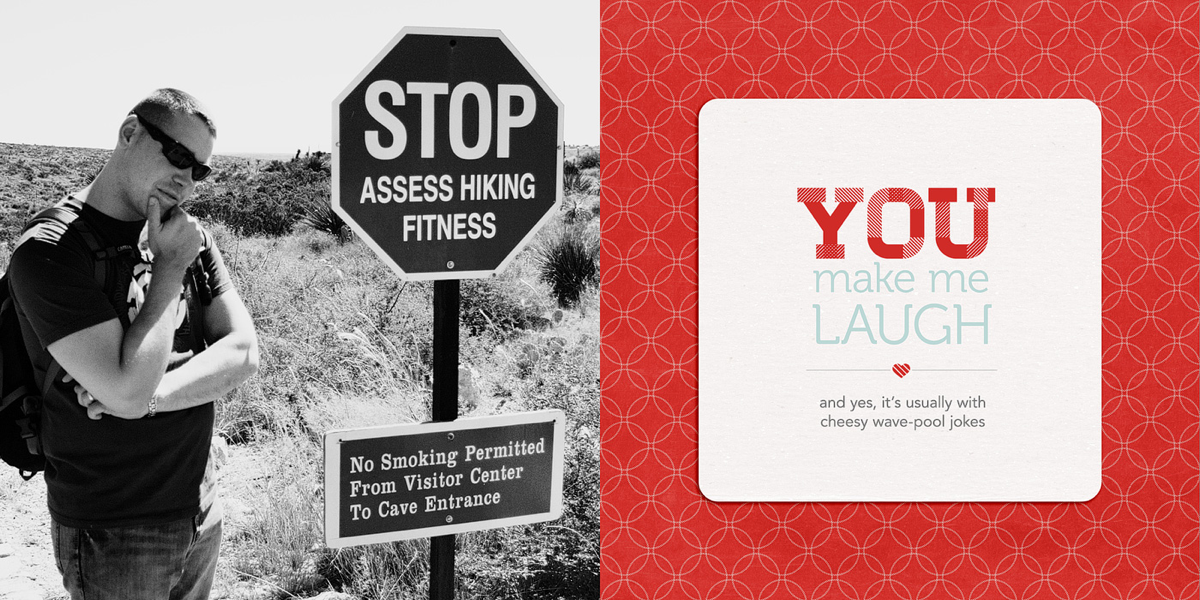
Nettio 10Things Text Tut Completed Page

Here’s a little closer look at the text:
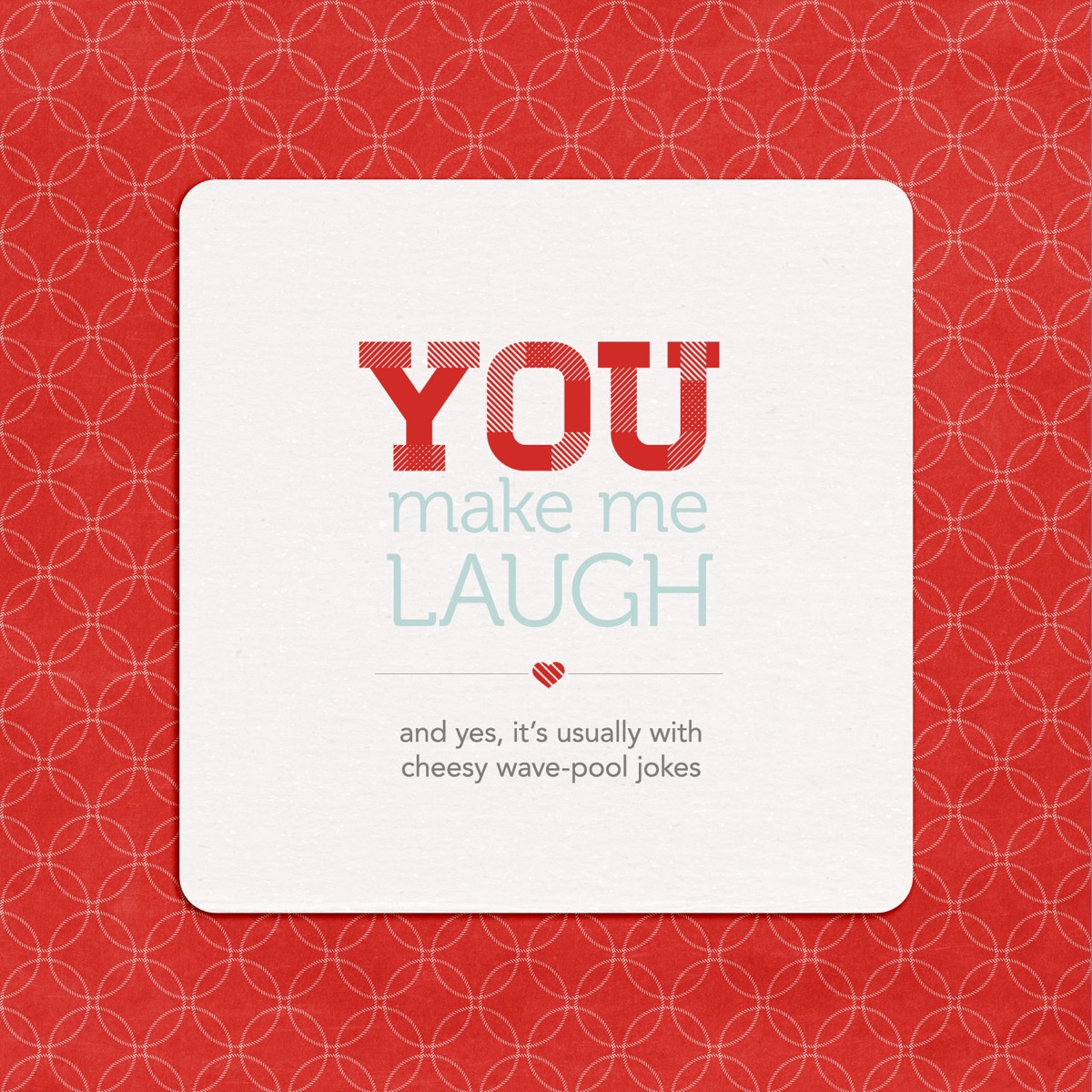
And here’s how I designed the text…

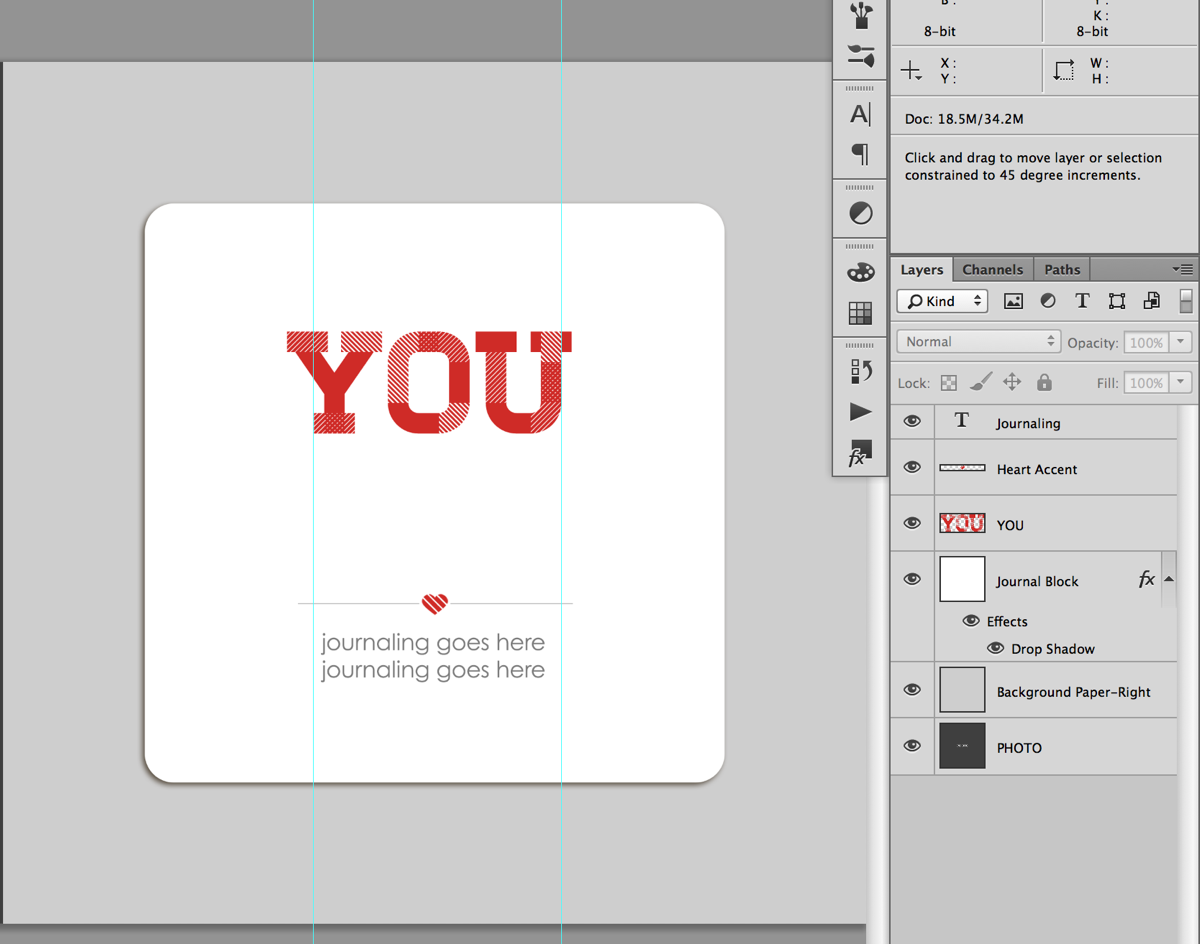
Step 1: Open the template file. It’ll look like this. The large YOU text is included as part of the template but the area below is left blank for you to fill with your own sentiment.
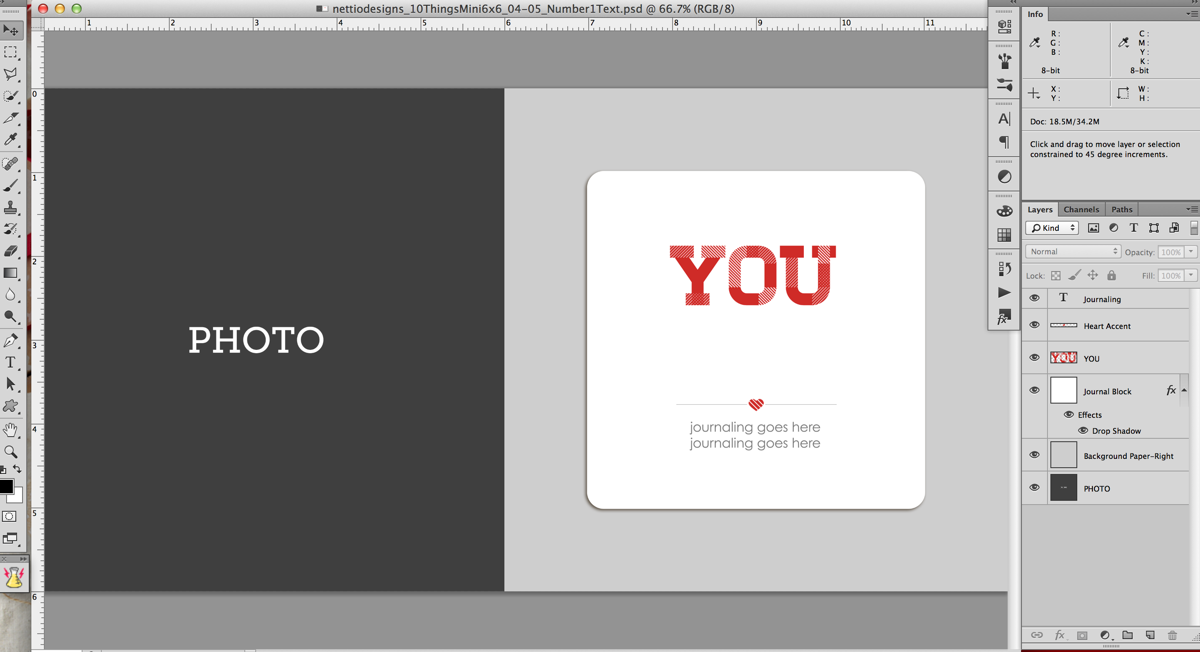
Nettio 10Things Text Tut Step1

Step 2: Turn on your Rulers if they aren’t on already. Ctrl/Cmd+R will turn them on for you or you can go to View>Rulers in the menu bar. They should show up around the edges of your window.

Step 3: Drag two guidelines out from the rulers – one to the left side of the bottom of the Y and one to the right side of the U. These are going to be your guides for aligning your text.
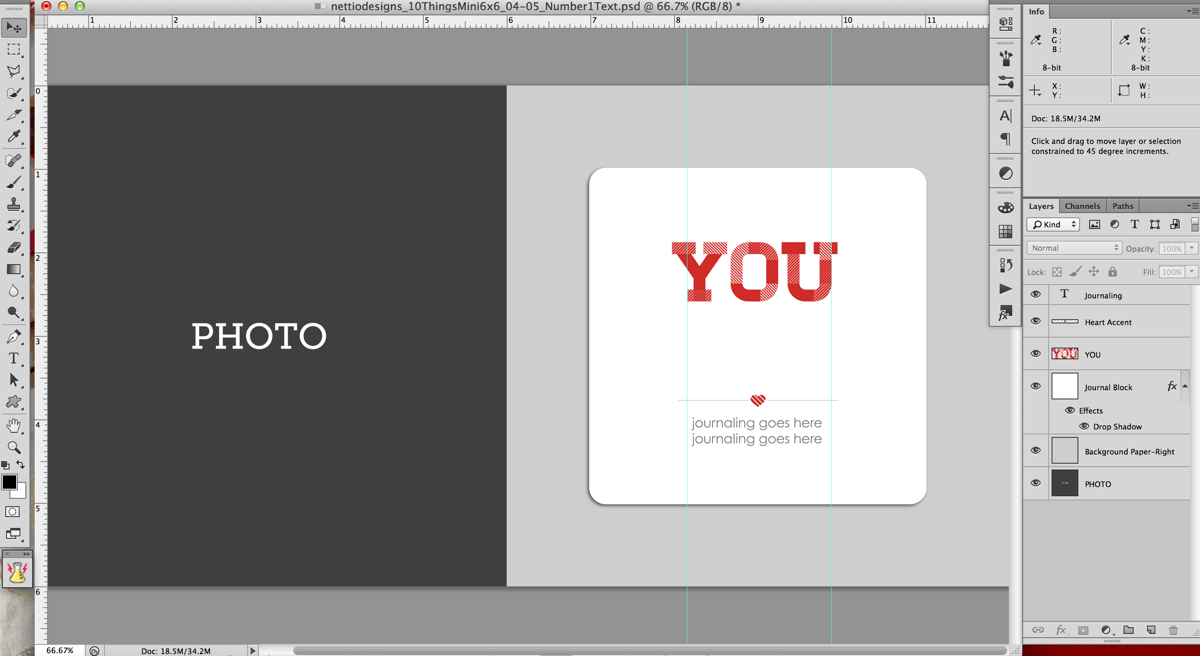
Nettio 10Things Text Tut Step3

Here’s a closer look. Notice the left guide is lined up with the bottom left edge of the Y, not the top left edge of the Y.
Nettio 10Things Text Tut Step3b

Step 4: Decide what phrase you want to use for your text. I used a post-it note to write down a list of general ideas and then tweaked my exact wording once I was in Photoshop. Keep in mind that for the design, we will be splitting the text into multiple lines, so it tends to work best with a phrase that has some more & less important words as part of it.

For this example I’m going to use “You make me laugh.”

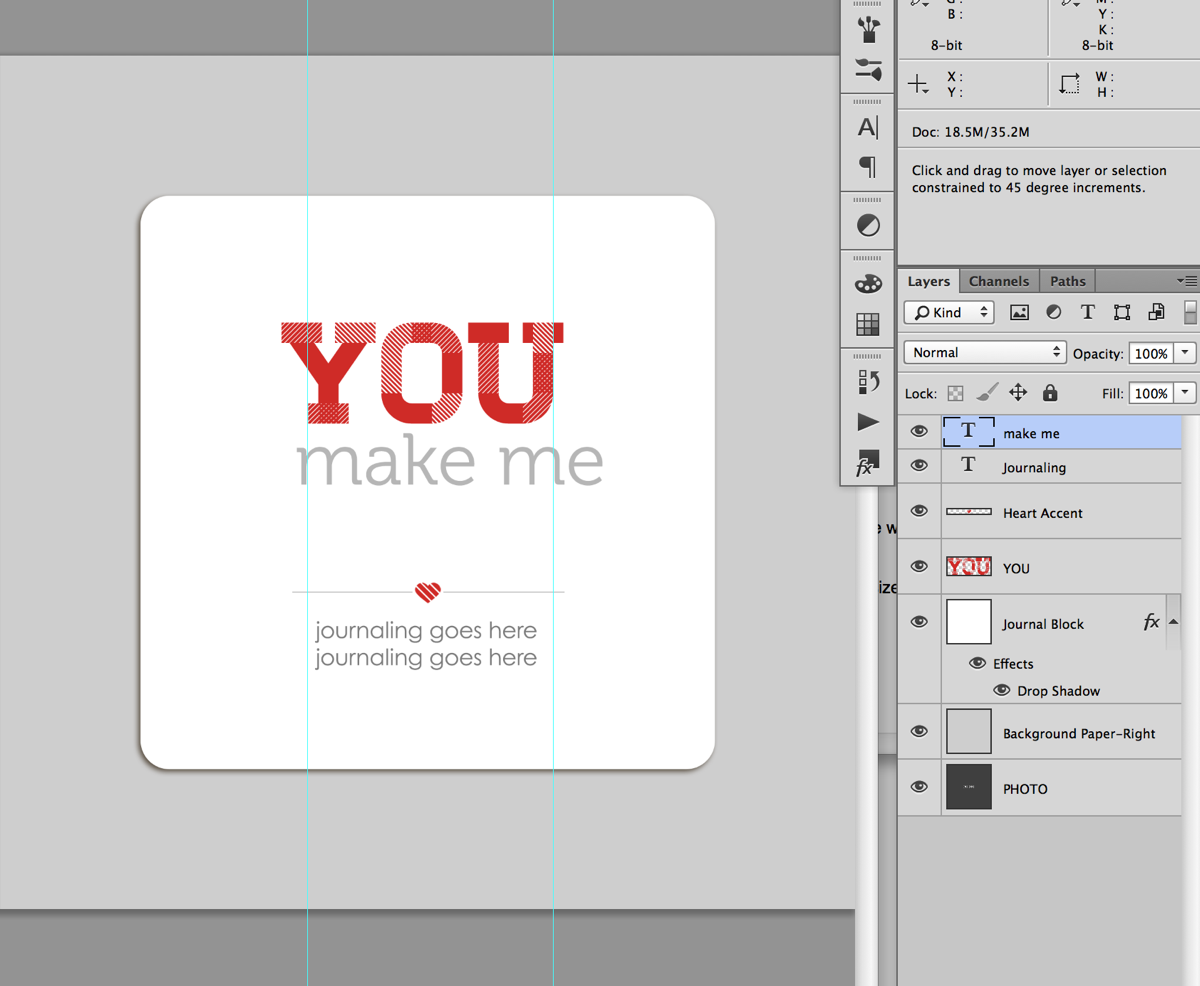
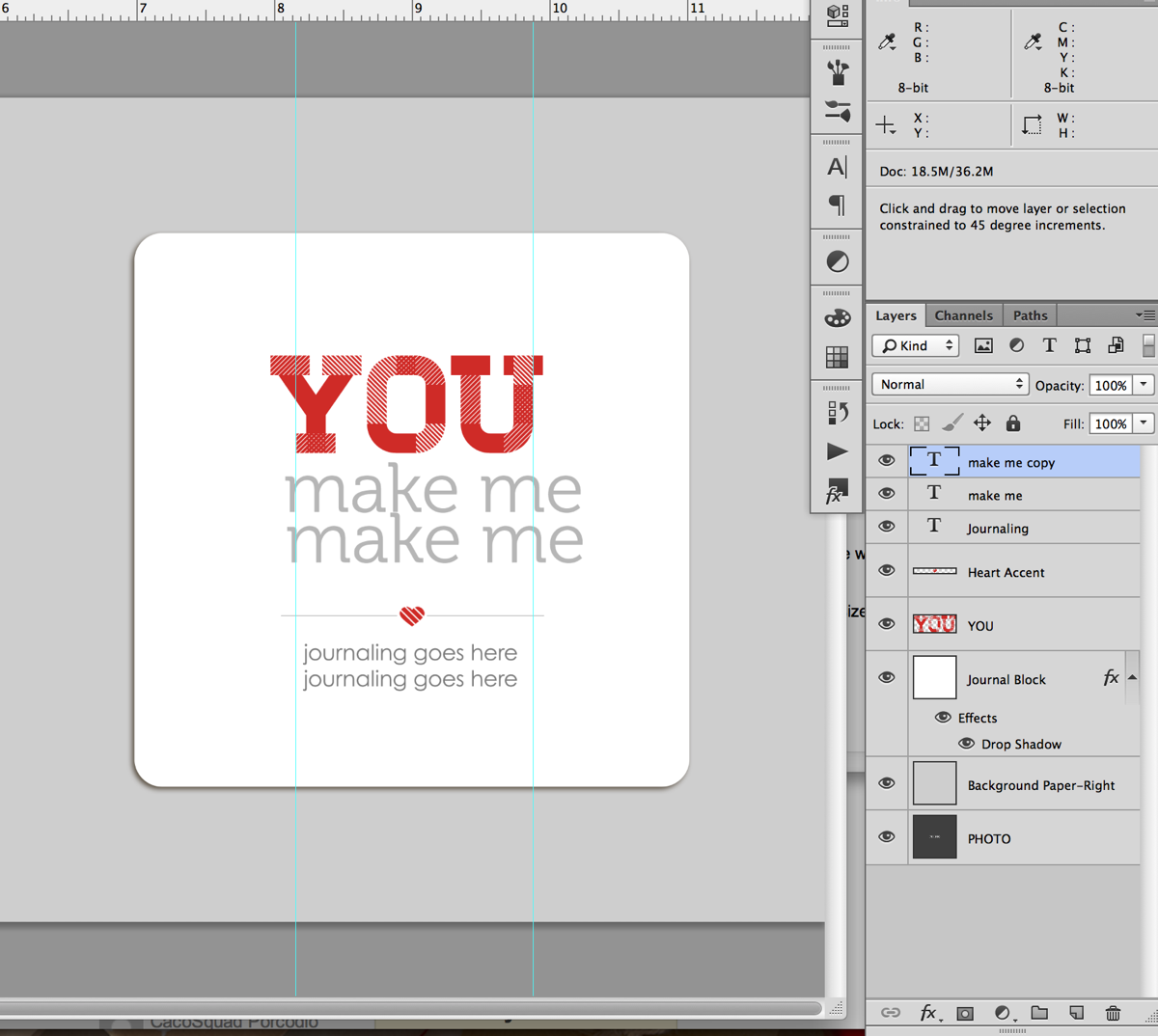
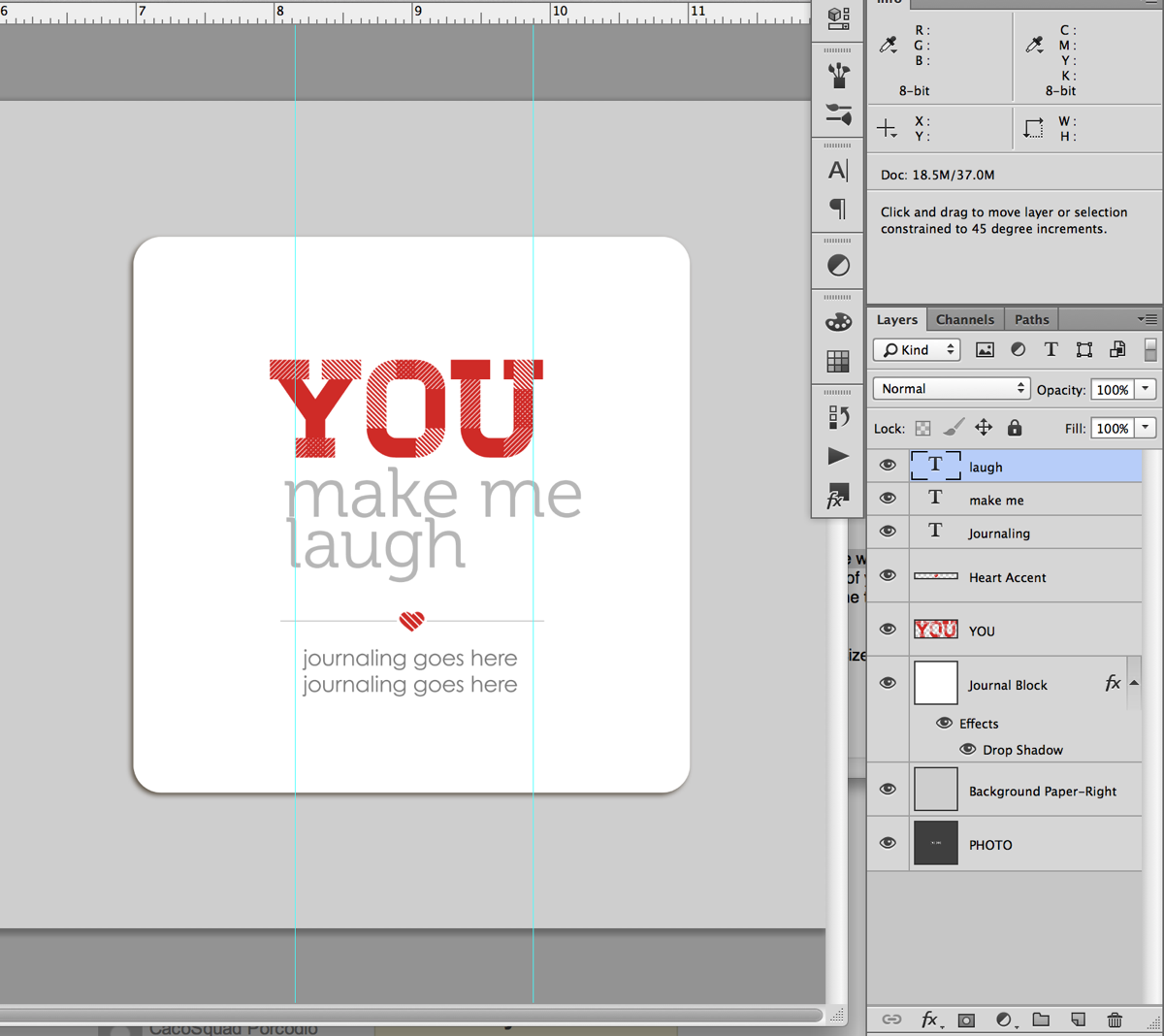
Step 5: Type your text into photoshop, dividing it in to multiple lines as you go. Don’t worry too much right now about which words goes onto which line since we can change it in the next step. Just get all the words in there so you can see what you have to work with.

For my album I used the font Museo which can be downloaded for free here.
Nettio 10Things Text Tut Step5a

Quick tip: An easy way to create multiple lines of text to type the first half of your phrase first, duplicate that layer (Ctrl/Cmd+J or hold the Alt key & drag) and then replace the text in the duplicated layer with the second half of your phrase. If you need an additional line, you can repeat this process.
Nettio 10Things Text Tut Step5b

Nettio 10Things Text Tut Step5c

Step 6: Nudge your text layers so the left edge of your text lines up with the left guideline.
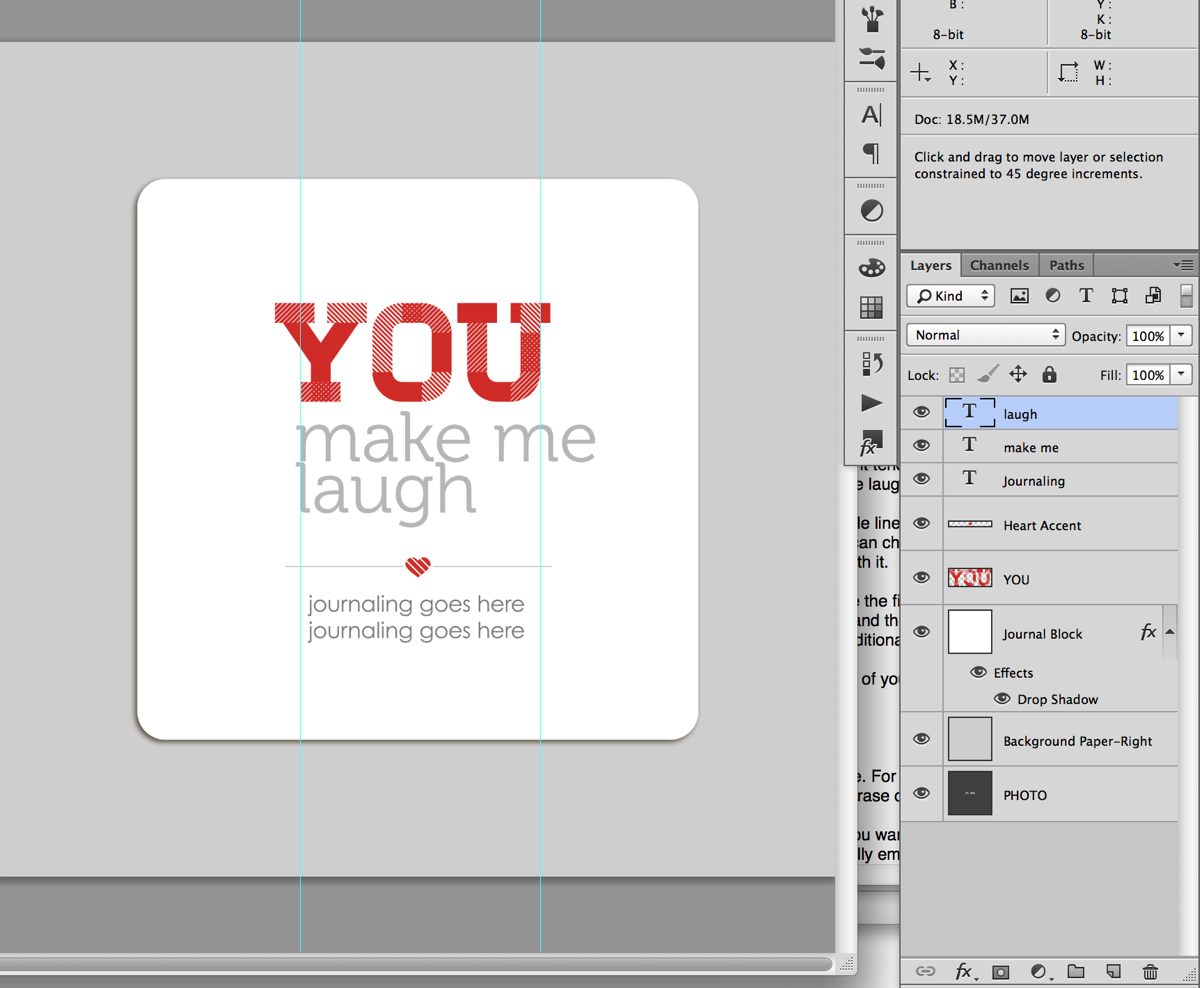
Nettio 10Things Text Tut Step6

Step 7: Decide on the word (or words) you want to emphasize. For my example I chose to emphasize the word “laugh.”

Quick tip: If you’re having a hard time deciding what word you want to emphasize, try saying your phrase out loud, paying attention to which words you naturally emphasize when you speak. Yes it’ll feel silly, haha, but it helps!

Step 7: Select the text layer of the word you want to emphasize with your Text tool (T) and retype your word in all caps.
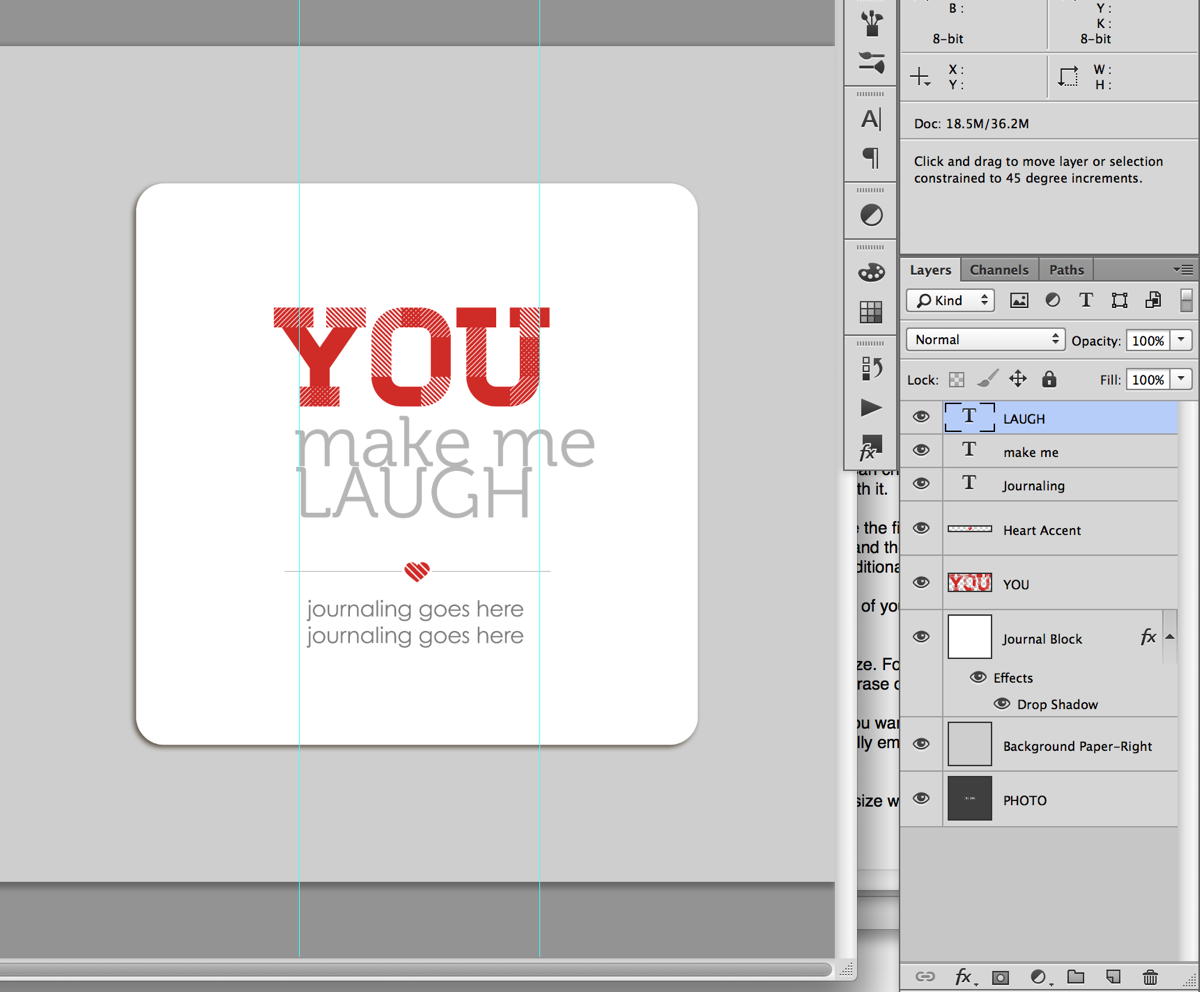
Nettio 10Things Text Tut Step7

Step 8: With your text tool still selected, hit Ctrl/Cmd+T on your keyboard to Transform the text so the right edge lines up with the right guideline we drew earlier. Depending on the word you chose, you’ll be sizing your text larger or smaller. Once you’re done transforming your text hit the enter key.
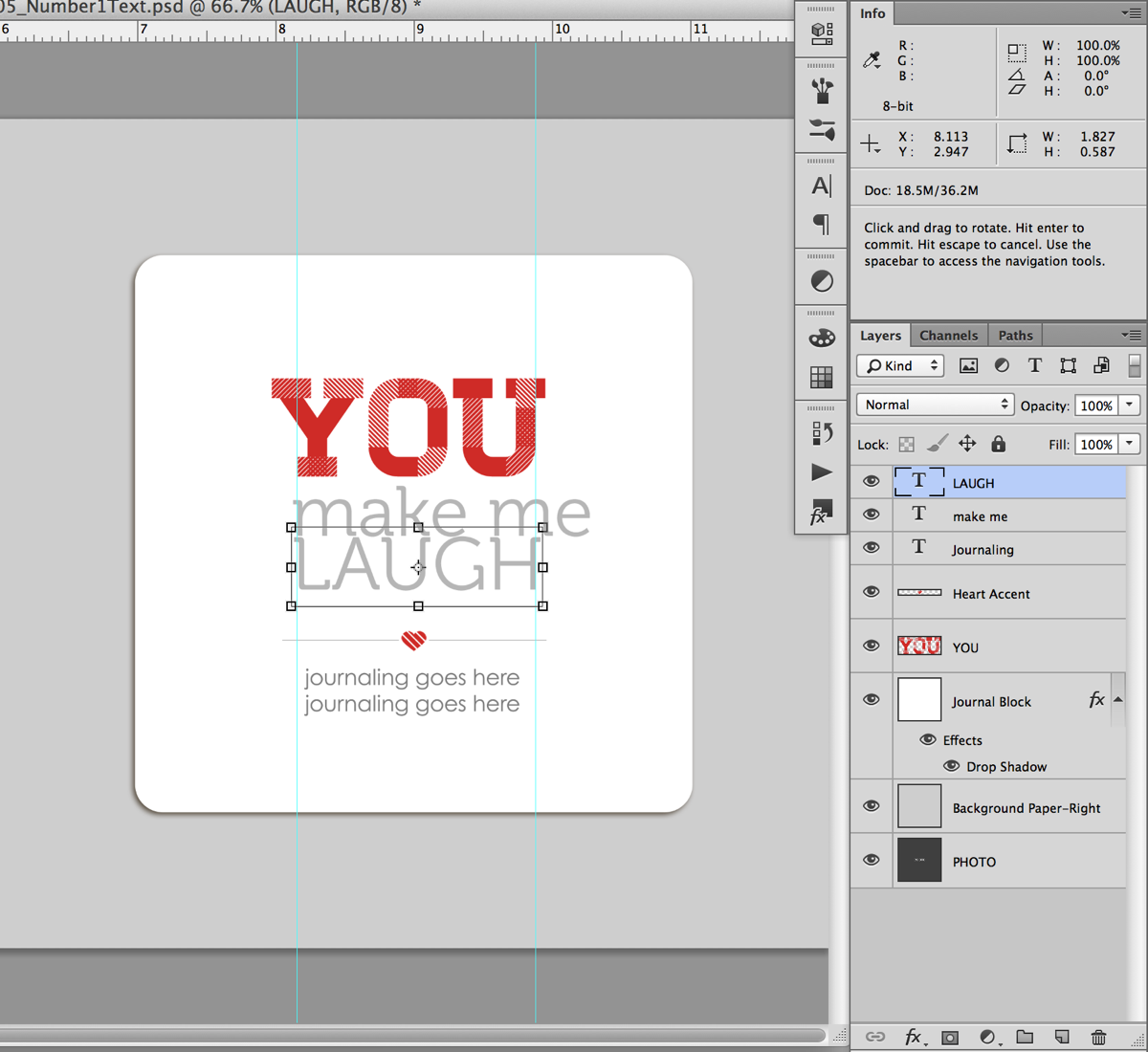
Nettio 10Things Text Tut Step8

Step 9: Now we’re going to do the same thing with the text we want to demphasize. Select the text layer for the text in the Layers panel and with your Text tool selected, Transform your text (Ctrl/Cmd+T) so it lines up with the right guideline. If you have more than 2 lines of text in your phrase, repeat this step for each line of text.
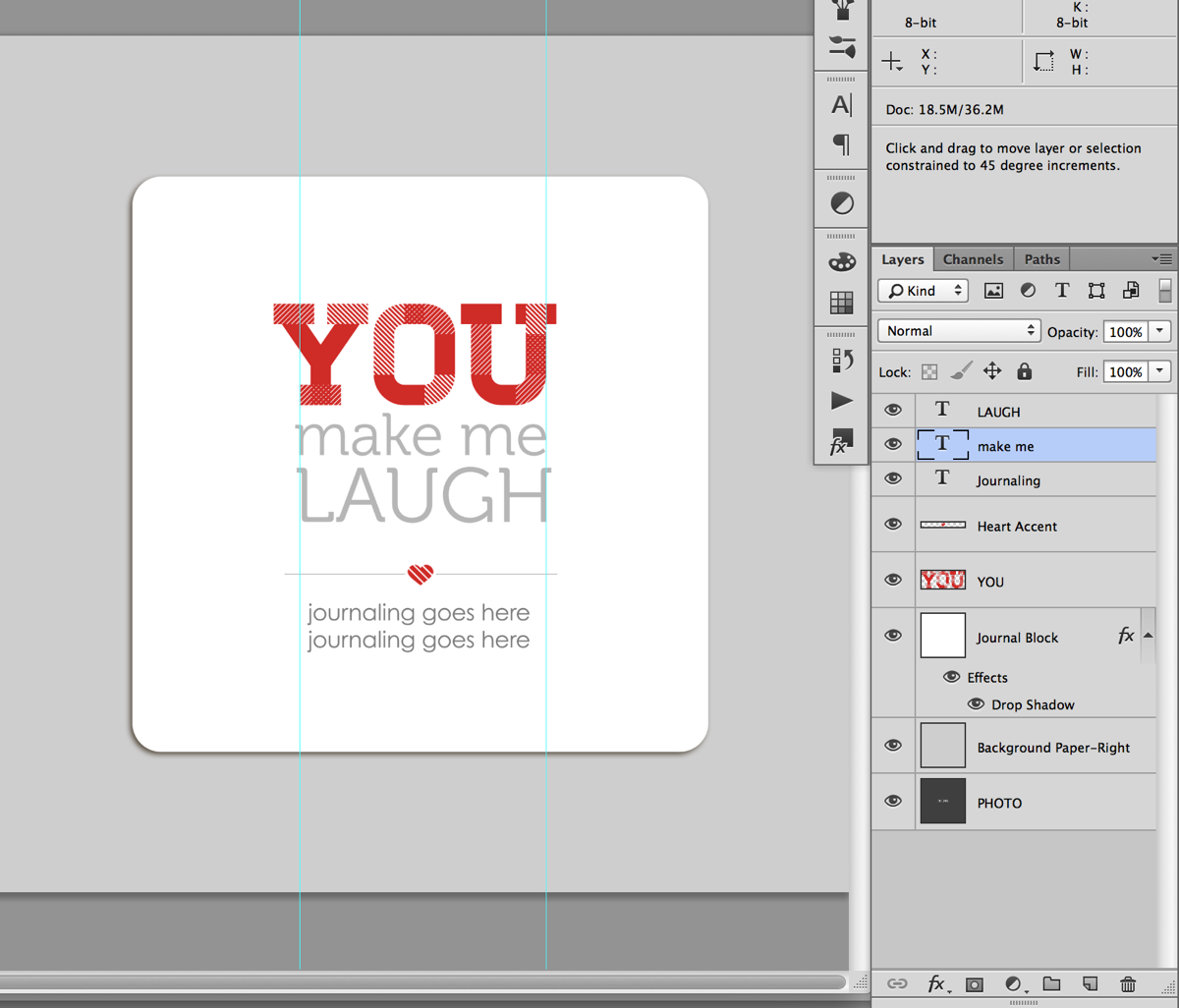
Nettio 10Things Text Tut Step9

Step 10: Turn off your guidelines (Ctrl/Cmd+;), take a look at your text and see how you’re liking it.

Quick Tip: This is the point in the process where it may take a little trial and error to get a look you like. Try different combinations of words, caps vs no-caps or separating your lines of text differently. Sometimes all it’ll take is a little nudge of the words up or down or right or left to get it to look good to your eye. I usually end up turning the guidelines on and off a few times until I get a look I like.
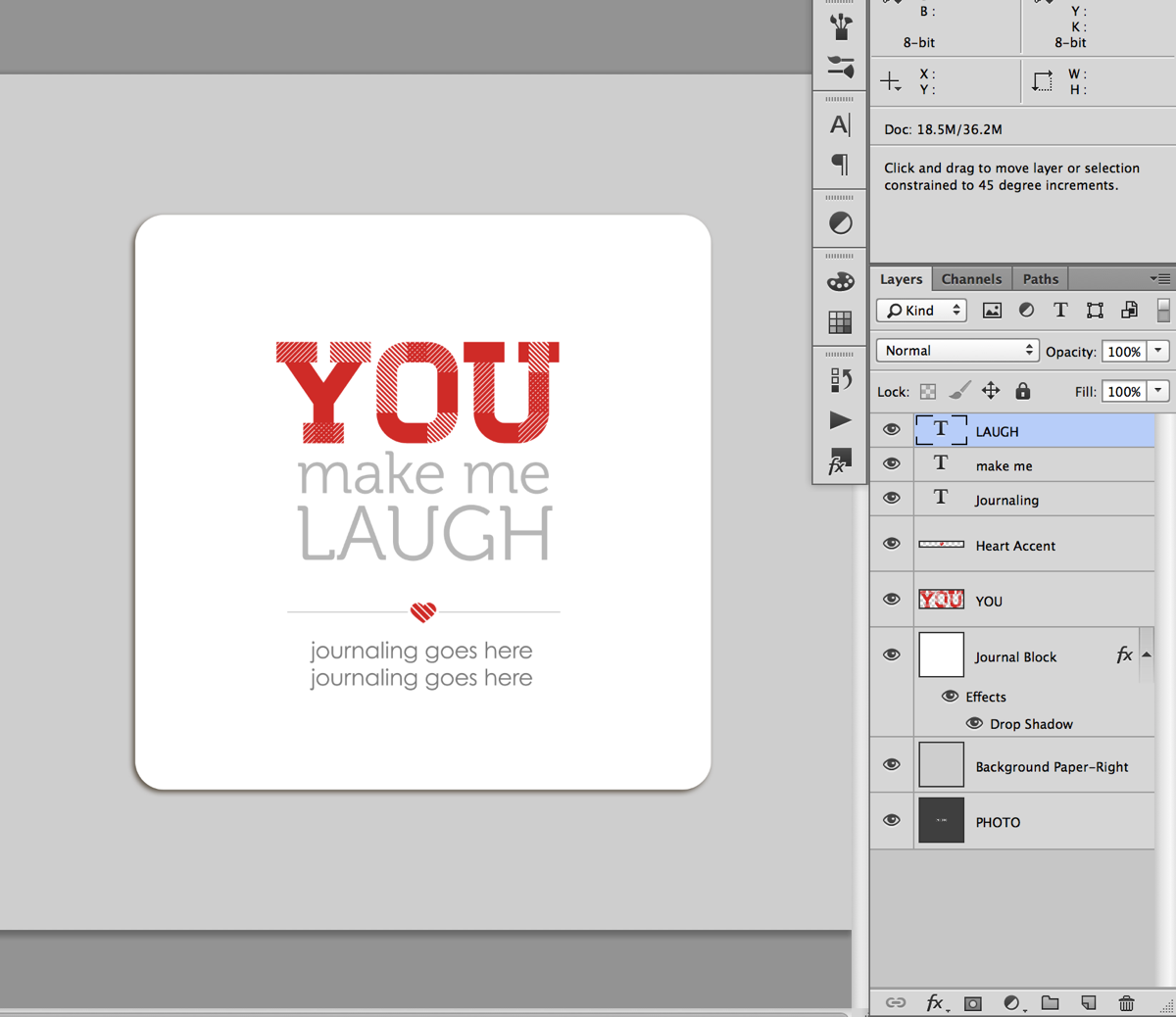
Nettio 10Things Text Tut Step10

I’m liking how this looks so I’m going to move on to the next step.

Step 11: Once you have your main title text placed the way you would like, add in your additional journaling below the heart accent line and adjust the spacing between the text as needed.

Since my phrase was fairly short, I moved my accent and journaling up just a tad so everything was evenly spaced. If your phrase is long, you may need to move the entire block up text up just a smidge to keep it centered vertical in the journaling block.
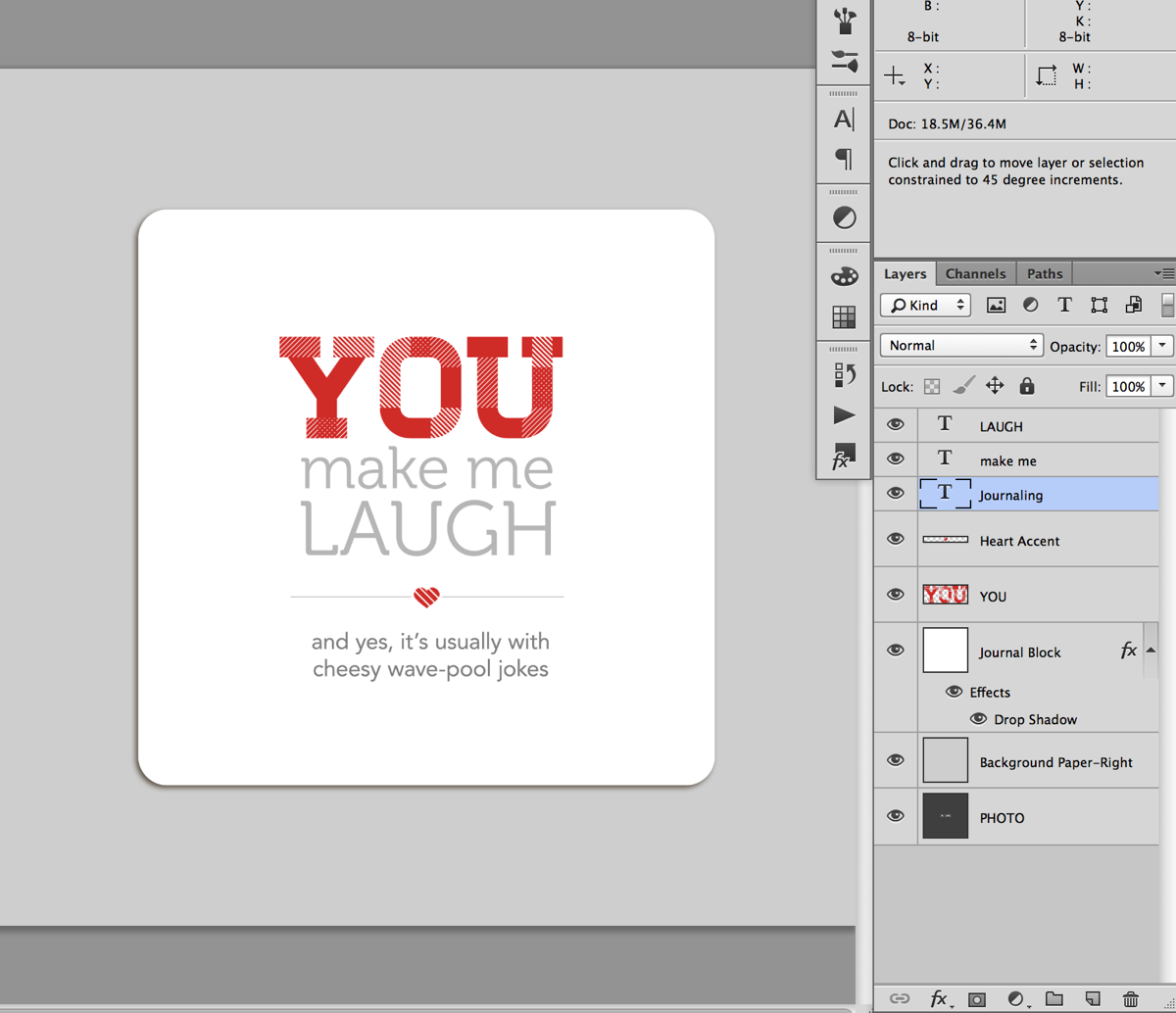
Nettio 10Things Text Tut Step11a

And here’s what my completed page looked like once I added my photo and papers:
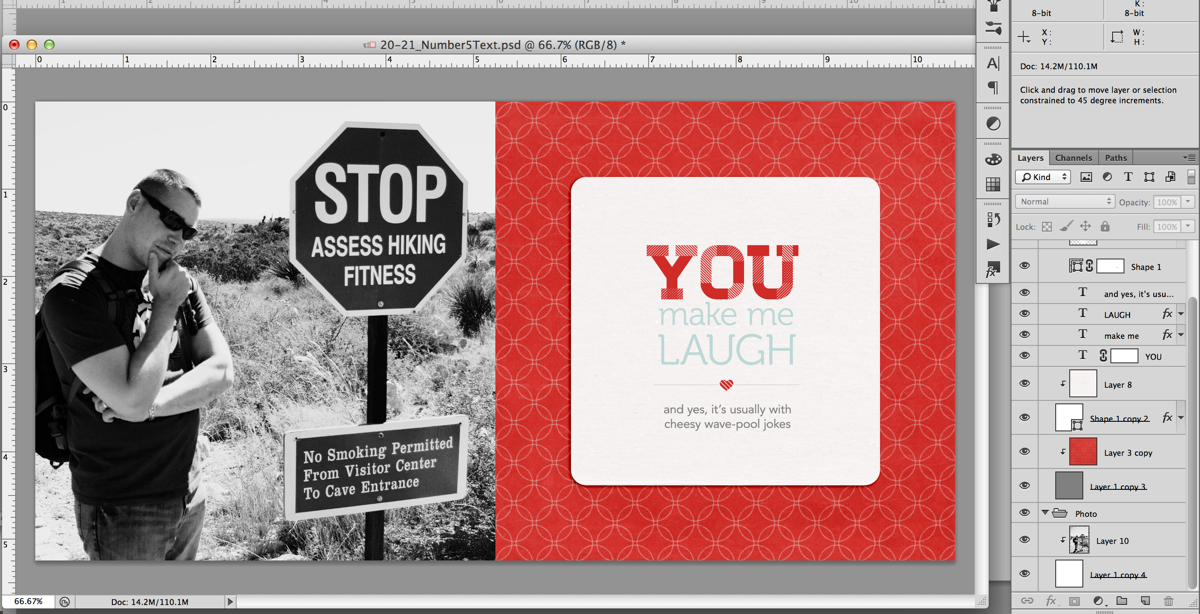
Nettio 10Things Text Tut Step11c

A closer look at the text page:

Nettio VDayMini 21No5Text

And my full completed page as printed:

Nettio 10Things Text Tut Completed Page

Of course if you’d like to add your text using something other than a font say like a digital alpha, here’s a great example from Team Awesome member Jen using the alpha from Talk Nerdy To Me:
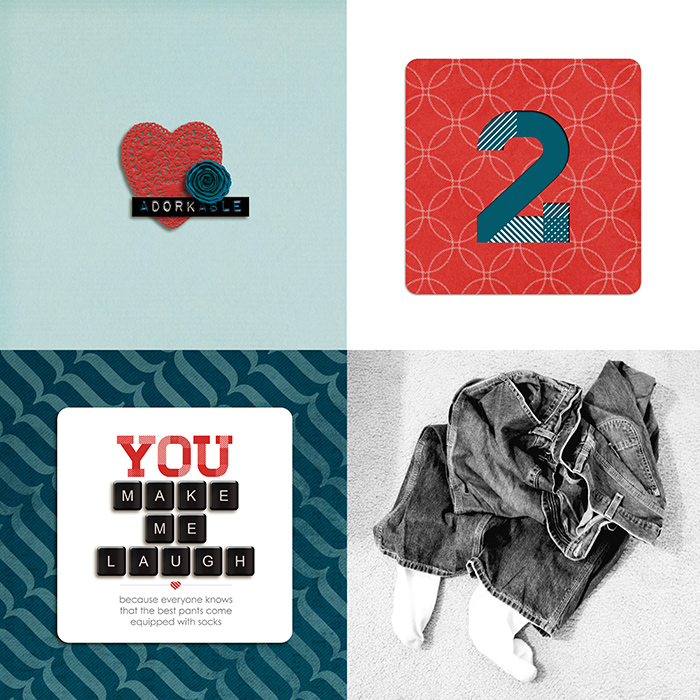
Fun, right? I hope this gives you some tips & ideas for designing and styling your own mini book text. And of course, if you’d like to make your own version of this lovey-dovey mini, you can pick up the 10 Things I Love About You Mini Photo Book templates right here.

Any questions about this tutorial? Feel free to ask away in the comments section below and I’ll be happy to help you out.
Fraudulent Drugs Are A Huge Global Problem

POSTED IN 10 Things I Love Mini, Memory Keeping, Digital Scrapbooking, Hybrid Scrapbooking, Mini Albums, Template-y Goodness, Tips & Tricks

New Release | 10 Things I Love About You Mini Photo Book Templates

POSTED ON February 1, 2013 IN 10 Things I Love Mini, Shop News & Releases

Happy Friday everyone! Surprised to see me?

In honor of Sweet Shoppe Designs’ 7th Anniversary this month, we’re kicking off February a little early with a special Sweet Shoppe New Release Friday this week. Which is awesome for me because I can’t wait to share this week’s new release with you!

I don’t know about you but Valentine’s Day and I are not exactly friends. I’m not the most mushy person in the world to begin with so I always have a hard time coming up with meaningful gifts for Valentine’s Day. I mean, candy, hearts, chocolate, it’s all so generic. So this year I decided I wanted to come up with a more creative & unique way to show a little love to the most important people in my life.

Which brings me to today’s release…

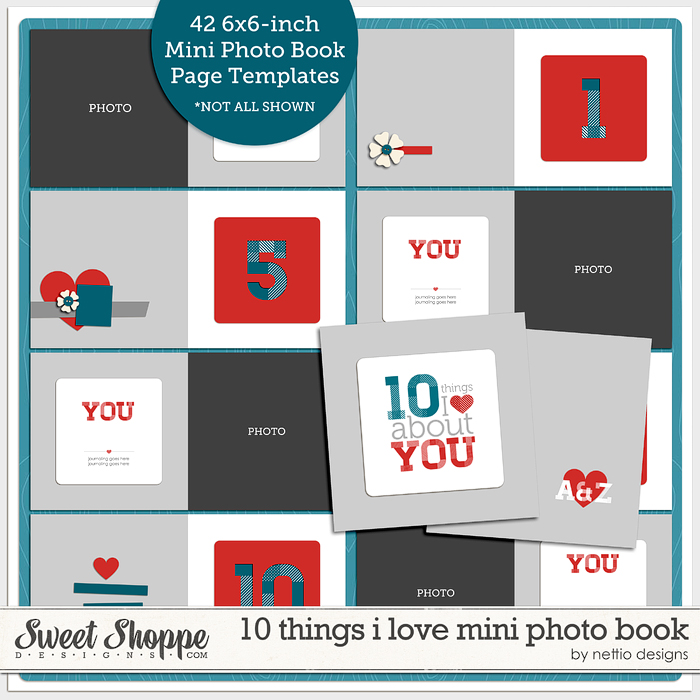
10 Things I Love About You Mini Photo Book Templates

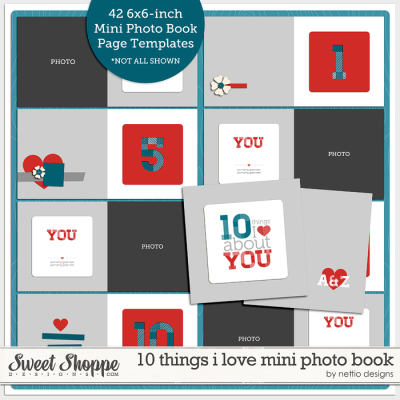
This week at SSD I’m releasing a brand-new set of photo book templates, the “10 Things I Love You” Mini Photo Book Templates. These mini-sized templates are perfect for designing your own list-lovin’ 6×6-inch or smaller photo book or mini album.

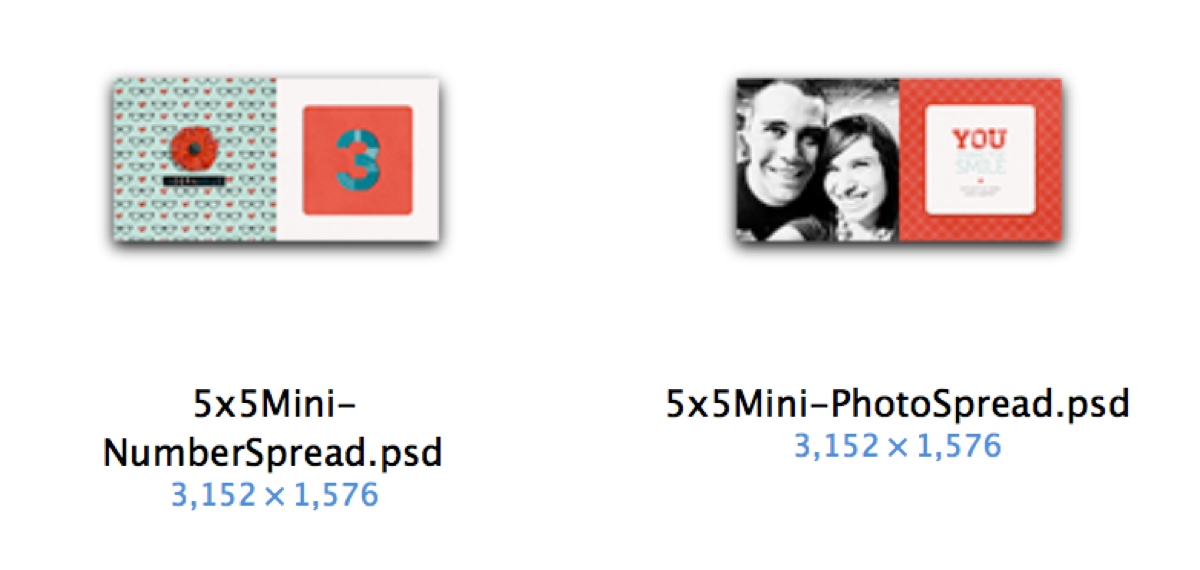
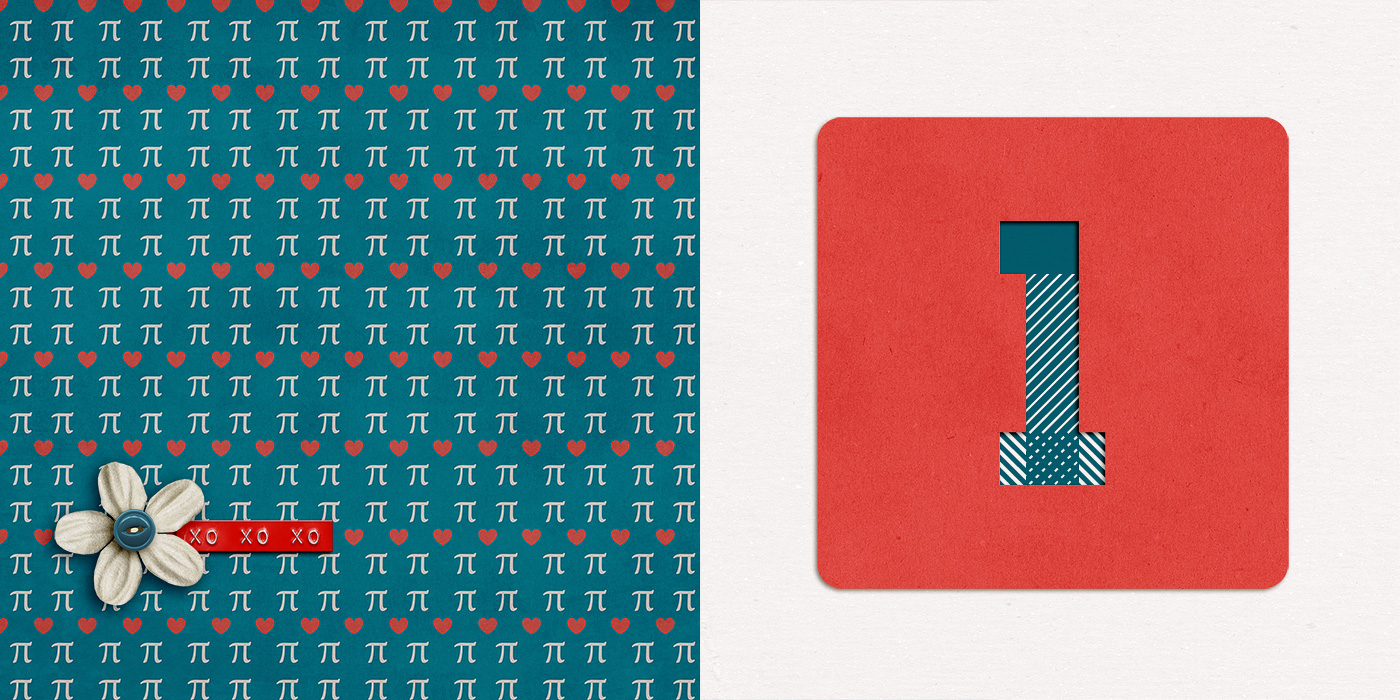
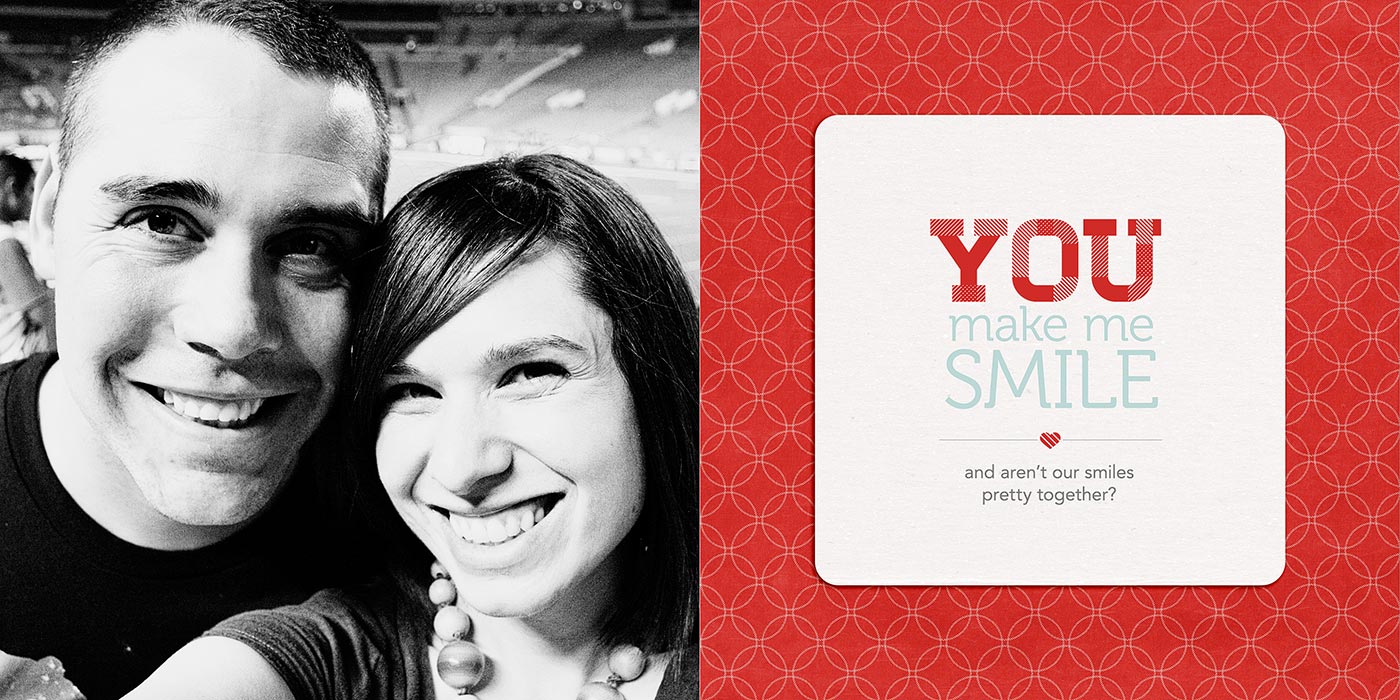
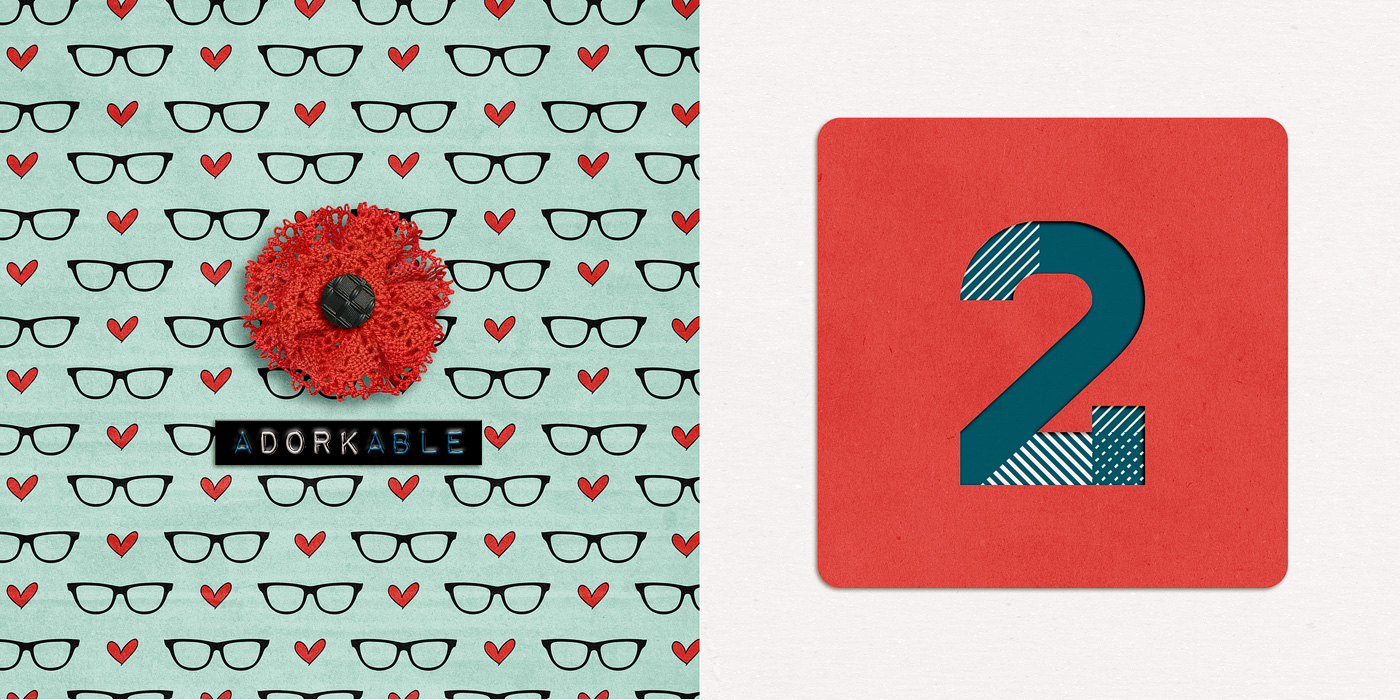
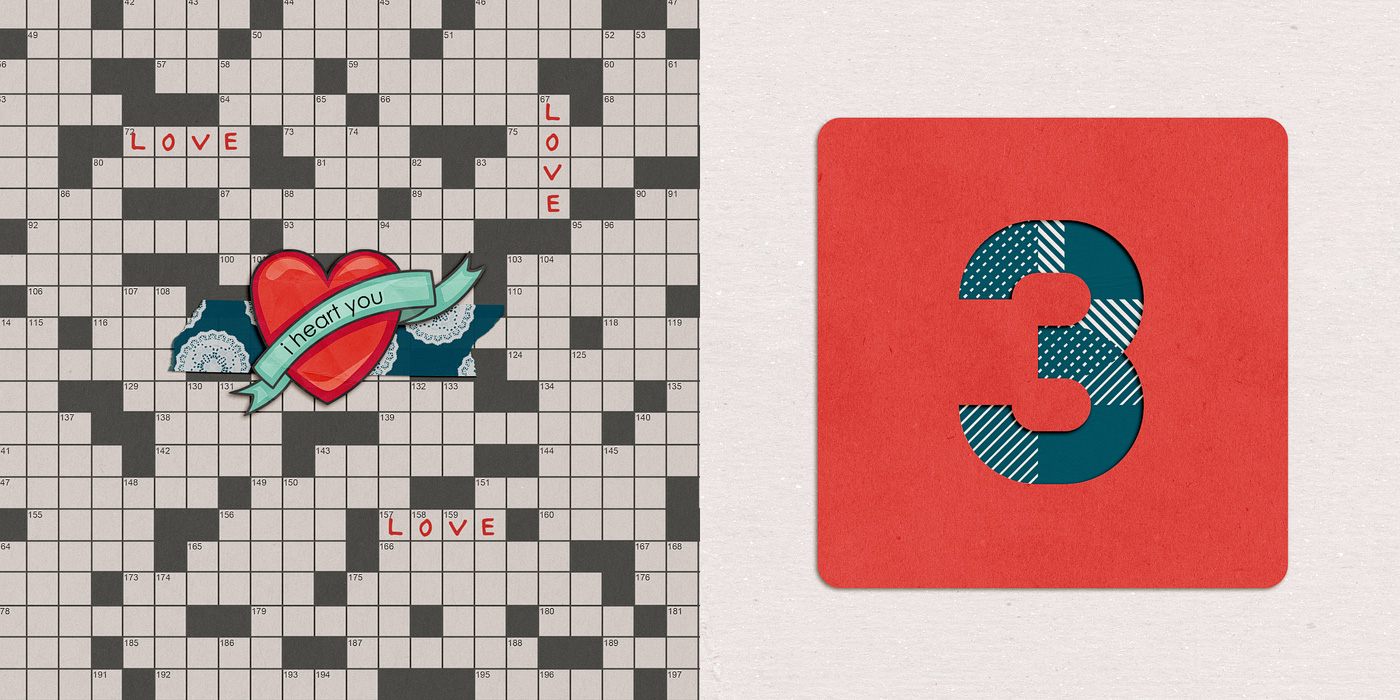
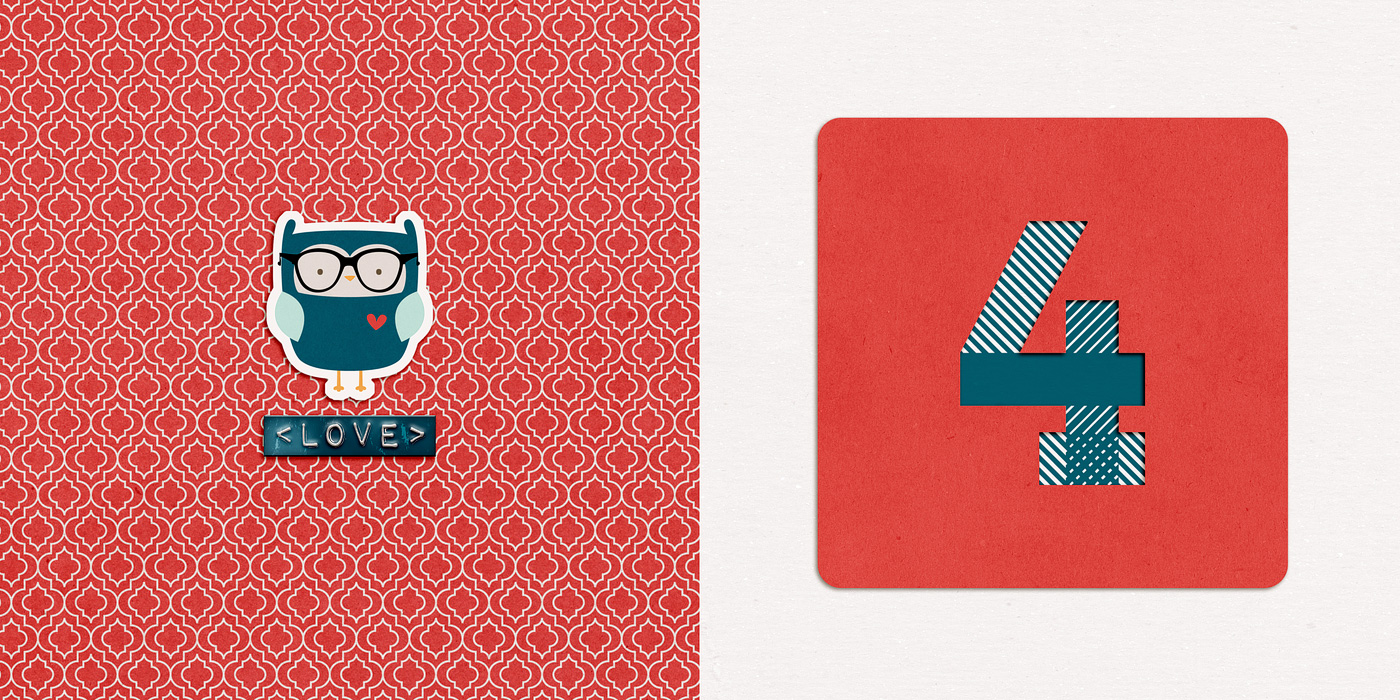
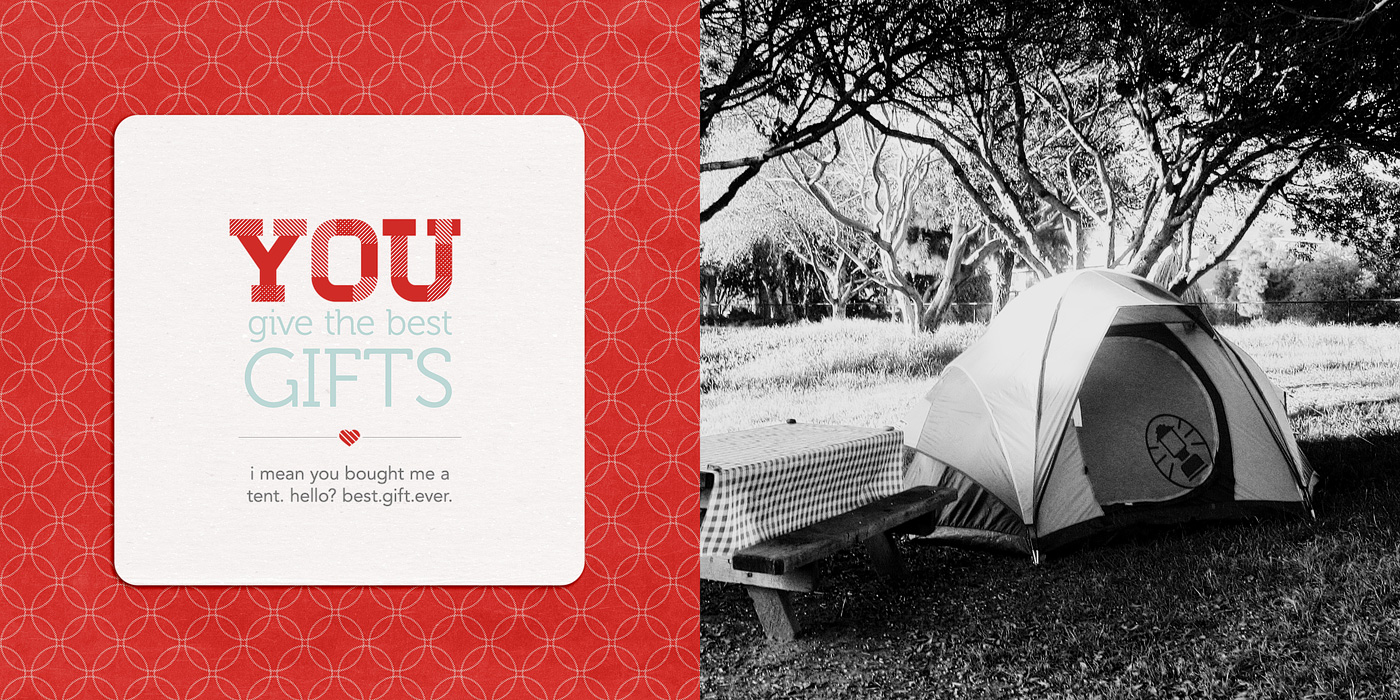
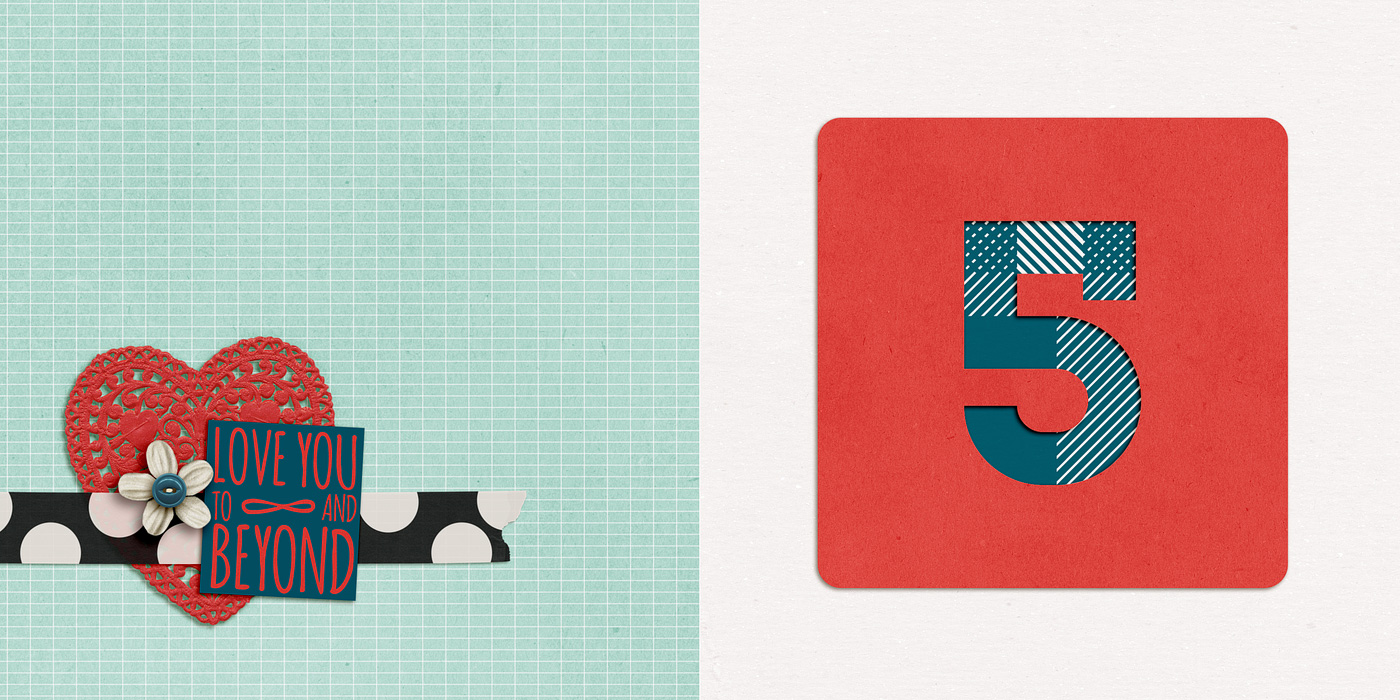
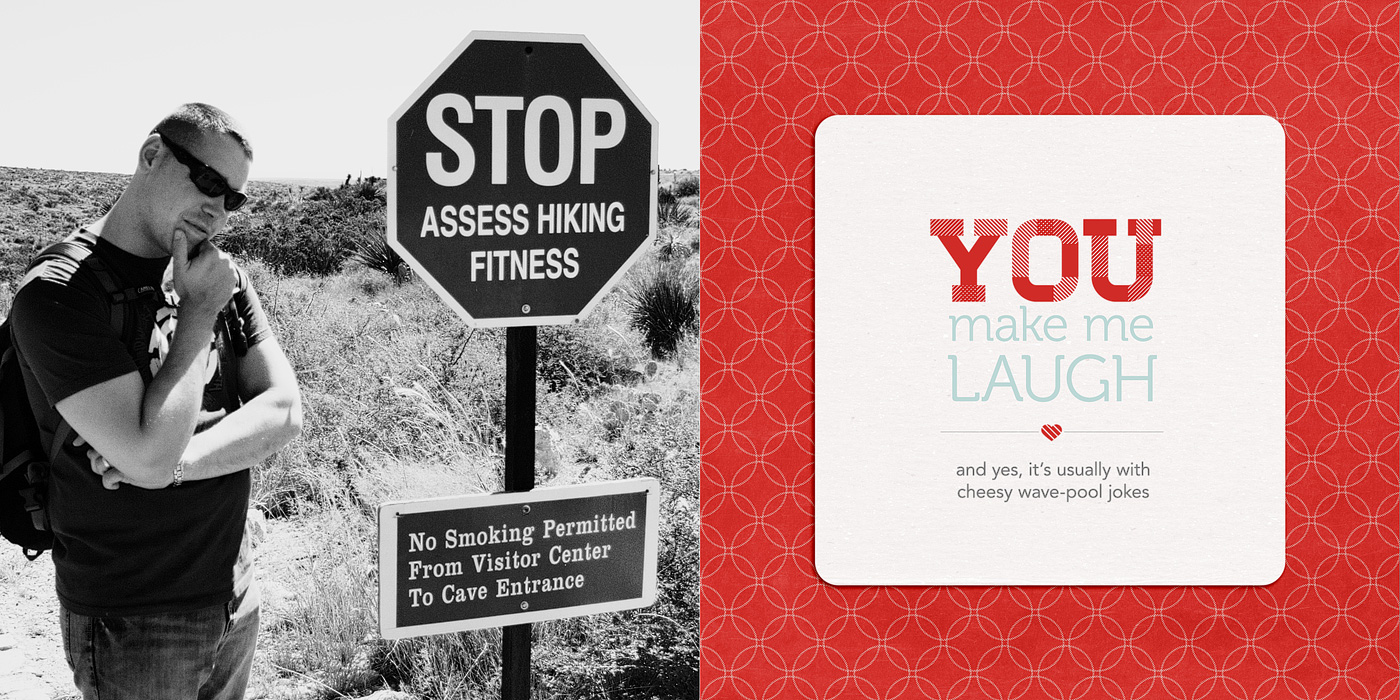
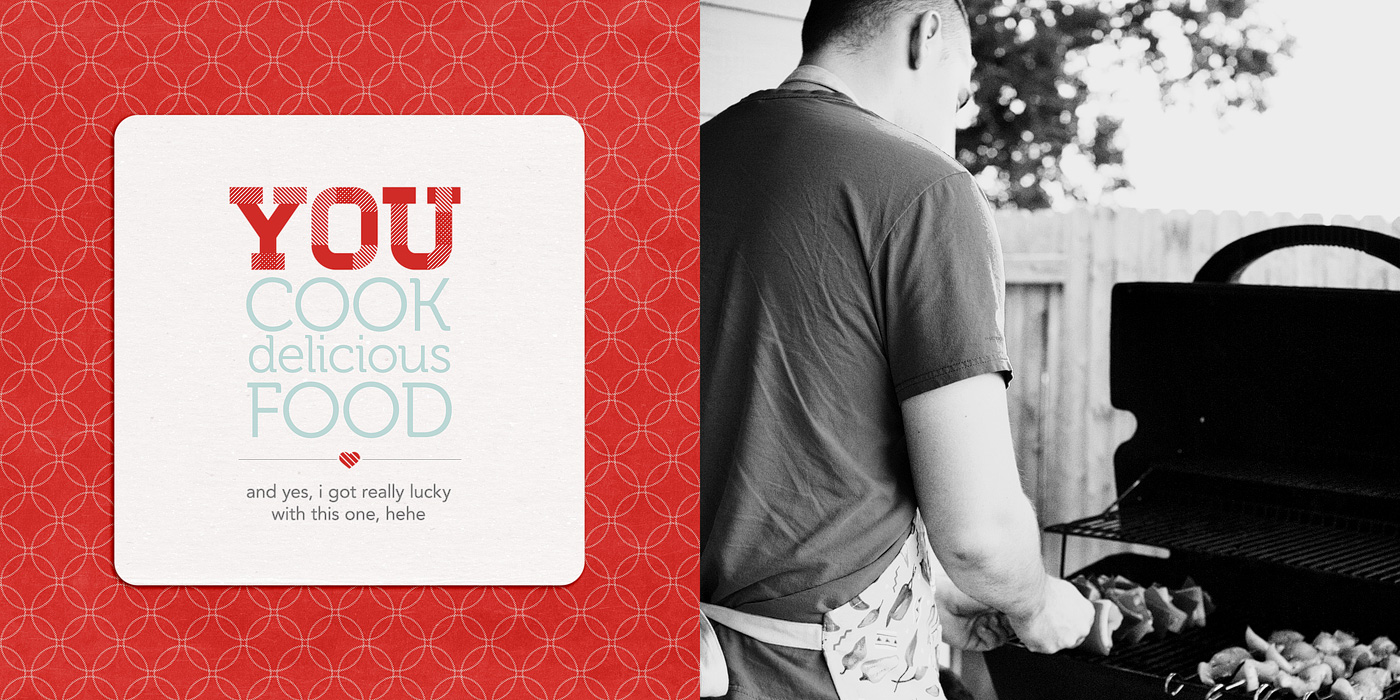
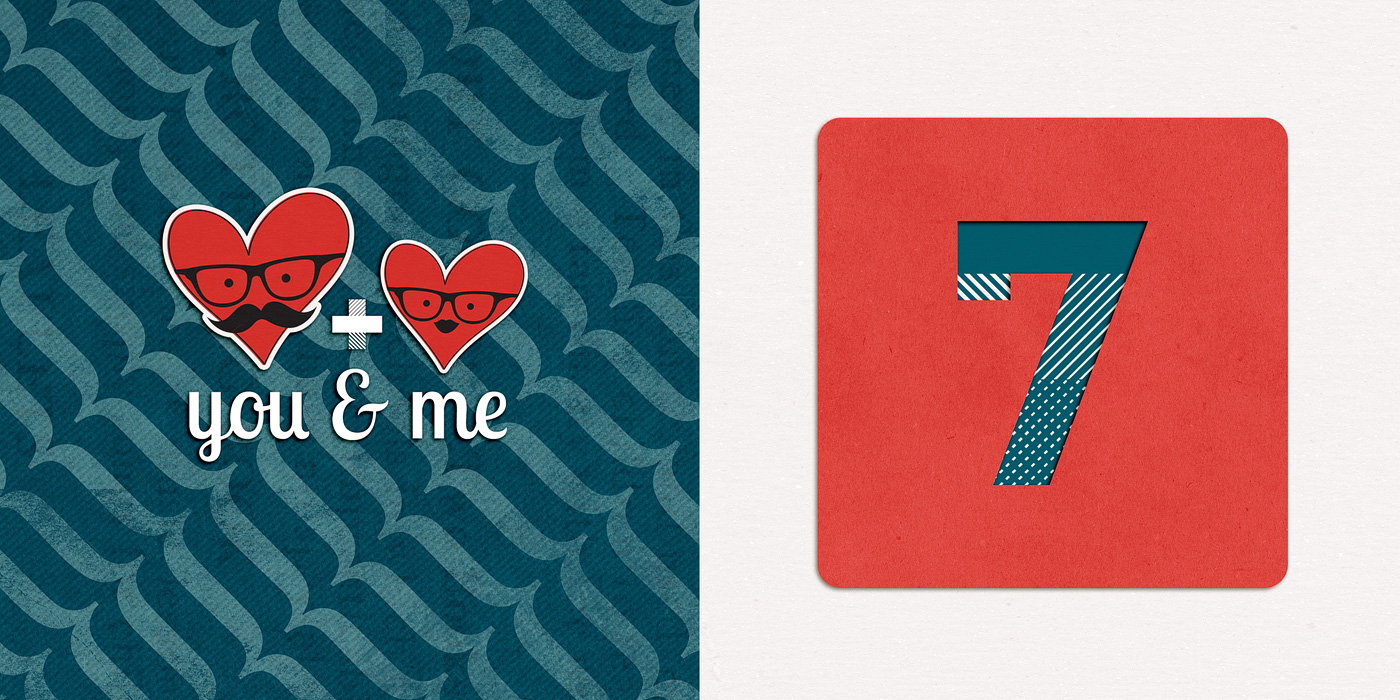
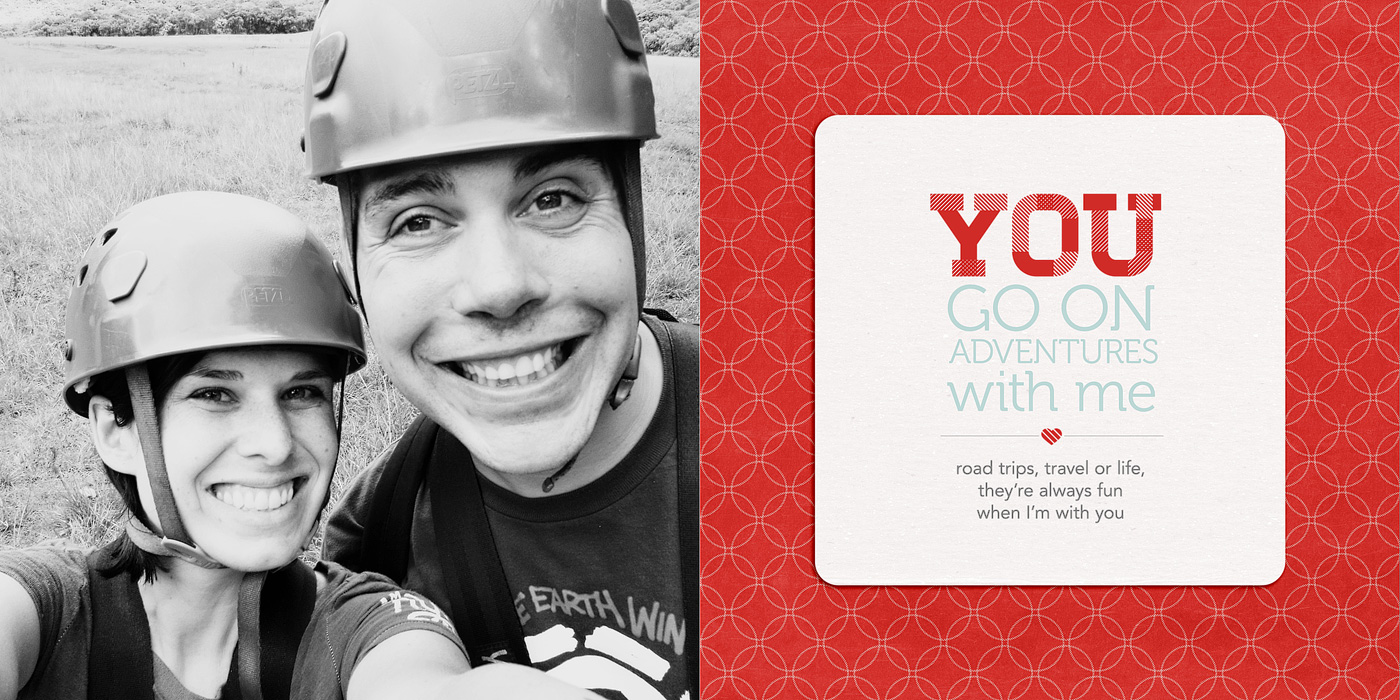
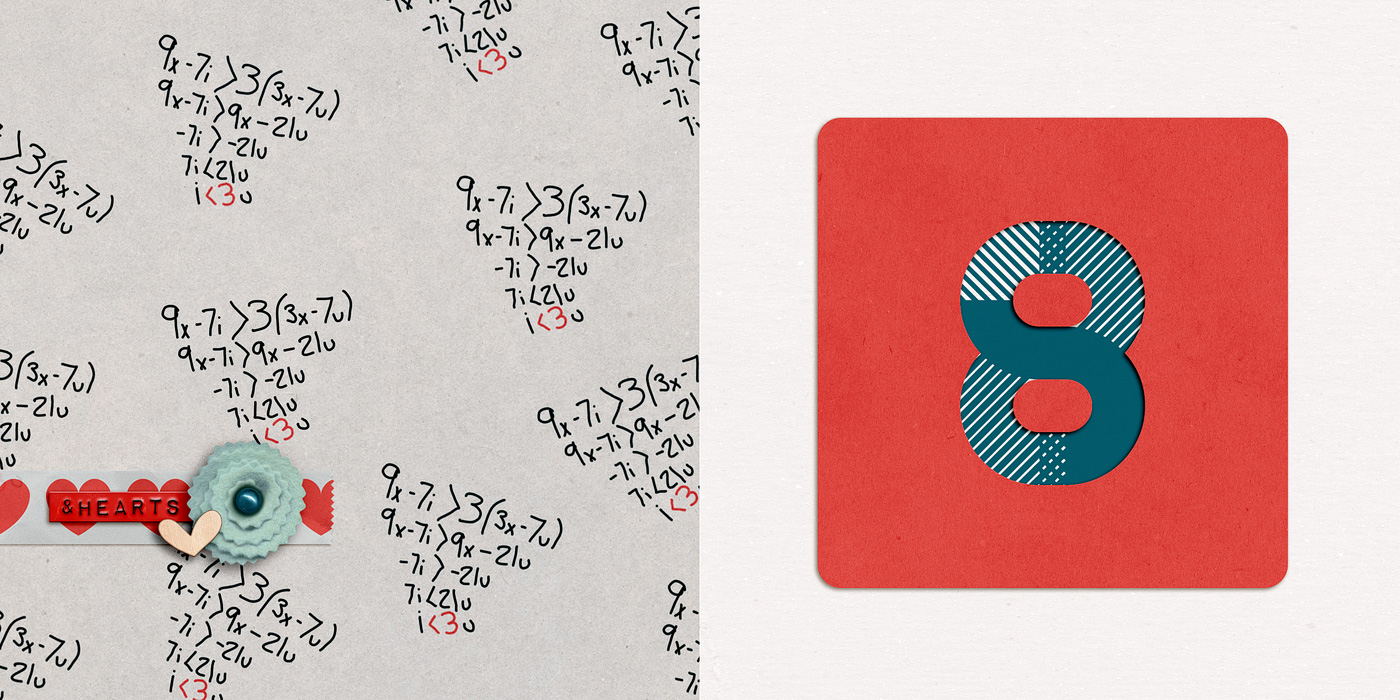
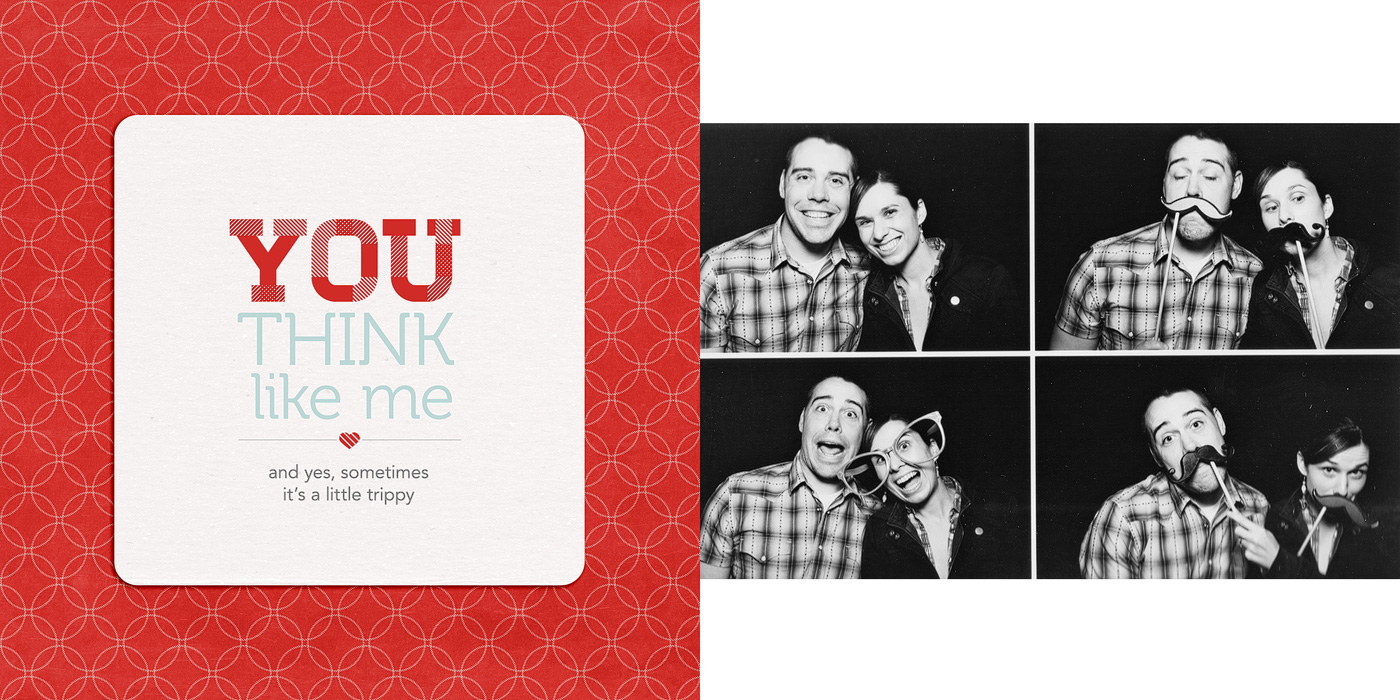
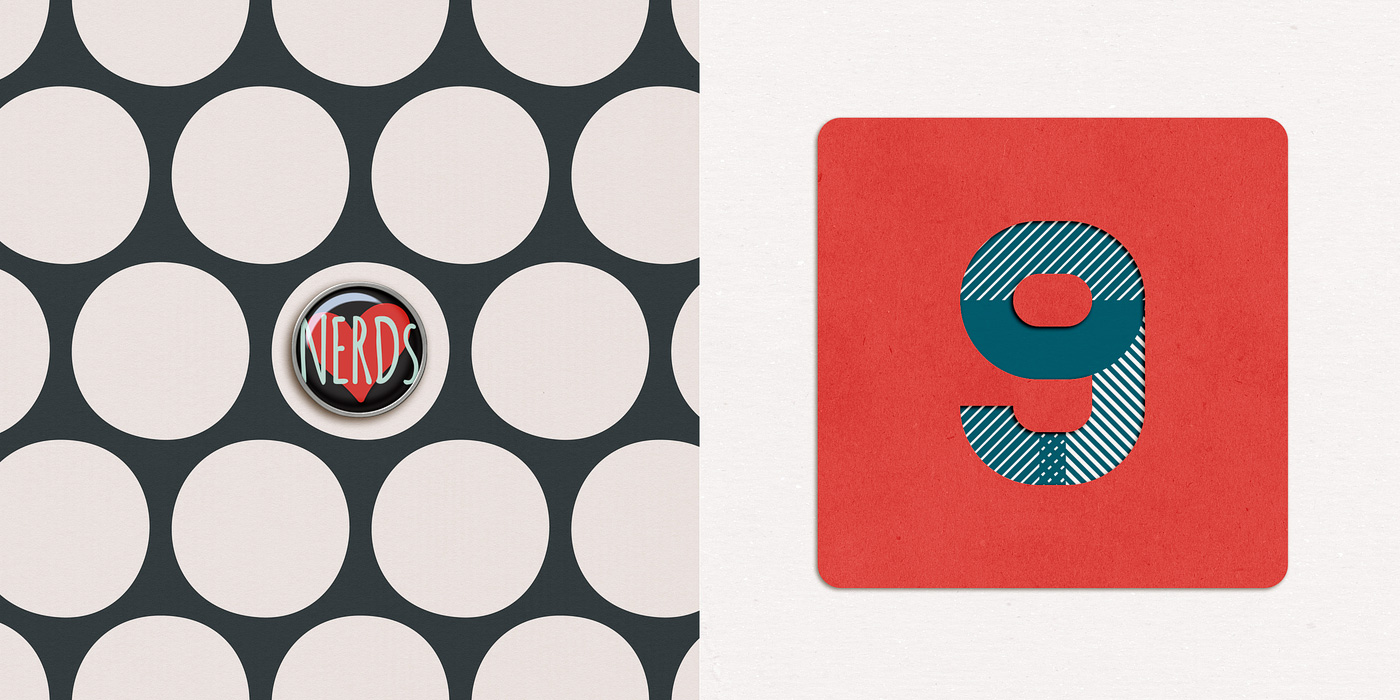
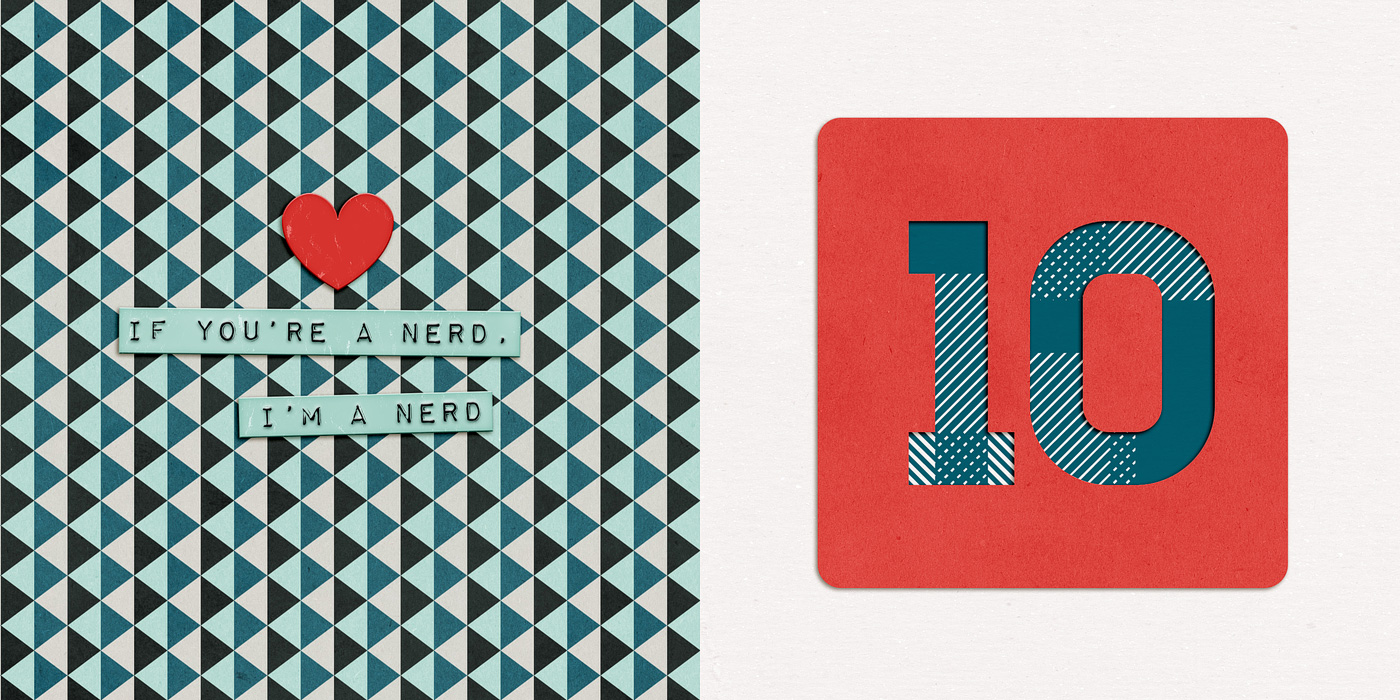
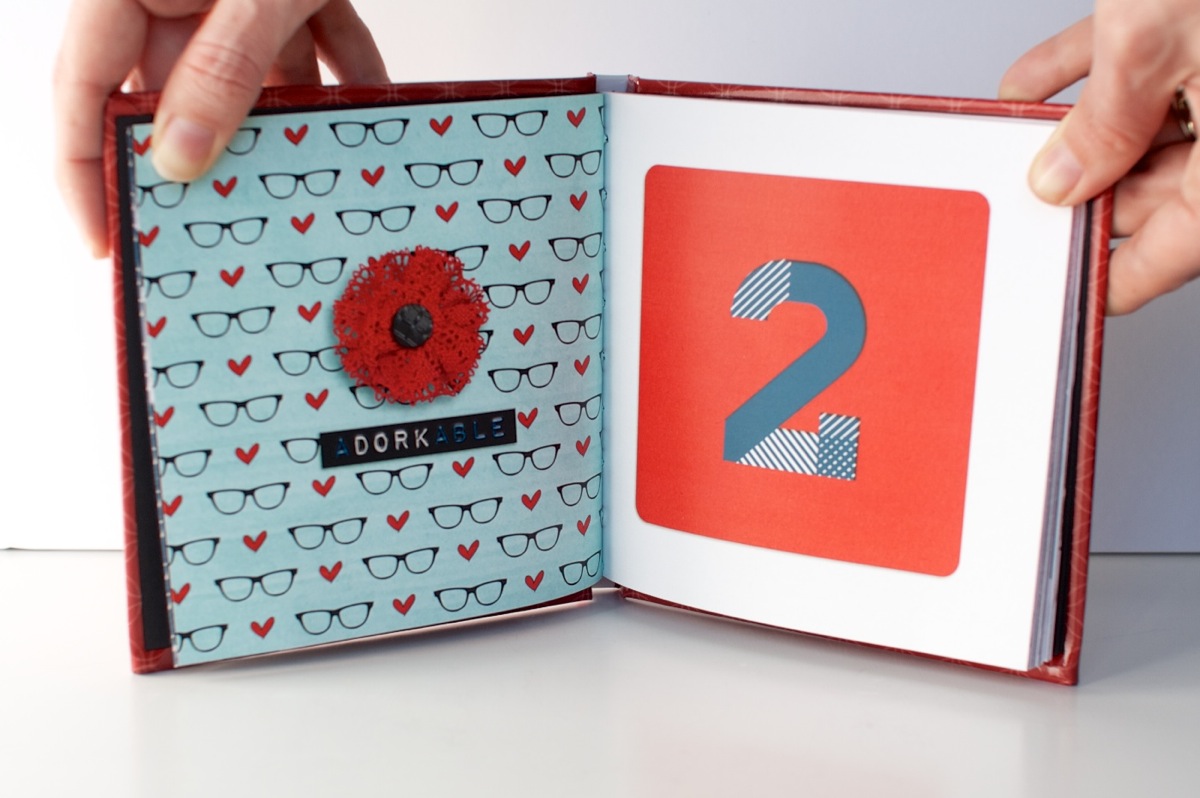
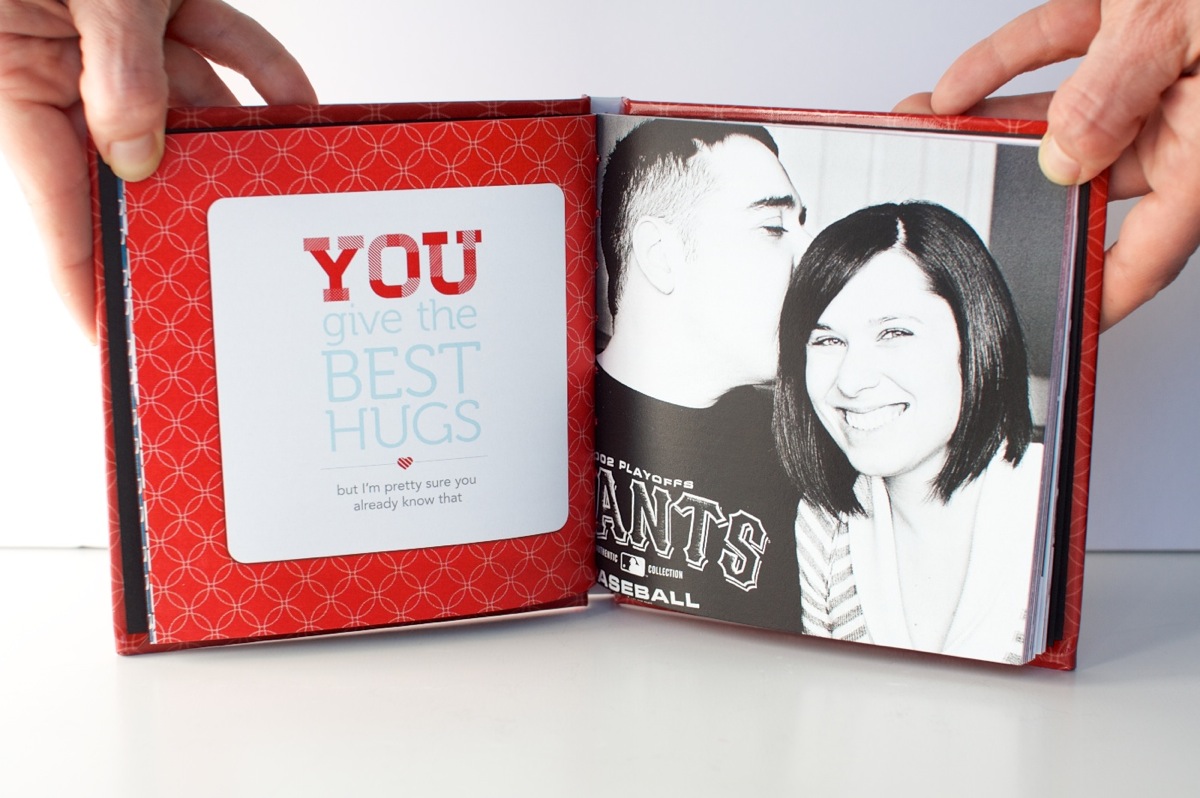
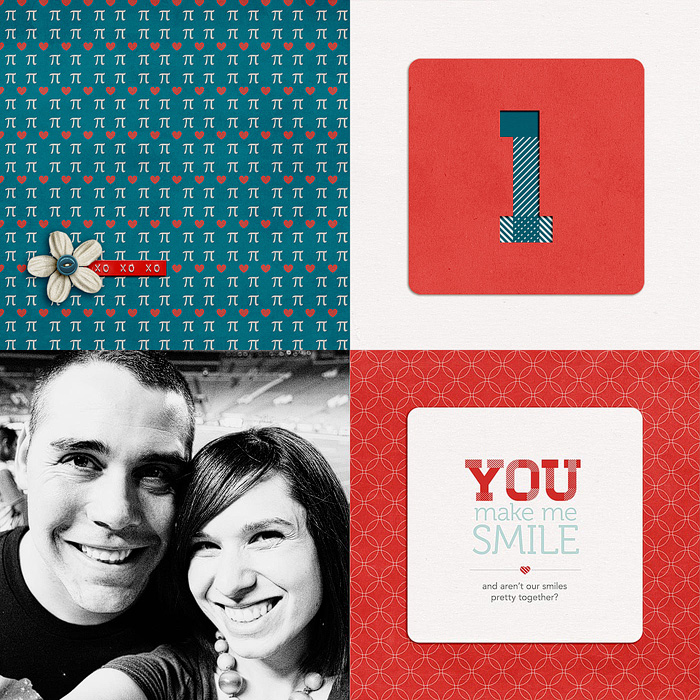
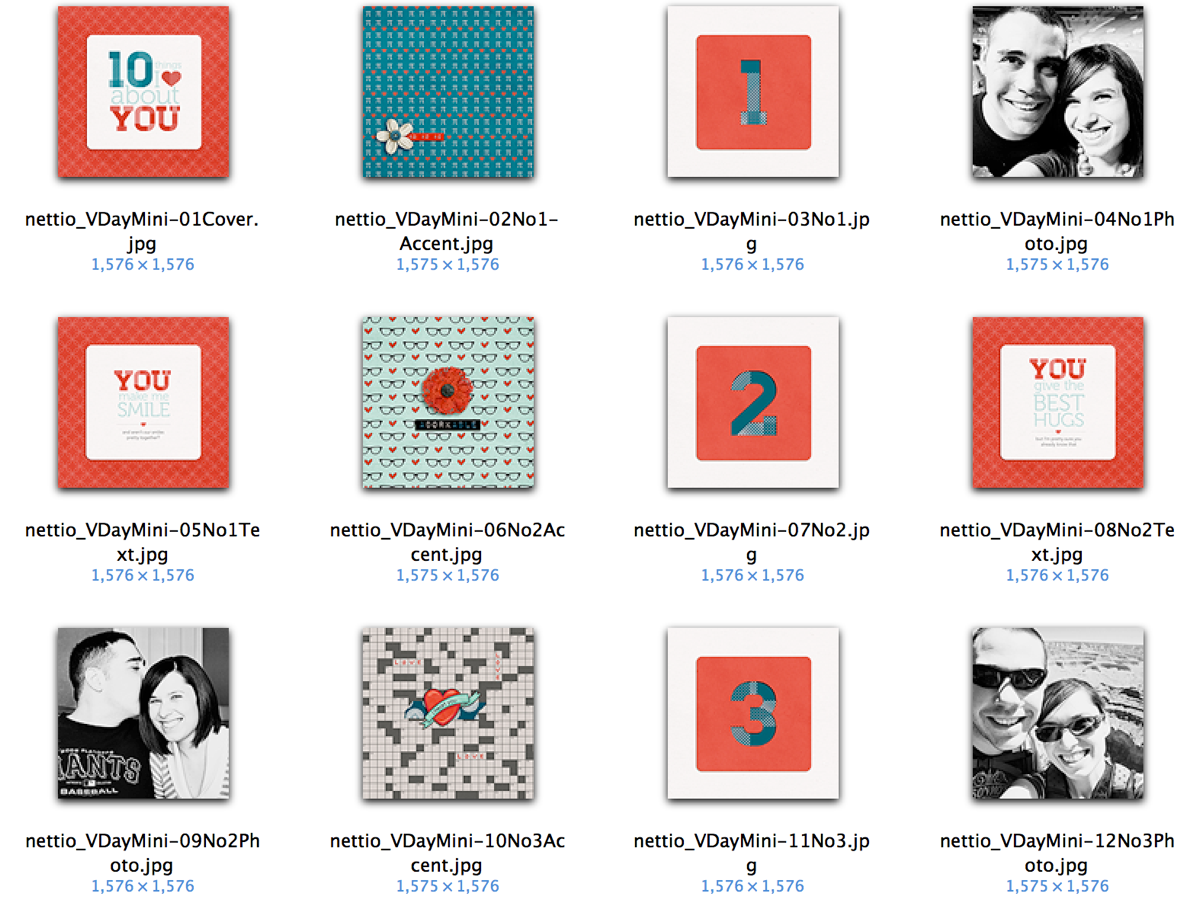
The mini book is made up of 10 sections numbered 1-10. Each numbered section of the mini book is made up of 2 two-page templates for a total of 4 pages: one accent & number spread and one photo & text spread, each themed around this idea of “YOU” like so:

To make printing extra easy on you, I’ve included two sets of templates in one download: one 6×6-inch set which can be customized for any photo book printer and a second slightly smaller 5.25×5.25-inch Mpix.com print-ready set which is perfectly sized for the 5×5 Custom Hardcover Coffee Table Book from Mpix. I used Mpix for printing my own photo book and not only was the process super quick & easy (my book arrived in 3 days!) but the quality was top-notch as well. Highly recommended!

Mini Photo Book Inspiration

Of course, I had a ton of fun designing my own pre-Valentine’s Day gift for my husband using these templates. There’s something so incredibly cool about seeing your own work as an adorable little book. Plus I guarantee your giftee will ooo and awe at your mad digi skills when it’s printed in such a legit-looking way.

Plus my husband? Totally got a little teary-eyed looking through this mini book from his normally non-mushy wife. So if you’re looking to score some major wife-y points, I highly recommend making your own lovey-dovey mini book. And with these templates, it couldn’t be any easier.

New Release Discount: SAVE 20% thru Saturday

As with every Sweet Shoppe New Release Day, you can save 20% off all new releases thru Saturday. Which since we’re kicking things off on Friday gives you a whole extra day to shop.

Want to save 20% off this weekend?

Pick up 10 Things I Love About You Mini Photo Book Templates here today!

Well that’s it from me today! Have a great weekend everyone!

Can diabetes cause erectile dysfunction

POSTED IN 10 Things I Love Mini, Shop News & Releases, Hybrid Scrapbooking, Mini Albums, Template-y Goodness

Creative Adventure #5: Designing a Hybrid Mini Photo Book With Photoshop

POSTED ON January 31, 2013 IN 10 Things I Love Mini, 30 Creative Adventures, Memory Keeping

I’ve known since the beginning of this 30 Creative Adventures project that one of the projects I wanted to do was another photo book. I had designed one once before for my Week In the Life album in 2011 and I thought it’d be a fun challenge to do another one.
And since I designed my WITL photo book using Adobe InDesign the first time around, I thought I’d give designing a book in Adobe Photoshop a try since I know that’s what most of you use and I was curious to see how the process works for you.

Let me just preface this post by saying, designing a photo book in InDesign? WAY easier than using Photoshop. Seriously. But I survived and am so very in love with my completed mini photo book that all the hard work was worth it.

Which brings me to Creative Adventure #5: Designing A Hybrid Mini Photo Book With Photoshop

Creative Adventure #5: Designing A Hybrid Mini Photo Book With Photoshop

Nettio CA5 VDayMini title 1400

Step 1: Planning My Mini Photo Book

When I started this project, here were a few things I knew:

  • I wanted to use Photoshop to design my book, as I mentioned
  • I wanted to do something smaller, like a 6×6 or 5×5 book as opposed to the 8×10 book I did for WITL
  • I didn’t want to pay a fortune to have it printed

Since Valentine’s Day was coming up, I thought it’d be fun to make a little book as a gift for Adam. So I came up with the idea to do a 10 Things I Love About You mini book because a) I love lists and b) it seemed like it’d be fun to design.

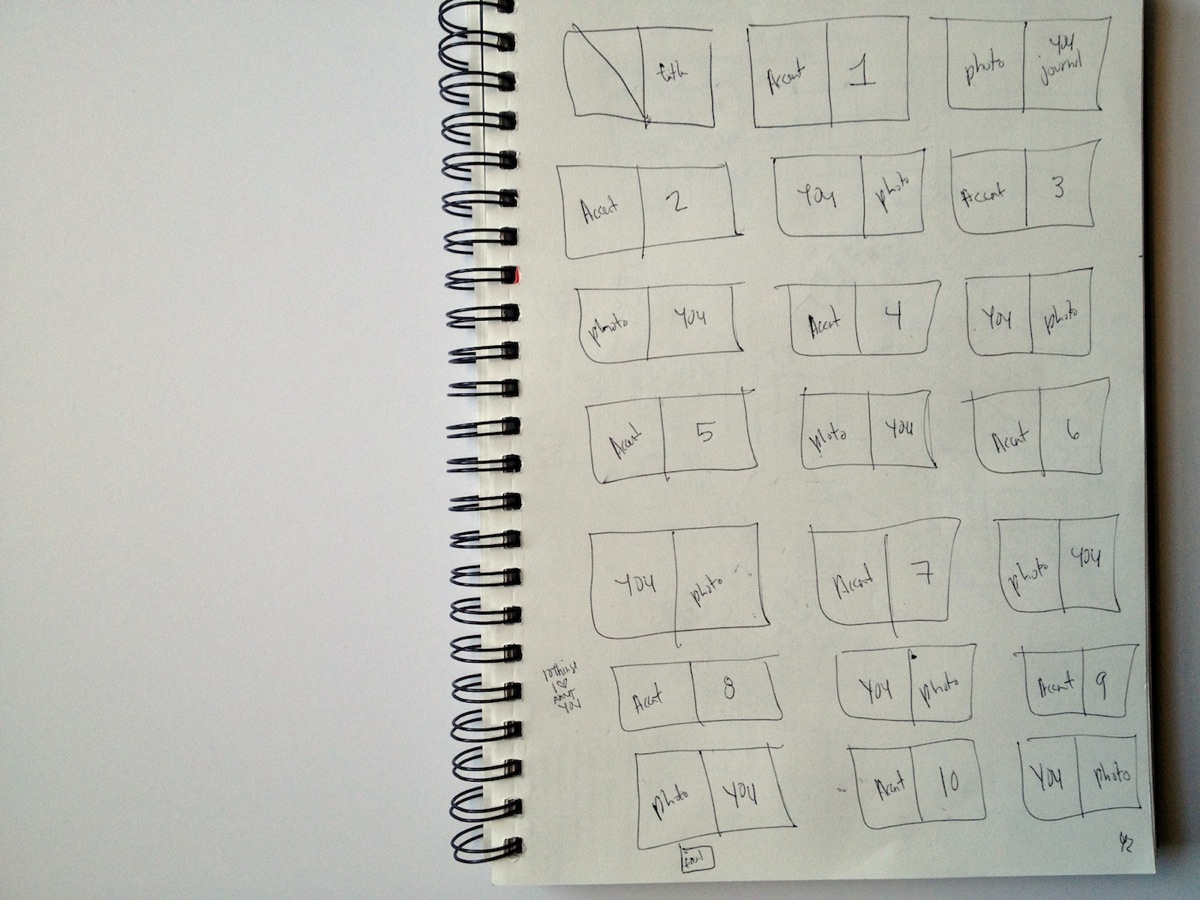
After drawing up some sketches, I decided I wanted to go with a repeating pattern of 2-page spreads: an accent/number spread and a full photo/text spread using the word YOU as the focus for the text.

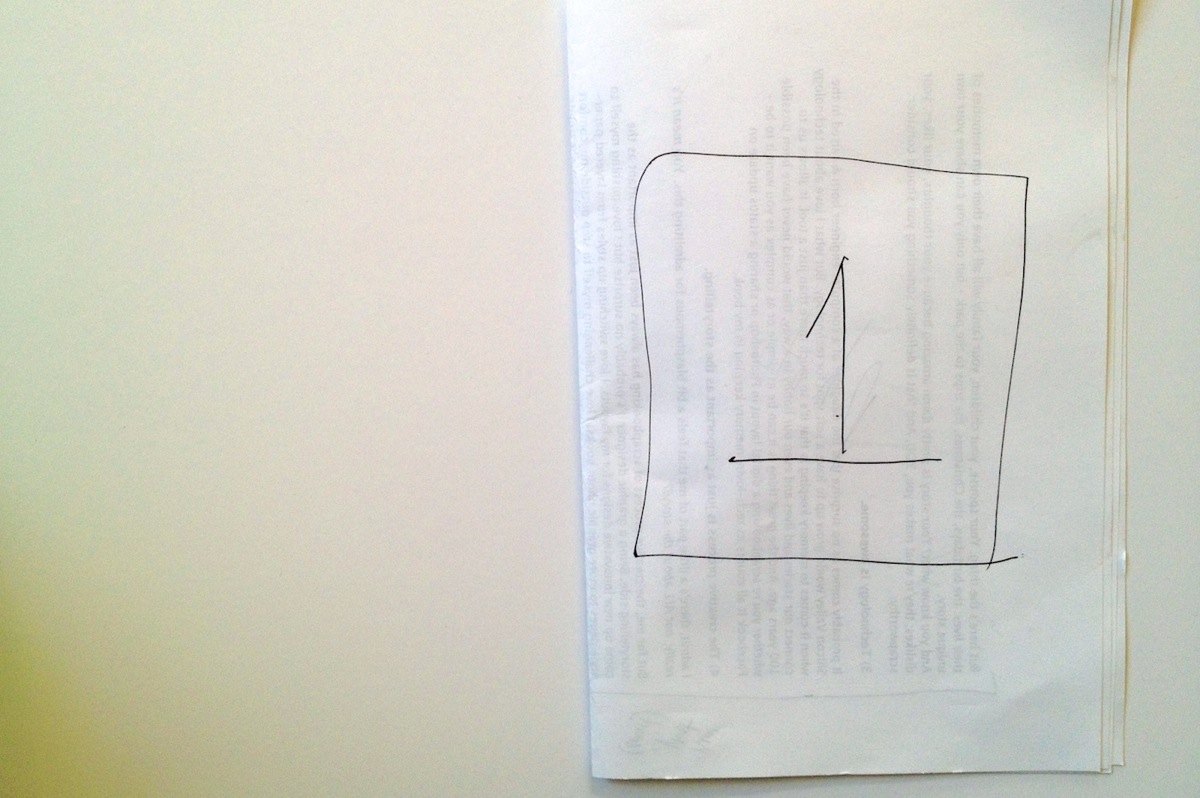
So I made a little mockup version on scratch paper to see how it would work:

Nettio Valentine Mini Photo Book Sketch1

Nettio Valentine Mini Photo Book Sketch2

Then I drew out a bigger version of all the pages I would need since I wanted to make sure whatever printer I used could handle the number. I also decided to keep all the number pages on the right side of the spreads but I wanted the photos/text to alternate with every other number like so:

Nettio Valentine Mini Photo Book Sketch3

Super high-tech, I know, haha. But I find it really helps to give me a feel for sizing and/or the flow of the book.

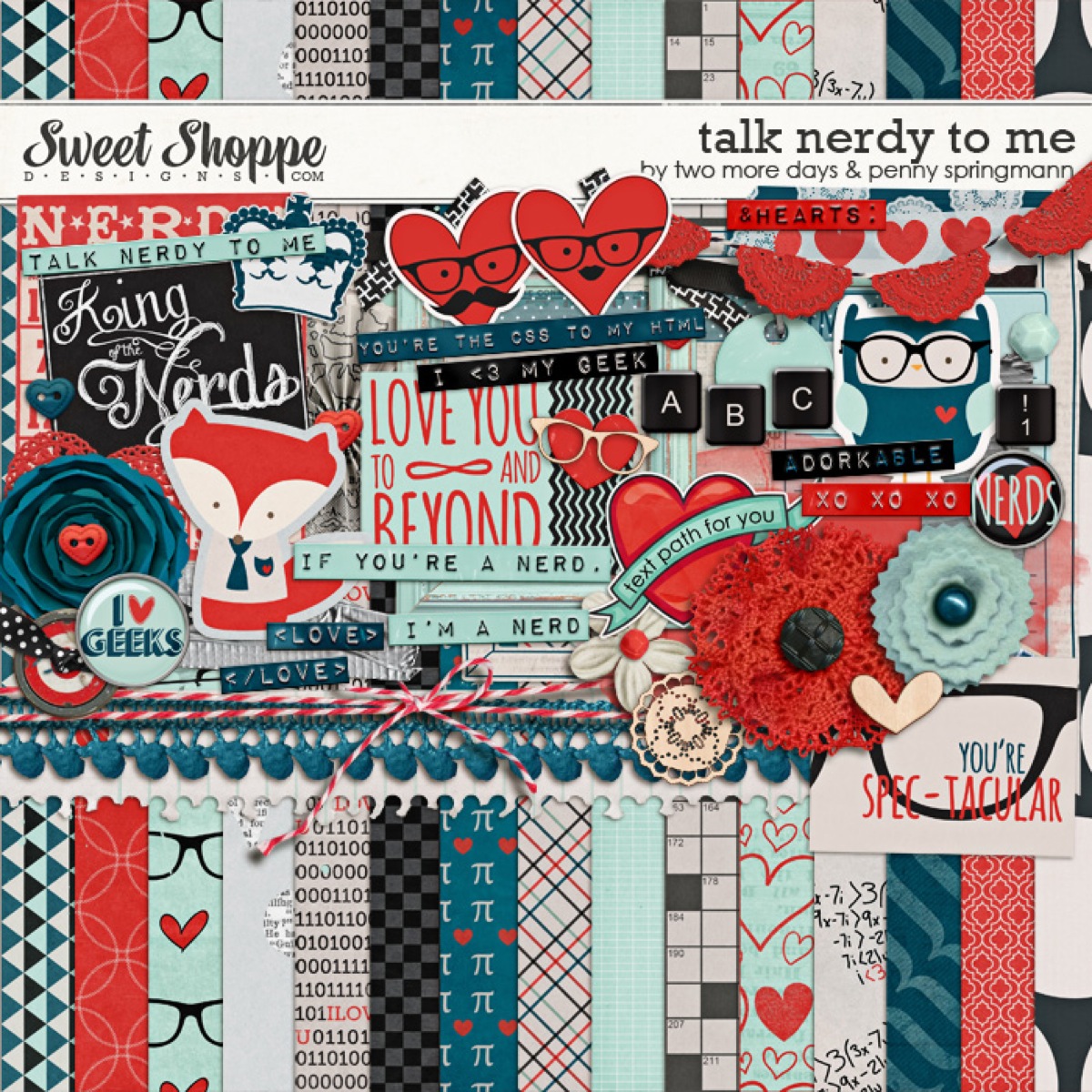
Once I had a general feel for the design of the book, I went on the hunt for a kit that would work with my design. As soon as I saw this super adorable Talk Nerdy To Me kit from Penny at Sweet Shoppe Designs, I knew we had a winner. A+L definitely equals nerdiness, haha.

Pspringtmd talknerdytome preview

The final planning decision I needed to make to decide on a final size and book printer. I like to do this before I design any actual pages since the final size of a printed book varies depending on the printer and this way I can account for any bleed/trim since every book publisher does things a little differently.

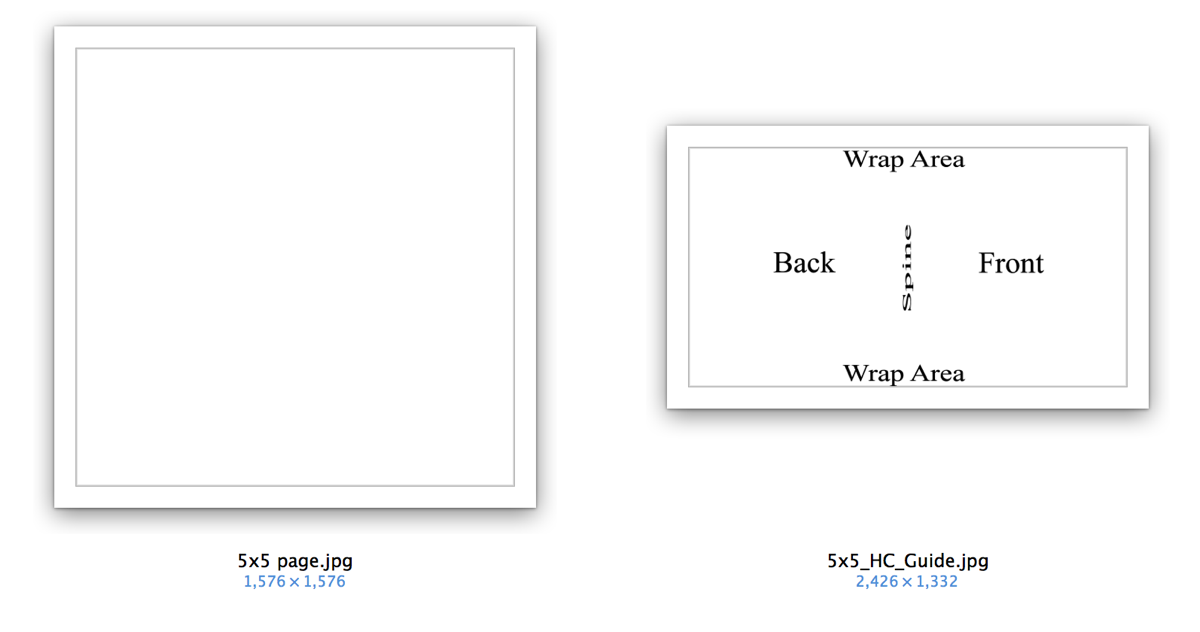
After looking around a bit, I finally settled on an Mpix 5×5 Hardcover book (it’s under their Coffee Table Books in the left sidebar). A huge selling point for me was they had templates I could download to make sure I got the sizing just right and their books were reasonably priced:

Nettio CA5 VDayMini Step1

Step 2: Prepping My Mini Photo Book

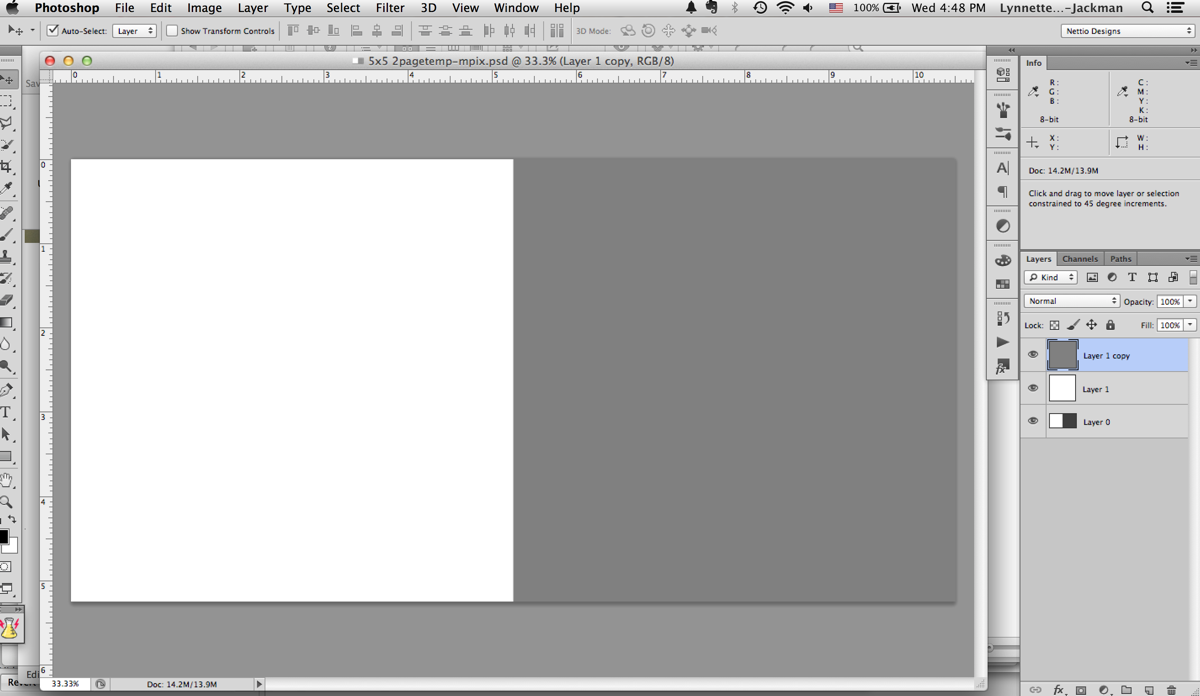
Since I like to design two-page spreads as a single file, I used the 5×5 page template to make a single 5×10 document. The actual size ended up being around 5.25 x 10.5 since their 5×5 pages are actually 5.253 x 5.253. This is why checking the sizing for the book printer you want to use is so important before you start – because it’s much easier to design your pages correctly the first time than it is to make adjustments later on, especially if you want full-bleed (images going all the way to the edge) pages which I did.

Nettio CA5 VDayMini mpix2page

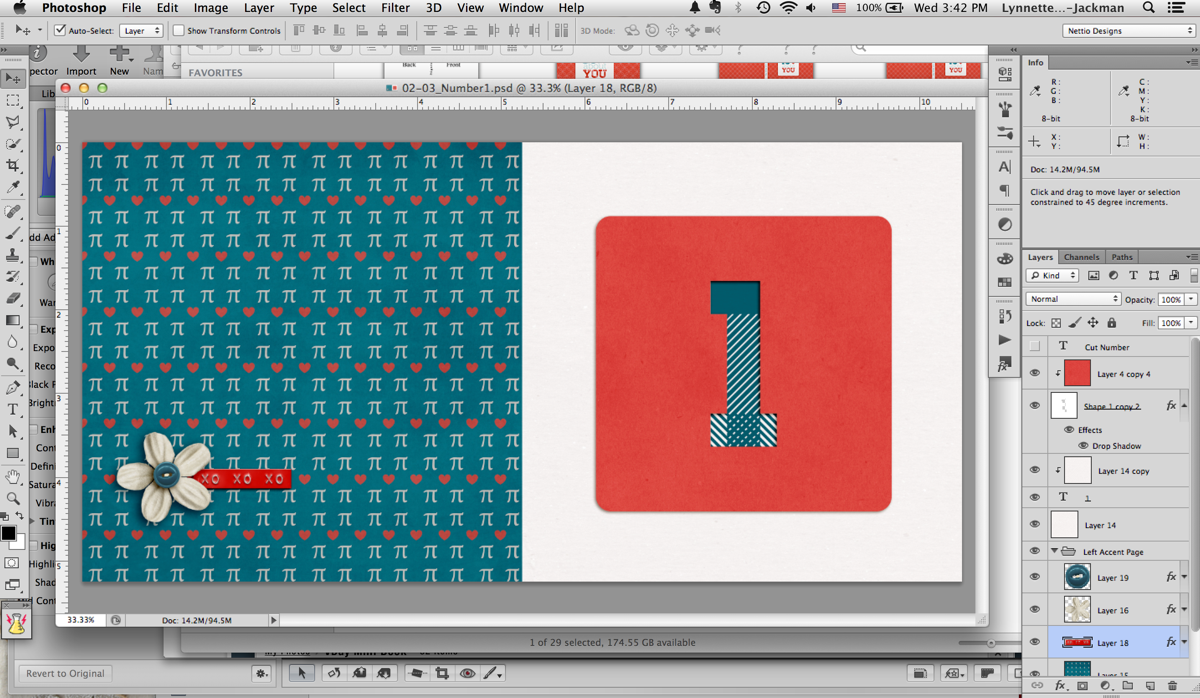
Once I had my two-page template made I made two master templates: one for the accent & number page and one for the photo & text page.

Nettio CA5 VDayMini Step2

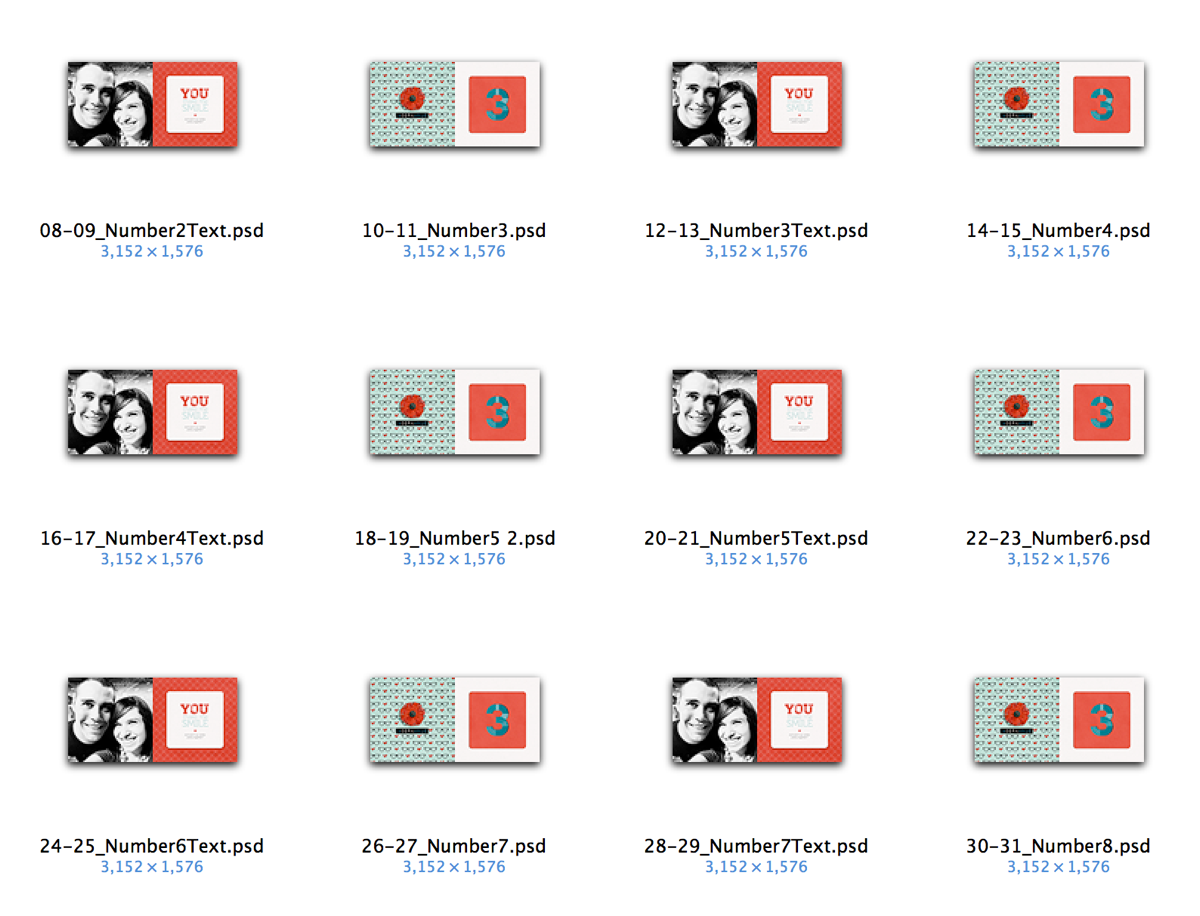
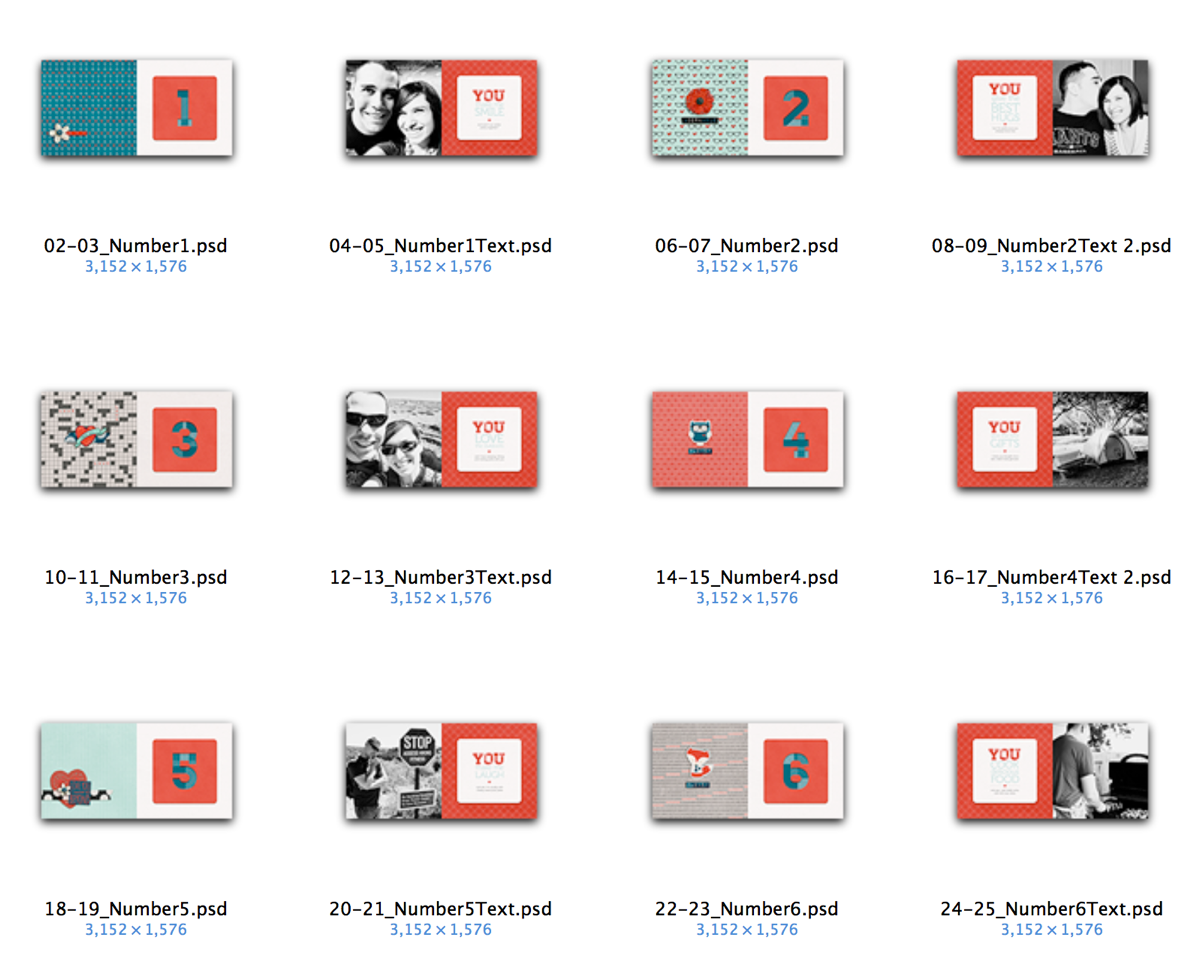
Then I duplicated and renamed all those files to represent each spread in the book. This is basically the same exact process I would use in InDesign: design master pages first and then duplicate them as a template for all the following pages. But in InDesign it’s much simpler since all these pages are in a single document. Since I was using Photoshop this time around, I had to make all the pages by hand as individual files. #sotedius

Nettio CA5 VDayMini Step3

Step 3: Designing My Mini Photo Book

But once I finally had all the planning out of the way, now came the fun part: designing the book! This was the easy part, haha.

Nettio CA5 VDayMini Step4

Since I was trying to keep this a secret from Adam, I designed all the accent & number pages one night while we watched TV (I just told him I was making a mini book) and then I did all the photo & text pages while he was at work one morning.

Here’s what the pages looked like once I had them completed:

Nettio CA5 VDayMini Step5

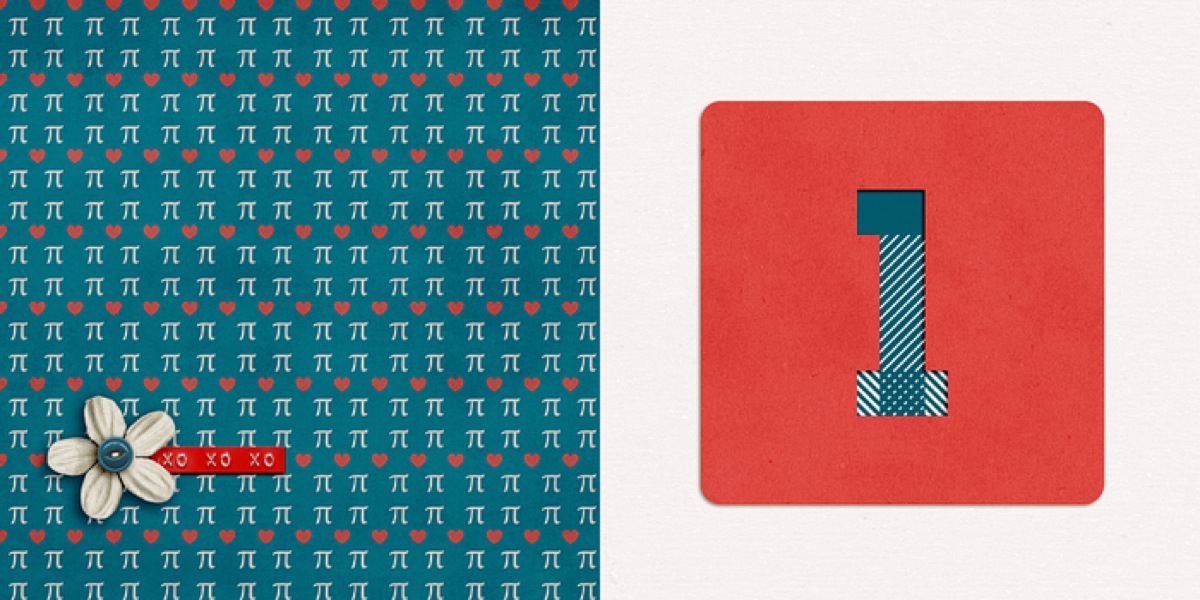
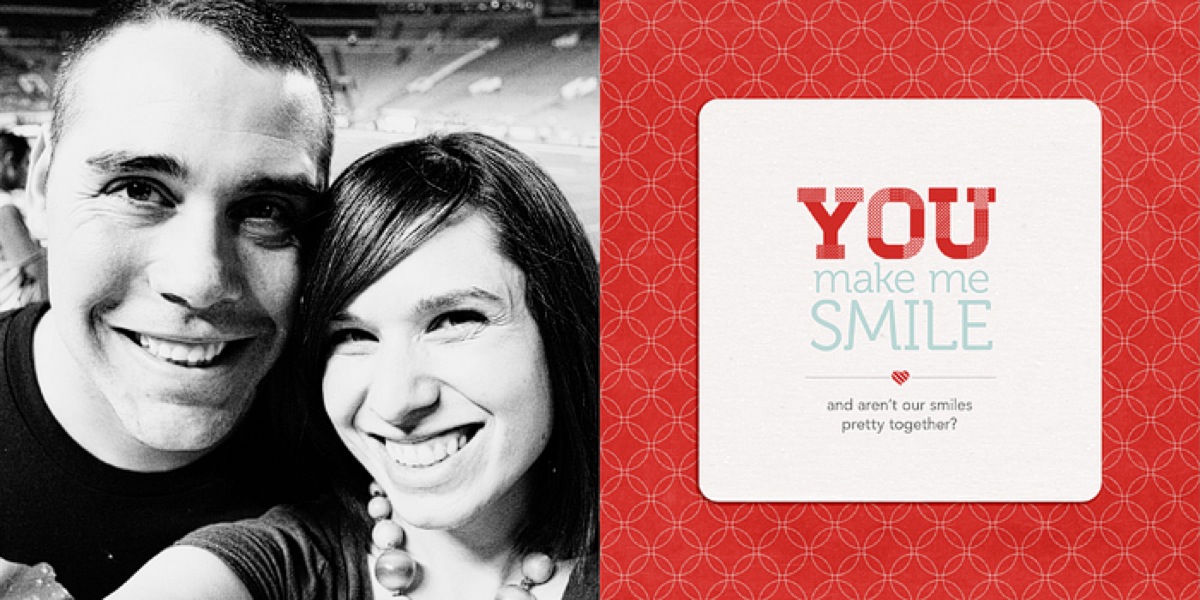
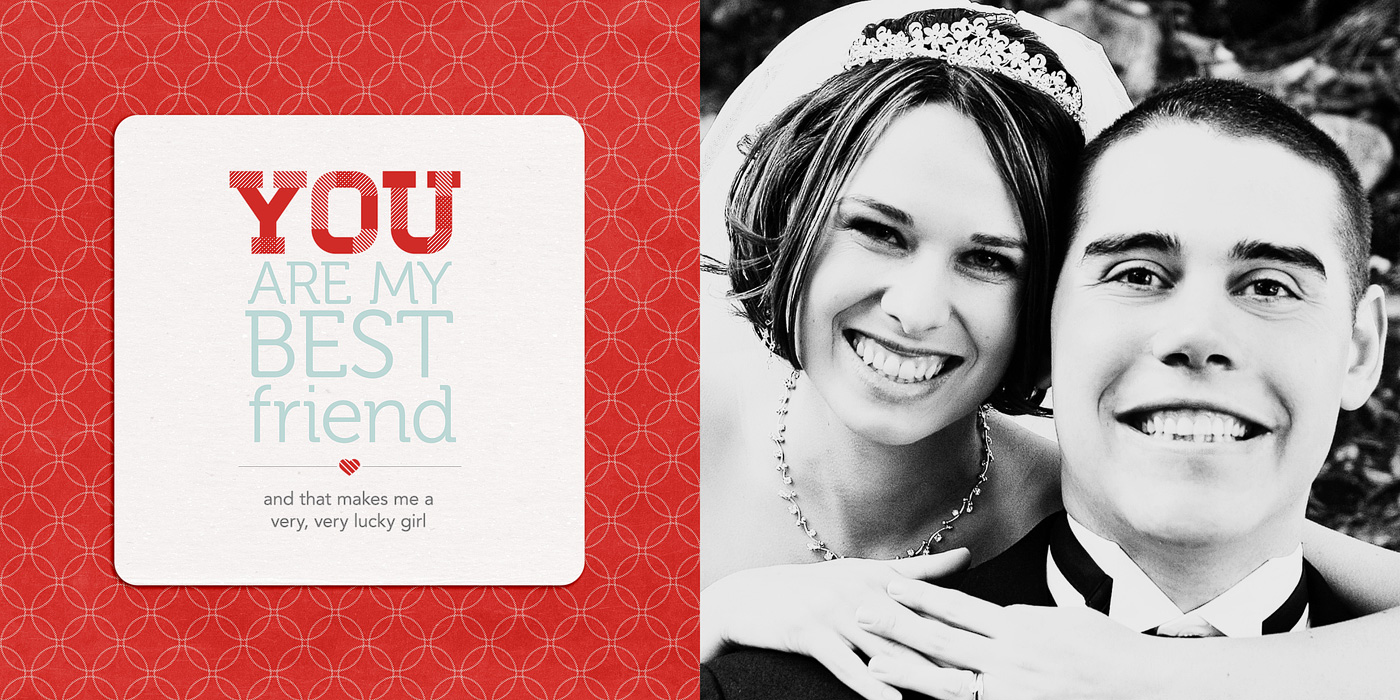
And here’s a bigger version of the two spreads for Reason #1. Each “reason” basically gets 4 pages.

Accent & Number page:

02 03 Number1 700

Photo and text page:

04 05 Number1Text 700

Here’s a little slideshow that includes all my pages in case you want to see them all together…

Step 5: Printing My Mini Photo Book

Once I had all my pages designed, the next step was to save and upload them to be printed. Which meant cropping each two-page spread back into single files. Blah. Not my favorite part of the process but a bit of a necessary evil I think since designing the pages together makes more sense than as separate files. But it definitely made me long for the “upload a single PDF to Blurb” process I did with my Week In the Life photo book, haha.


Nettio CA5 VDayMini Step6

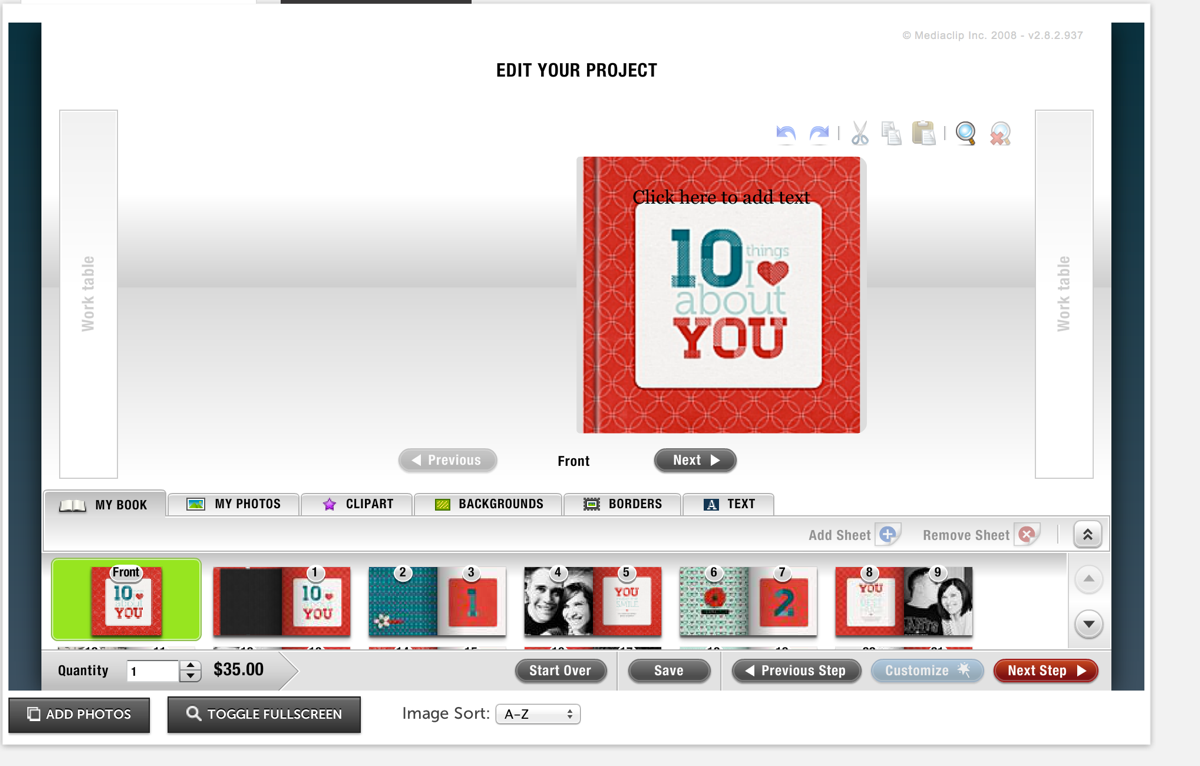
Thankfully, one of the fastest parts of the process was uploading my pages to Mpix. Two thumbs up for their online software because it was really easy to use. Just upload your images, drag them onto the pages of the book and set them as a background. My pages all fit perfectly since I’d used their sizing template when I designed them.

I did run into some issues getting the cover just right but I think that was more due to user error. Once I went back and double-checked my page against their template, it worked fine.

Screen Shot 2013 01 30 at 3 38 24 PM

Step 6: Receiving My Mini Photo Book

Another huge positive for Mpix, they printed SUPER fast. Like within a day or two my book had shipped. And since I’d paid for 1-day shipping since I wasn’t sure how long the process would take, my book arrived in like 3 days. I was amazed.

And even better, I’m really happy with how my mini photo book turned out!

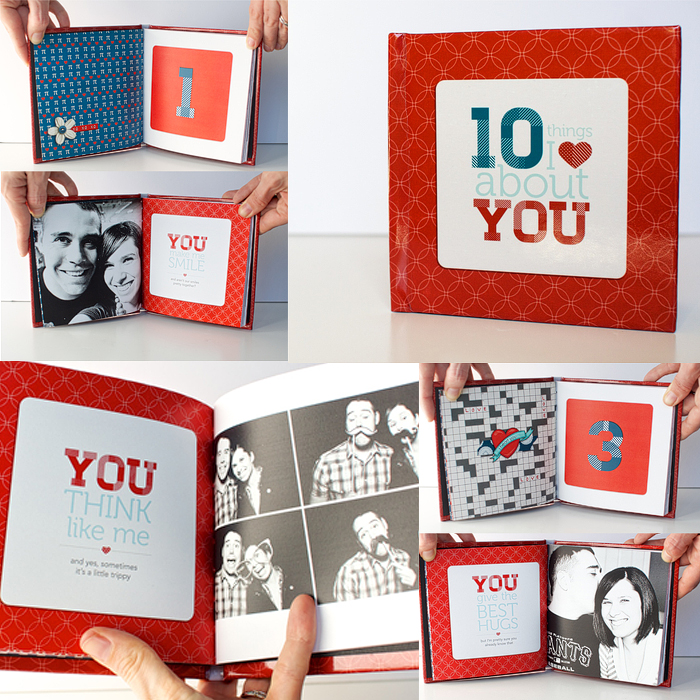
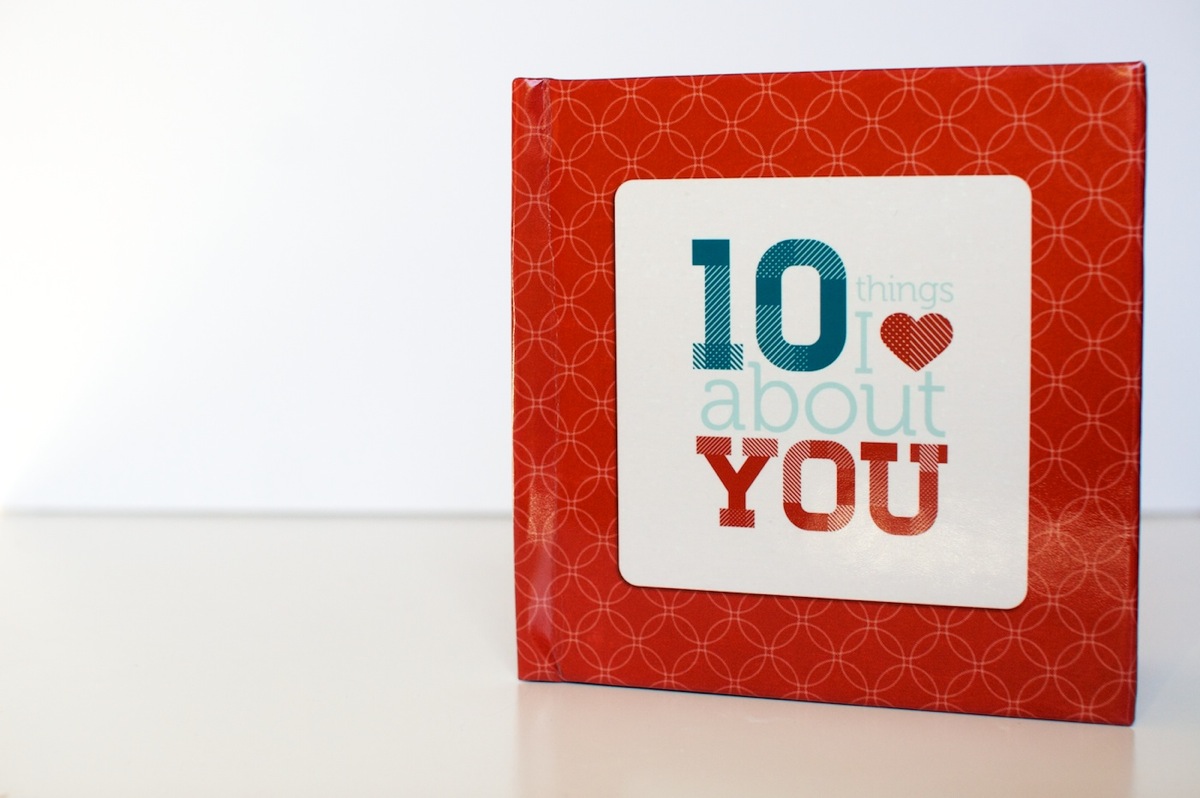
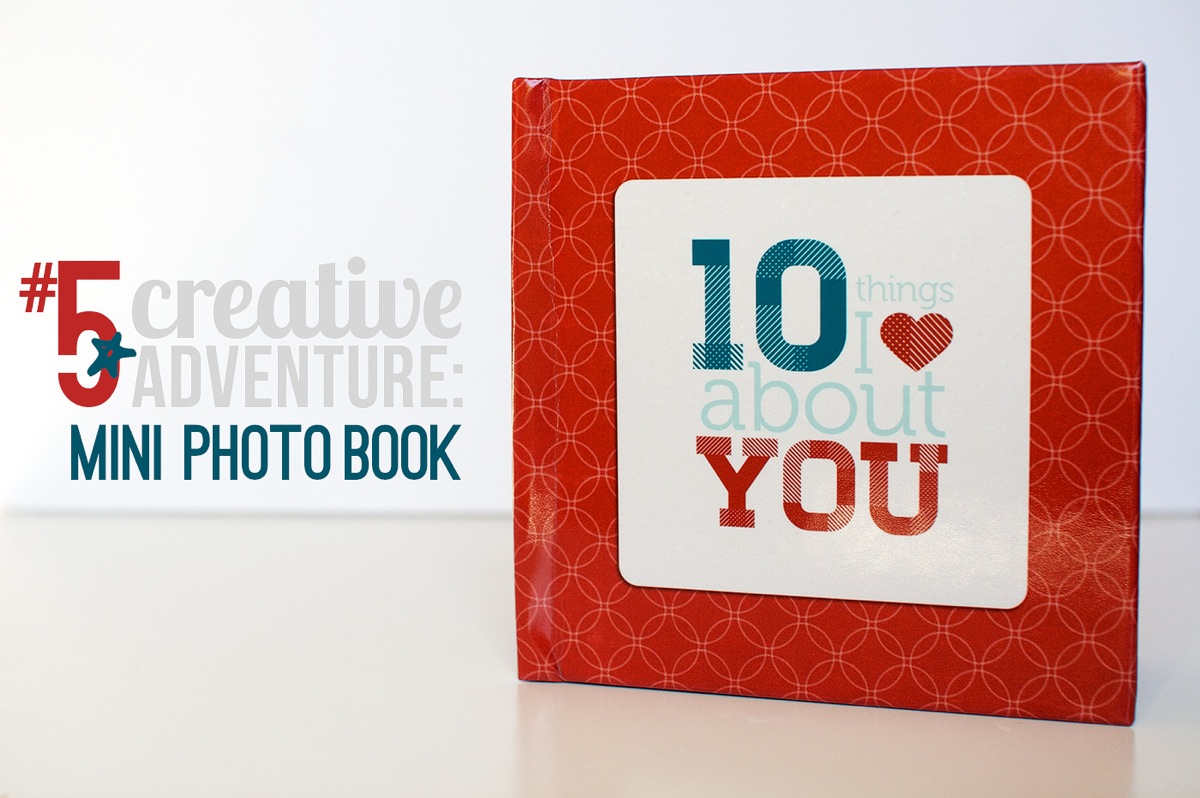
Here’s a look at the cover. I went with the custom 5×5-inch hardcover book and it’s nice and sturdy – sturdier than the cover of my Blurb photo book. Plus I love that it has a glossy finish to it. Adam’s comment when it saw it was that it looked like I’d had a real book published.

Nettio Valentine Mini Photo Book 1

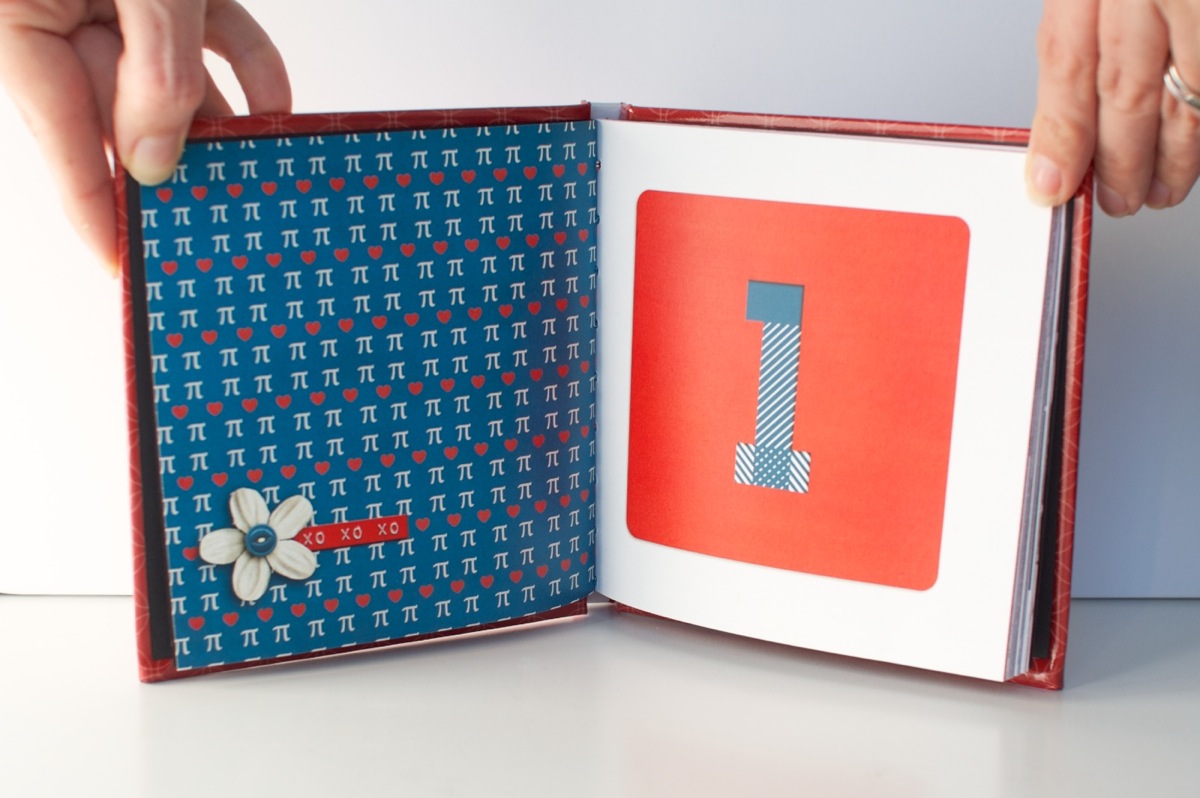
A look at the interior pages. The one thing I don’t love is the binding on the book is really tight, almost too tight. It’s hard to keep the pages open and it makes me nervous to pull the book open too far because you can start to see the stitching at that point. It also made taking these photos a bit interesting, haha.

Nettio Valentine Mini Photo Book 11

A look at one of the photo/text pages. The actual color is more rich and less saturated than this photo – it’s looking a little crazy here, haha.

Nettio Valentine Mini Photo Book 2

I do love the way the cover design wraps around the edges of the book. Makes it seem legit, haha.

Nettio Valentine Mini Photo Book 3

Another photo/text page, this time with the text on the left & the photo on the right.

Nettio Valentine Mini Photo Book 5

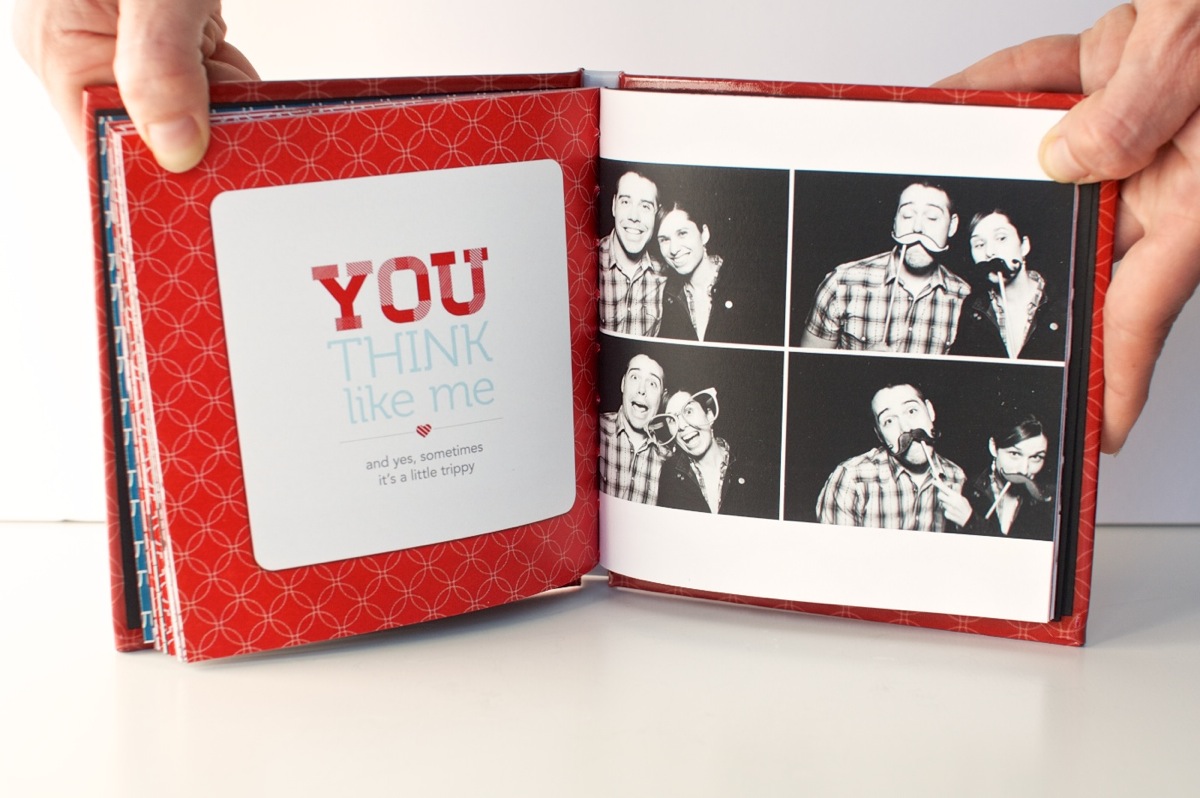
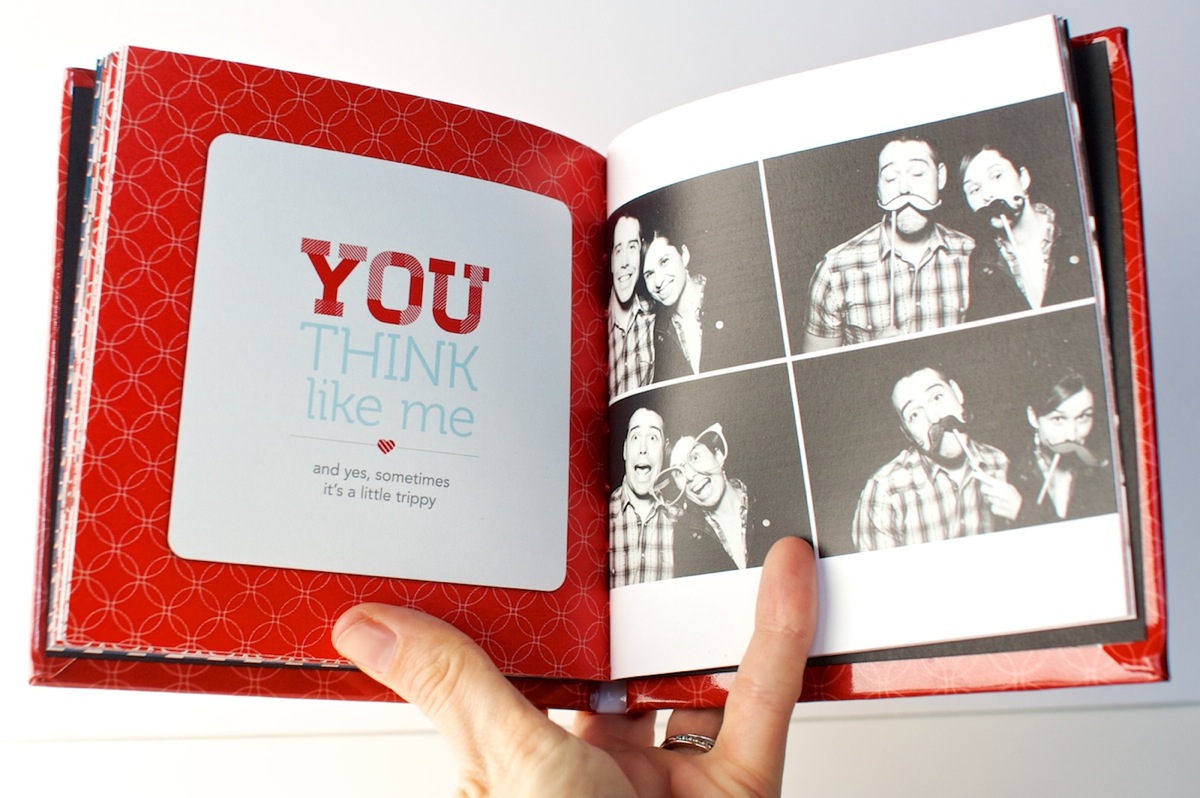
This page may just be my favorite. The photos make me laugh every time. And no, other than saying things like “let’s do a normal one first” or “silly face” the poses were not planned. Apparently “silly face” means “mouth opened really wide & crazy” to both Adam and I, haha.

Nettio Valentine Mini Photo Book 9

A closer look at the book. This is a good example of how far you can open the book. If you open it too much more you start to see the binding.

Nettio Valentine Mini Photo Book 10

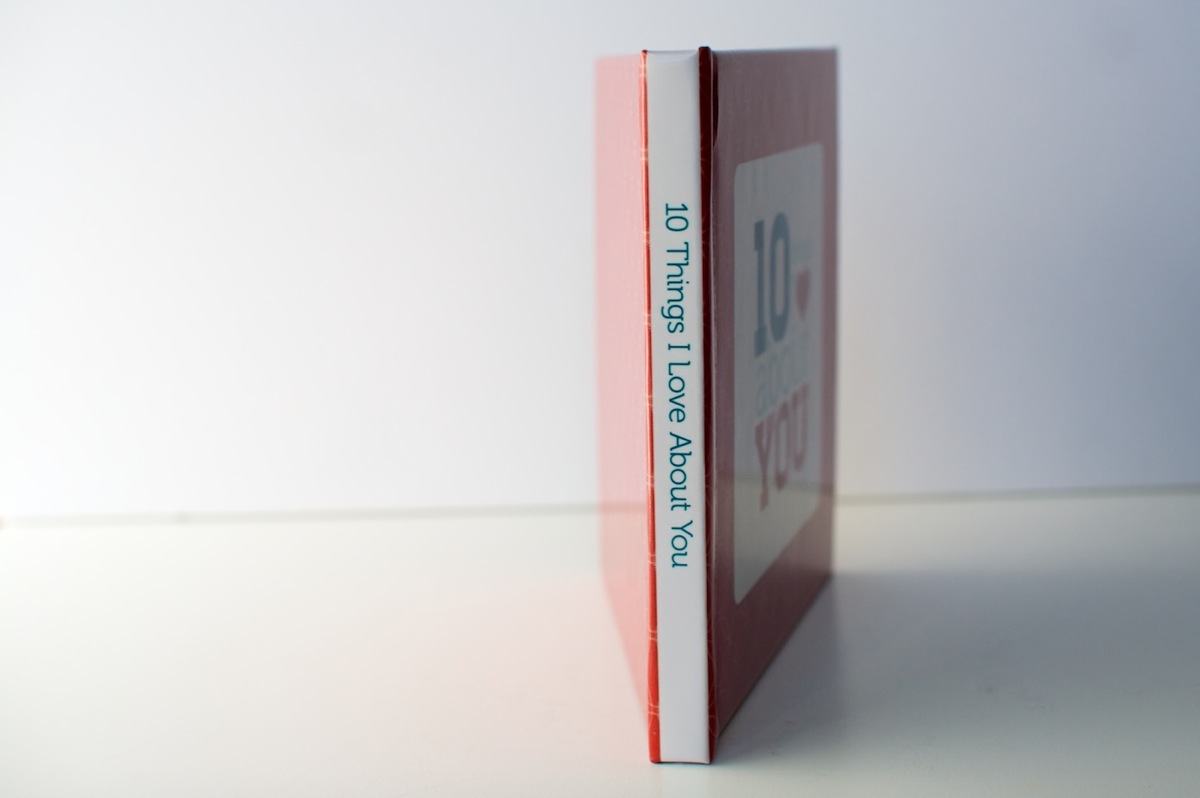
A look at the text on the spine. Using the template made it pretty near perfect. Good thing since I was worried about it!

Nettio Valentine Mini Photo Book 4

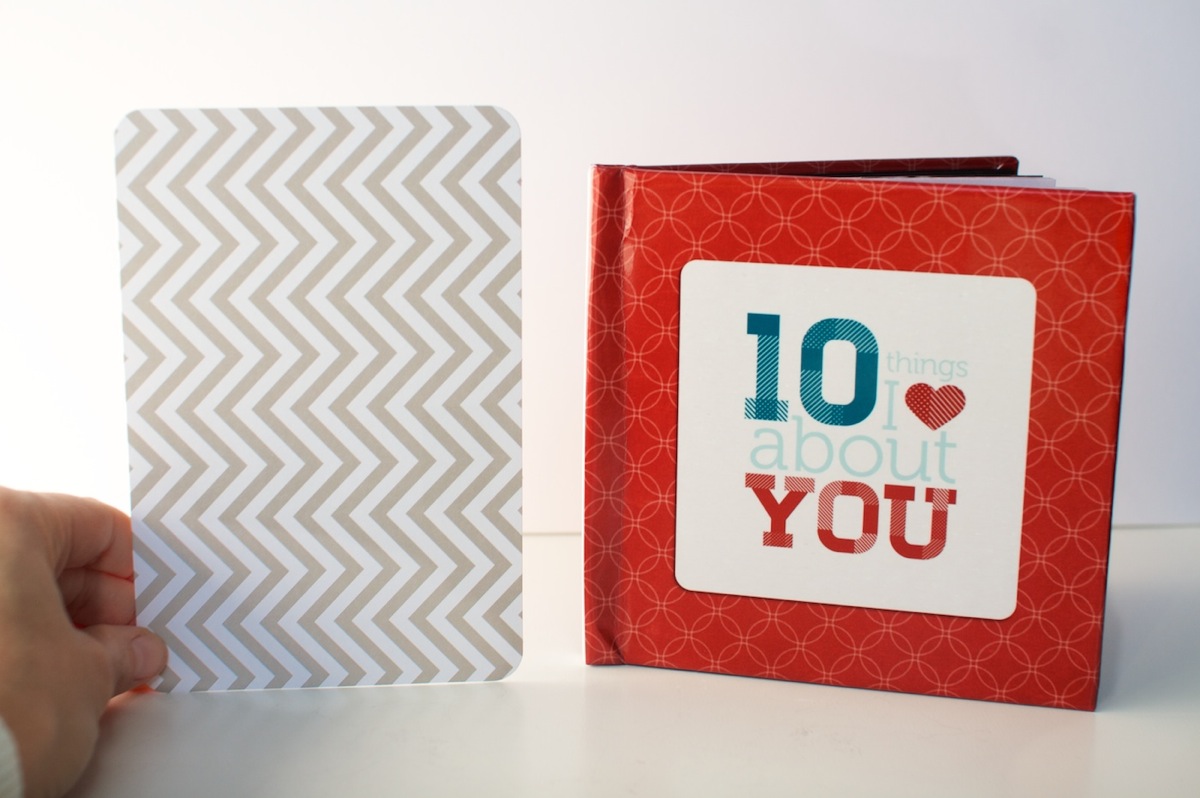
And for those of you wondering about the 5×5-inch size, here’s the mini book compared to a 4×6-inch Seafoam Project Life card. It’s pretty petite but exactly the size I was imagining in my head so I love it. I don’t know that I’d do a super detailed book in this size though – I think it works best as being similar to a mini album. I can totally see it being a fun way to do like a vacation highlights album or something though! Hmm, now there’s any idea…

Nettio Valentine Mini Photo Book 6

And that’s how I used Photoshop to create a hybrid Valentine’s gift 5×5 mini photo book! I have to say while it was a lot of tedious work, my only comment when I got the book was “WHY DO I NOT DO MORE OF THESE!!” Seriously, I was excited, haha. It’s just so so cool to see something you’ve designed as it’s very own little book.

And as a Valentine’s Day gift, Adam gave it too thumbs up. Maybe even got a little teary over the fact that I, the non-mushy one in the relationship, had gone to all the trouble to make him a little book. Thinking I scored some major wifey points there, haha. 

If you’re interested in making a 10 Things I Love About You mini photo book of your own, stay tuned, because I may just have a little something coming tomorrow (Feb 1st) at Sweet Shoppe Designs. Just consider this an extra special sneak peek, hehe.

And with that, I’m calling Creative Adventure #5 a wrap! How about you? Have you ever designed a photo book using Photoshop? Do you design your two pages together and then crop them into separate files? Do you find the process a bit tedious but well worth it like I did? Have any tips to share? Let’s discuss in the comments below.

Want to make your own “10 Things I Love About You” mini photo book and show your love in fun & creative way? Then check out my 10 Things I Love About You Mini Book Templates available at Sweet Shoppe Designs.


______________________________________________________________________

ABOUT THIS PROJECT

In honor of my 30th birthday, I’m challenging myself to go on 30 creative adventures before the end of 2013. This is Creative Adventure 5 of 30. You can read all the details behind this project here and find links to all my completed adventures here.

How do I purchase Levitra without going to the doctor

POSTED IN 10 Things I Love Mini, 30 Creative Adventures, Memory Keeping, Digital Scrapbooking, Hybrid Scrapbooking, Mini Albums

Holiday Faves Mini Album 2012 | Faves 6-10 & Final Thoughts

POSTED ON January 15, 2013 IN Holiday Faves, Holiday Faves 2012, Memory Keeping

Welcome to Part 2 of my Holiday Faves 2012 Mini Album update. If you missed Part 1, Faves 1-5, you can find that post here. In this post I’ll be sharing the second half of my album as well as my finished cover and a few of my final thoughts on this project.

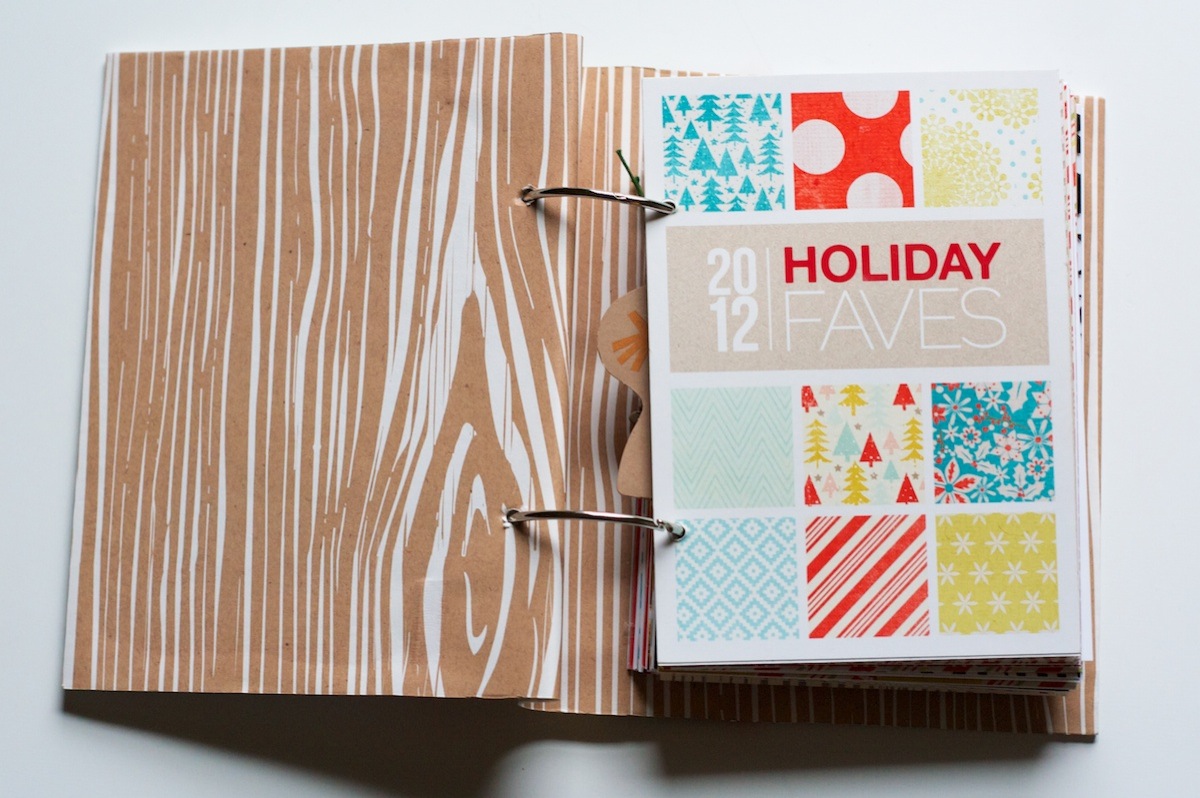
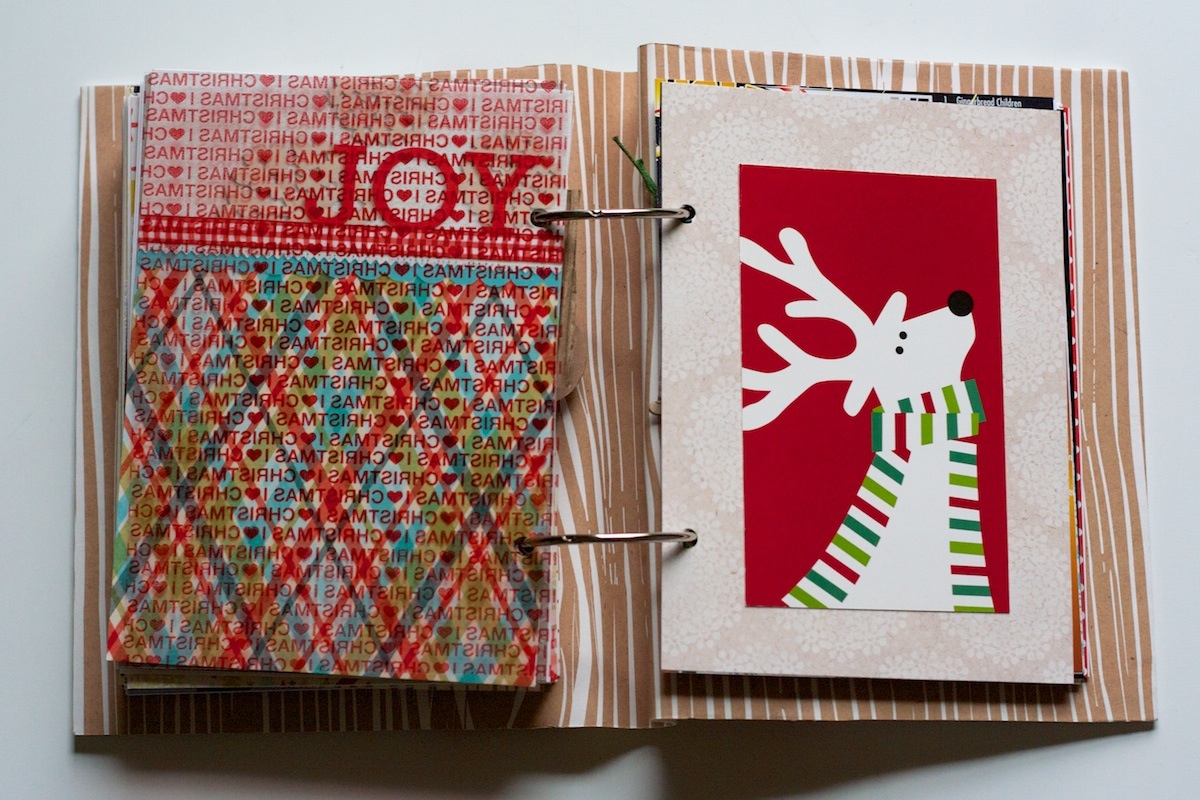
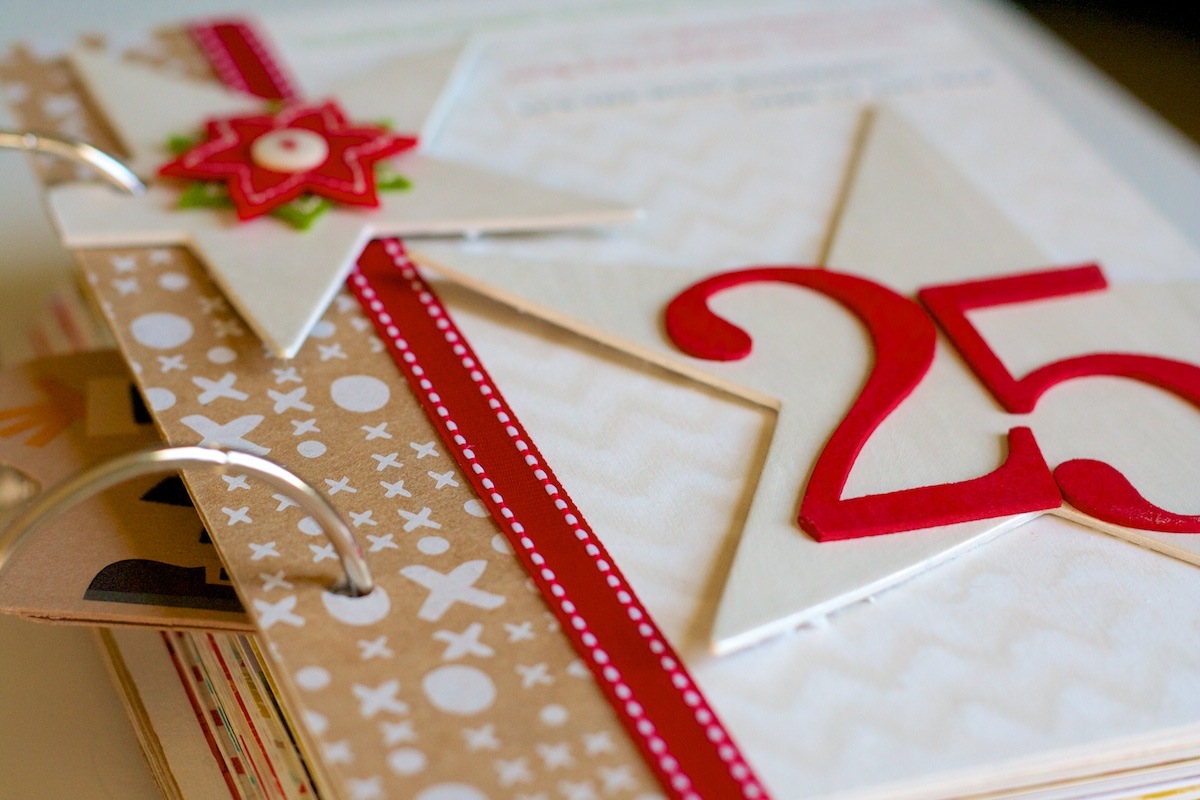
For the cover of my album, I added a fabric spine to it following the same directions I shared here last year:

Nettio holidayfaves2012 6 10 00Cover 1200

Since this album was a bit fatter than last year, the rings are a little tight but since it’s still easy to flip thru I’m not too worried about it. I’m not even sure I could find bigger rings since these are already 3″ I think!

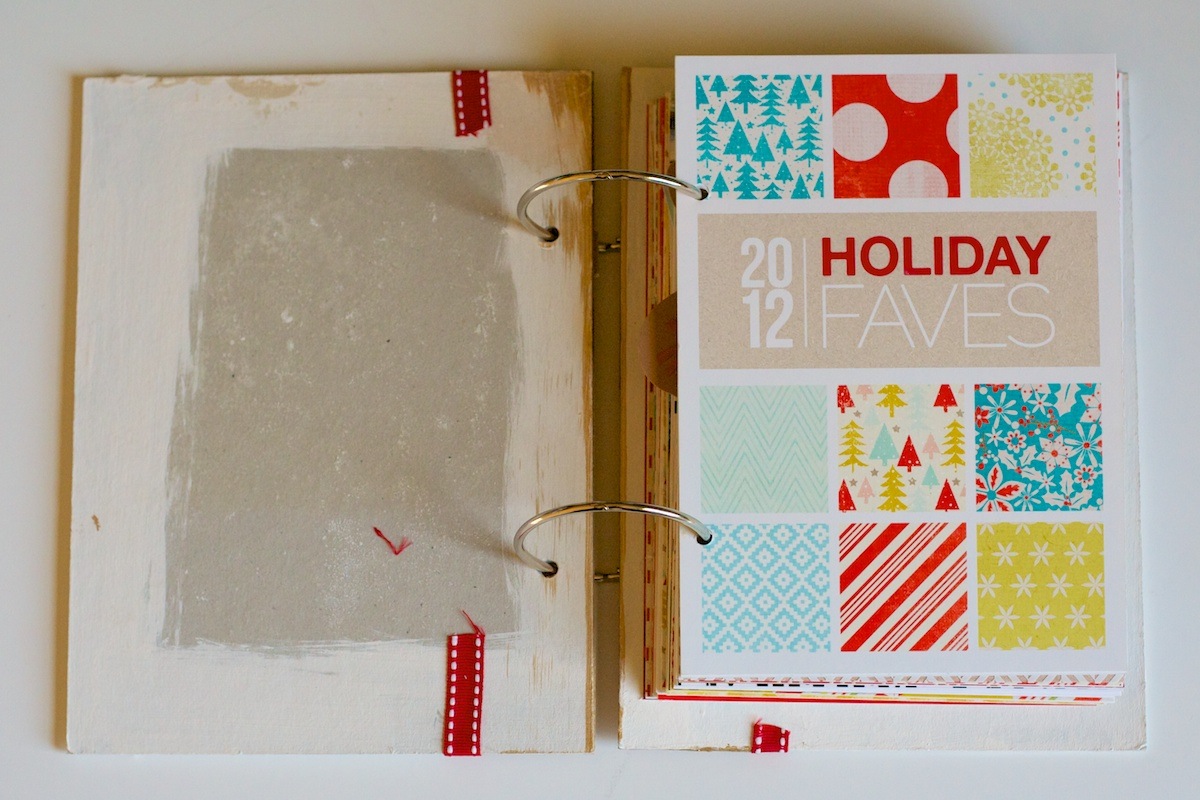
On the inside of the cover I added a faux woodgrain paper – it’s actually leftover wrapping paper from Paper Source:

Nettio holidayfaves2012 6 10 3

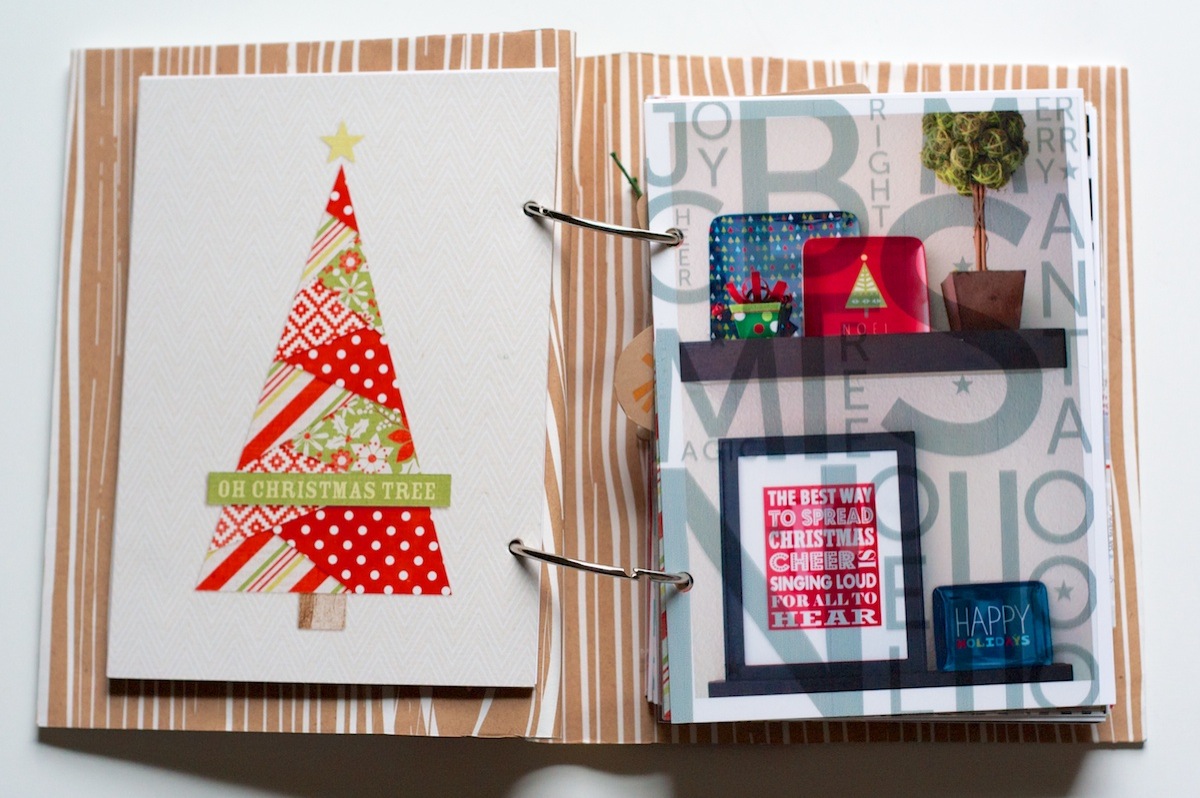
Holiday Faves: Decorations

In Part 1, I mentioned there were still a few themed sections I needed to go back and fill in. This is the Holiday Faves: Decorations section:

Nettio holidayfaves2012 6 10 4

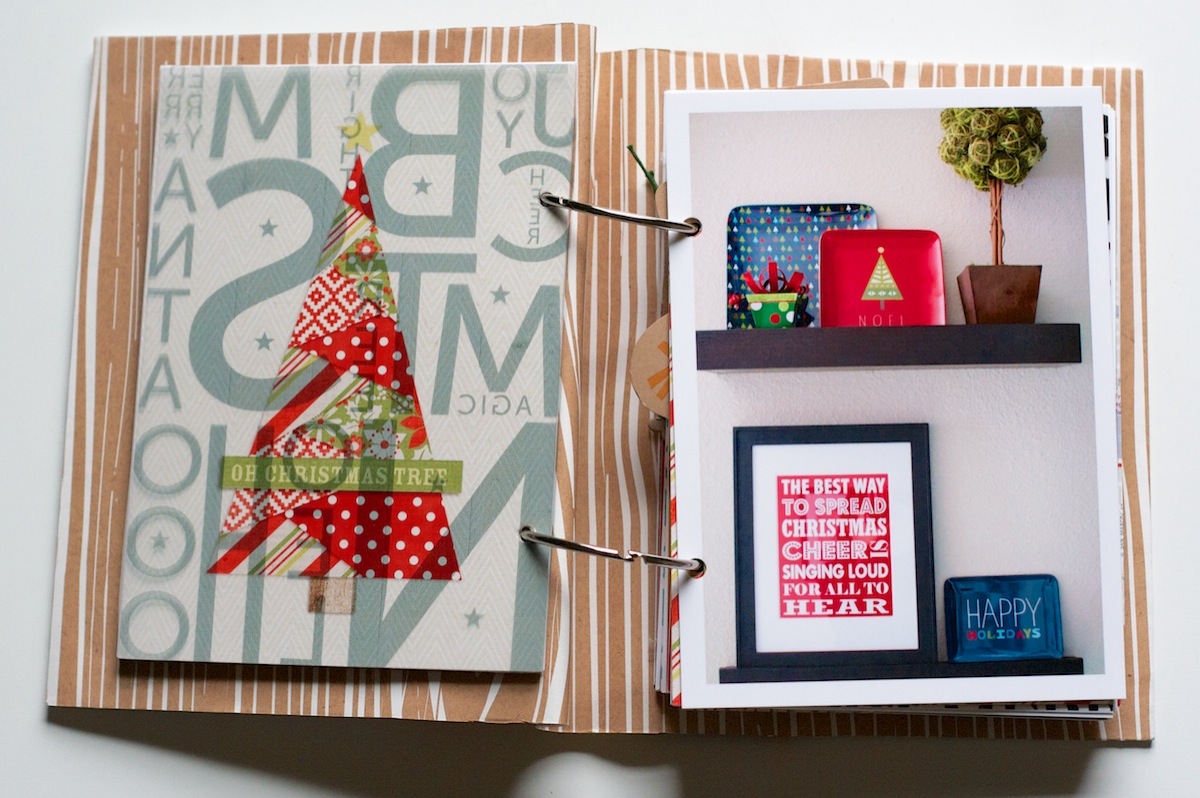
A little look at the decorated shelves in our dining room. All of these decorations are new this year and I loved how they turned out:

Nettio holidayfaves2012 6 10 5

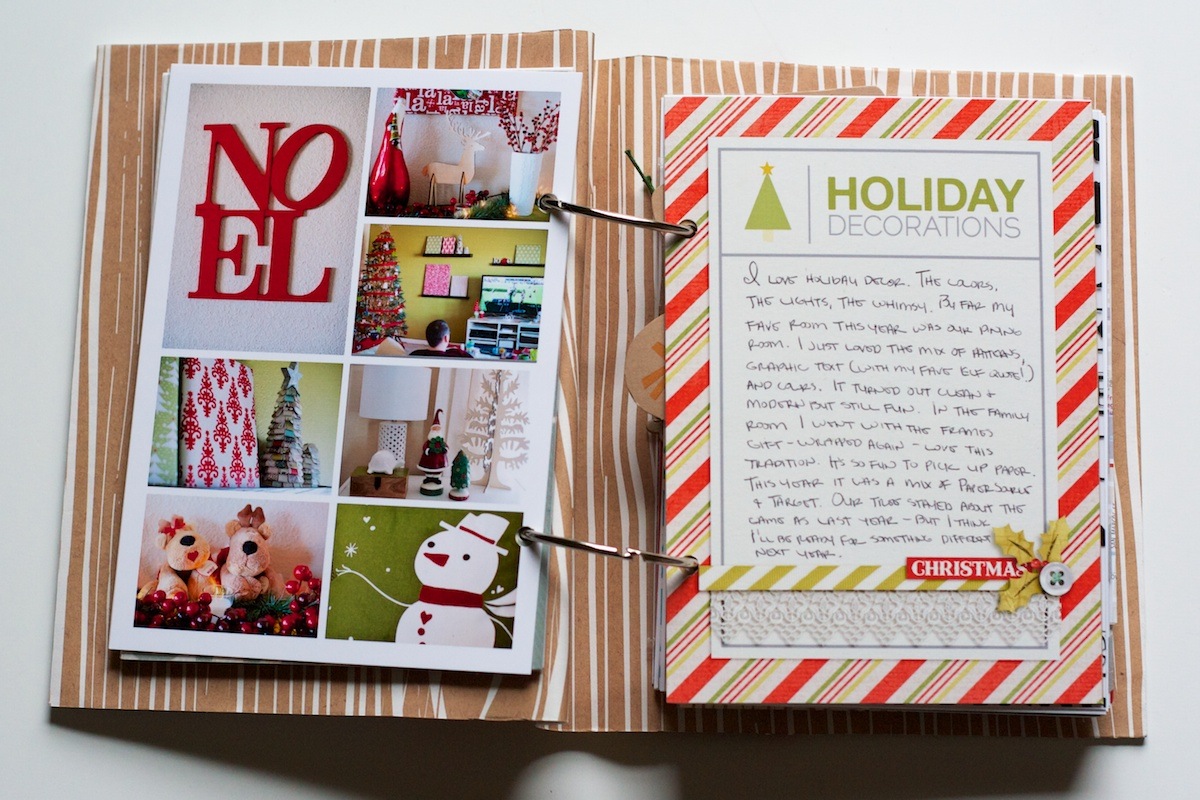
On the back I added a photo collage of some of the other decorations around our house and some journaling:

Nettio holidayfaves2012 6 10 6

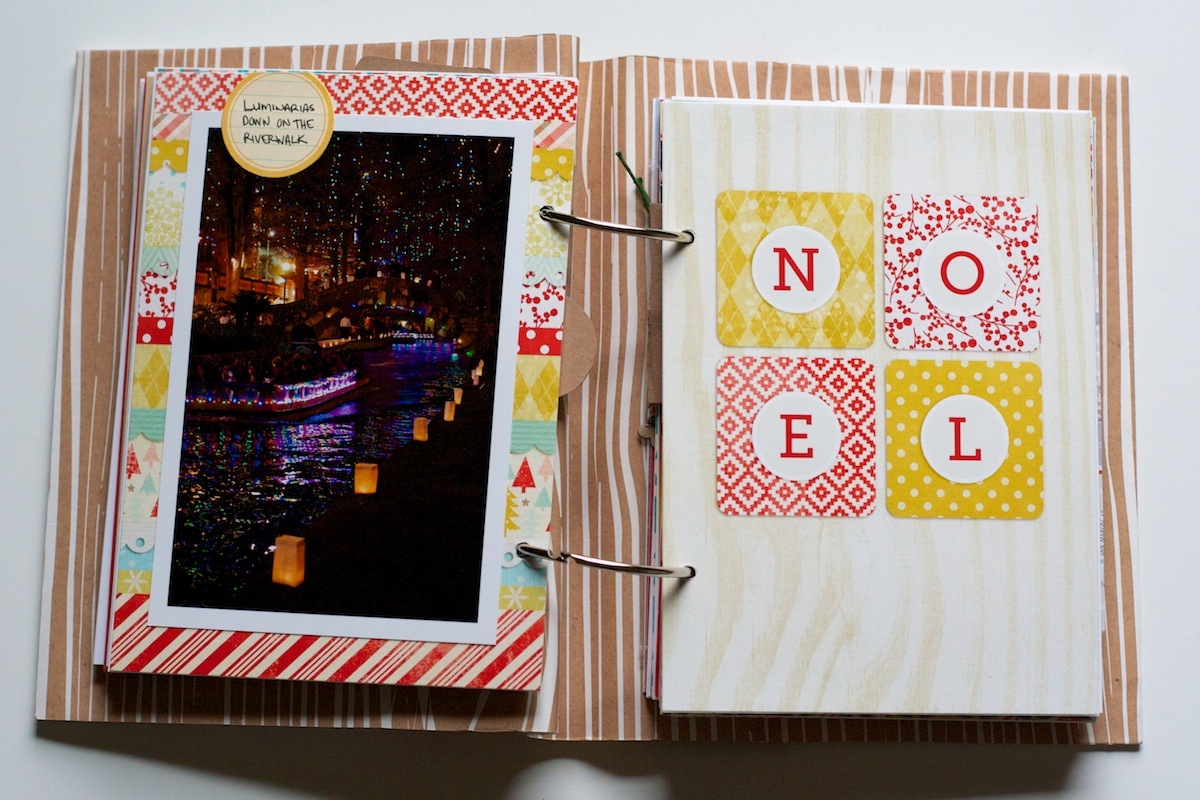
This was another foundation page I had left blank originally. I went back and added a photo from one of our nights on the Riverwalk:

Nettio holidayfaves2012 6 10 7

Holiday Faves #6

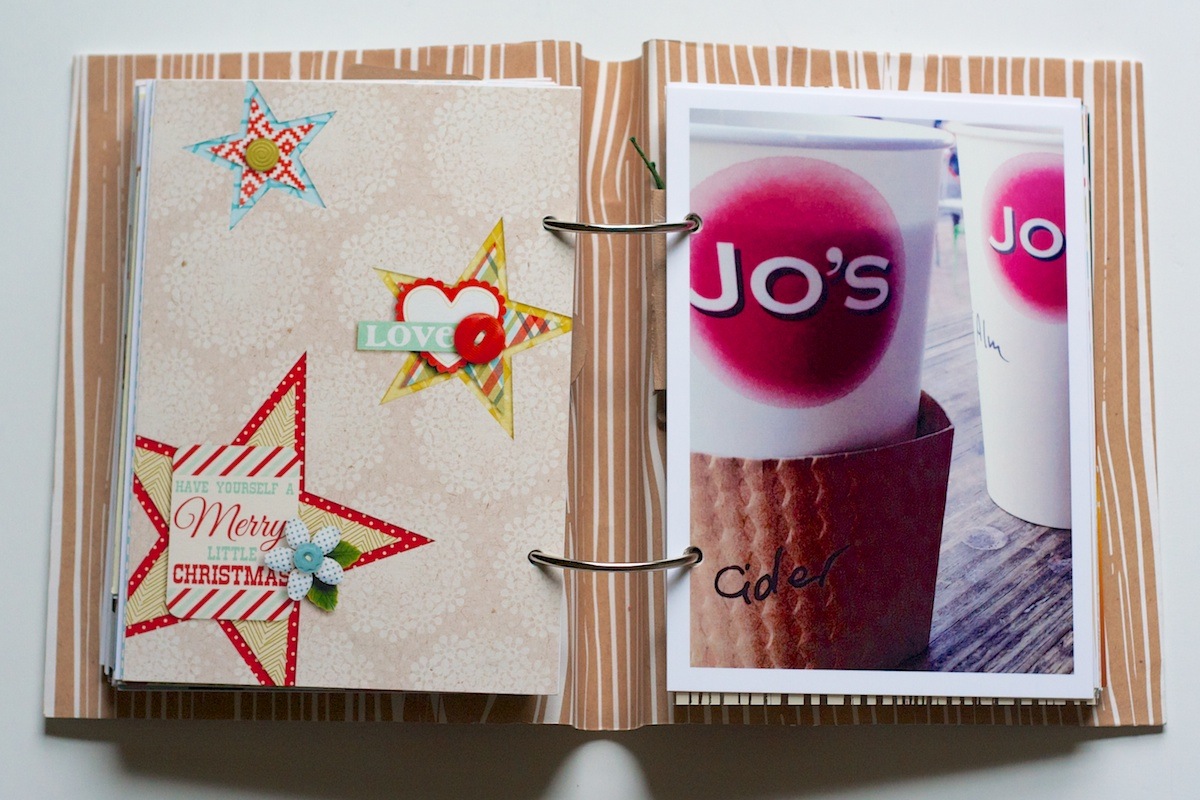
For Holiday Fave #6, I chose one of our favorite holiday treats: apple cider from Jo’s Coffee in Austin:

Nettio holidayfaves2012 6 10 8

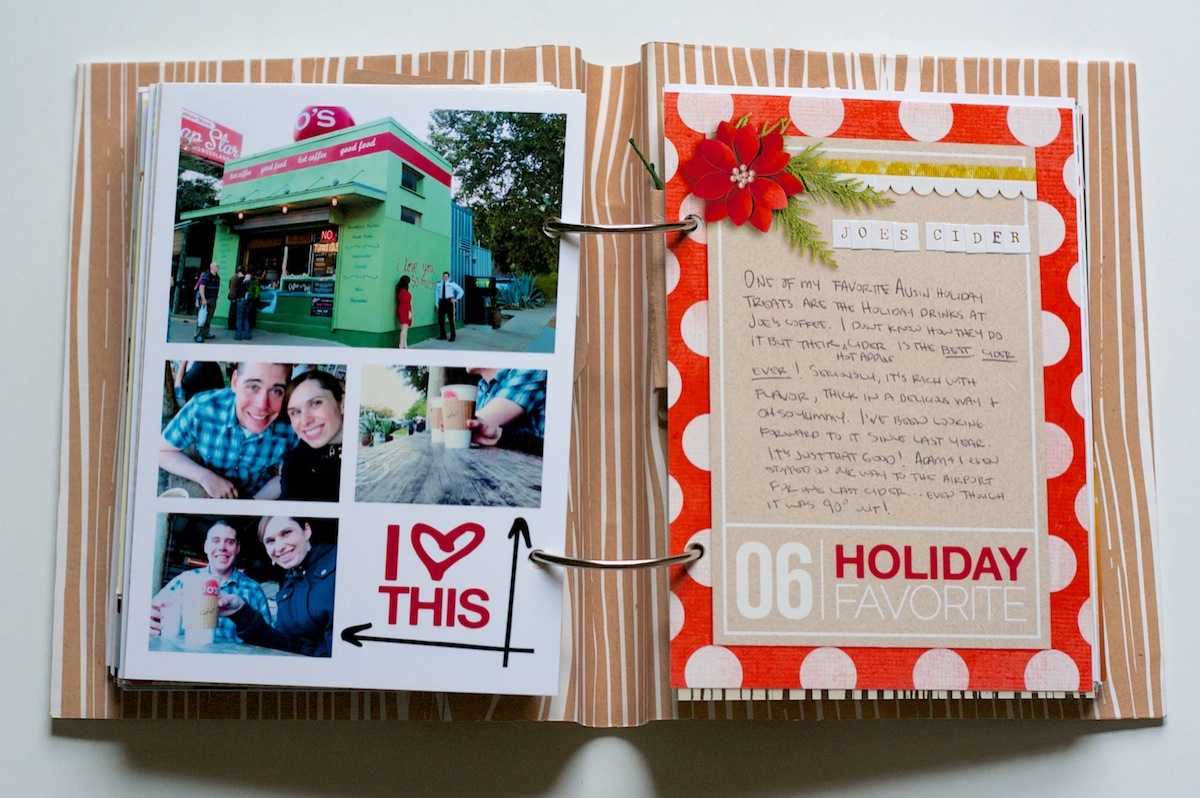
It’s amazing! We love it so much we even stopped for one last drink on our way to the airport even though it was 90 degrees out at the time. (And yes, don’t talk to me about how ridiculous it is to still have that high of temperatures in December – it’s now in the 40s as the high today!)

On the back of the 5×7 photo, I added another photo collage. The word art is by me and the arrow brushes are from Ali Edwards:

Nettio holidayfaves2012 6 10 9

Holiday Faves: Traveling

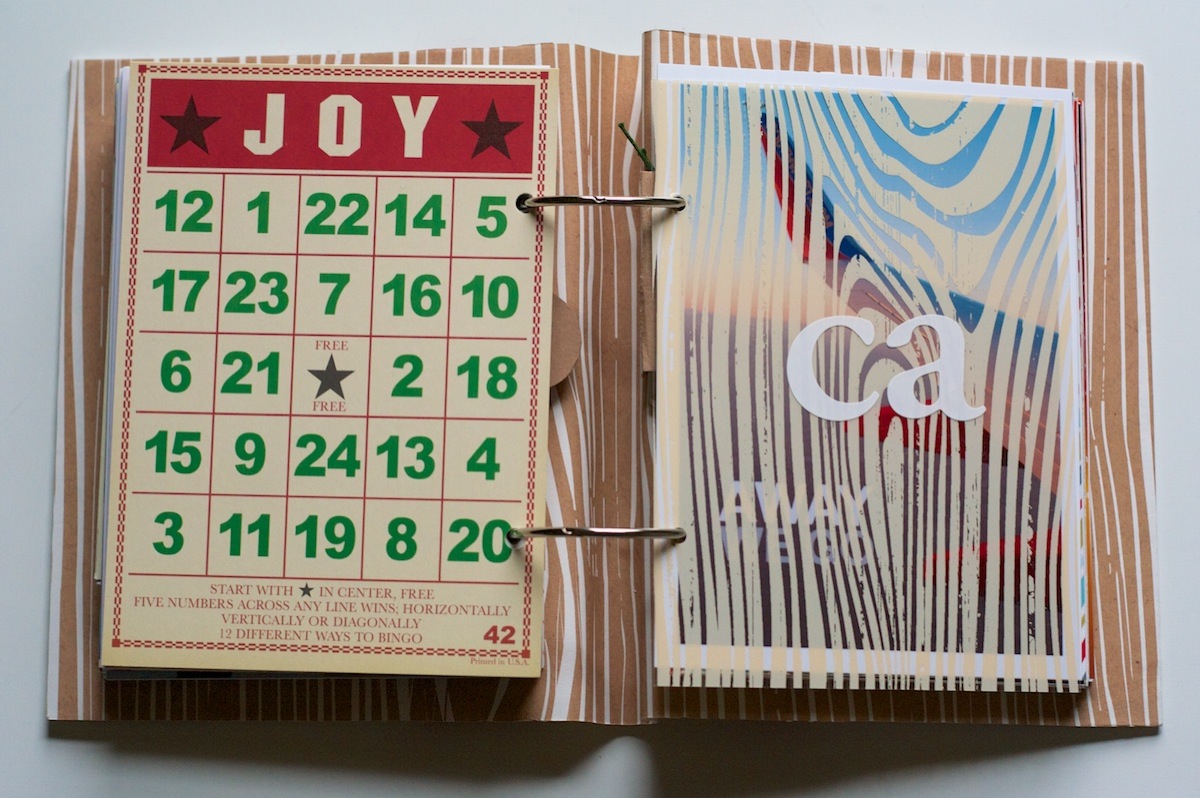
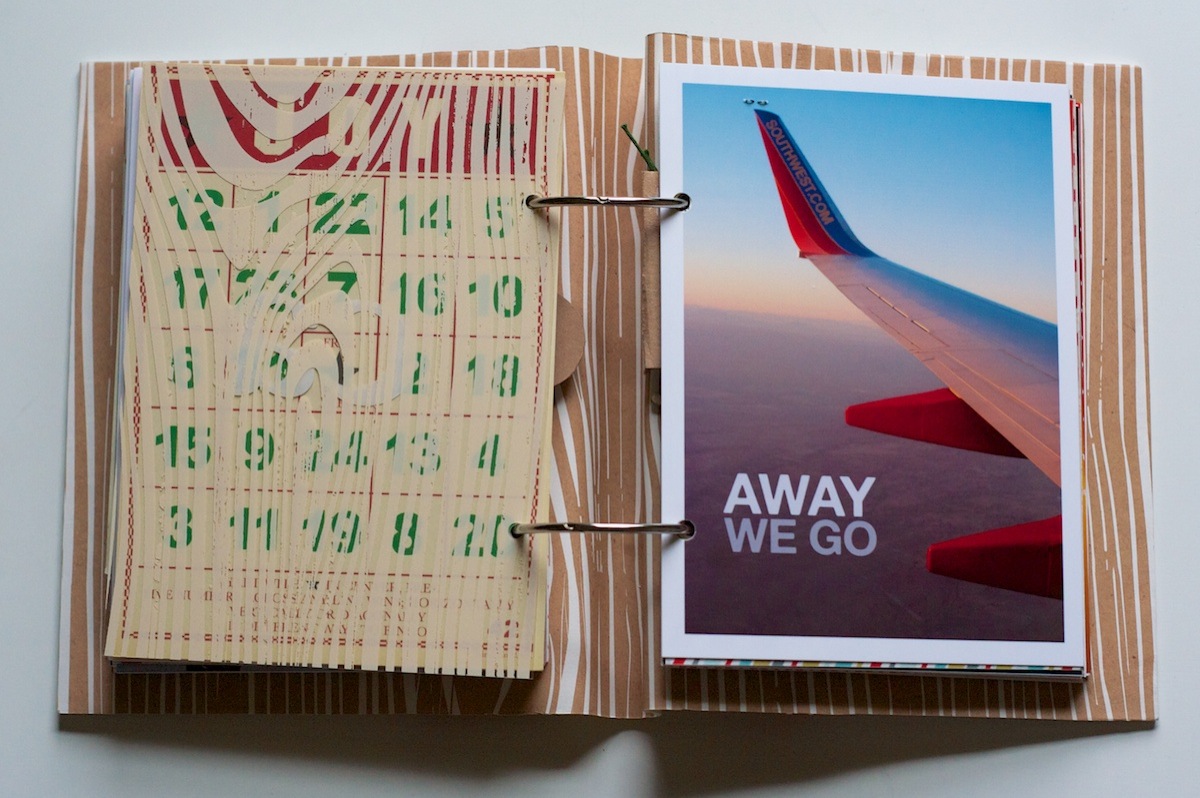
On the back of the journaling card, I added this 5×7 bingo card. I think it’s from Jenny Bowlin – I’ve had it forever! On the transparency on the right I added some letter stickers from American Crafts to signify our trip to California:

Nettio holidayfaves2012 6 10 10

I love taking airplane photos (I have A LOT of these wing in the sky ones, haha) but this one is one of my faves ever since the sun was setting at the time:

Nettio holidayfaves2012 6 10 11

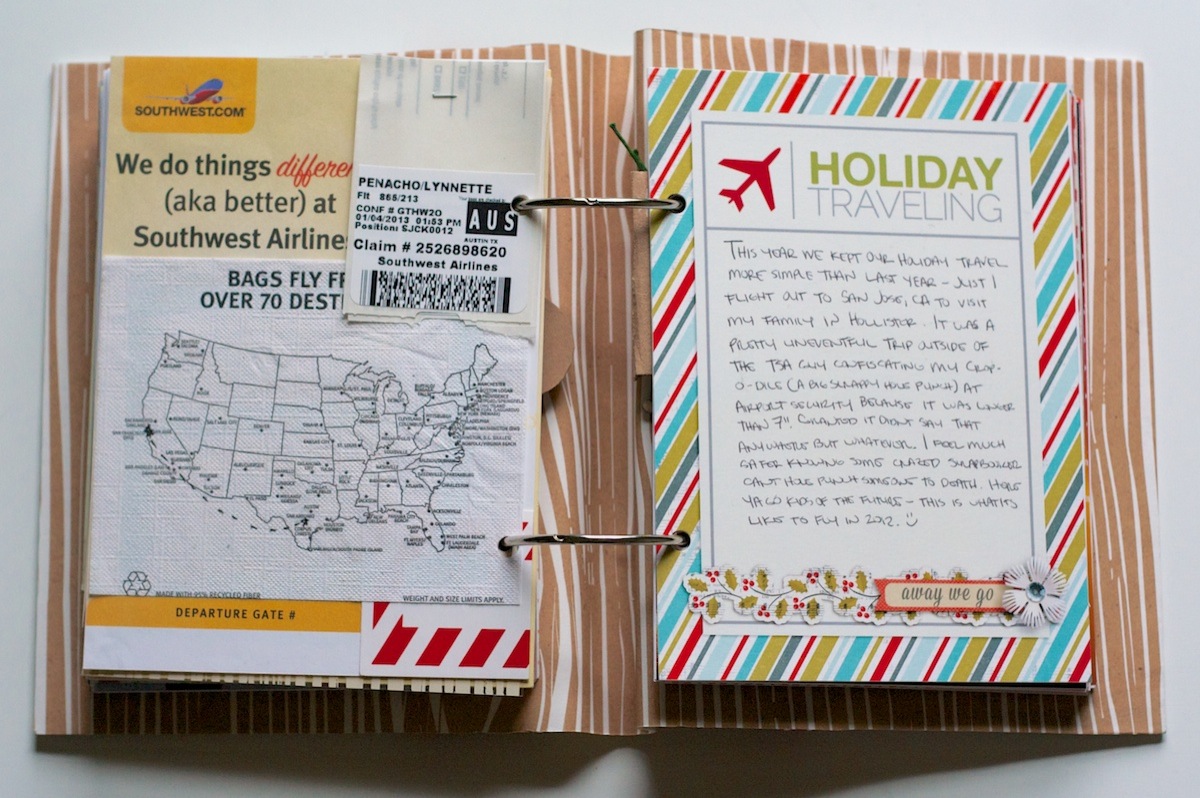
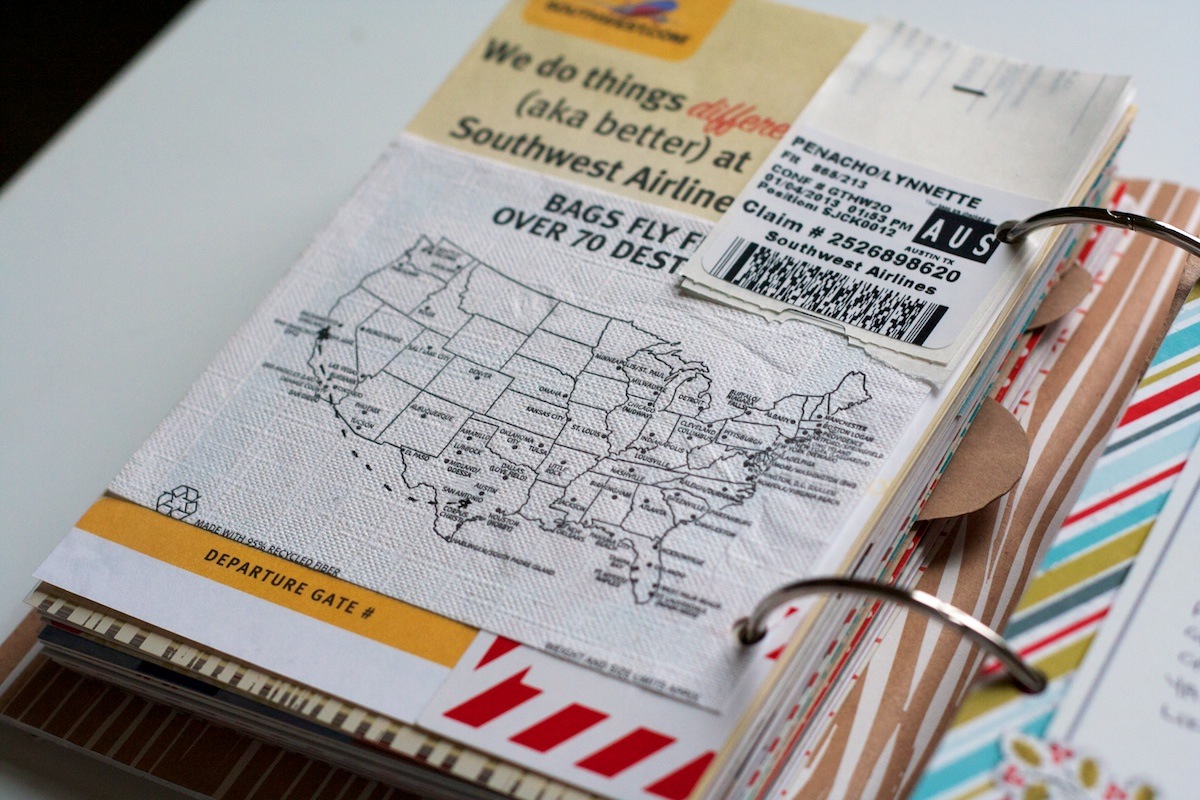
On the back of the photo, I added a collage of a bunch of Southwest related scraps I’d saved:

Nettio holidayfaves2012 6 10 12

On the map (the back of the drink napkin from Southwest), I drew a highly-inaccurate map of our flight path:

Nettio holidayfaves2012 6 10 13

Holiday Faves #7

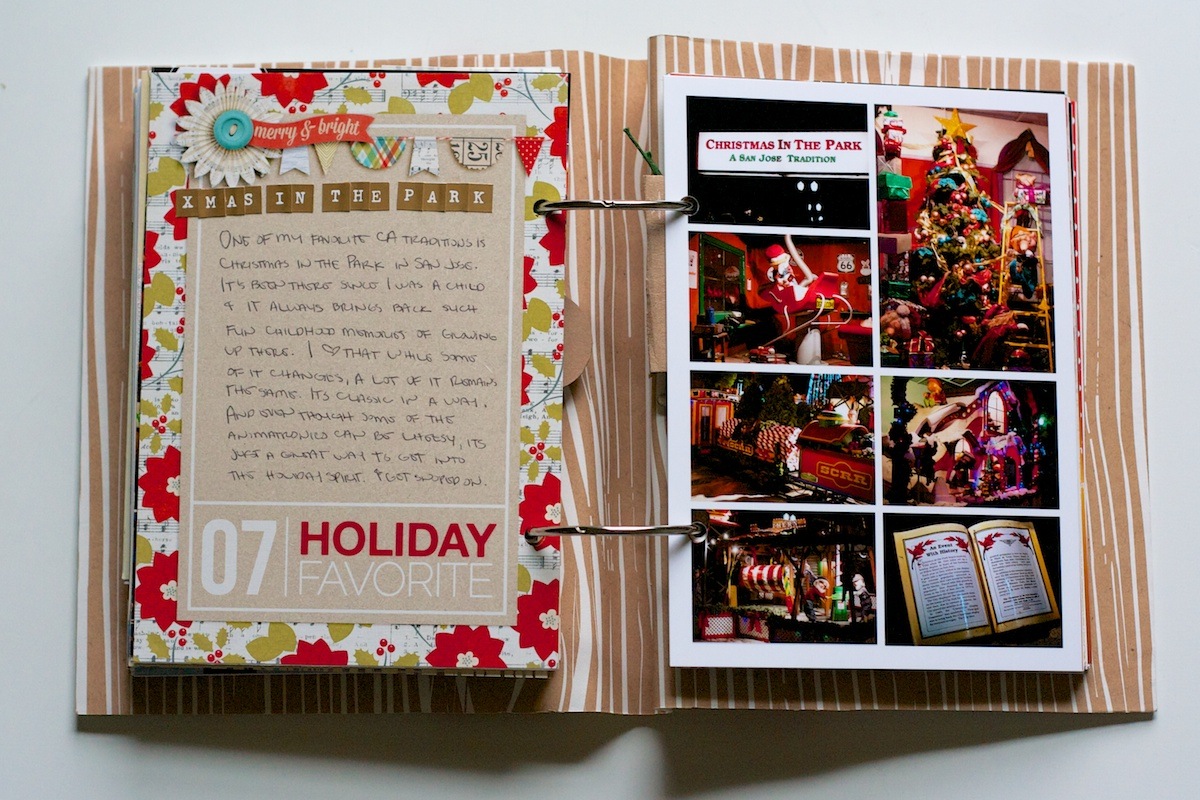
Holiday Fave #7 is one of my favorite San Jose, Ca traditions: Christmas In The Park. We’ve been going since I was a child and I still get excited about it, haha.

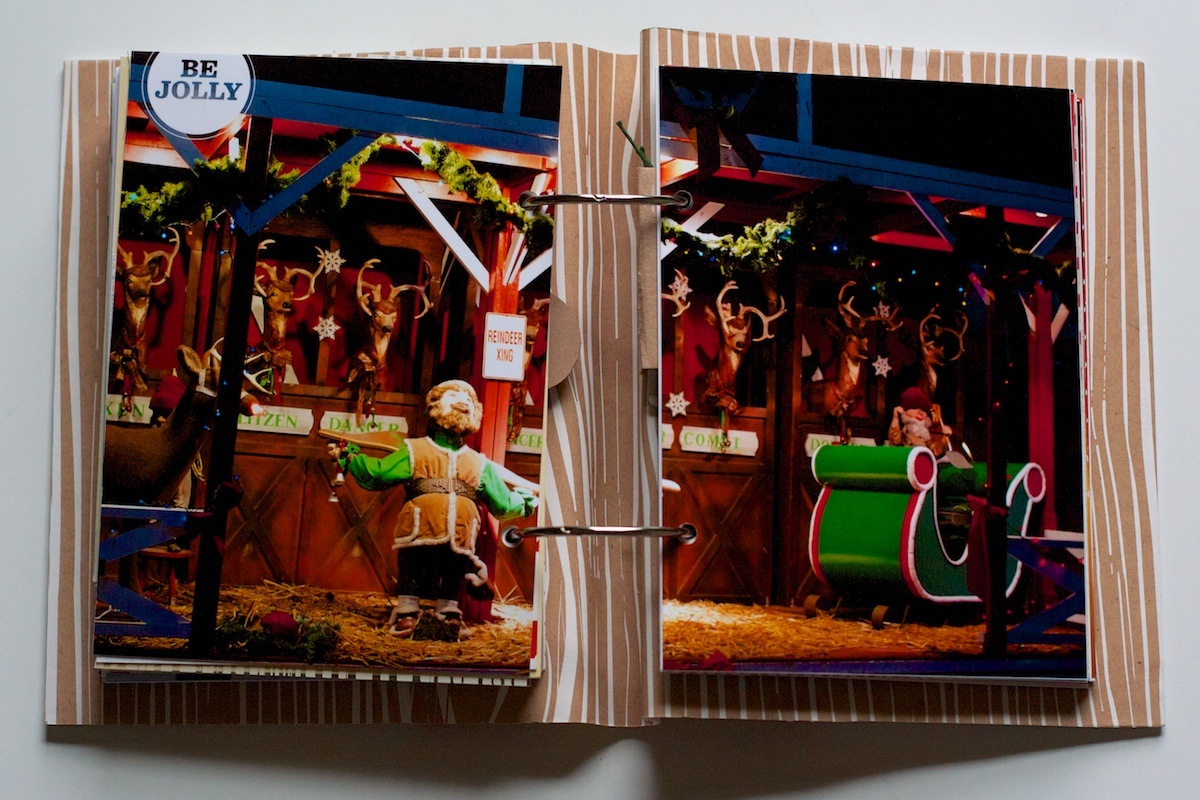
I started out this section with another two-page photo. I’m liking these a lot more now that the back of the album is all pretty woodgrain. Be Jolly brush by Ali Edwards:

Nettio holidayfaves2012 6 10 14

Faves journaling card and another photo collage from the event:

Nettio holidayfaves2012 6 10 15

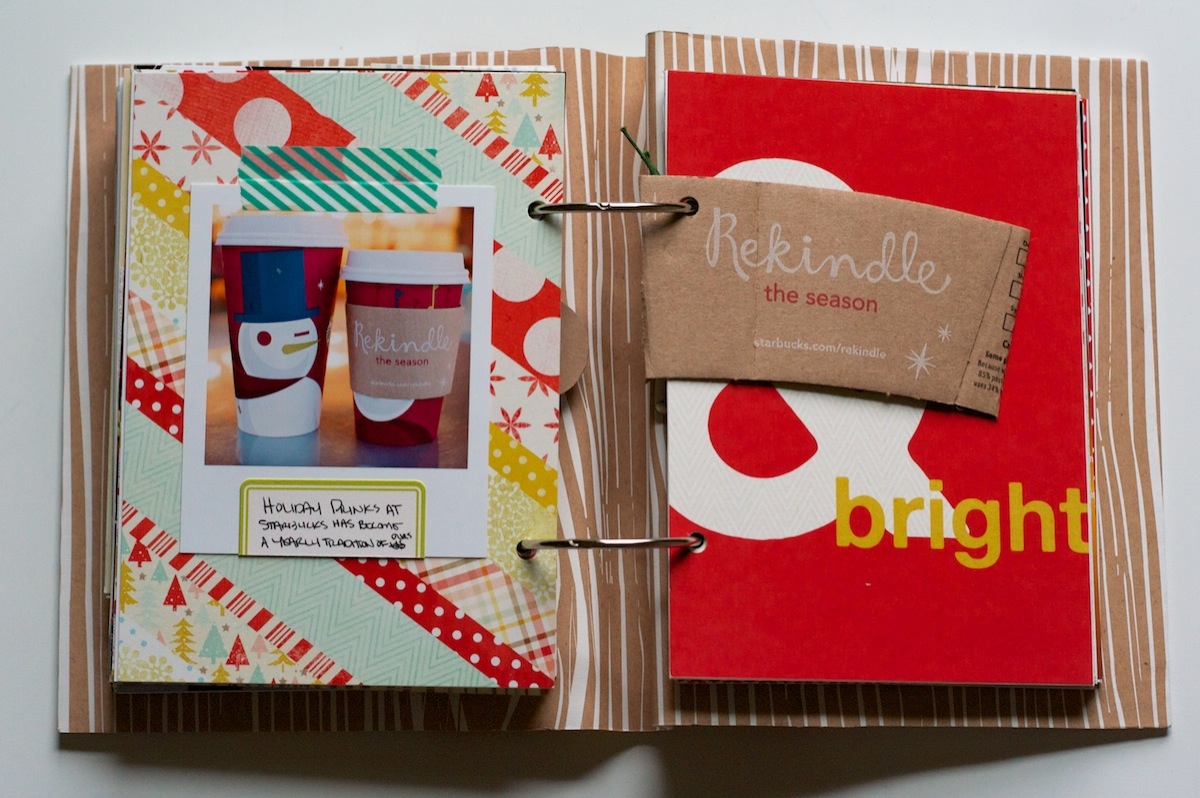
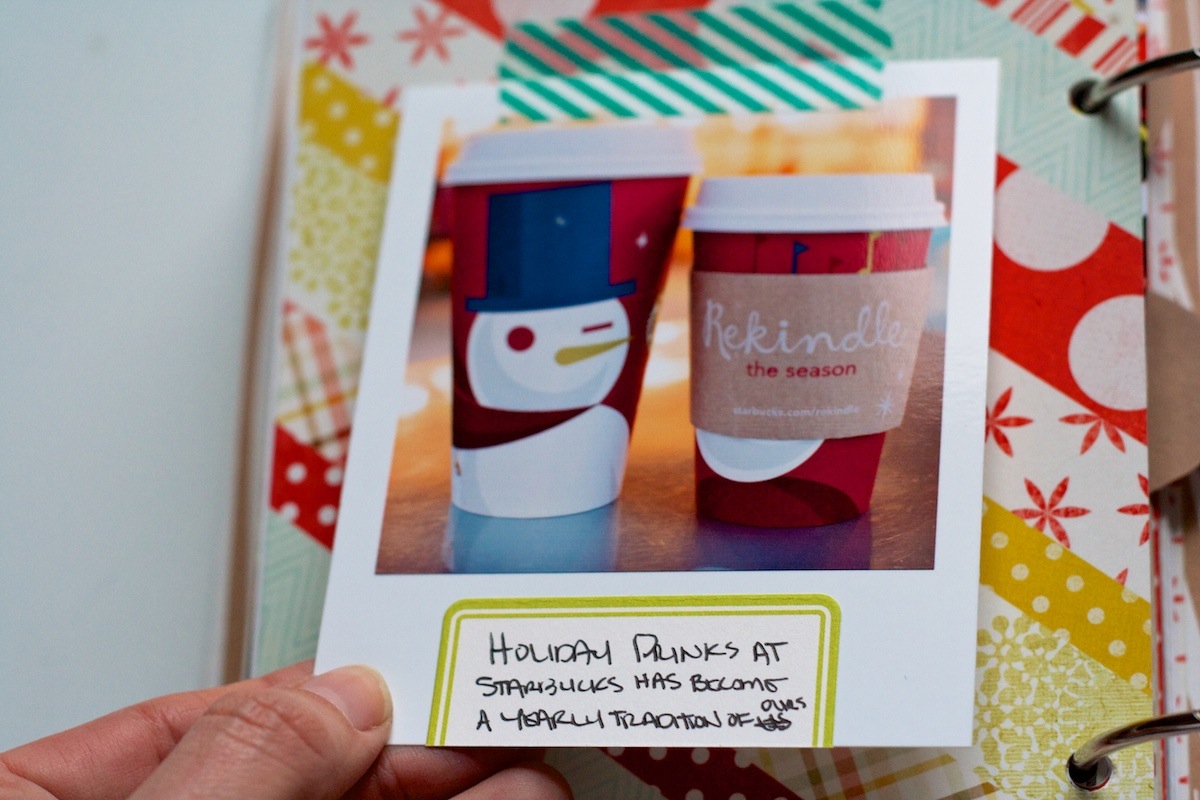
On this foundation page I added another photo trimmed-like-a-polaroid – this time of our holiday drinks from Starbucks. Have to say, it doesn’t beat Jo’s!

Nettio holidayfaves2012 6 10 16

A close-up of the card:

Nettio holidayfaves2012 6 10 17

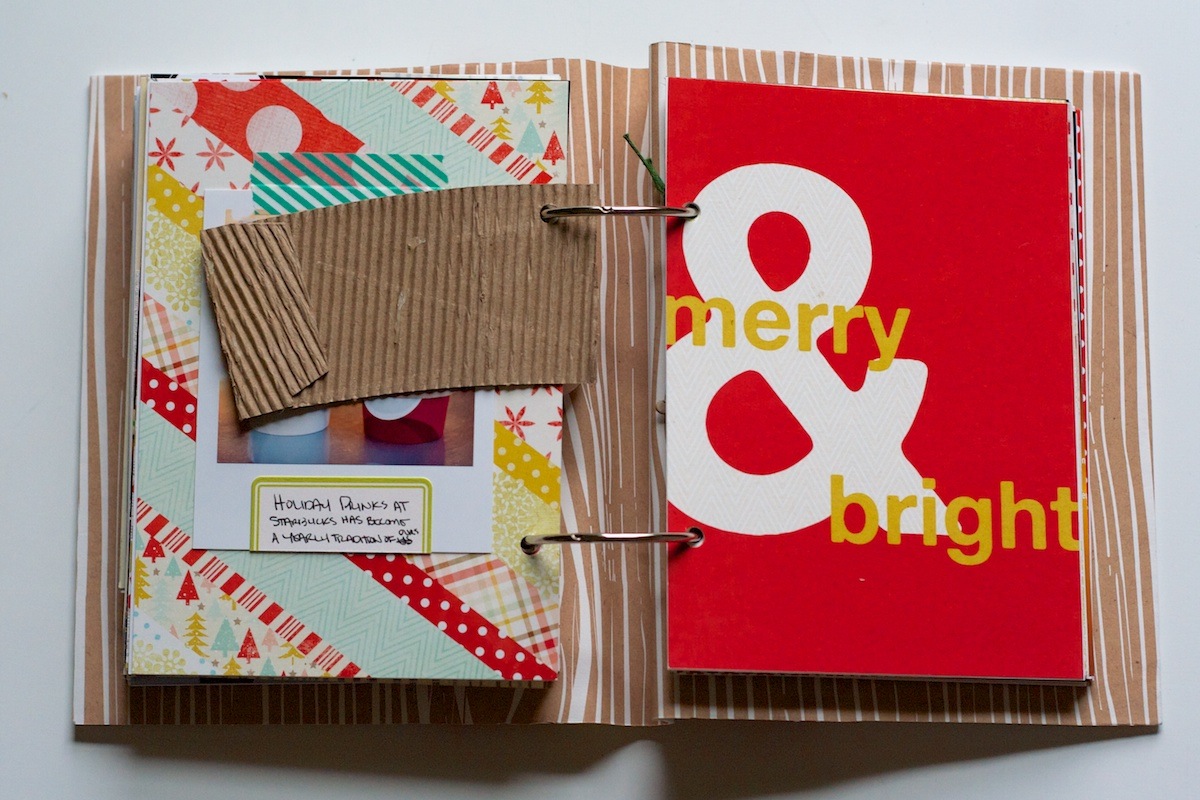
The Starbucks coffee sleeve I included was a little thick once I added the fabric spine to the album, so I just trimmed off the back of it. It’s not as pretty now but I’d rather be able to turn the pages, haha.

Nettio holidayfaves2012 6 10 18

Holiday Faves #8

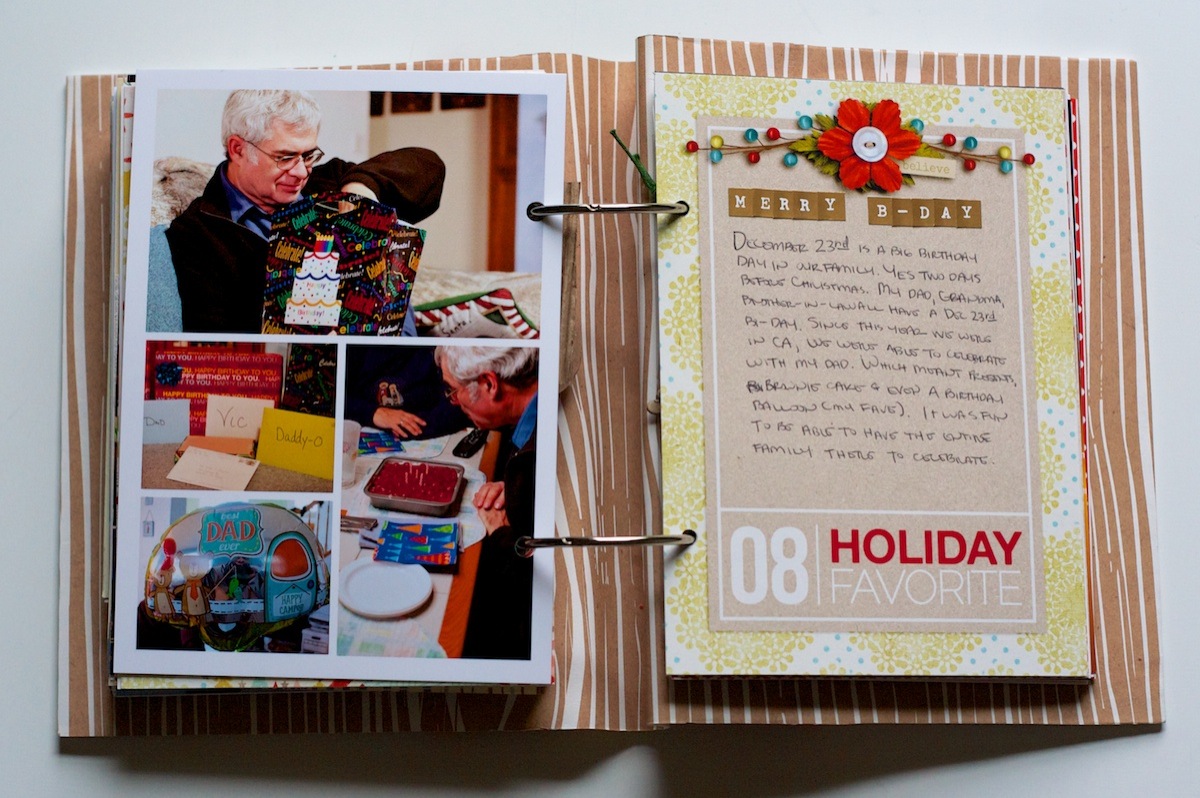
My dad’s birthday is December 23rd (and my grandma and Adam’s brother too – it’s super weird!) so that’s what I chose for Holiday Fave #8.

I kept it fairly simple – just another photo collage with journaling card:

Nettio holidayfaves2012 6 10 19

Holiday Faves: Gift Giving

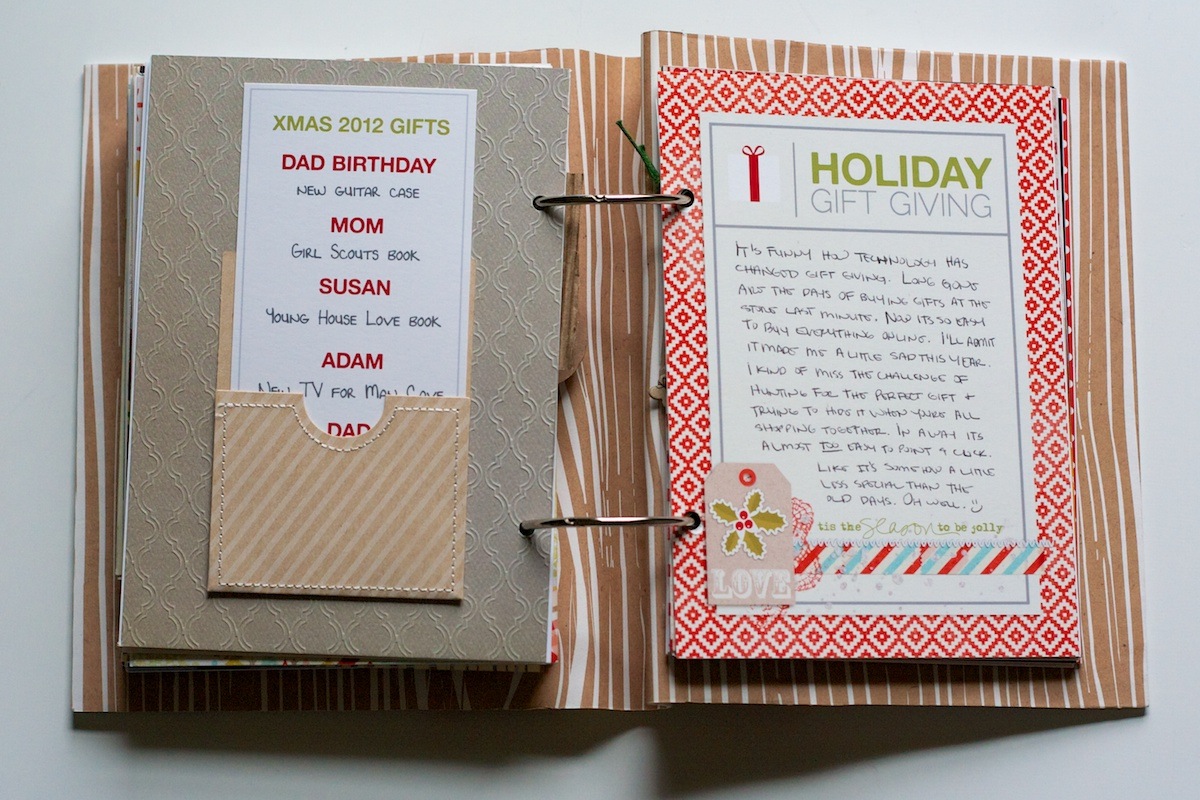
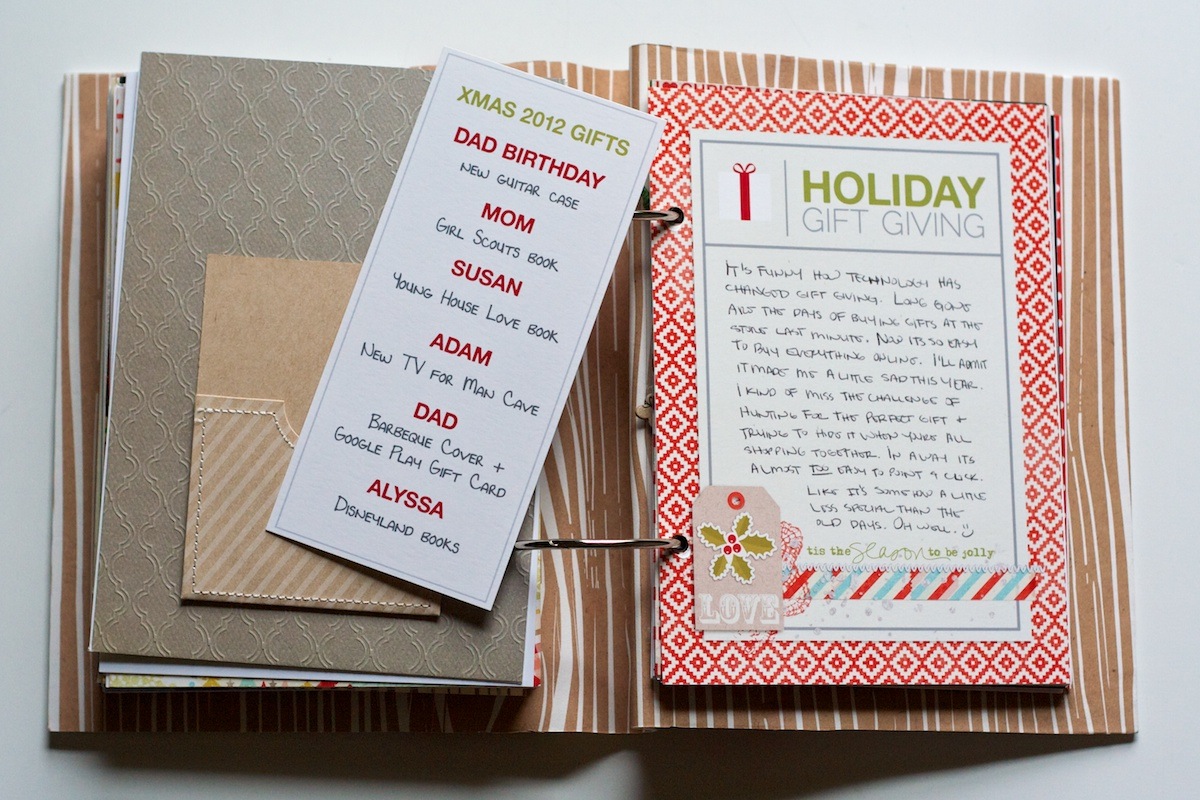
For the Holiday Gift Giving section, I added a little pocket from Studio Calico with a list of what I bought for everyone:

Nettio holidayfaves2012 6 10 20

A closer look of the list. I love that it’s interactive but was super simple to put together:

Nettio holidayfaves2012 6 10 21

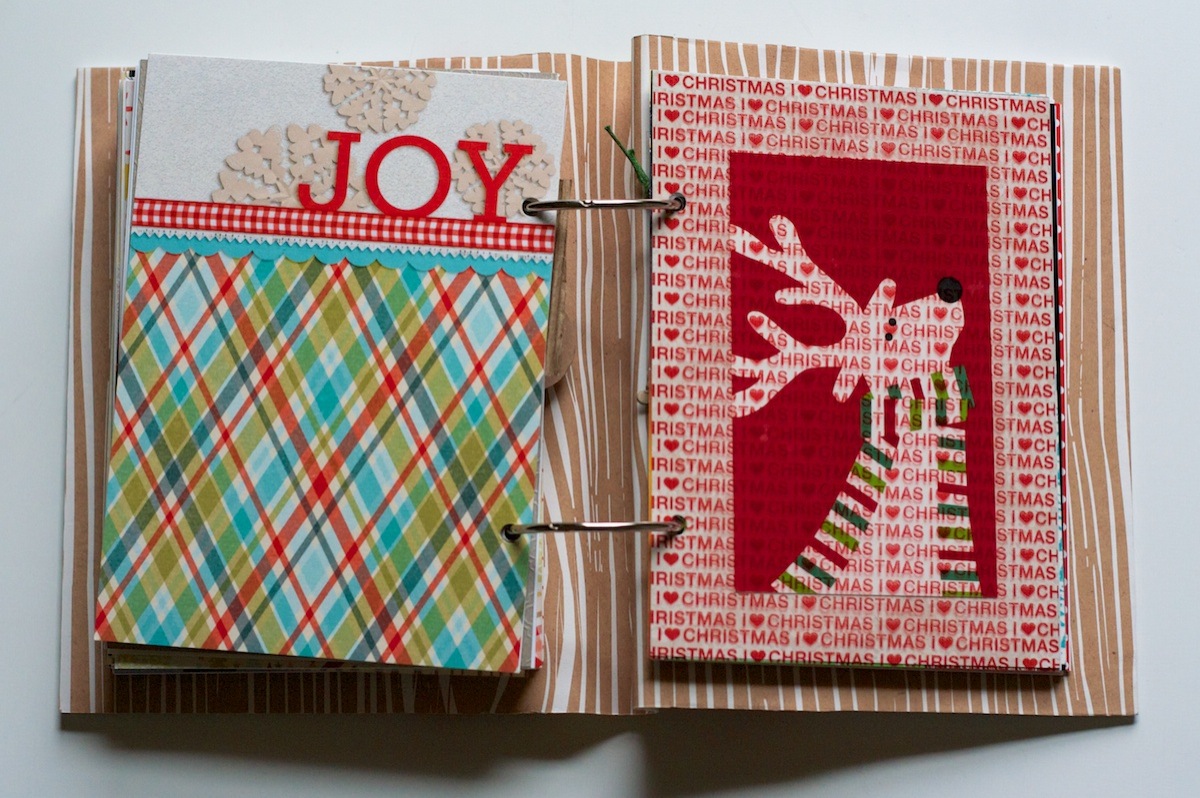
This accent page is one of the only templates I pulled from my Holiday Faves Mini Album Vol 1 templates from last year. I love the bold splash of paper:

Nettio holidayfaves2012 6 10 22

On the right side I added a decorative accent which is actually cut from an old Crate & Barrel mailer. I’ve been saving it for several years now so I was glad I finally found a spot for it!

Nettio holidayfaves2012 6 10 23

Holiday Faves #9

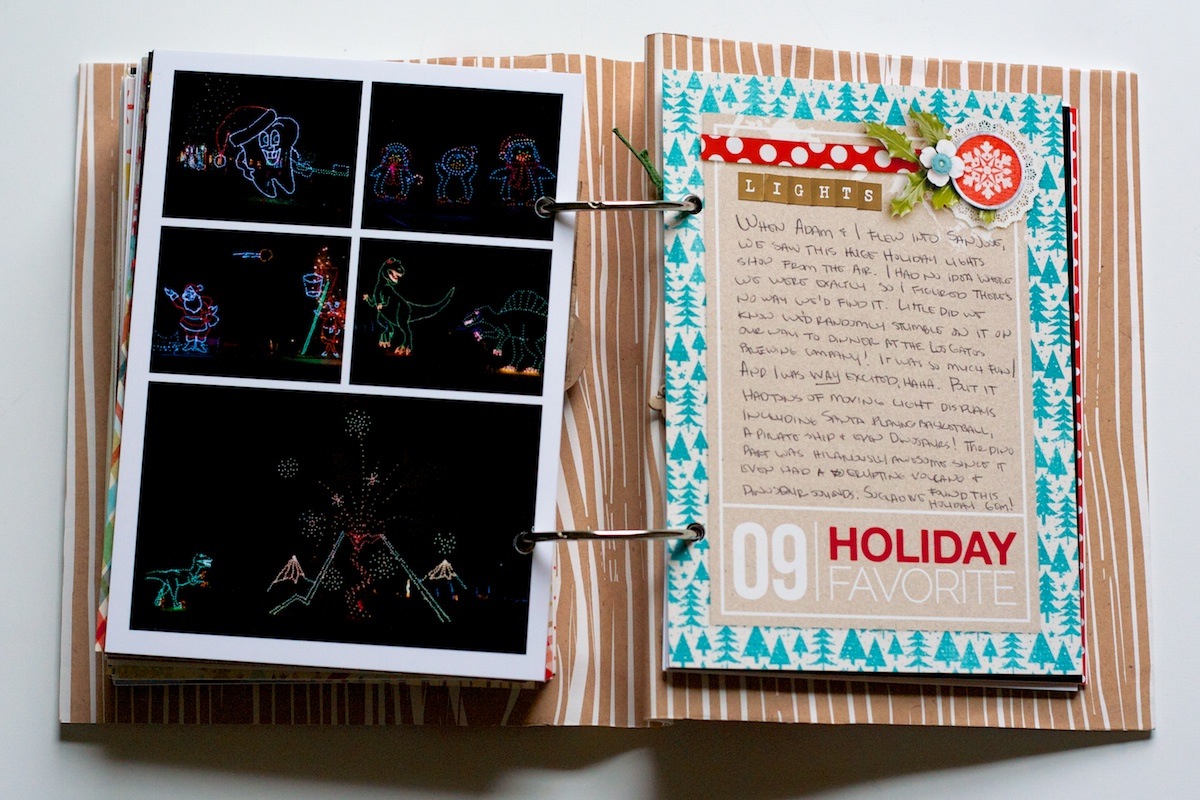
Holiday Fave #9 wins the award for being the most happy accident of our trip.

When we flew into San Jose on the night of the 19th, I saw this huge Christmas light display from the air. I had no idea where exactly we were, all I knew was it was likely by a lake since there was a big dark blog right next to it.

Well, fast forward a week later. Adam and I had gone to the mall in San Jose and randomly decided to drive to Los Gatos to have dinner at the Los Gatos Brewing Company (which was delish!) and there it was – one exit before the restaurant! I was WAY excited and of course, how could we not go – it’s like it was fate!

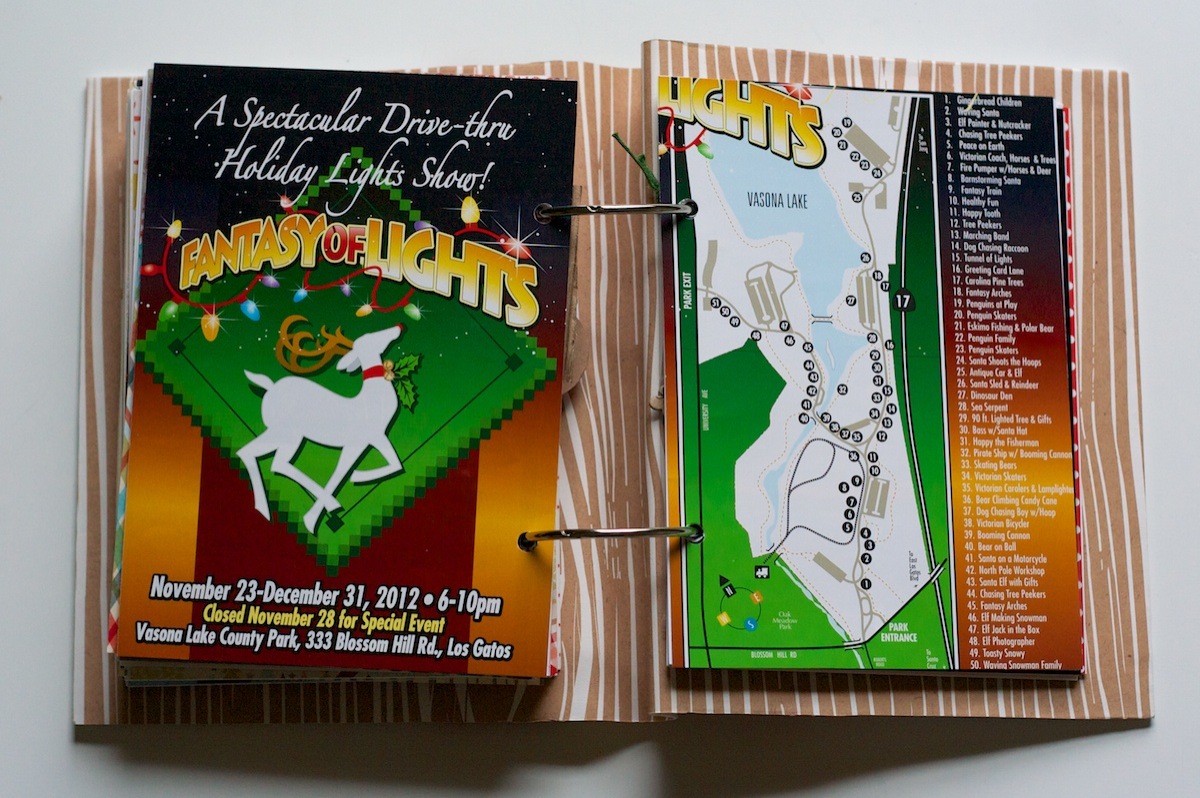
It’s a drive-thru light show with over 50 light displays – it was impressive! The only downside was we’d borrowed my parents stick-shift Toyota Rav and poor Adam was having to work hard since it was like being in stop-and-go traffic the whole time. His leg was a bit tired by the end!

This page is from the program they gave us:

Nettio holidayfaves2012 6 10 24

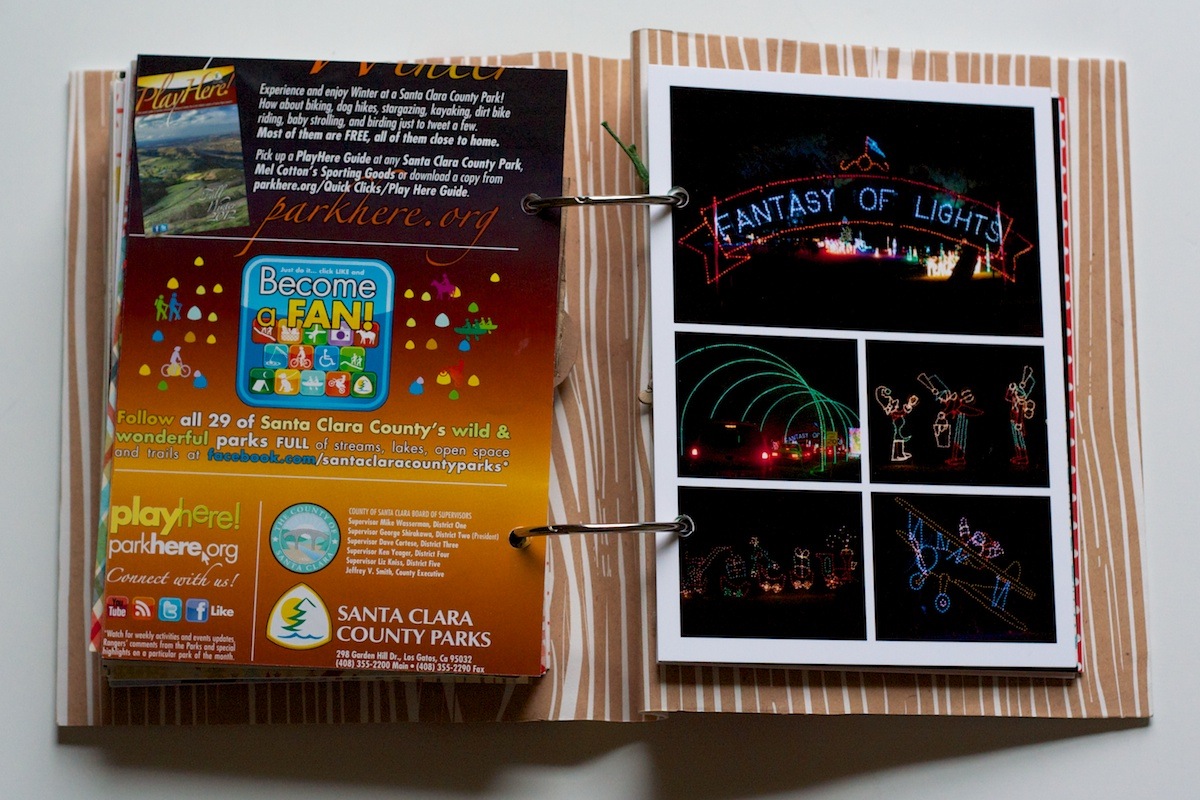
Back of the map and a collage of photos. The photos don’t capture it but all the displays moved:

Nettio holidayfaves2012 6 10 25

If you saw my Instagram photo yesterday, this is what the printed photo was supposed to look like, haha:

Nettio holidayfaves2012 6 10 26

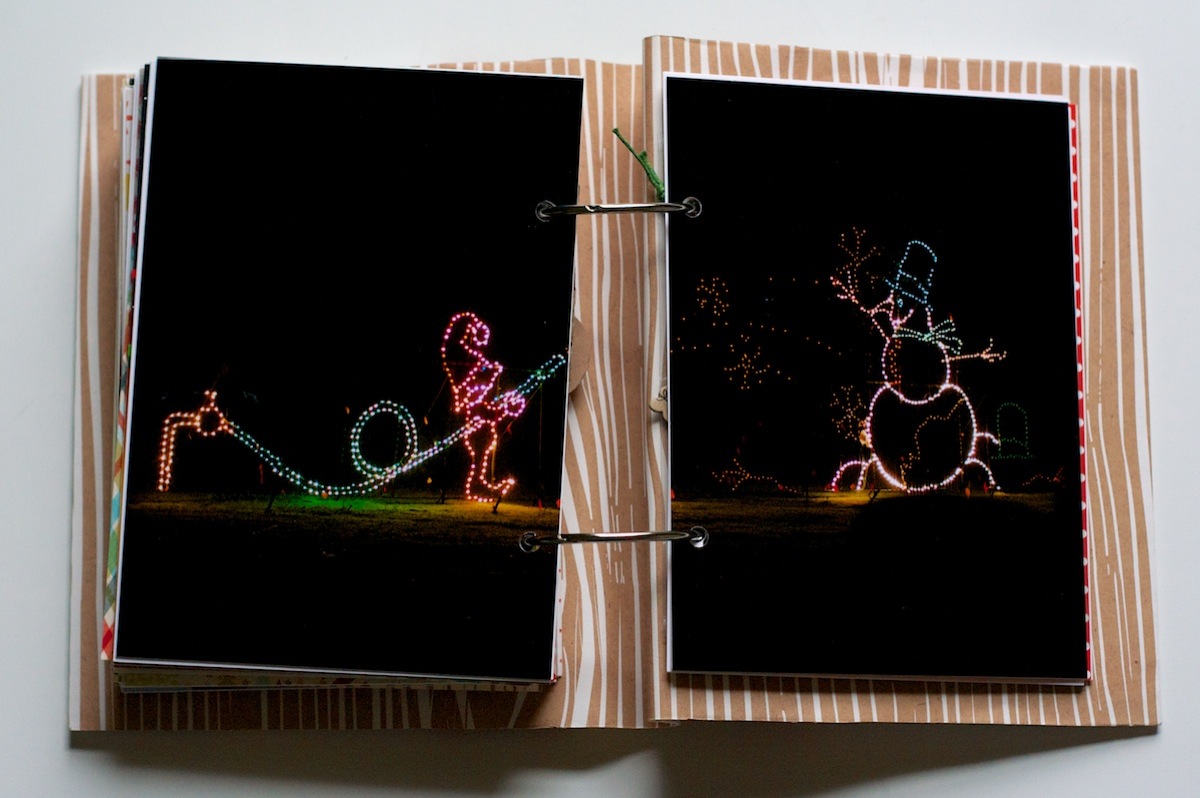
My favorite part was the dinosaur section – complete with loud roaring and an erupting volcano!

Another two-page photo spread. The little elf was actually building the snowman with a hose, it was cute:

Nettio holidayfaves2012 6 10 27

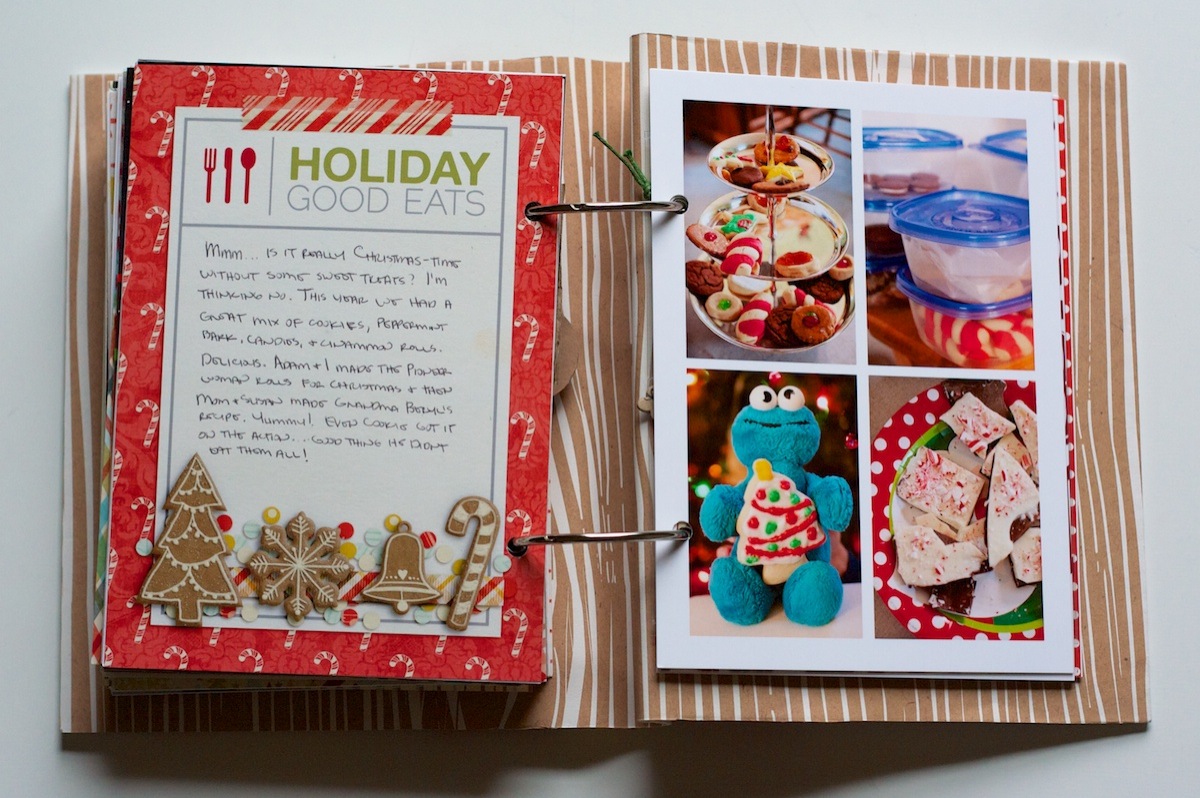
Holiday Faves: Good Eats

Another one of the Holiday Faves themed sections, this one about the way too many sweets we ate:

Nettio holidayfaves2012 6 10 28

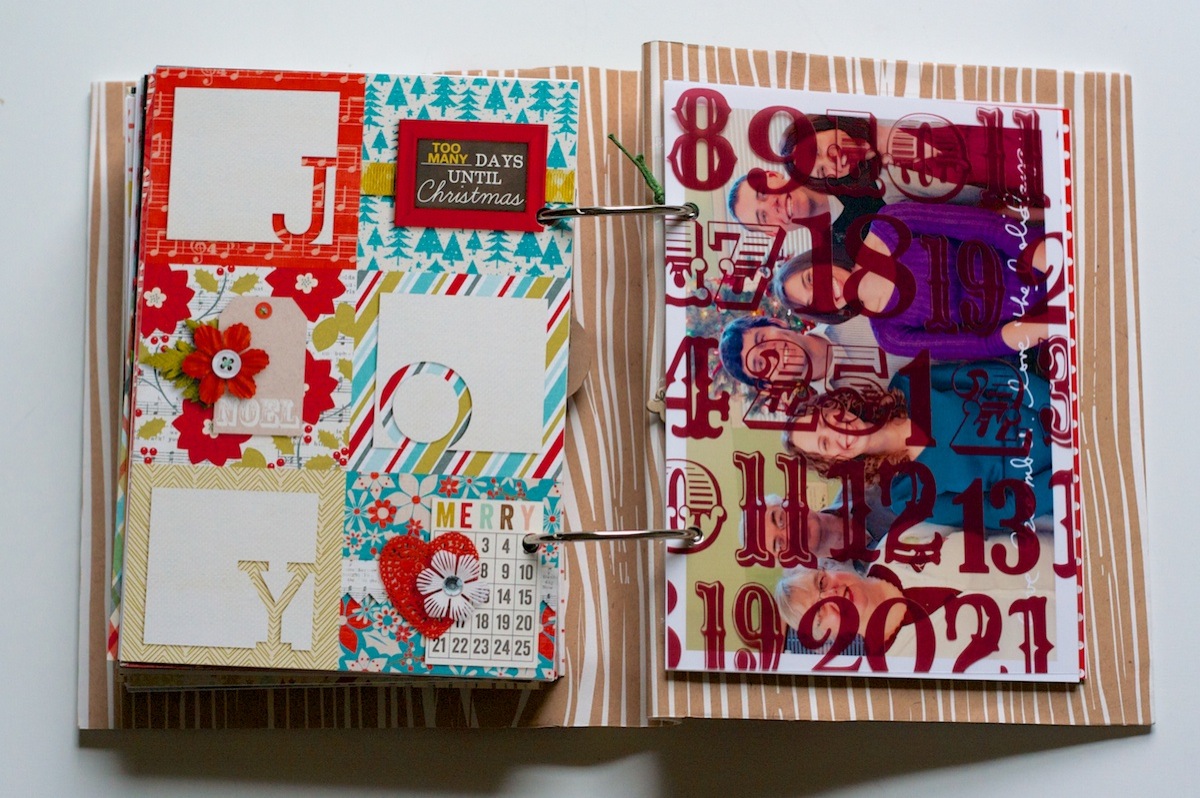
Holiday Faves: Christmas Day

The big day finally arrived! This is the start of the Christmas Day section:

Nettio holidayfaves2012 6 10 29

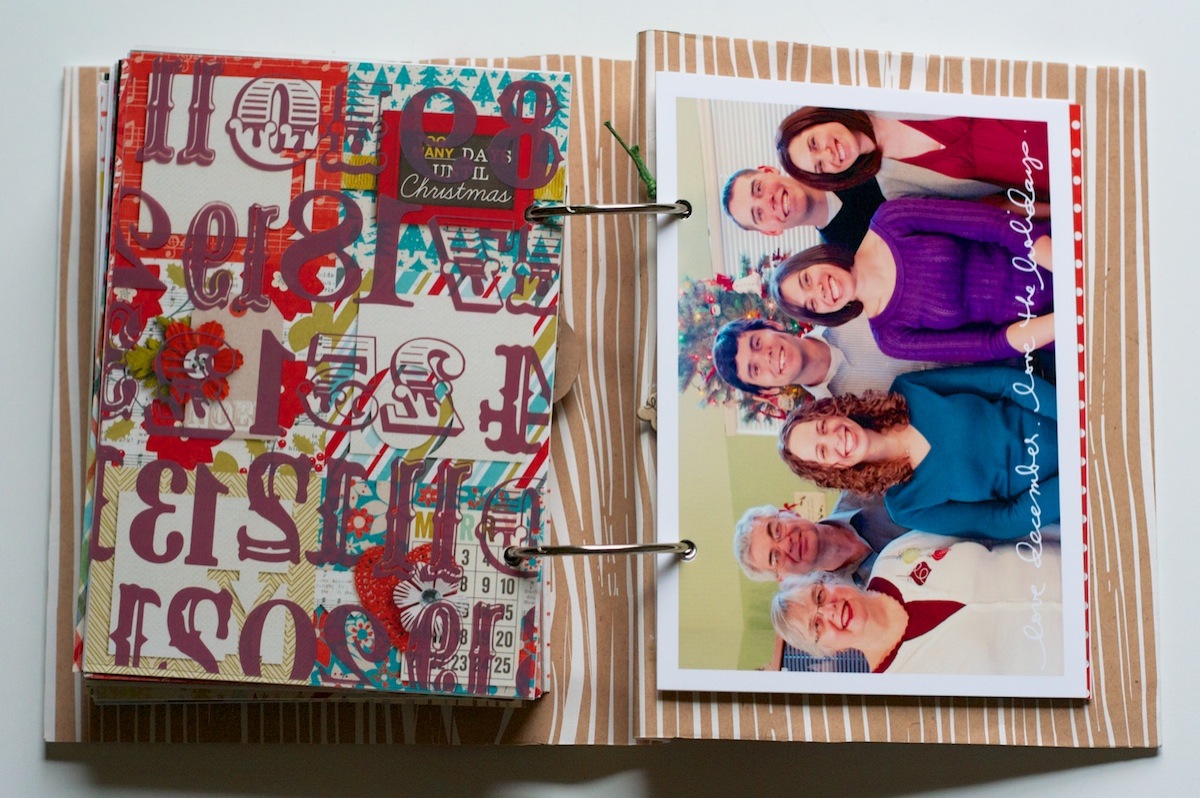
Behind the transparency, I added a family photo we took of all of us:

Nettio holidayfaves2012 6 10 30

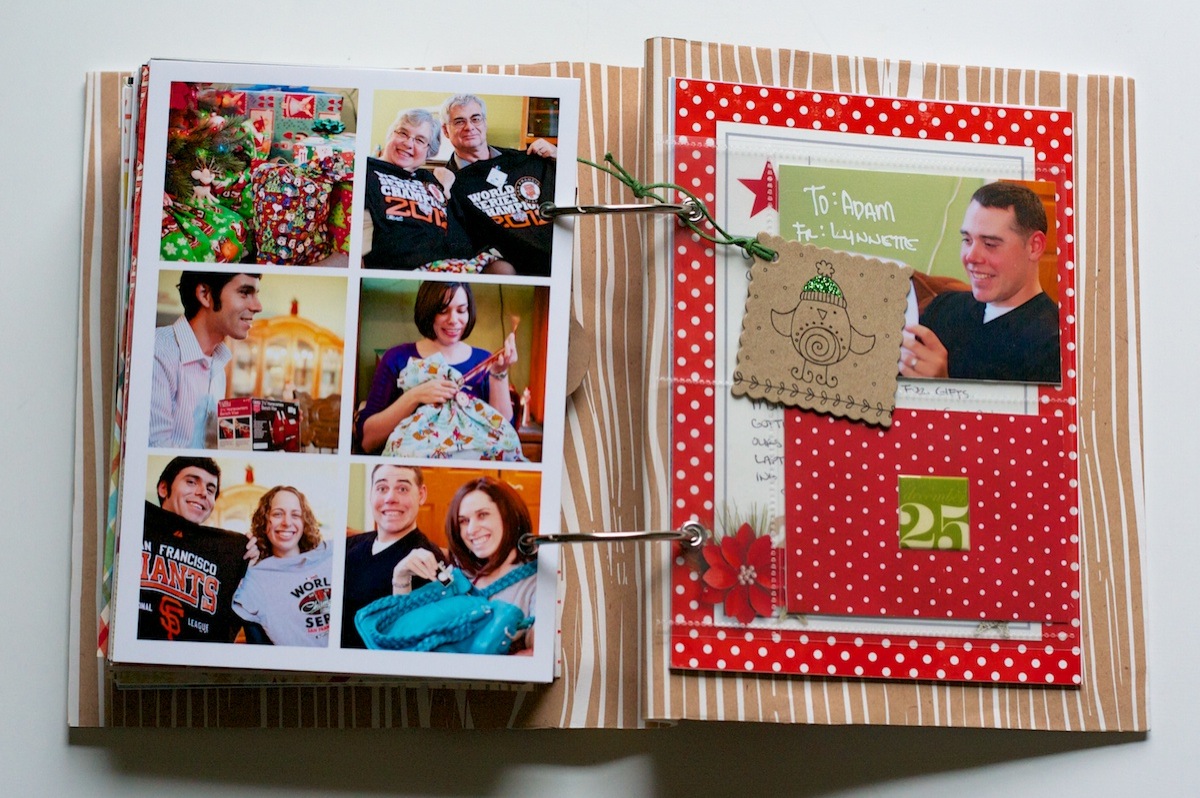
Photo collage of the big day. It was clearly the Christmas of the San Francisco Giants World Series t-shirts – everyone got one but Adam and I – because we’d already gotten ours, haha! #SFGiantsfansforlife

Nettio holidayfaves2012 6 10 31

The big blue bag I’m holding is the Clover teal camera+laptop bag from Epiphanie Bags. It’s ginormous but I love that it can hold my laptop and camera in one bag!

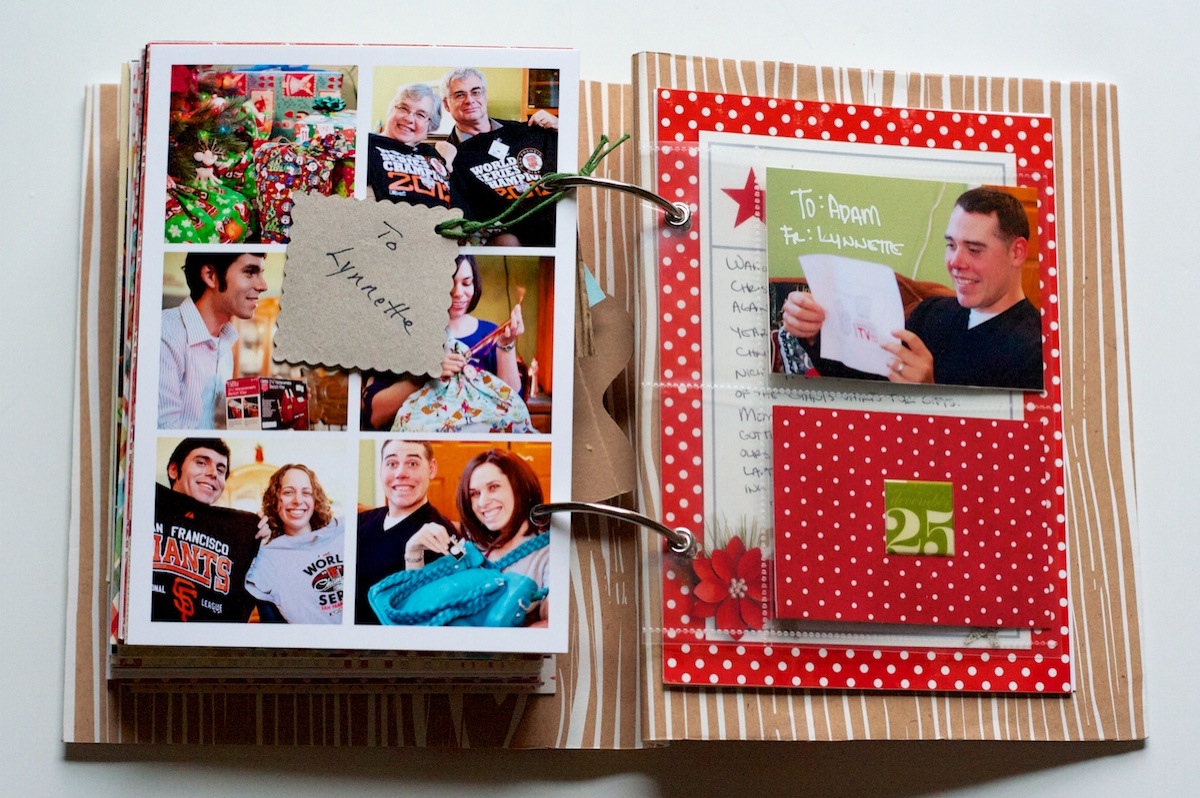
On the right side I added a gift tag from one of my gifts as well as a photo-pocket insert with photos and journaling about mine and Adam’s gifts for each other:

Nettio holidayfaves2012 6 10 32

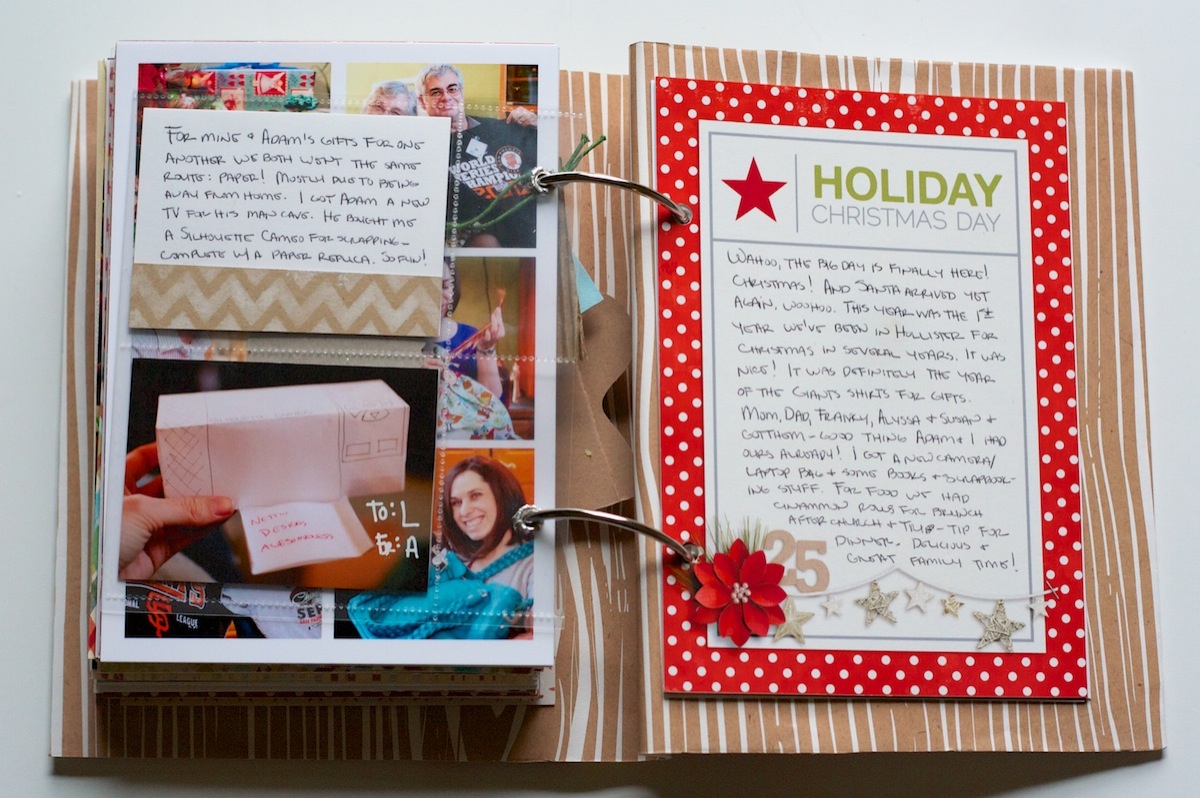
Since Adam and I both gave each other items that would have had to be shipped back home, we each gave each other paper placeholders. I think he wins the award for creativity – he bought me a Silhouette Cameo and this was his paper interpretation of it!

Nettio holidayfaves2012 6 10 33

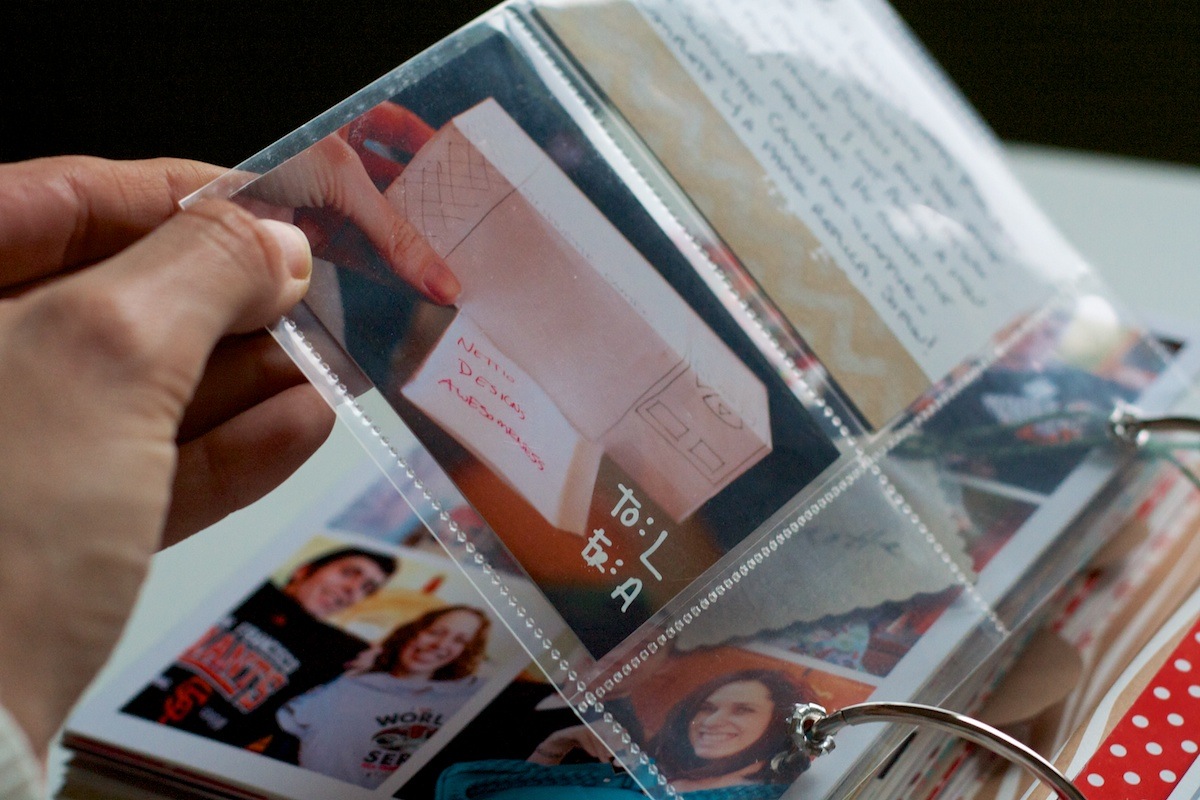
A close up look of the photo pockets. I just trimmed down a larger photo pocket page and added grommets to it (pre-TSA-took-my-Cropodile that is):

Nettio holidayfaves2012 6 10 34

Holiday Faves #10

Woohoo, we’ve made it! Holiday Fave #10! For Fave #10 I went with one of my most favorite faves – California! We ended up doing a bunch of touristy stuff this trip we’d never done before (cable cars in SF anyone?) and it definitely made us a little bit homesick!

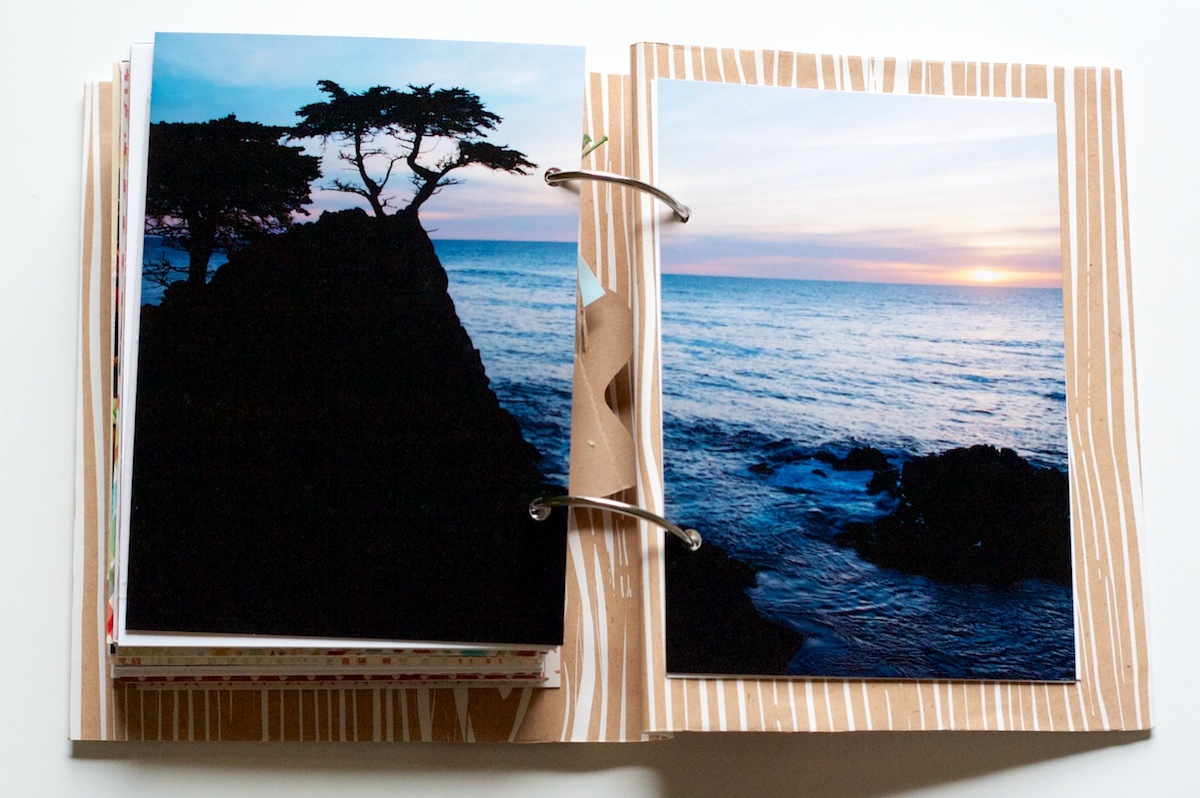
I mean come on, how can a view like this not? Photo of the lone cypress tree taken on 17-mile drive in Pacific Grove:

Nettio holidayfaves2012 6 10 35

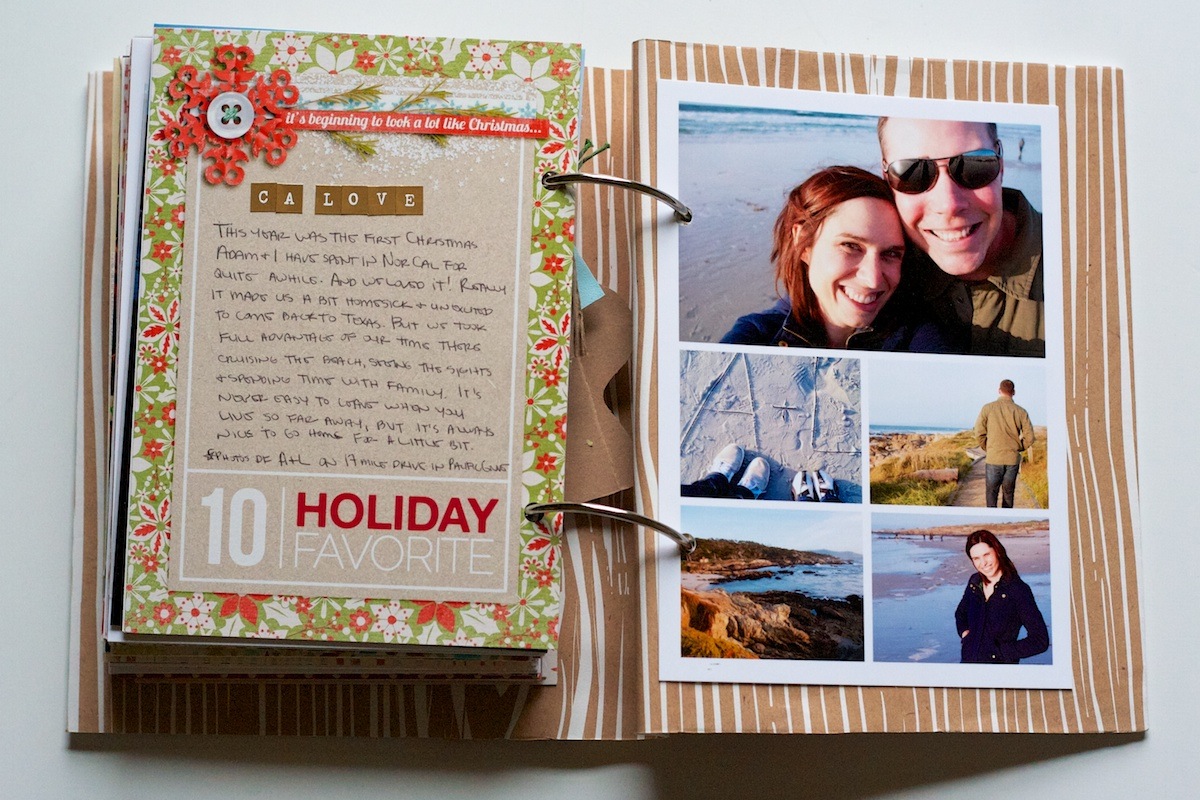
Seriously, I know Texas technically has beaches, but they just aren’t the same. Although they are definitely warmer – NorCal beach weather usually involves coats, pants and wind (which is why my hair is looking all kinds of crazy in that photo, haha) much like this. I think it was actually warmer than in the summer:

Nettio holidayfaves2012 6 10 36

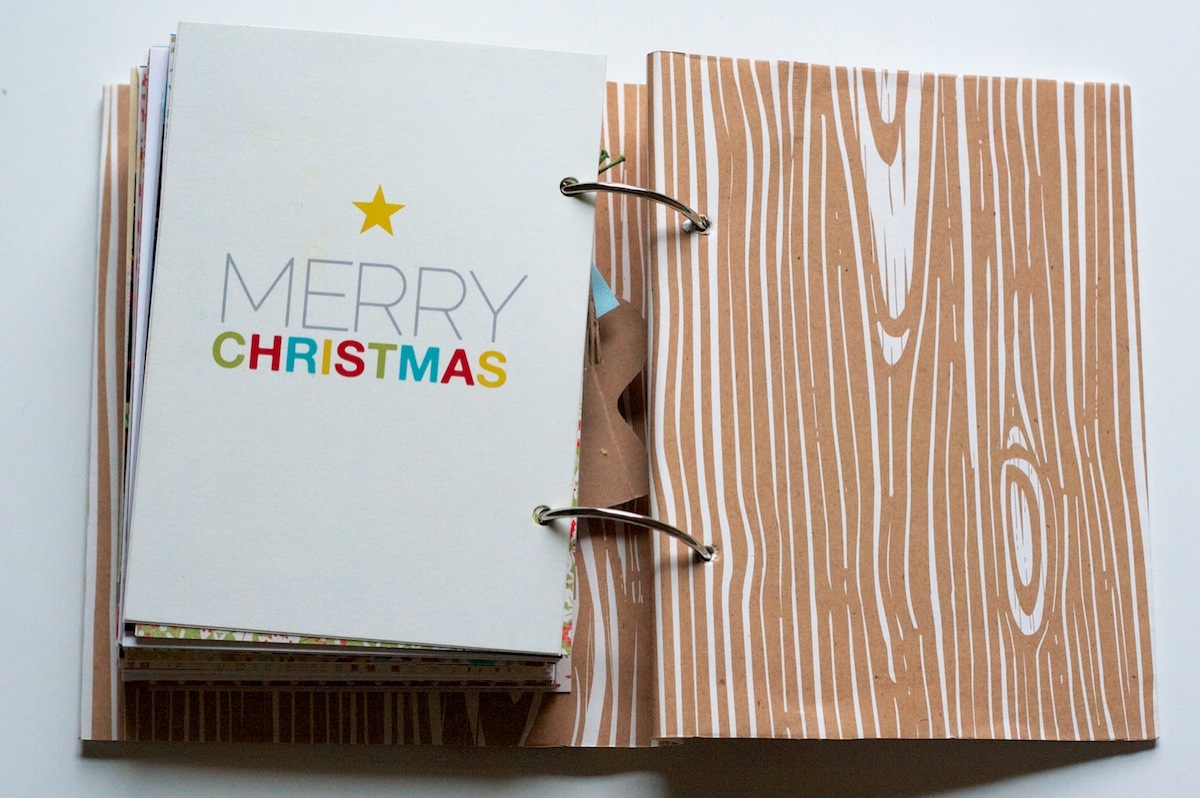
One last accent page and another peek at the woodgrain paper:

Nettio holidayfaves2012 6 10 37

My Final Thoughts on Holiday Faves 2012

And that’s it! The end of my 2012 Holiday Faves Mini Album!

Since this was my second year doing Holiday Faves, here’s a few of my final thoughts on this project after year 2:

  • December Daily: 0 for 3; Holiday Faves: 2 for 2 – I think we know who’s the clear winner for me in this one.
  • Love that this format allows me to change things up as I go. My first fave started before Thanksgiving but since the foundation of the album isn’t daily or date based, it was easy to adjust.
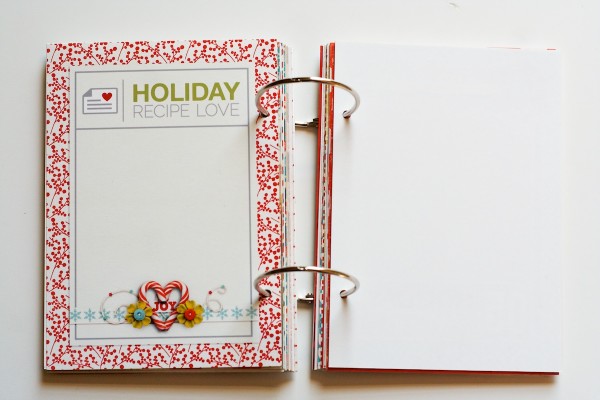
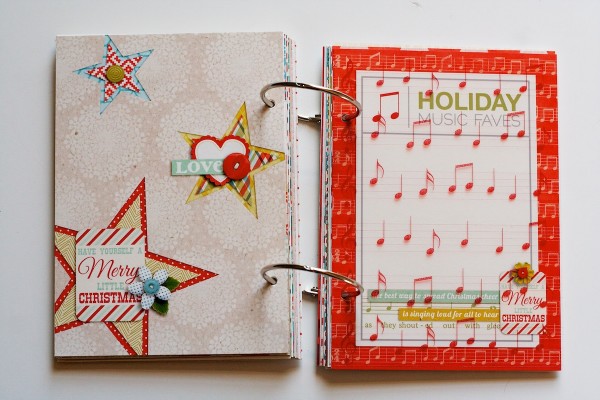
  • Loved having the themed pages mixed in this year. I did end up taking two of them out (Recipe Love & Music Faves) but I think they round out the album really nicely.
  • 5×7 & 4×6 printable photo sheets make this album WAY easier – no trimming!
  • I’m thinking next year I’m going to be ready to switch the format up some. Not sure what exactly yet – maybe a different size? Same size but landscape instead of portrait orientation? We’ll see I guess!

My absolute fave moment of this album – seeing Adam get all mushy as he flipped through the album and saw all the stories and photos. Made all the hard work finishing it up worth it and reminded me why I love this hobby so much.

And that’s it for Holiday Faves 2012! As I’ve said many times before, I LOVE LOVE LOVE this project. But I am definitely ready to call this one done and move on to some brand-new 2013 projects.

Holiday Faves is a yearly November/December mini album project celebrating the holiday season. Find all of my Holiday Faves posts here.

Can I take Levitra if I am taking other remedies at the same time

POSTED IN Holiday Faves, Holiday Faves 2012, Memory Keeping, Hybrid Scrapbooking, Mini Albums

Holiday Faves Mini Album 2012 | Faves #1-5

POSTED ON January 10, 2013 IN Holiday Faves, Holiday Faves 2012

Oh Holiday Faves, how I love thee…

Now that 2013 is here and the holiday season is officially behind us, I figured it was high time I got around to sharing my mostly-completed Holiday Faves Mini Album.

Well the part I’m sharing is mostly completed. I still have to finish Faves 6-10 from while we were in California and finish up the cover. (I want to add a fabric spine to it like I did last year.)

But since Faves 1-5 are ready to go I wanted to share them now. And really this post is going to more than enough Holiday Faves eye-candy in it as it is so it’s probably good to break it up.

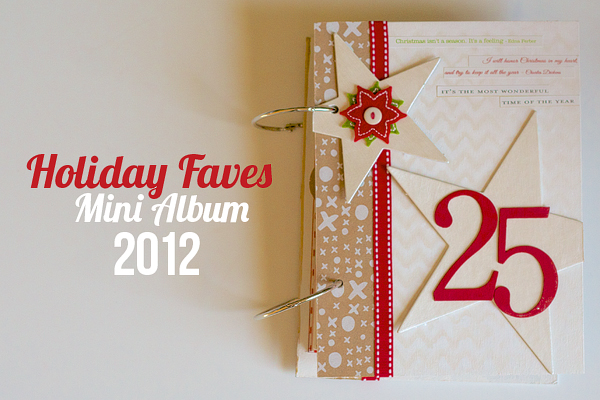
Holiday Faves Mini Album 2012 Cover + Intro

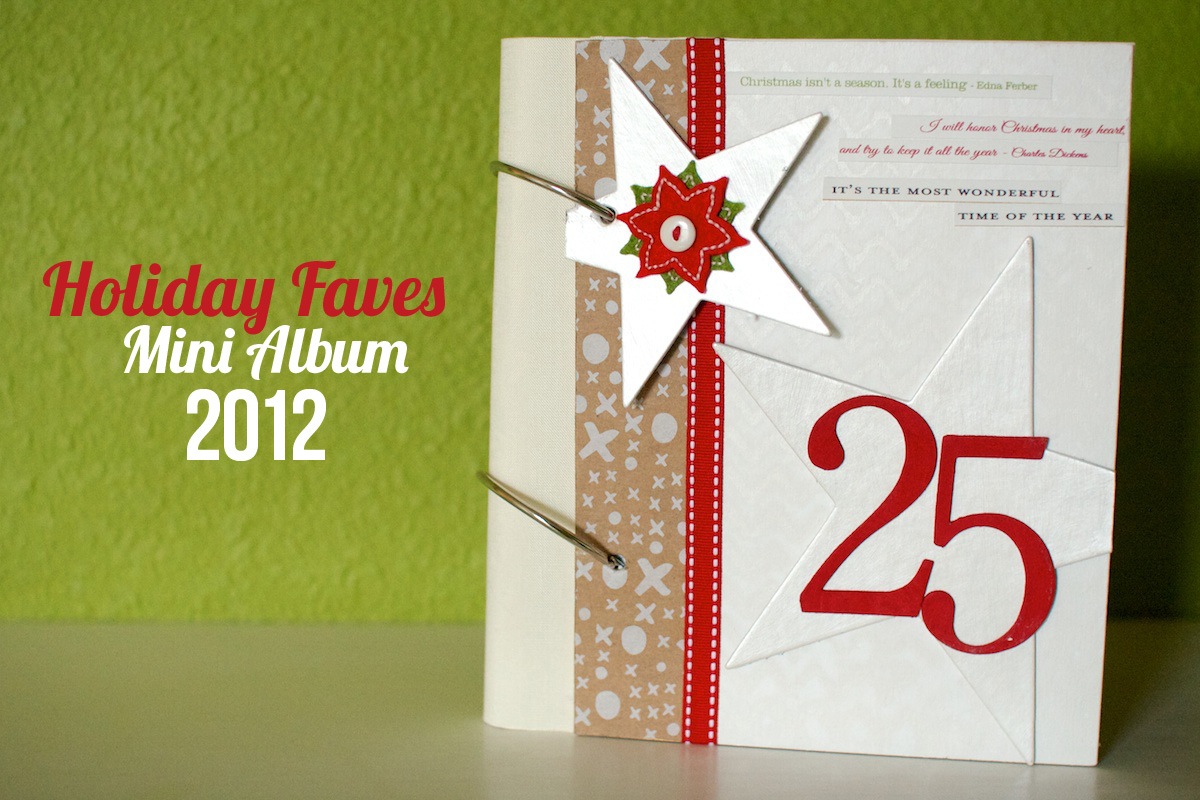
First up is a look at my Holiday Faves mini album cover for this year:

Nettio holidayfaves2012 00c

In the interest of keeping it real, I’m not going to lie – this is not my most favorite cover ever. In my head I had a bit of a different vision – something clean, all-white and simple – and for whatever reason I just could not make it work the way I wanted with the supplies I had.

So I eventually ended up adding the kraft paper (which is actually an old product wrapper from West Elm that I saved last year) and the stars and I think it’s ok. Not my fave but ok. Let’s just call it a #makeitwork moment a la Tim Gunn and move on.

One of the items from my original vision that did work (well mostly, haha) was the white tone-on-tone chevron background. I wanted it to be fairly subtle so I started with a slight cream/off-white paint as my base color and then misted over it using a Studio Calico chevron mask and a Mister Huey’s Color Mist in Opaque White.

Nettio holidayfaves2012 3

This was my first time using one of their misters and I’m not sure I totally had the uh, misting part of it totally down. It came out a bit drippier than I thought it would and after two solid days of letting it dry, the mist still hadn’t set. Like if you rubbed your finger gently across it, you’d end up with white paint on your fingers.

Since I was planning to travel with my album out to California, I was kind of panicking that it was going to get white paint all over everything, so I ended up spraying it with a couple of coats of Krylon Clear Spray in Matte which seemed to finally seal it.

Here’s a look at the inside of the cover. Ignore the fact that it’s terribly ugly inside as I’ll be covering it up with paper once I add the fabric spine to it. If you look closely you can still see some of the gold paint along the right edge from one of my failed attempts to fix what wasn’t working. I told you I tried a bunch of things!

Nettio holidayfaves2012 4

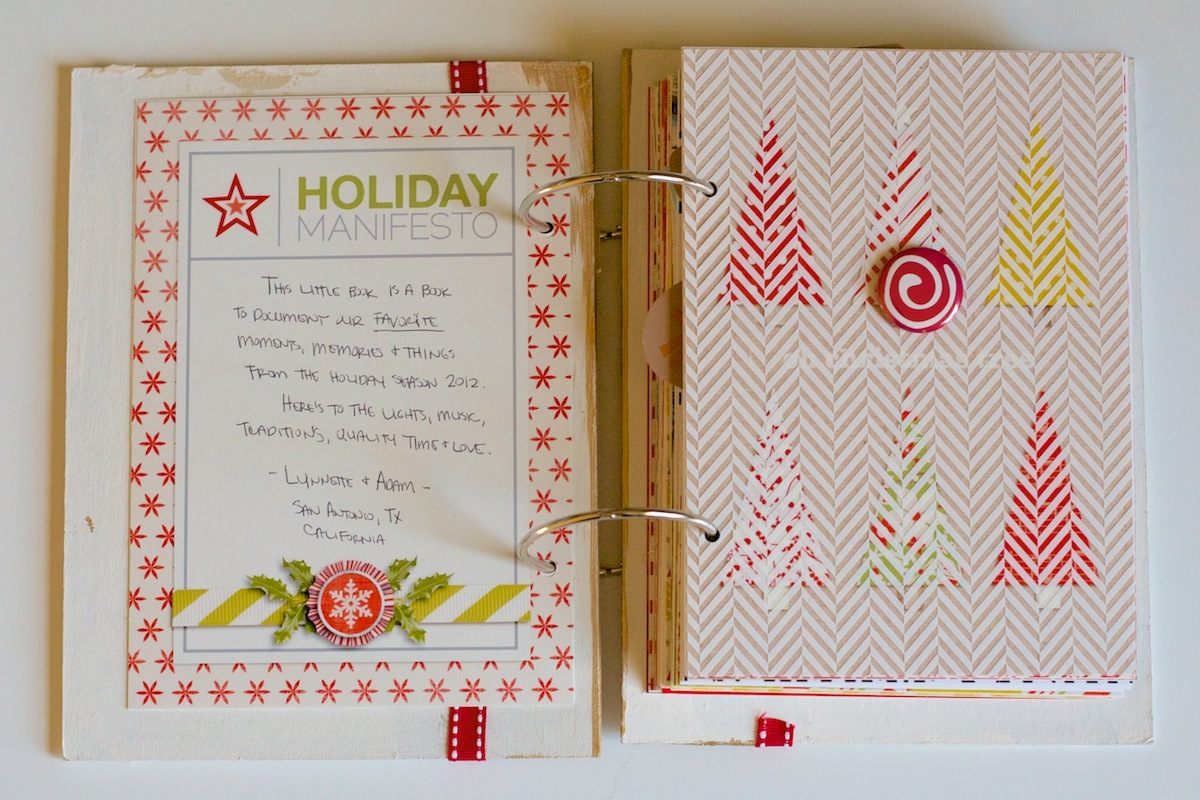
On the first journaling card page, I wrote a short paragraph about what this album is about and added a small decorative badge from American Crafts onto the overlay on the right:

Nettio holidayfaves2012 5

One of things I’ve learned to embrace with my handwritten journaling is the fact that it almost always slopes down to the right a little bit. I’m pretty sure this is a lefty thing, probably due to the many years of trying to write in spiral-bound notebooks and having to contort my paper to a crazy angle to avoid resting my hand on the metal spine. That is until I got smart in college and started using all my notebooks back to front, which I loved, but it made for some rather hilarious experiences for those who tried to borrow my notes.

On the right page of the album I left the accent page as is:

Nettio holidayfaves2012 6

Holiday Faves #1

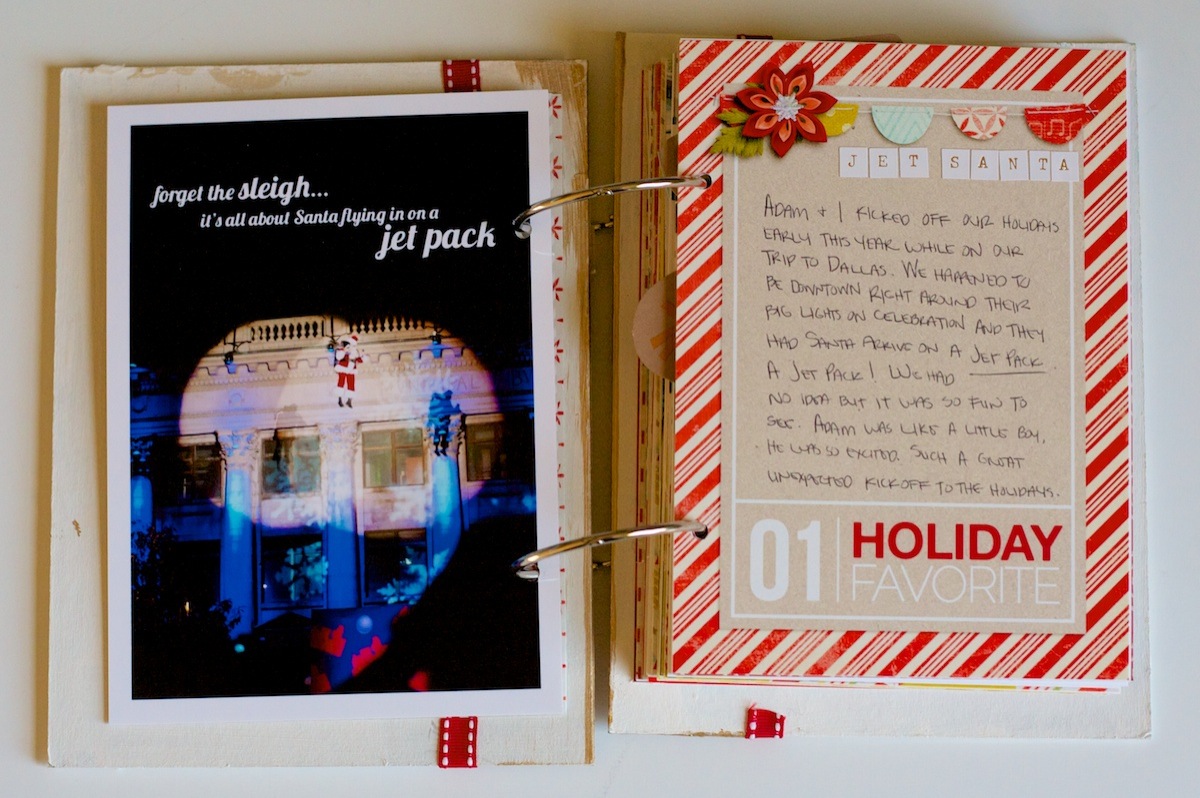
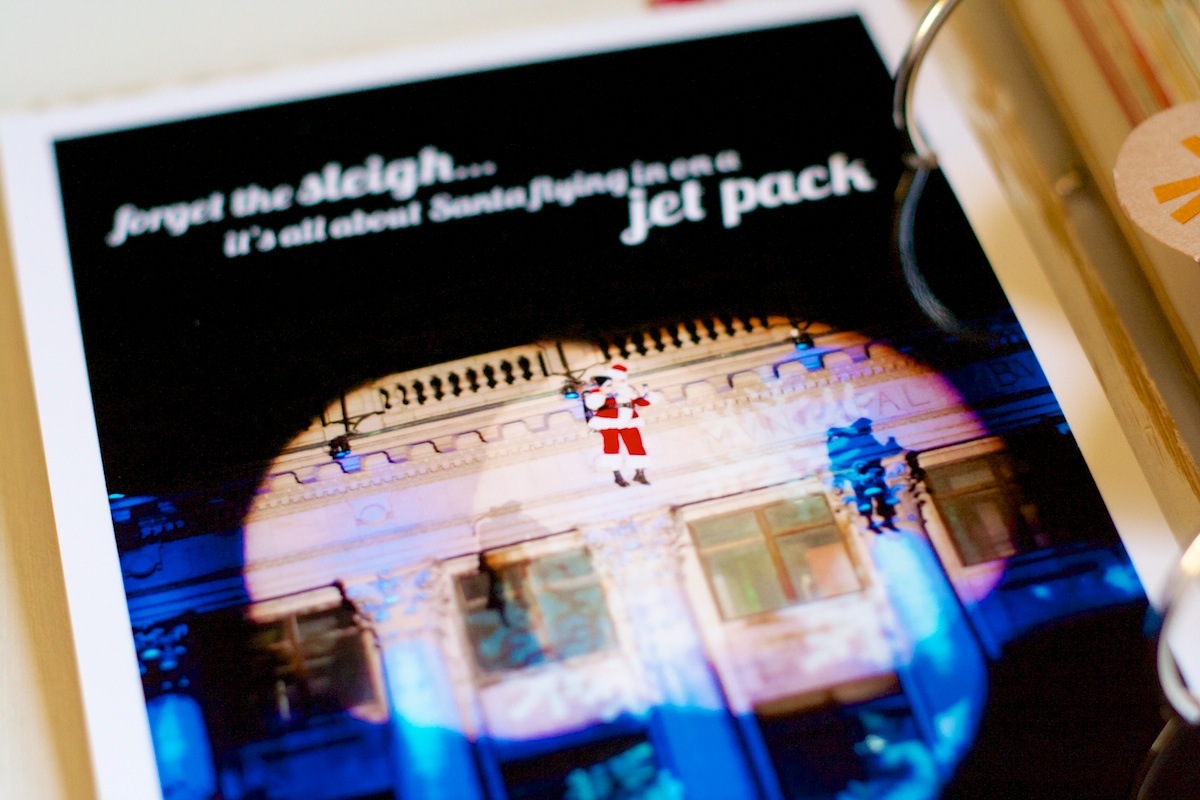
On the back of the accent card I added one of the photos for Holiday Fave #1 – Jet Pack Santa! I actually cheated a little bit this year with the start date of my album since this technically happened the weekend before Thanksgiving when we went up to Dallas for the Cowboys game. But it was too awesome NOT to include.

Nettio holidayfaves2012 7

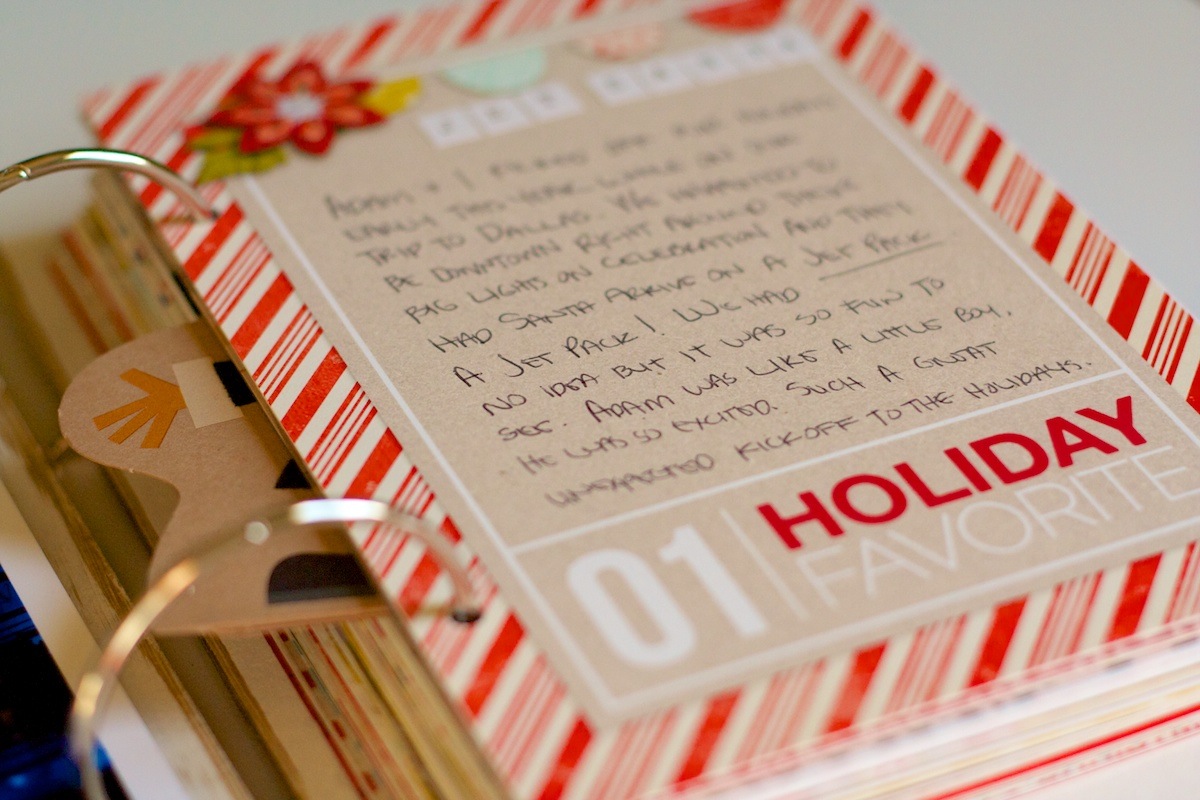
I mean come on, as part of the Dallas downtown lights on celebration, Santa flew in on a jet pack. Where else can you say you’ve seen that? It was hilariously awesome and amazing and even Adam, who almost never gets excited about stupid things like I do, was like a kid on Christmas. It was so fun!

Nettio holidayfaves2012 10

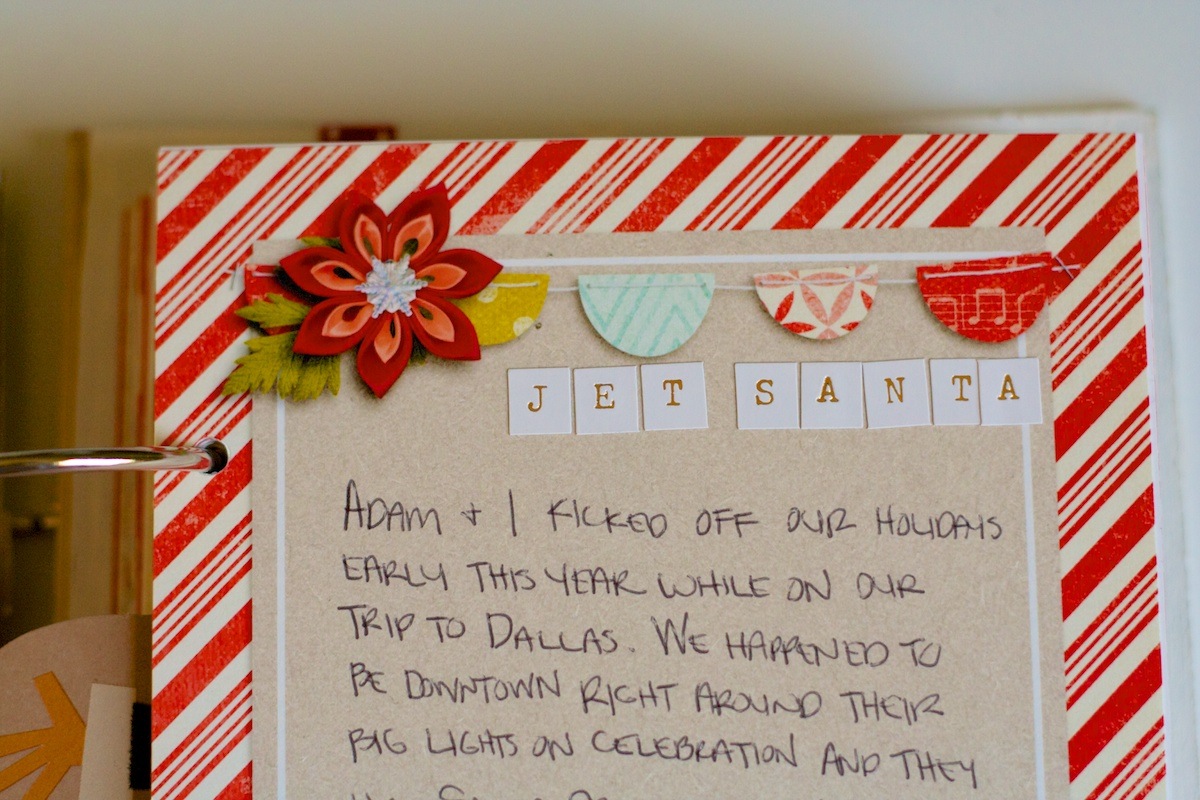
Here’s a closer look at my journaling. All of my pages were printed using Epson Premium Presentation Paper in Matte and then I just wrote on them with one of my regular pens. I haven’t found a scrapbooking pen I like yet that is both thin enough and dries fast enough to not smear when my left hand drags across it. If anyone has a good recommendation, let me know!

Nettio holidayfaves2012 8

For the title on each Fave card, I used some tiny stickers from the American Crafts Dear Lizzy line. I love the little bit of gold sparkle they add:

Nettio holidayfaves2012 9

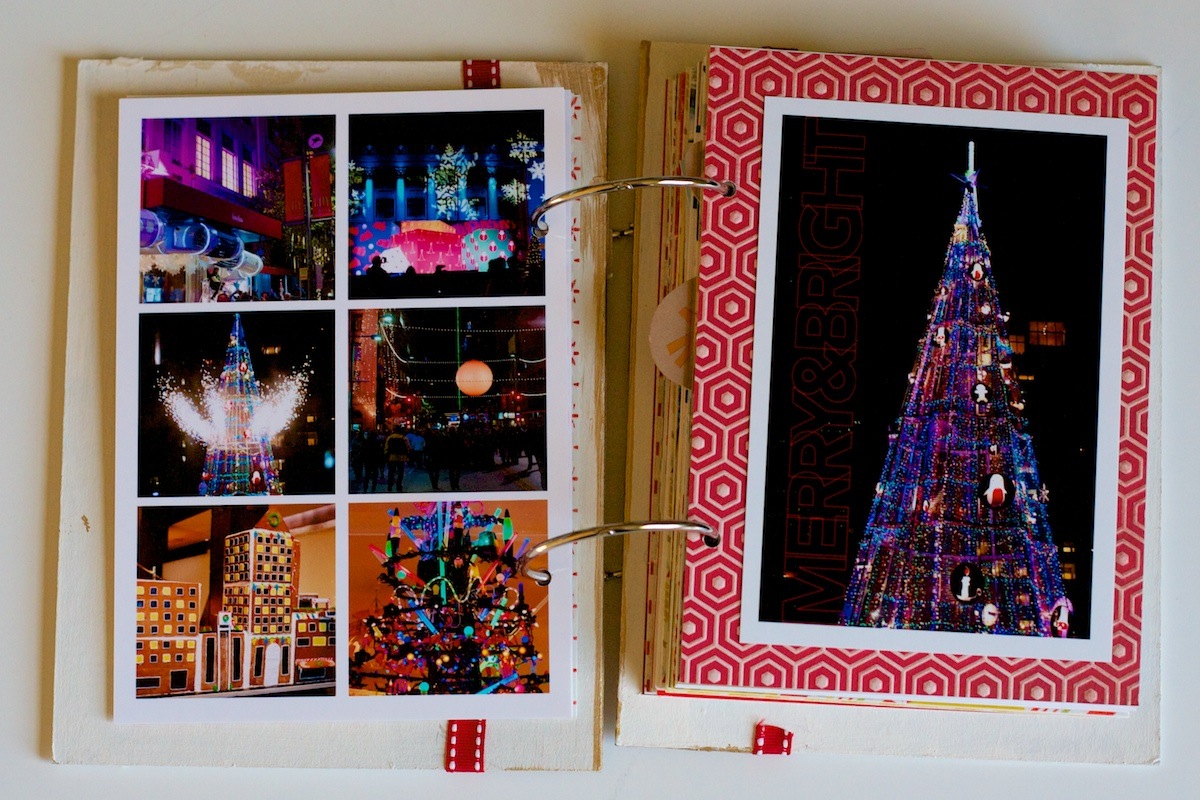
On the back of the journaling card I used one of my photo collage templates from the Holiday Faves Mini Album templates to put together some of the photos from the night.

The photo on the right is a 4×6 photo of the tree they lit at the event. It’s hard to tell in this photo but I also a Merry+Bright word art in red over the black area of the photo.

Nettio holidayfaves2012 11

By far one of the best things I did this year was purchase 4×6 and 5×7 sized photo paper to print my photos on. It made it SO much faster and easier to put together since no trimming was required. Plus it wasted a lot less paper than printing on 8.5×11 sheets!

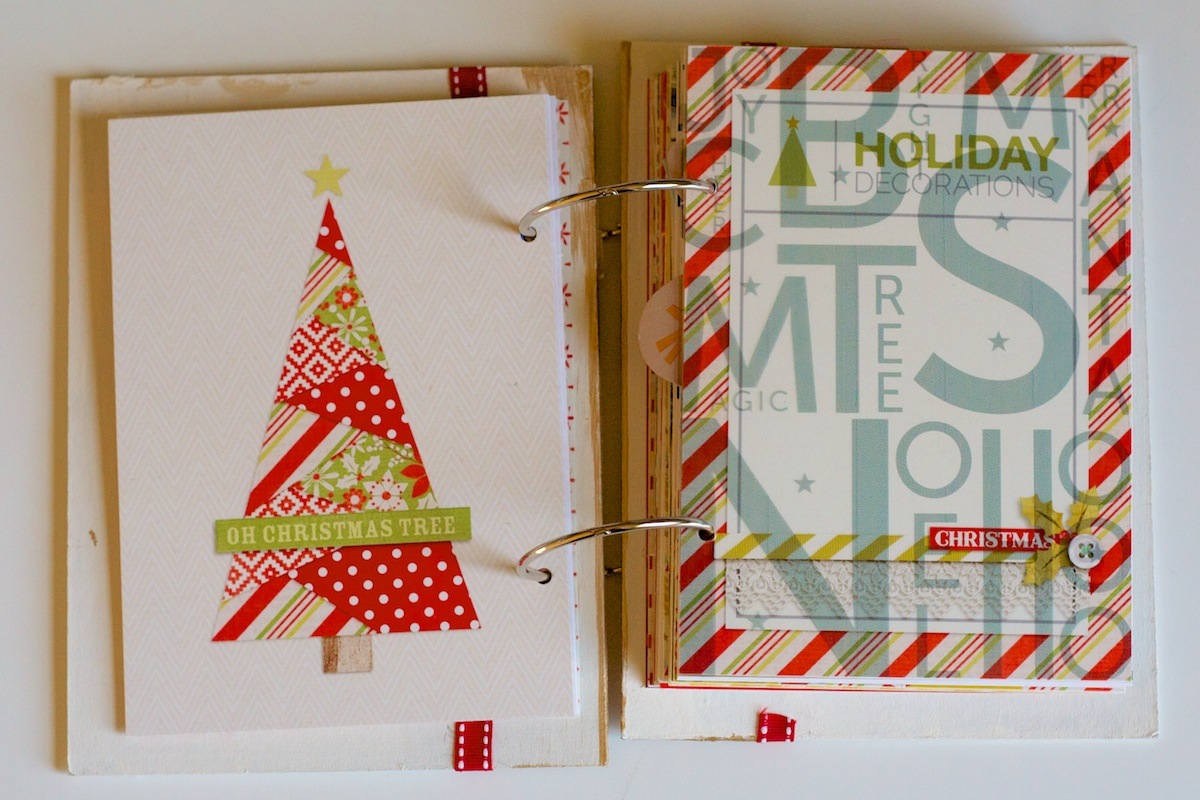
This is one of the themed journaling card spreads I haven’t finished quite yet. Since this one is for decorations, I wanted to include pictures from both our house here in San Antonio and my parents house in California. I’ll include this one when it’s finished in the next update.

Nettio holidayfaves2012 12

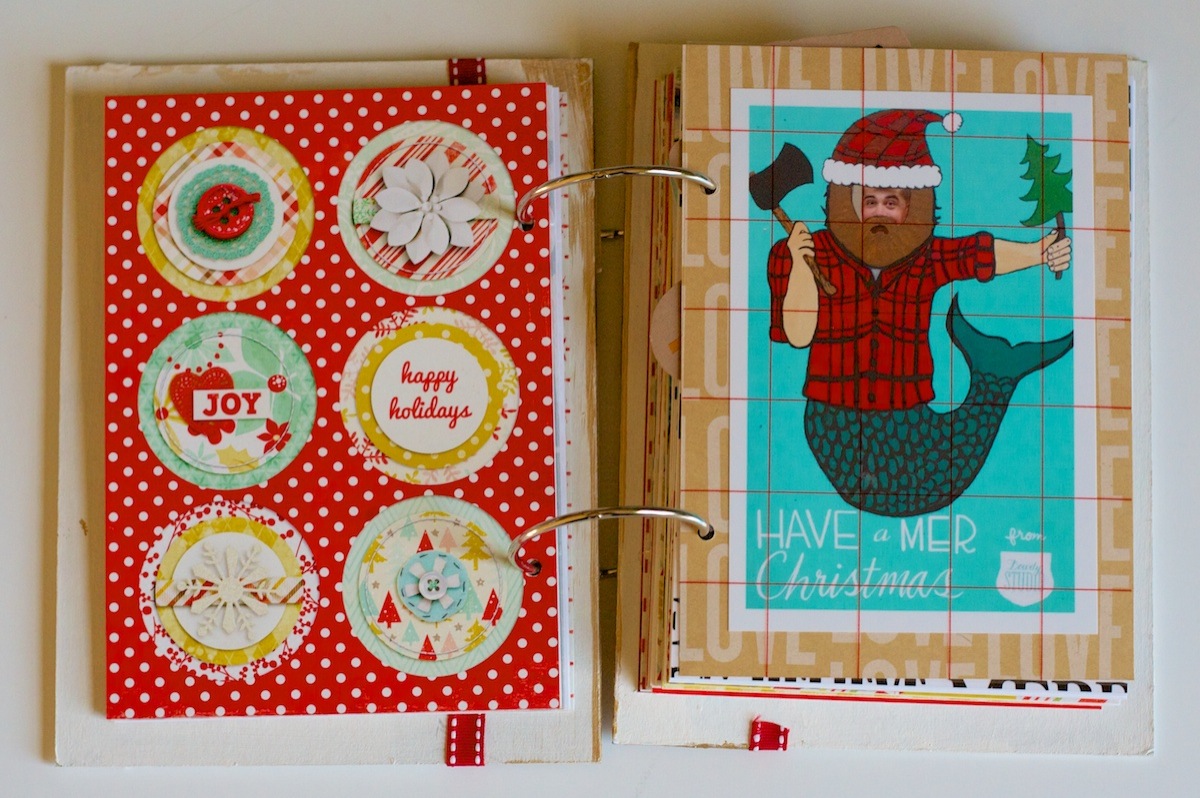
On the right side of this spread, I added a photo I took of Adam when we went to the Renegade Craft Fair in Austin the weekend after Thanksgiving:

Nettio holidayfaves2012 13

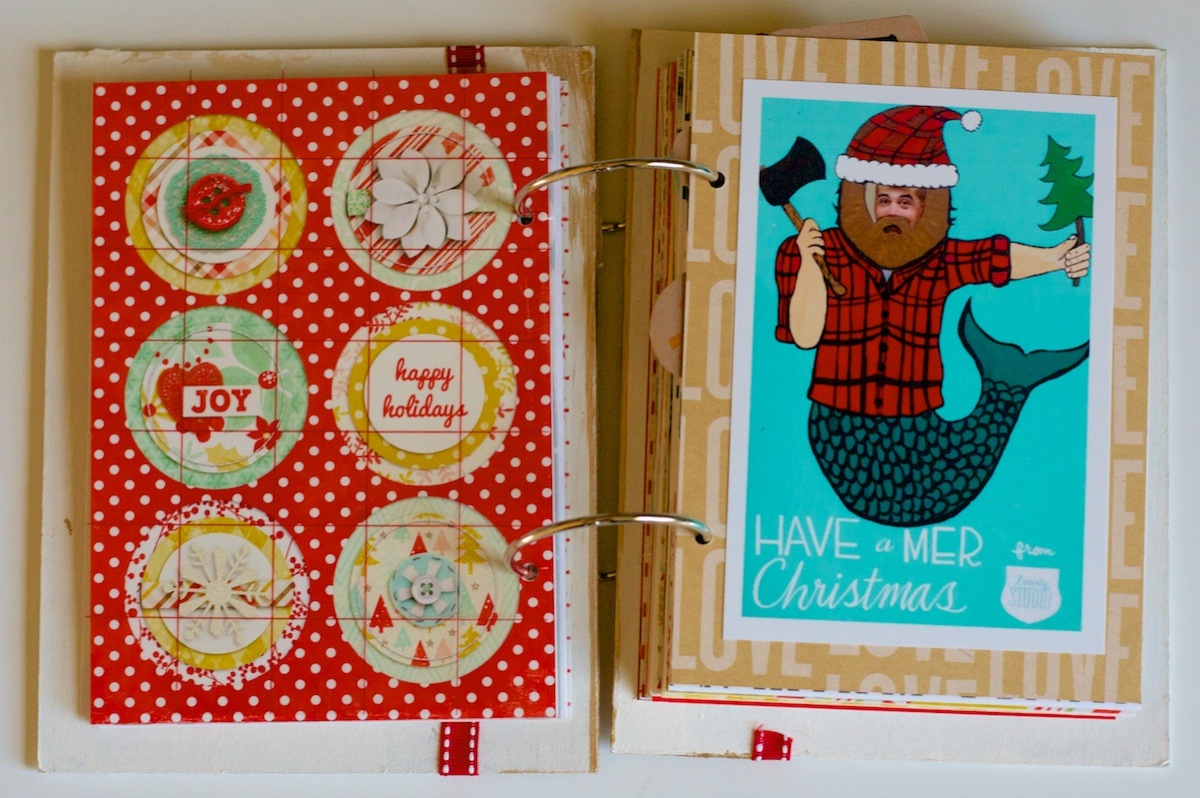
It was actually a wooden cutout but I cropped the photo to make it look more like a card. I told Adam if we were organized enough people that we actually sent out cards, this is the one I’d choose, haha. Does it get more hipster than a merman with a beard in a lumber jack suit? I’m thinking not.

Nettio holidayfaves2012 14

Holiday Faves #2

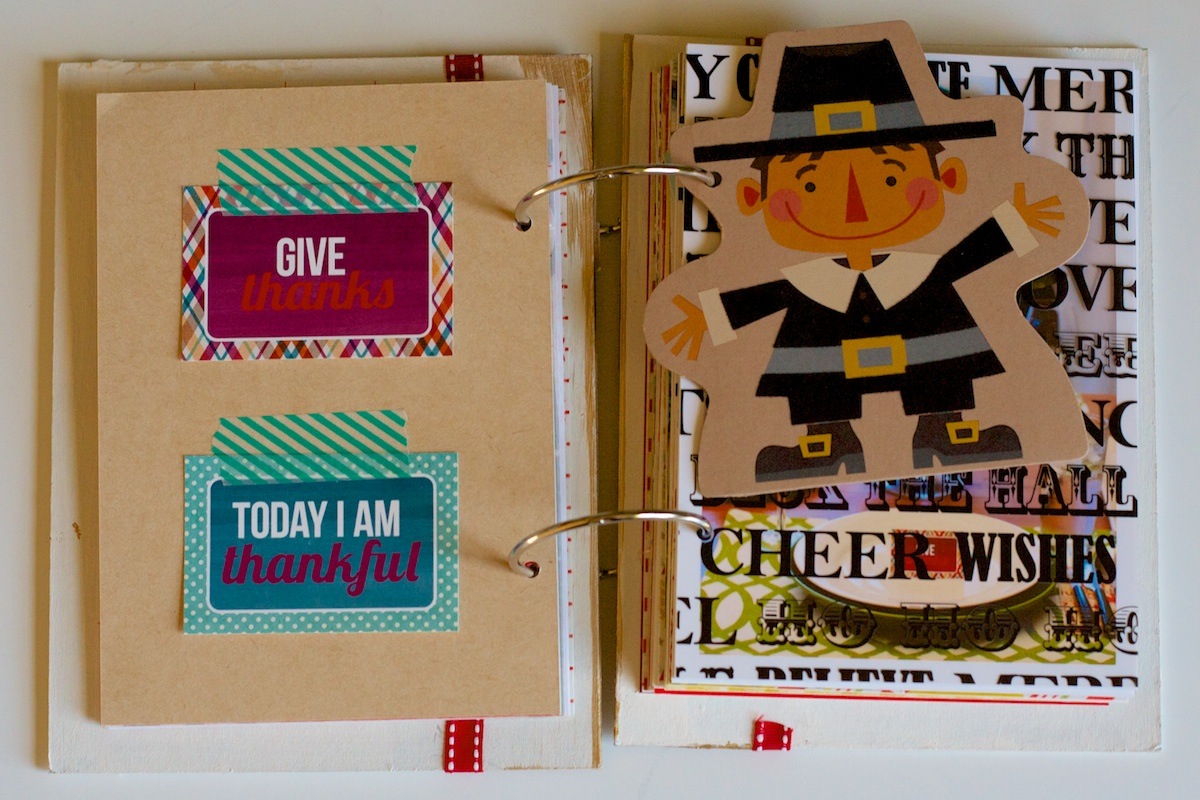
For Holiday Fave #2 I chose Thanksgiving so on the back of the Mer-jack? photo page, I added two of our thankful cards. Well I should really say our only two thankful cards since despite plans to write these out throughout November, these are the only ones we did. #weareawesome It was still fun to see what each of us wrote though!

Nettio holidayfaves2012 15

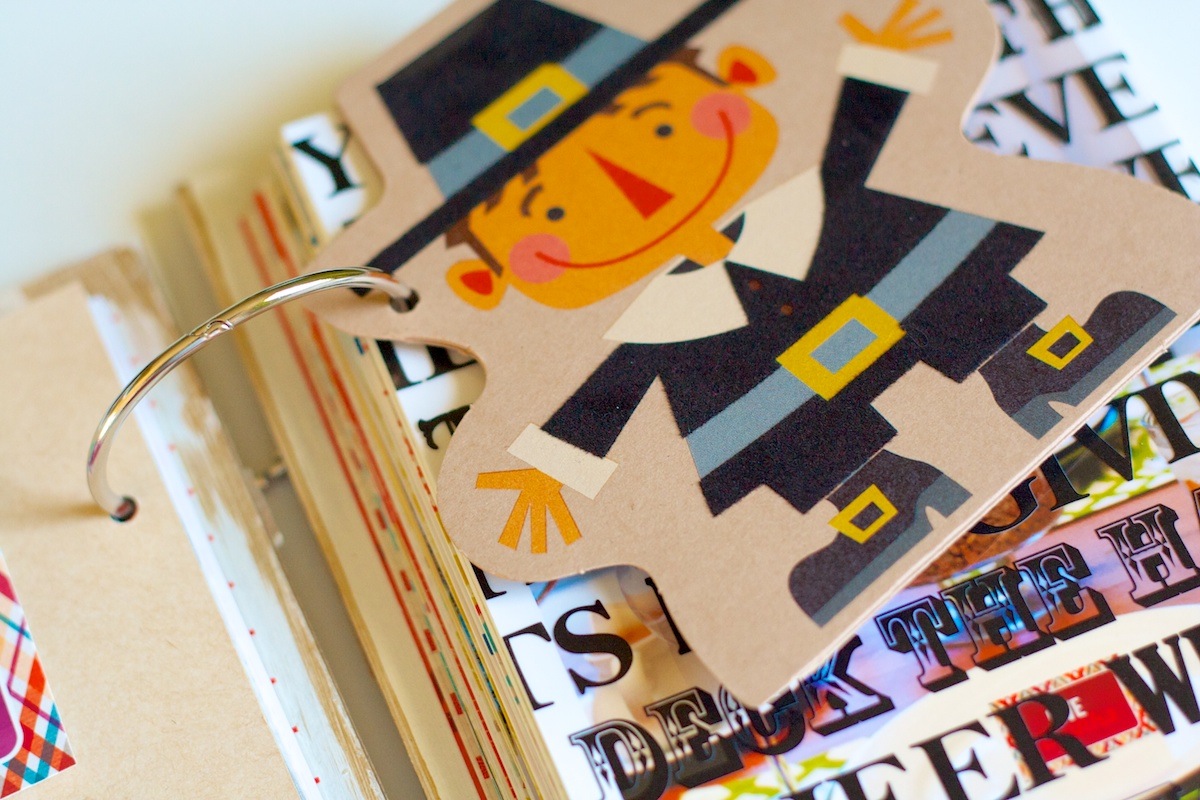
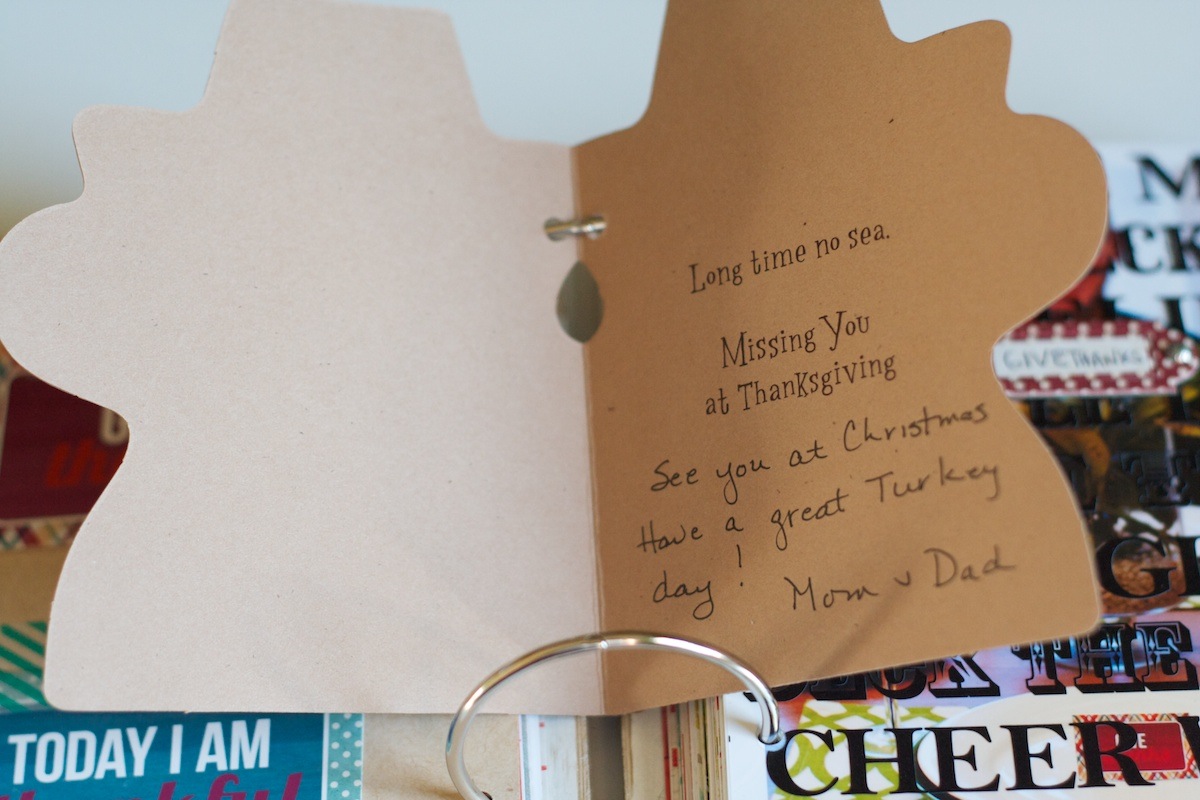
On the right is a Happy Thanksgiving card my mom sent me in the mail. I love that my mom still sends cards for all the holidays by real mail – it’s so much more fun than getting an e-card or email! Plus is he not the most adorable pilgram ever?

Nettio holidayfaves2012 16


Nettio holidayfaves2012 17

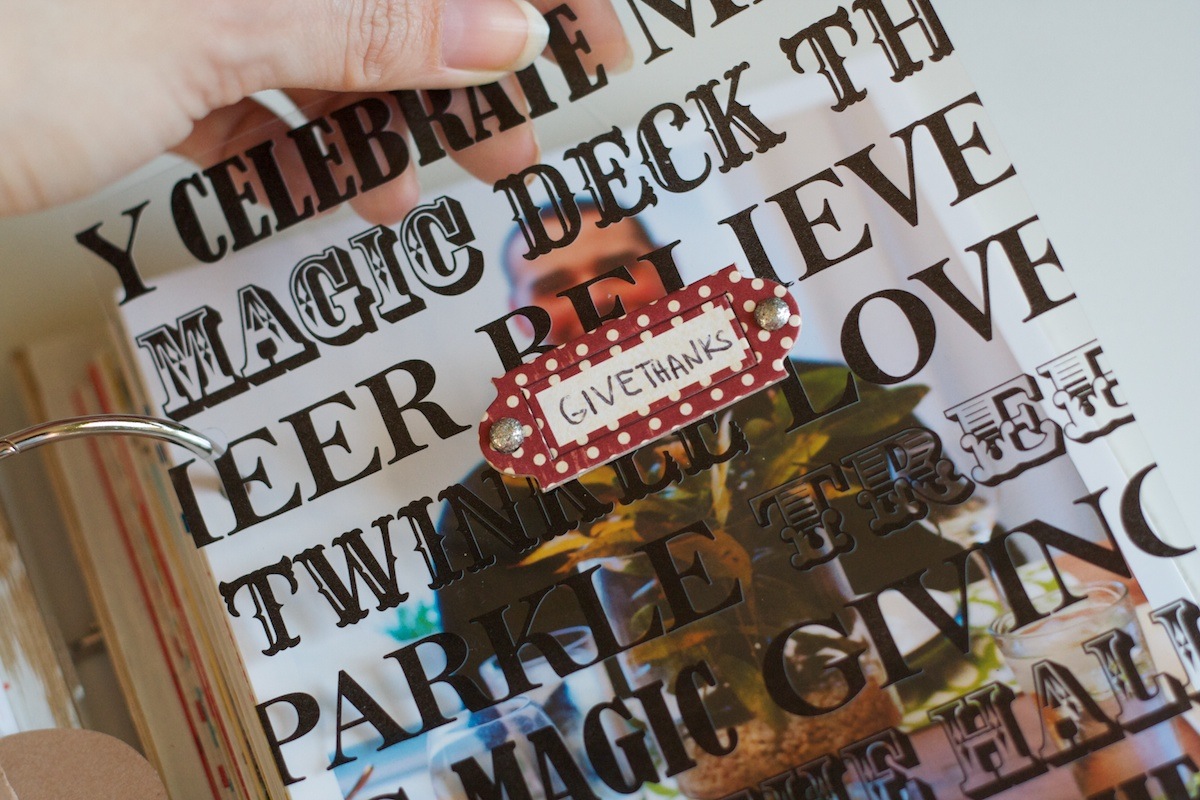
On the overlay page on the right, I added a little Making Memories tag held on with some brads:

Nettio holidayfaves2012 18

I used the tips of my scissors to punch through the overlay since it was too thick for the brad to poke through.

Nettio holidayfaves2012 19

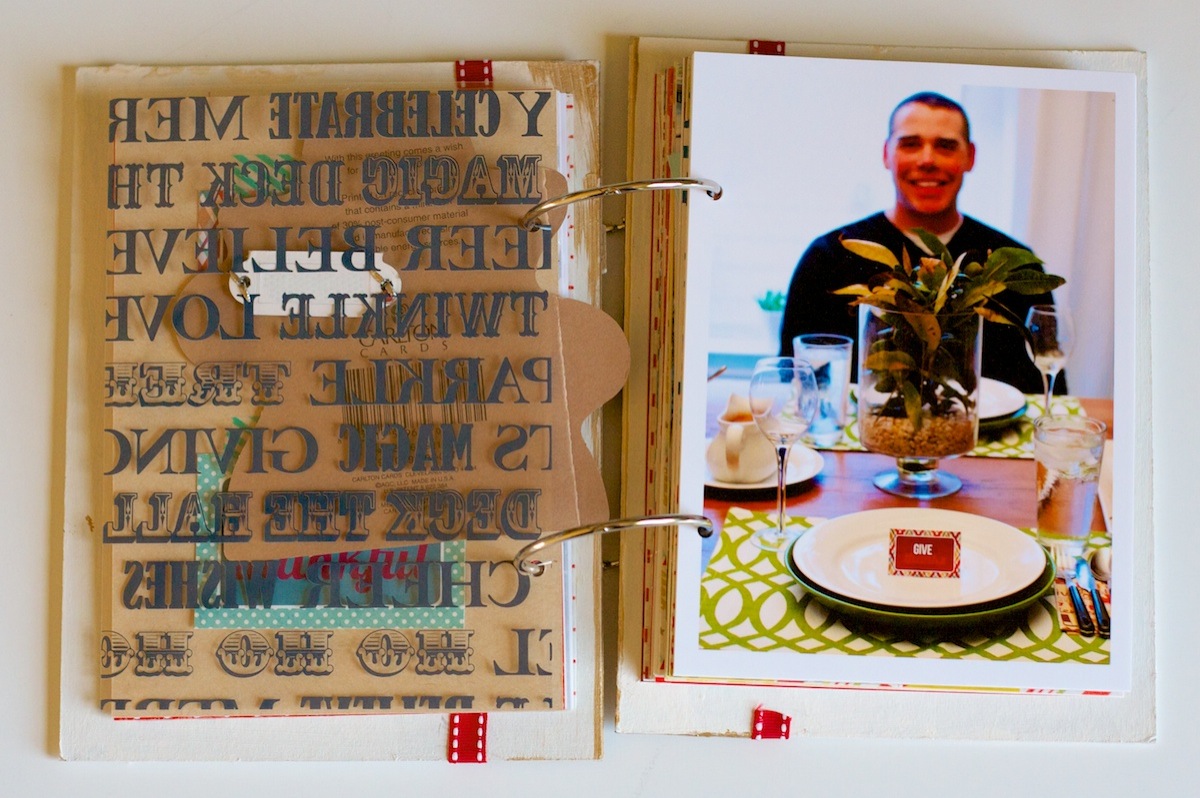
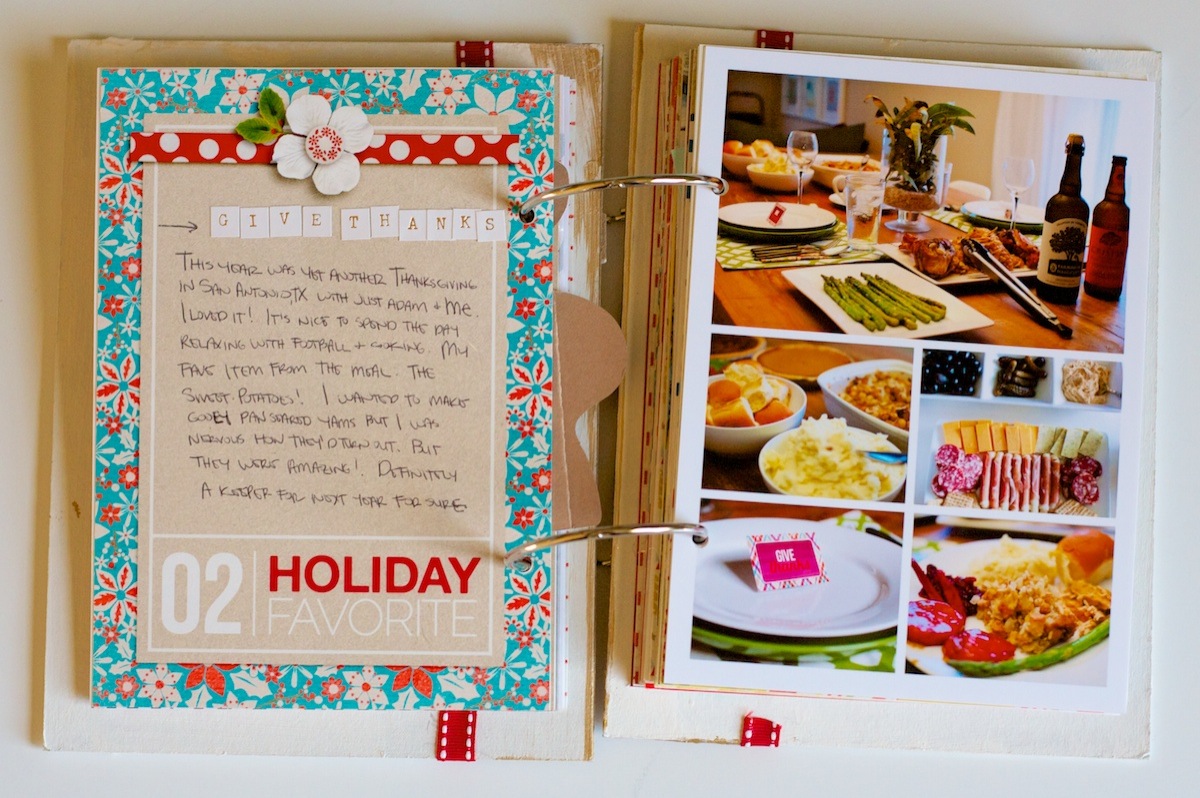
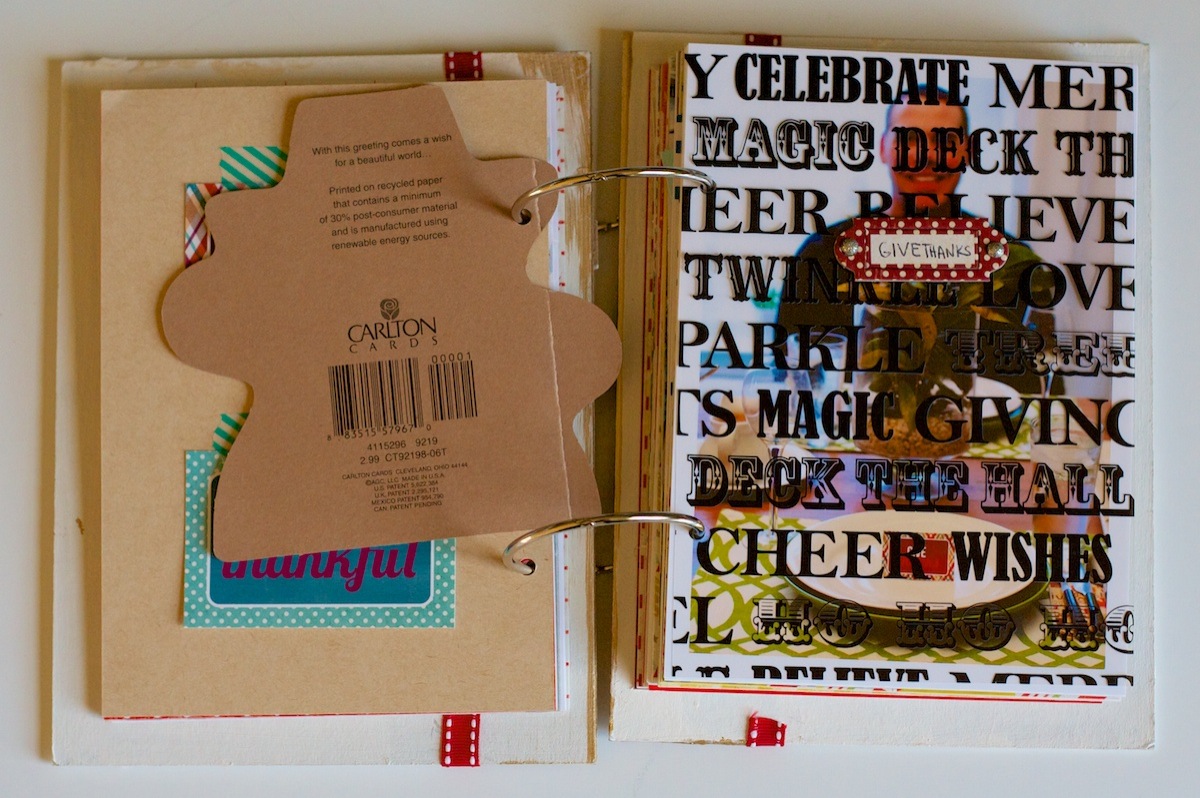
A look at our Thanksgiving table – I totally Macguyver-ed the center piece last minute from a bunch of random plants we have in our yard. And I added a little triangle tab on the back of a few of the blank Give Thanks cards to use in place of place cards. Since there were only two of us, it wasn’t exactly hard to figure out who sat where, haha.

Nettio holidayfaves2012 20

More Thanksgiving journaling and photos. I have to laugh because clearly I don’t have the spacing down for the title stickers just yet:

Nettio holidayfaves2012 21

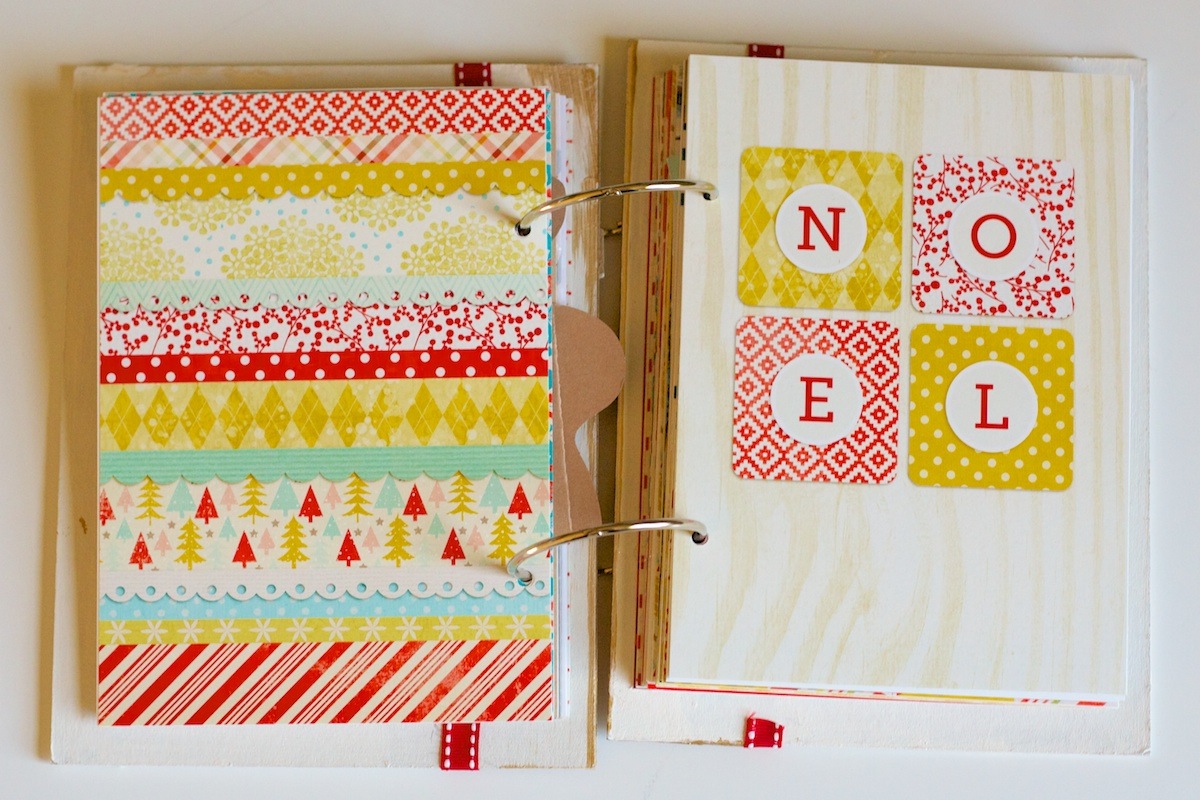
This accent page I’ve left blank for now. I figure once I finish the second half of the album, I can add any leftover memorabilia or photos I have or I may just add a decorative accent and call it good.

Nettio holidayfaves2012 22

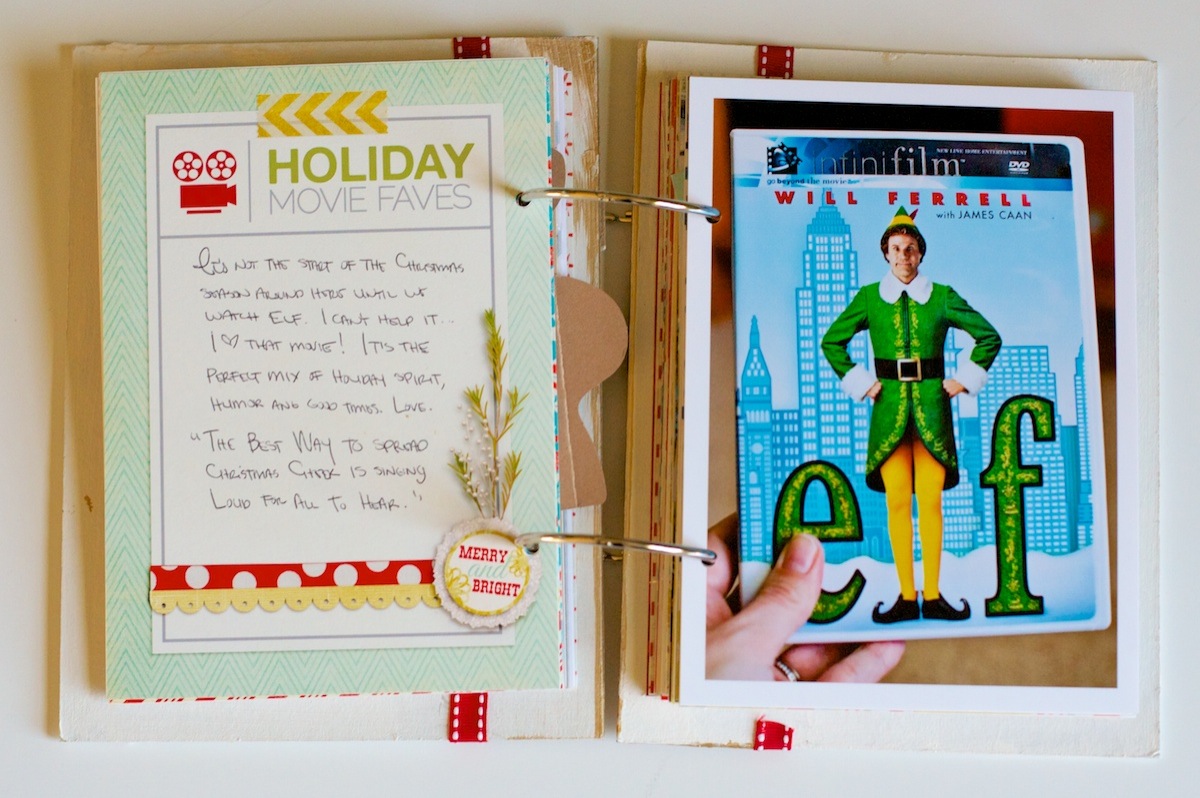
Holiday Movie Faves

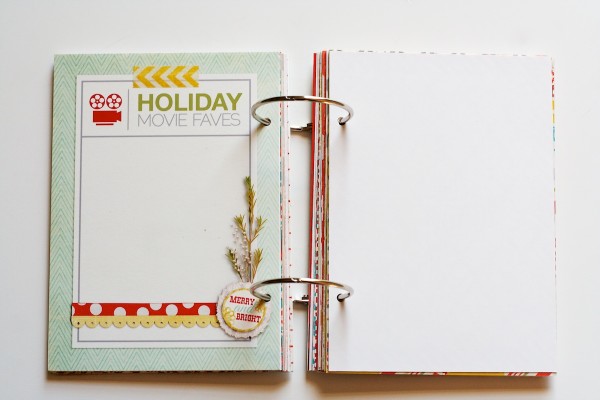
Here’s a look at one of the completed themed journaling cards. I used this movie one to document my love of Elf:

Nettio holidayfaves2012 23

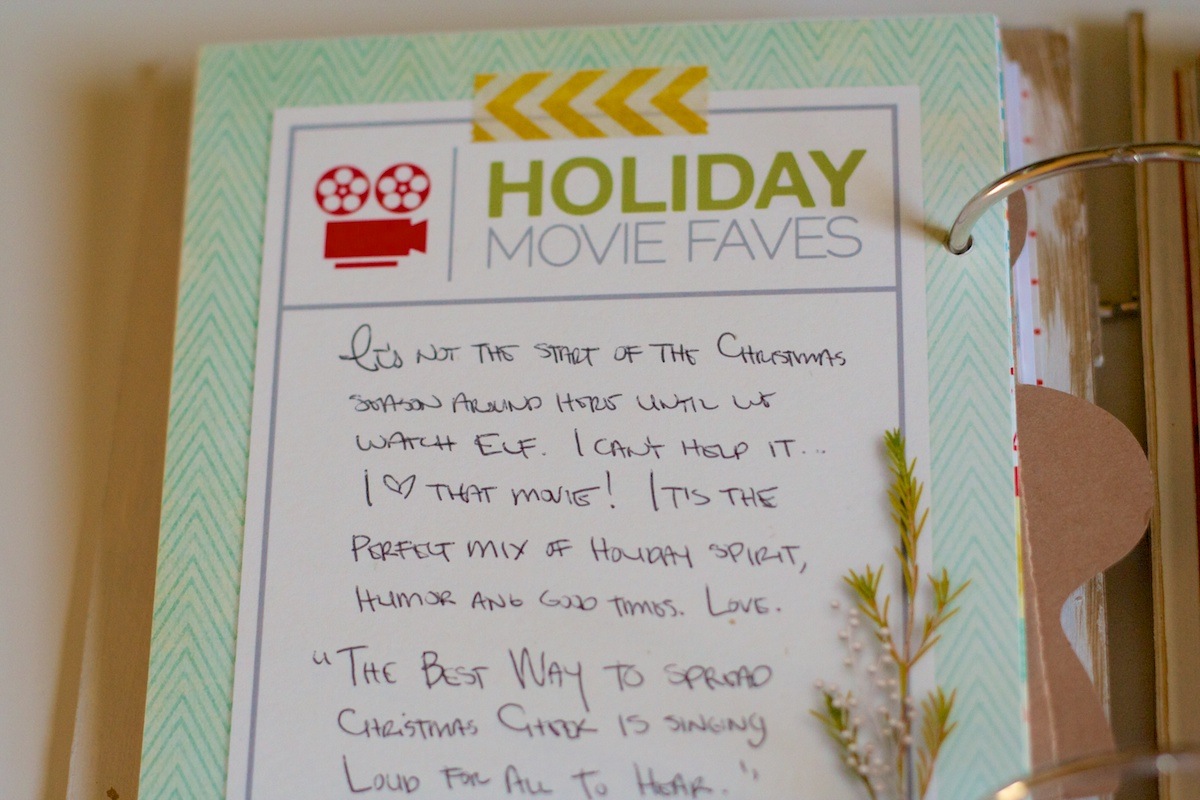
A closer look at the journaling card:

Nettio holidayfaves2012 24

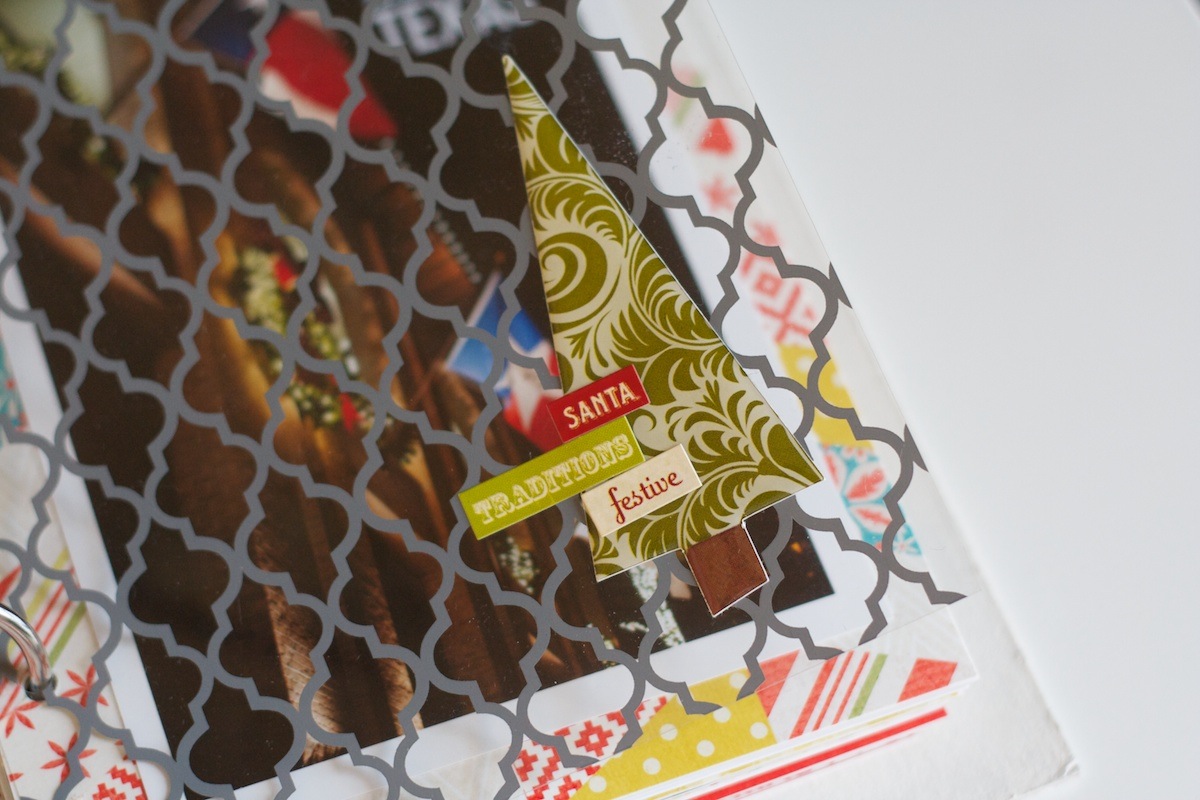
On this overlay on right, I added a couple of accent stickers:

Nettio holidayfaves2012 25

Nettio holidayfaves2012 26

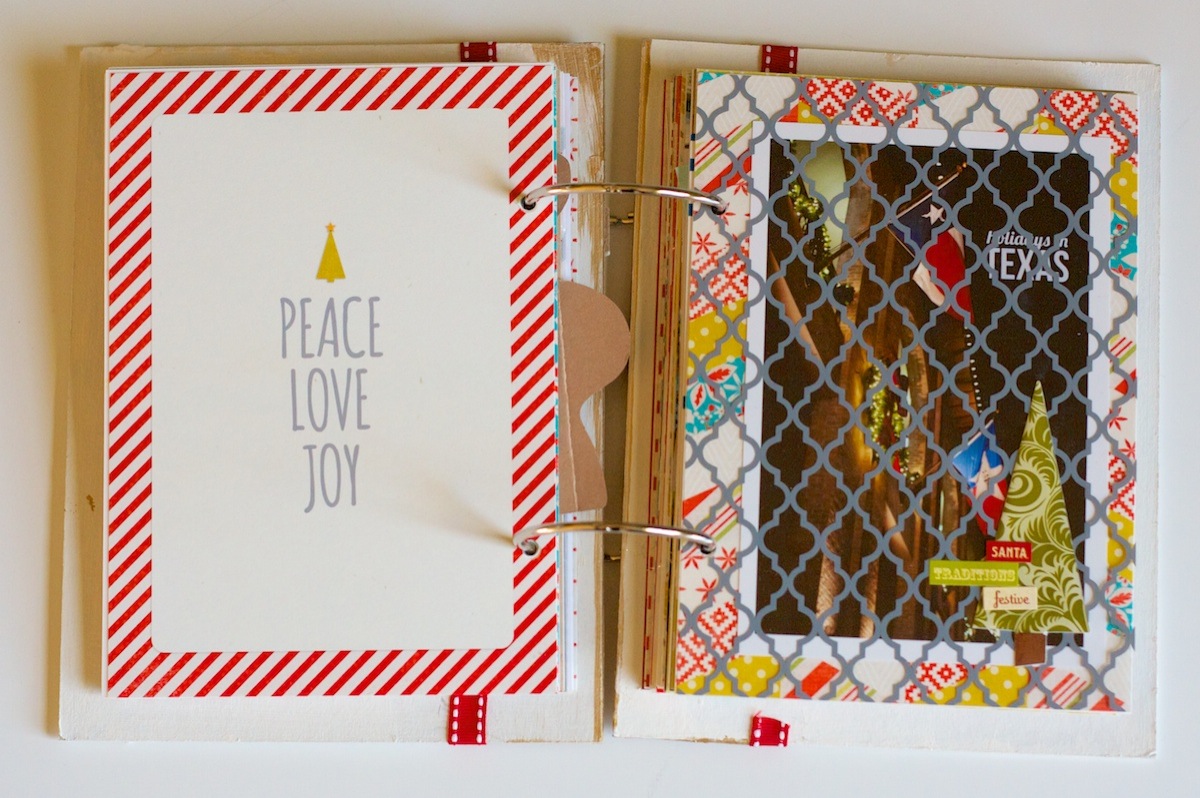
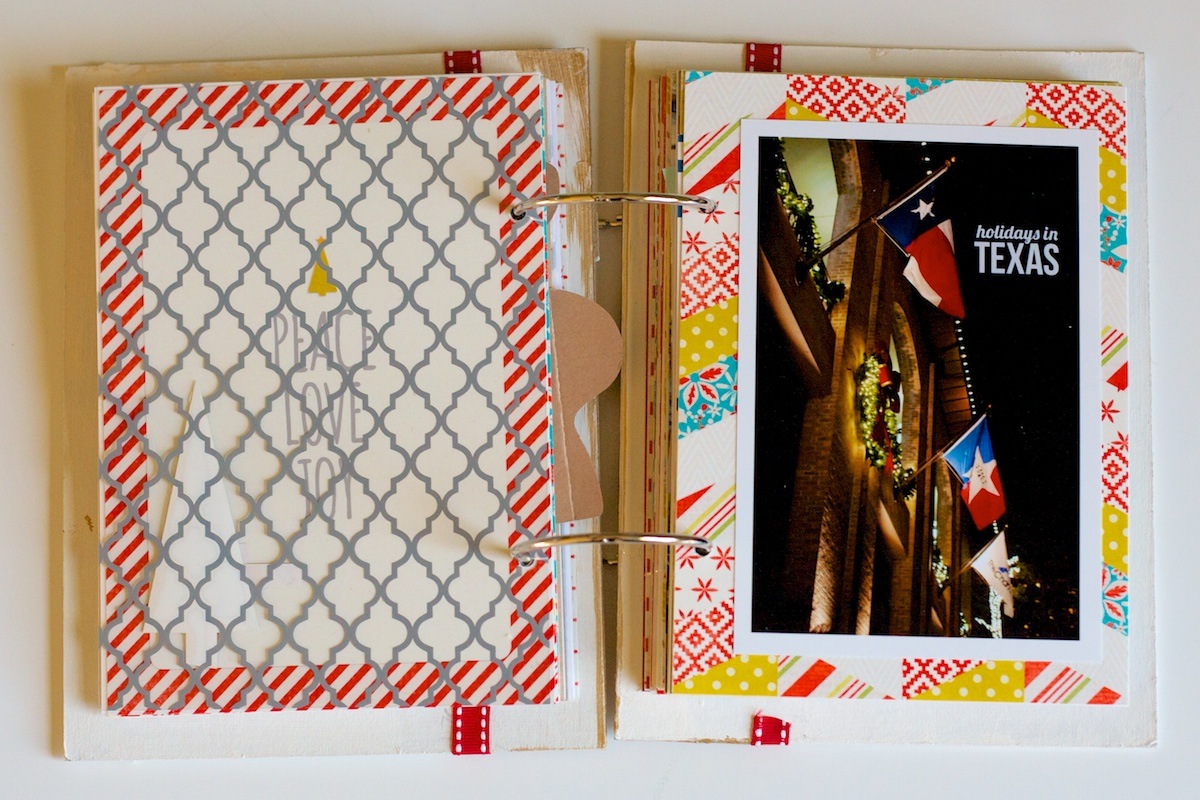
Then behind the overlay I added a photo I took here in Texas. Figured it was appropriate given we won’t (hopefully) be living in Texas for forever:

Nettio holidayfaves2012 27

Holiday Faves #3

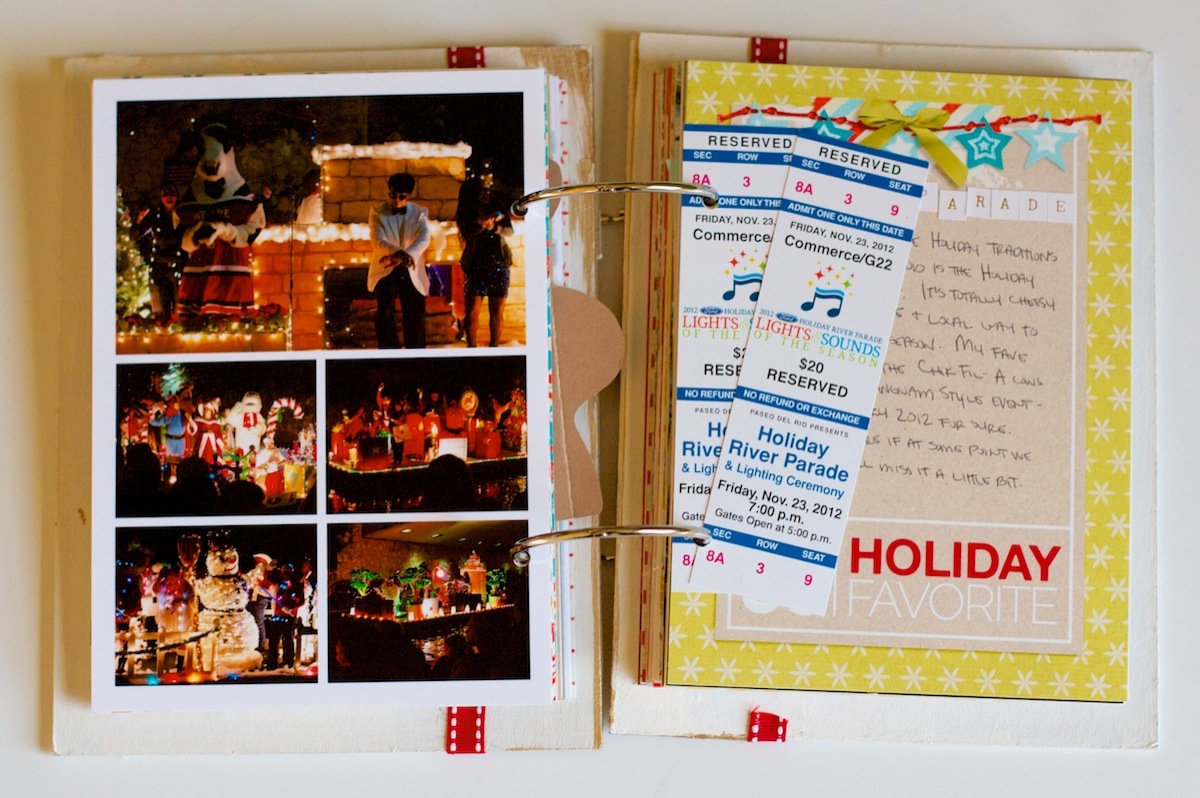
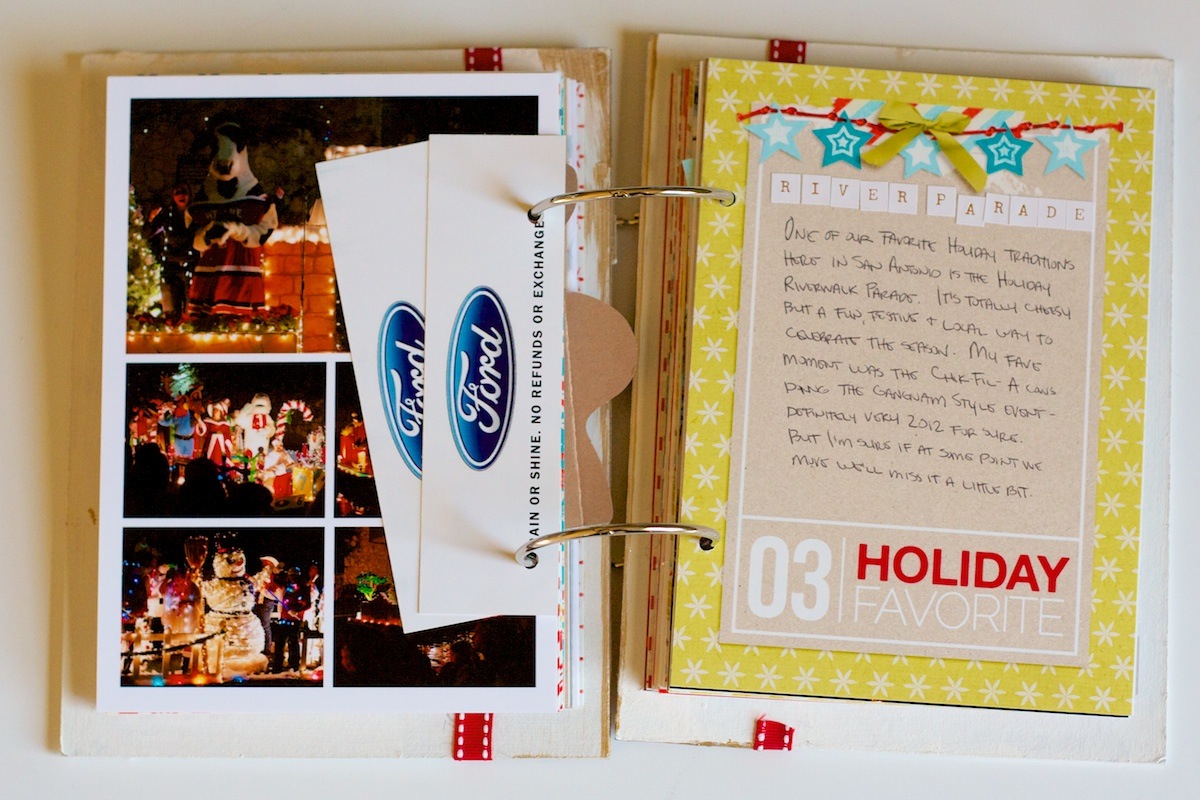
Holiday Fave #3 was the Holiday River Parade down on the Riverwalk which has become one of our favorite day-after-Thanksgiving traditions here in San Antonio.

On the left side I added a photo collage (also one of the templates included in the Holiday Faves Mini Album templates) as well as our tickets from the parade.

Nettio holidayfaves2012 28

It’s hard to tell from this picture since it was a bit dark but in the top photo of the collage,the Chik-Fil-A cows are totally dancing Gangnam style and that’s supposed to be Psy in the white jacket. We thought it was hilarious but we were surrounded by a bunch of older people – like in their 70s & 80s older people – who clearly had no idea what was happening. It was rather hilarious hearing some of the younger people in their group trying to explain what was going on.

Faves journaling card on the right, now with extra sloping:

Nettio holidayfaves2012 29

Oh and a friendly note for all you Crop-o-dile hole punch lovers, if you attempt to carry-on your Crop-o-dile when flying, TSA will confiscate it because it’s over 7 inches and therefore considered a dangerous “tool.” #askmehowIknowthis

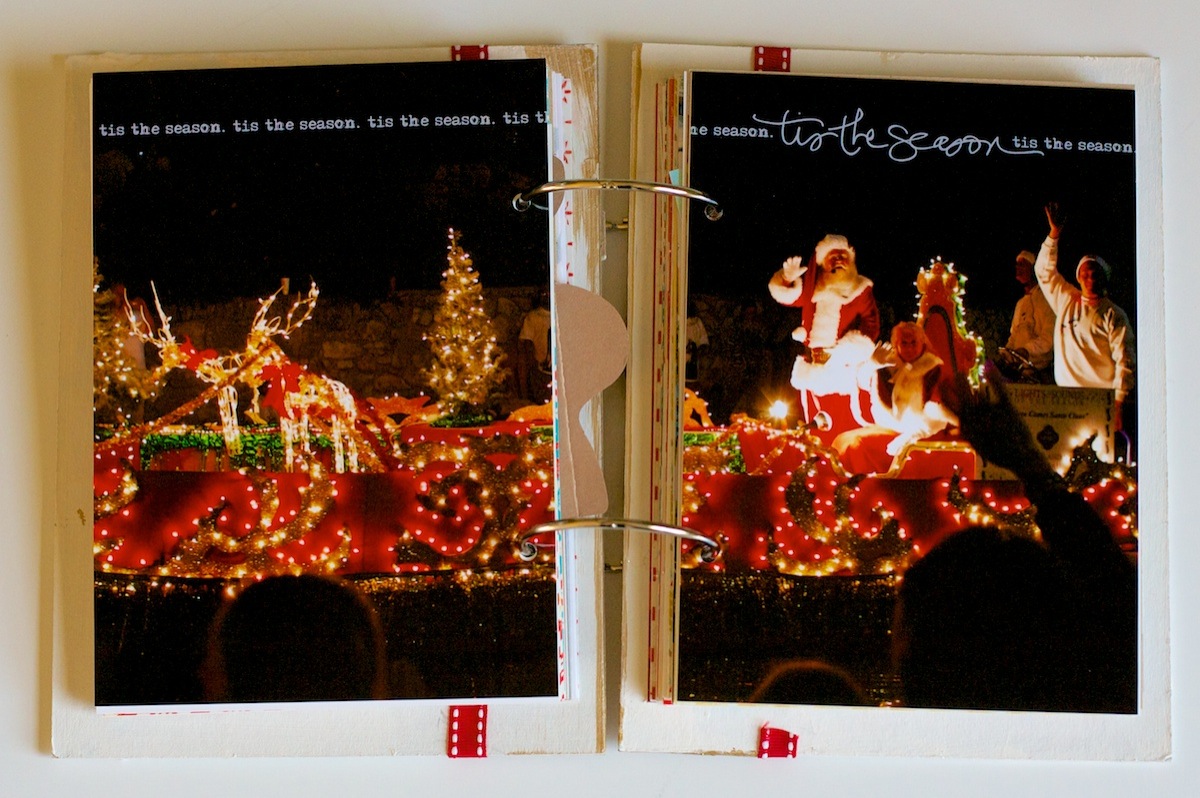
For this page I decided I wanted to print out a photo to span across the full spread. I like how it turned out but I cut my covers a little larger this year so the gap between the pages is wider. I think it might have worked a little better if the gap was smaller. But I like the concept, the execution could just use a little tweaking I think.

Nettio holidayfaves2012 30

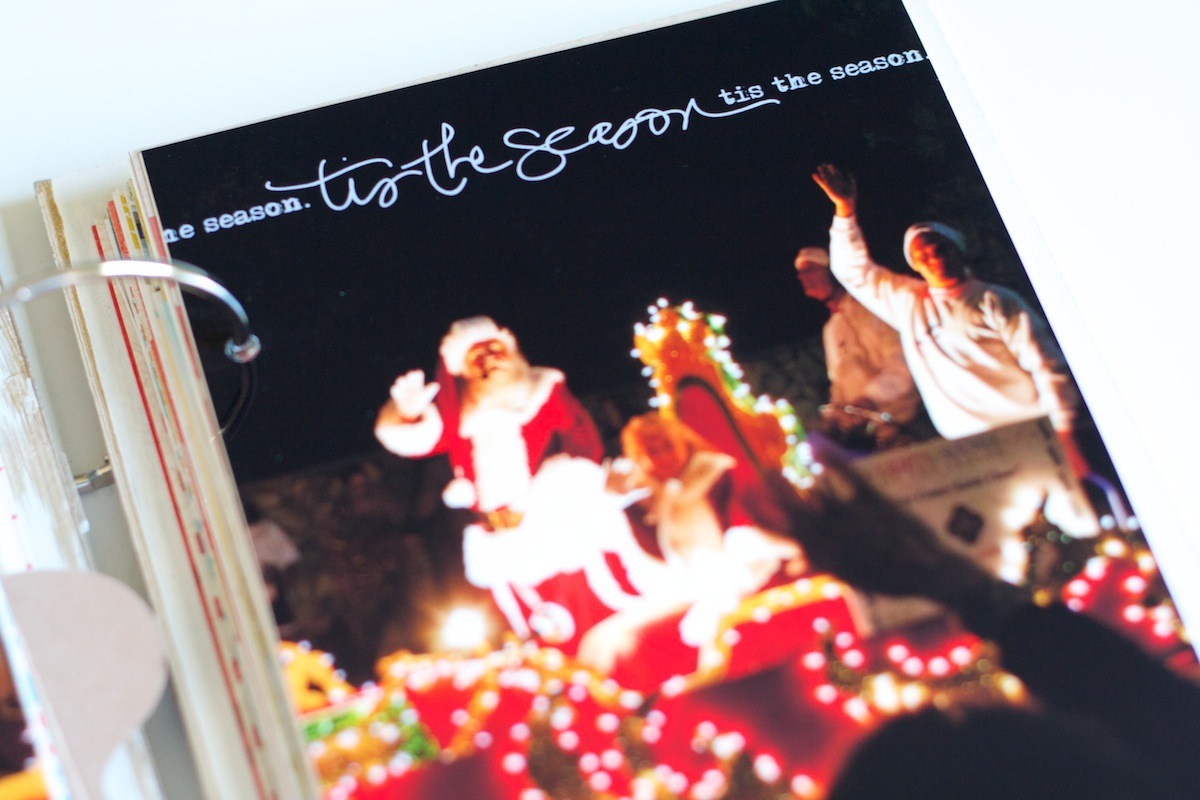
I also added one of Ali Edwards holiday brushes onto the photo before printing:

Nettio holidayfaves2012 31

Does anyone else look at Ali Edwards handwriting and wish it was your own? Her handwritten journaling always looks so cool. I’m pretty sure I could do a ton of practicing and mine would never look like that, haha.

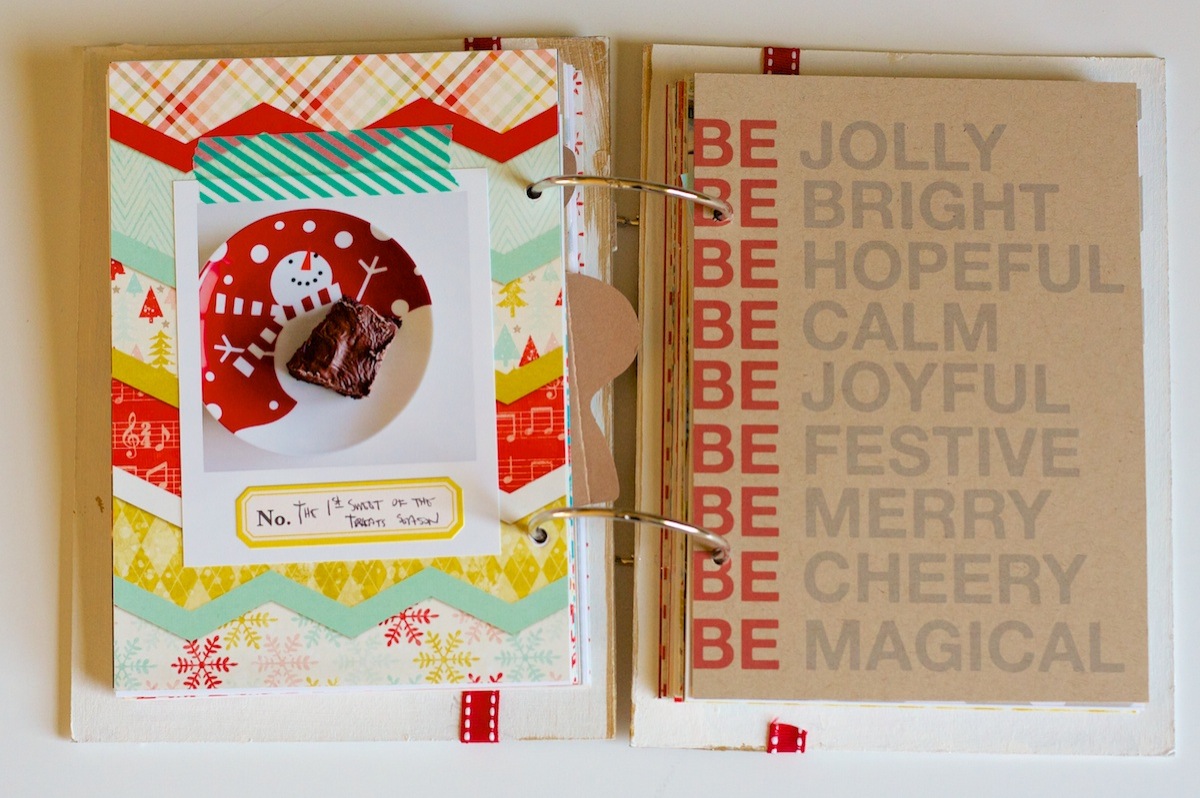
On this page I added a little random photo of our 1st sweets of the season, some super delicious brownies Adam made. The photo wasn’t a polaroid obviously, but I trimmed it down to look like one and added a little washi tape from Target to hold it on.

Nettio holidayfaves2012 32

This left page came courtesy of a Pottery Barn catalog I received in the mail. Love when that happens!

Nettio holidayfaves2012 33

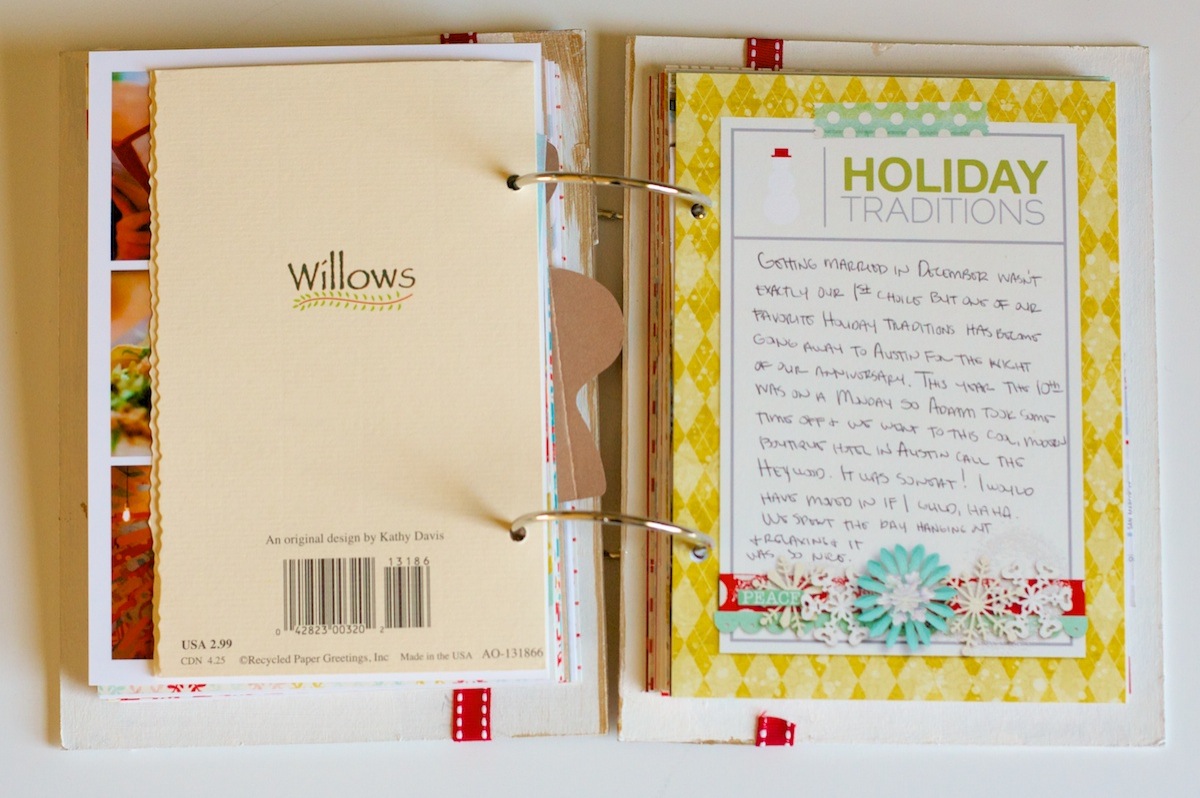
Holiday Traditions

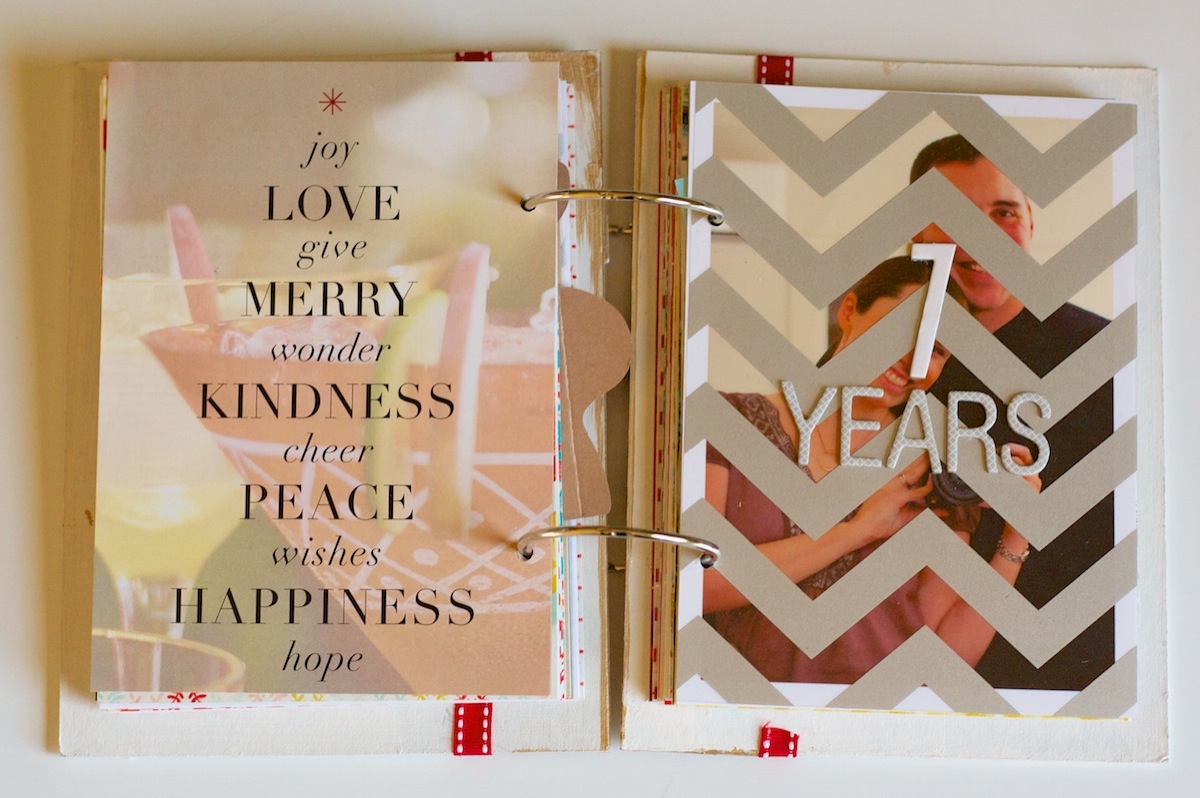
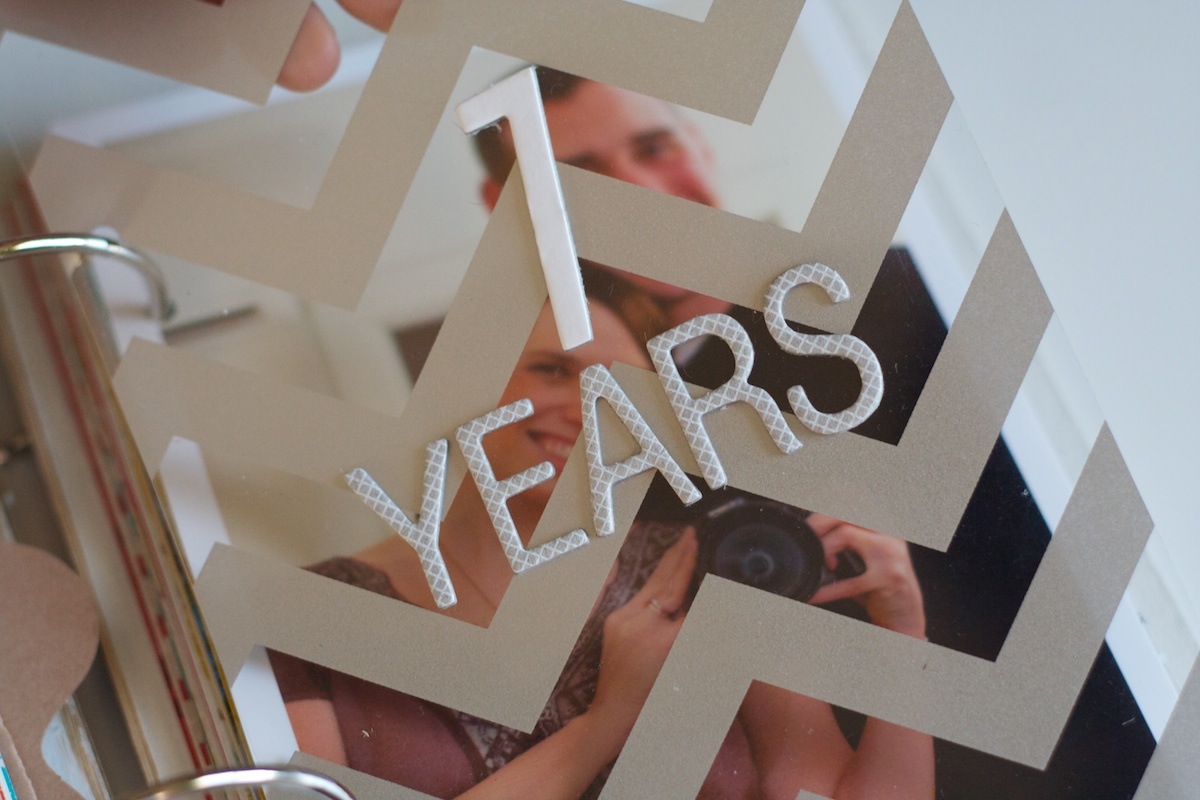
Our wedding anniversary is on December 10th, so in honor of our 7th anniversary, I added some American Crafts Thickers onto the overlay on the right:

Nettio holidayfaves2012 34

If anyone from American Crafts is reading this, I have a request. Could you pretty please bring back the white chipboard Thickers in the Shoebox font? I know you’ve brought it back in a glitter form which gives me hope but I’m still holding out for the all-white to return. It’s my fave and I’m still hoarding the little bit of it I have left. *Note: I’m pretty sure no one from American Crafts is reading my blog.

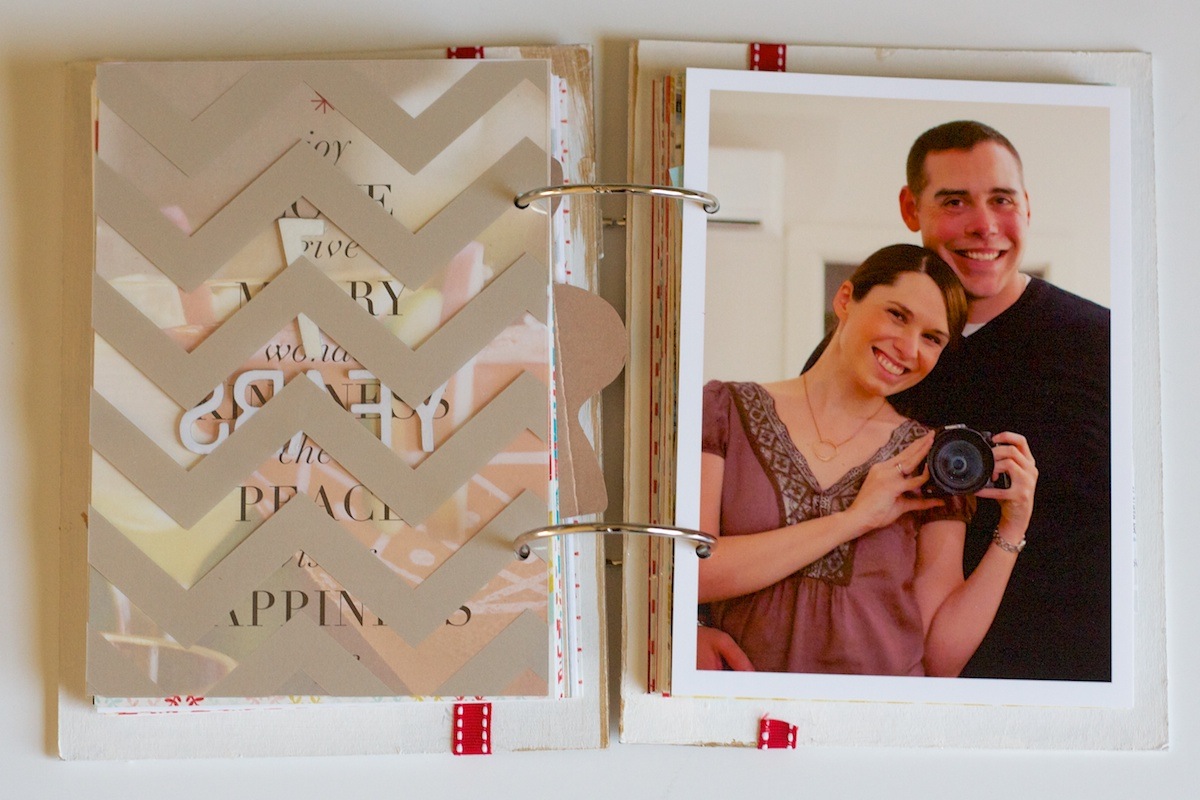
Behind the overlay I added a self-portrait I took of Adam and I on our anniversary:

Nettio holidayfaves2012 35

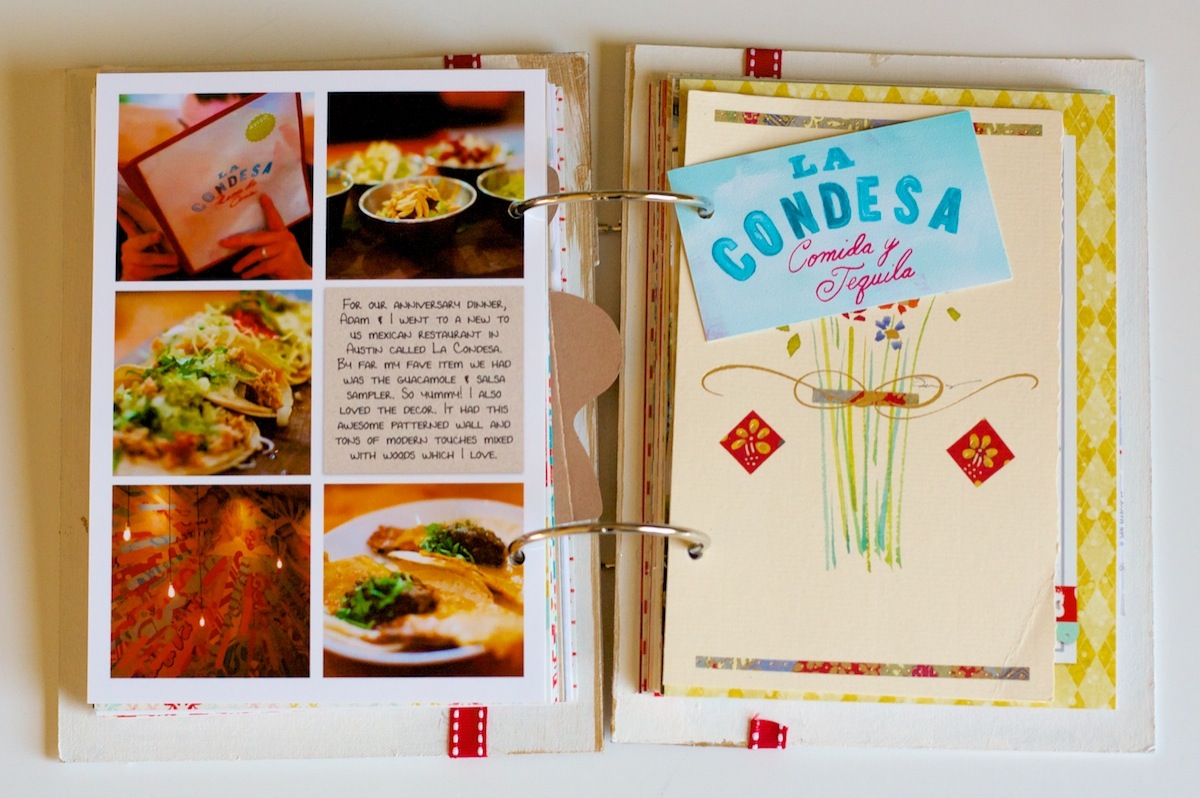
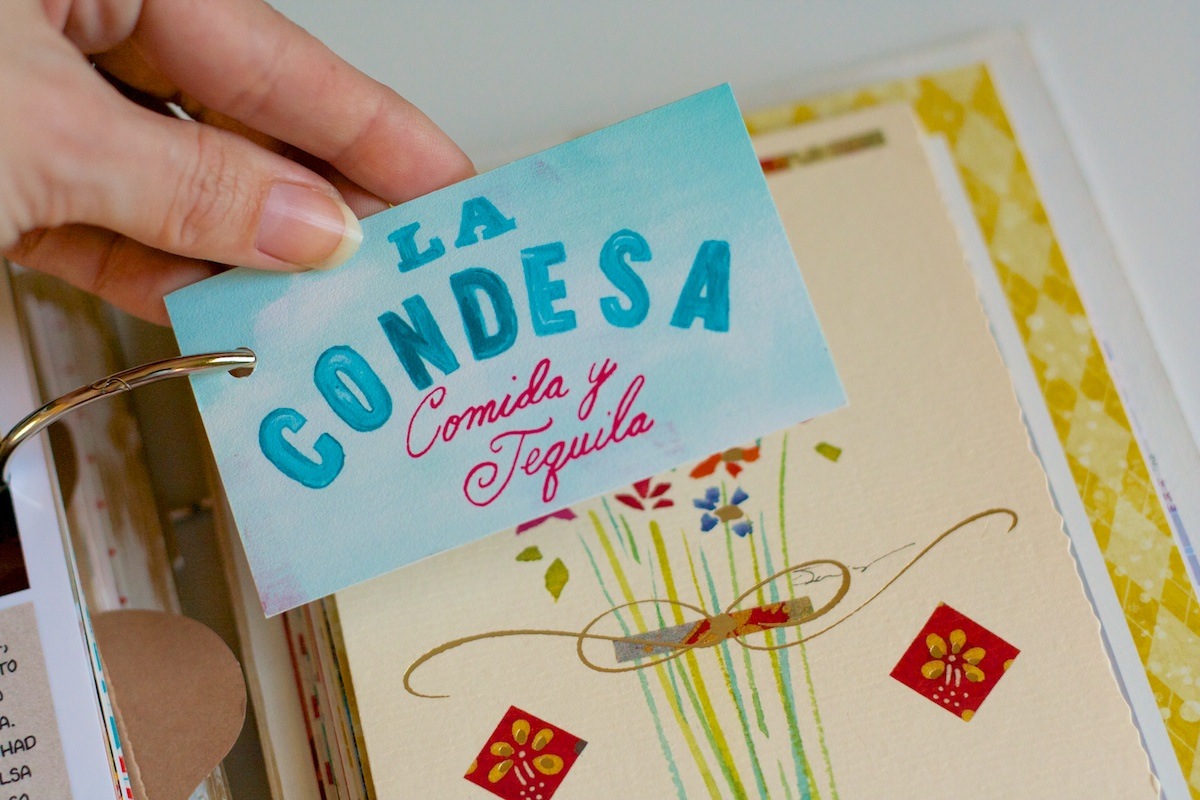
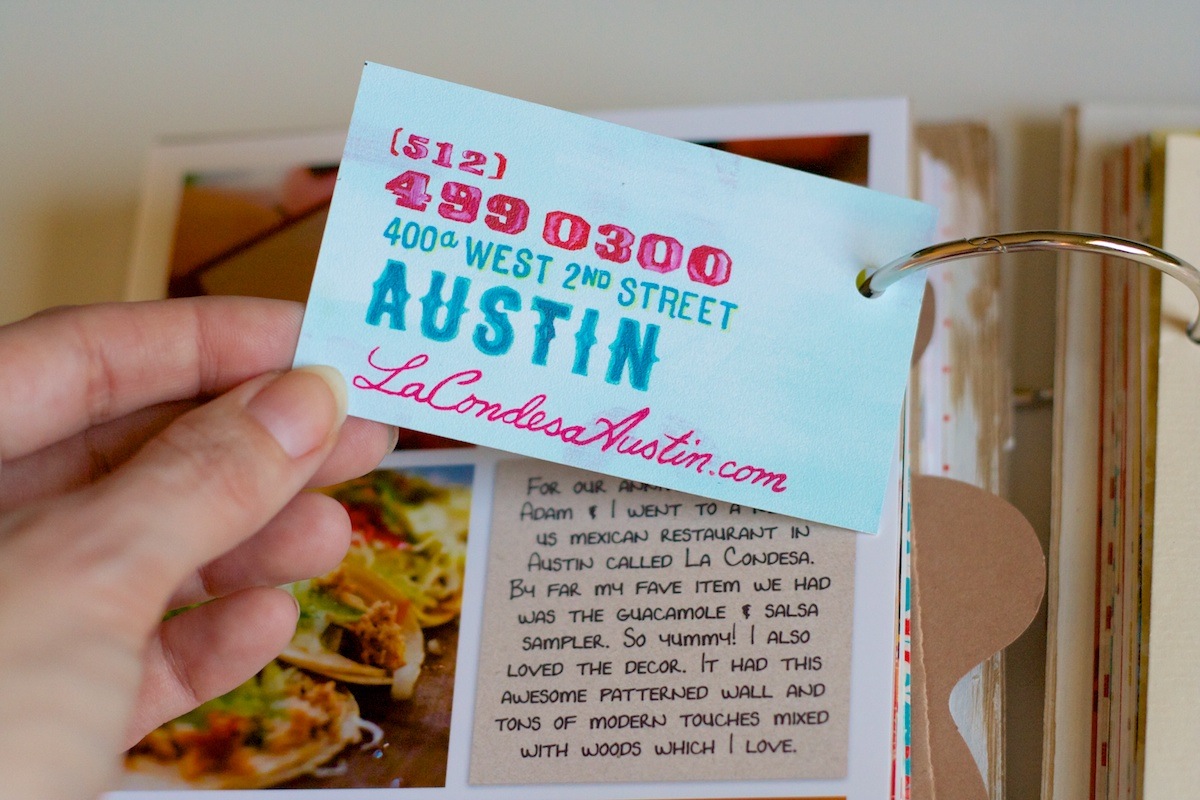
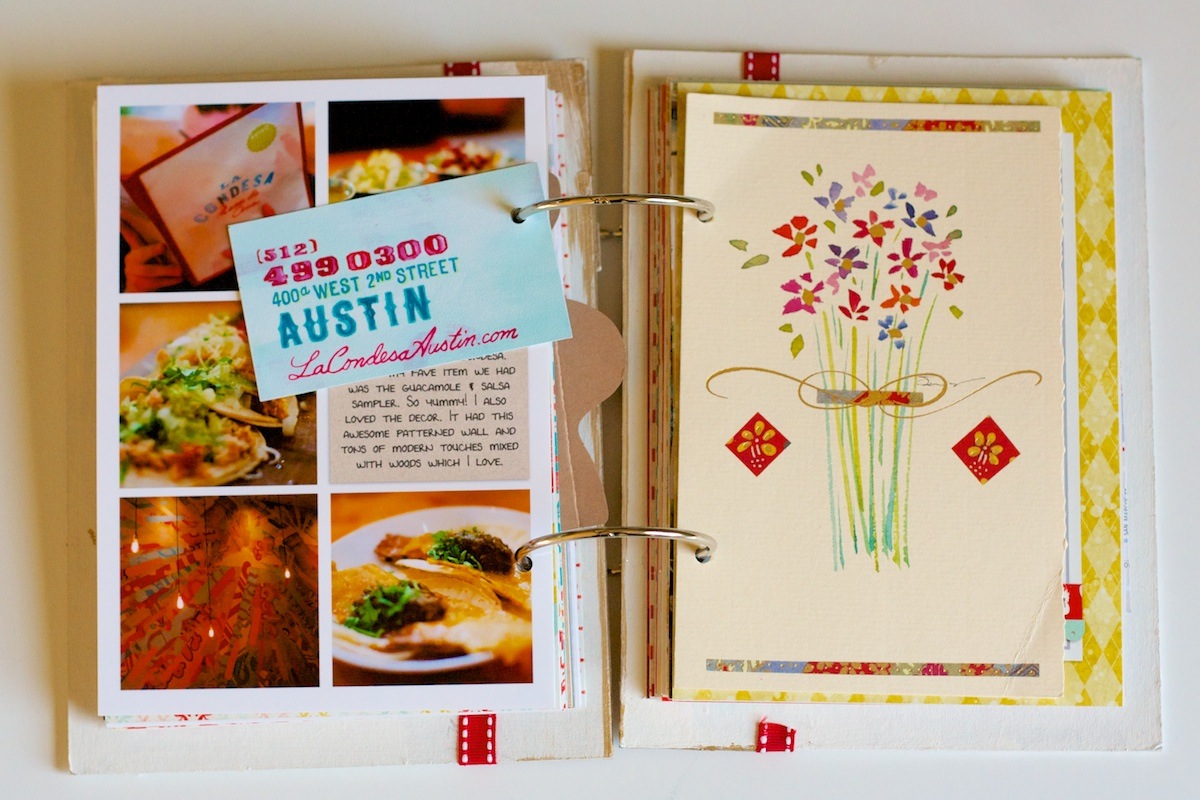
One of our yearly traditions while we’ve lived here in San Antonio has been to spend the night up in Austin in honor of our anniversary. It’s a fun little getaway and since we aren’t usually up there late all that often it gives us a chance to try out some new places for dinner. This year we went to this Mexican restaurant downtown called La Condesa. By far my favorite thing was the guacamole and salsa sampler (well and their crazy patterned paper-esque wall):

Nettio holidayfaves2012 36

I included a business card from the restaurant punched with my now confiscated-by-TSA crop-o-dile:

Nettio holidayfaves2012 37

Nettio holidayfaves2012 38

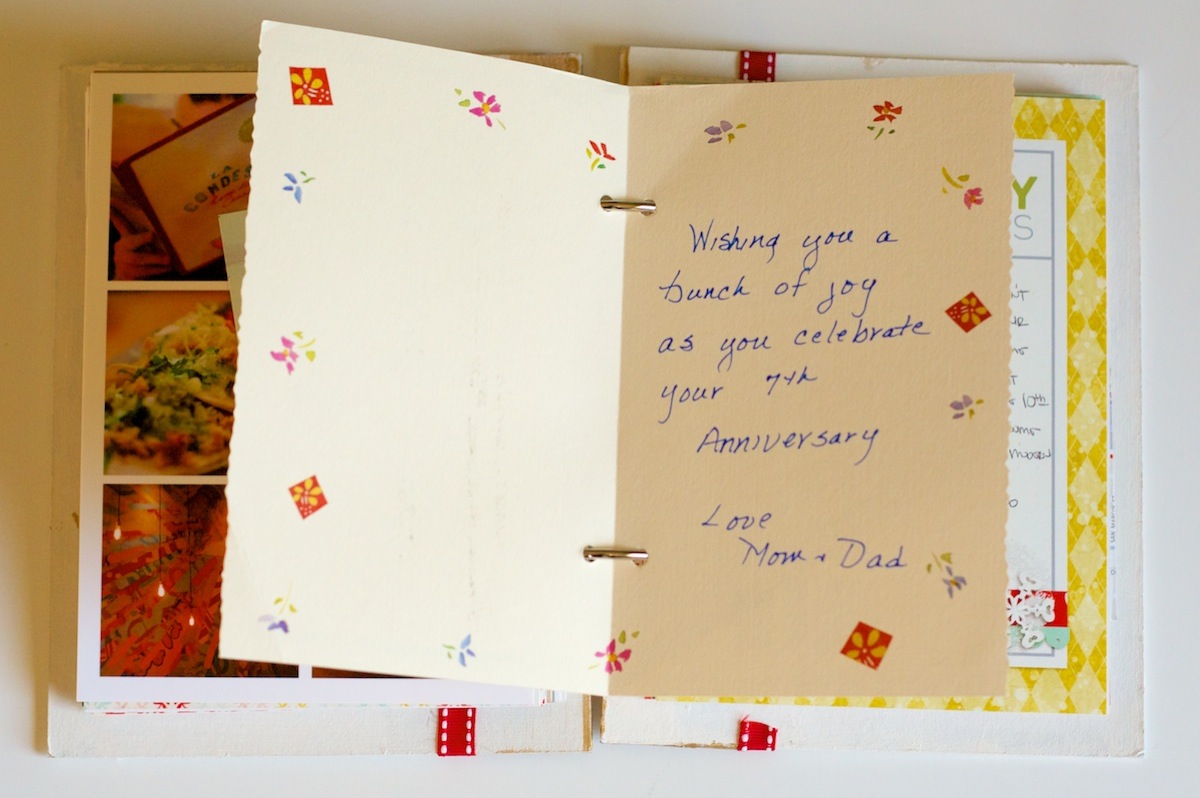
Another card from my mom, this time for our anniversary:

Nettio holidayfaves2012 39

Little did she know she was sending me so much scrapbooking material, haha.

Nettio holidayfaves2012 40

Since this has become one of our traditions, I used the Holiday Traditions themed journaling card for my journaling:

Nettio holidayfaves2012 41

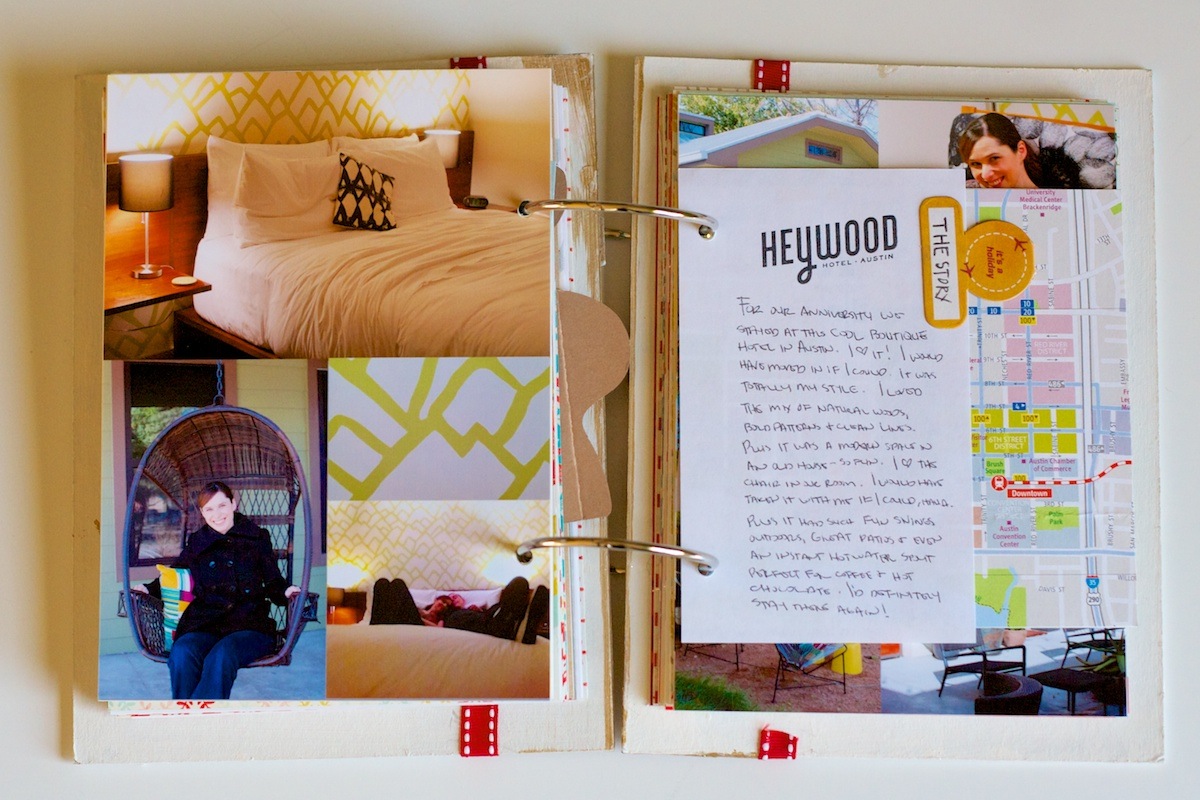
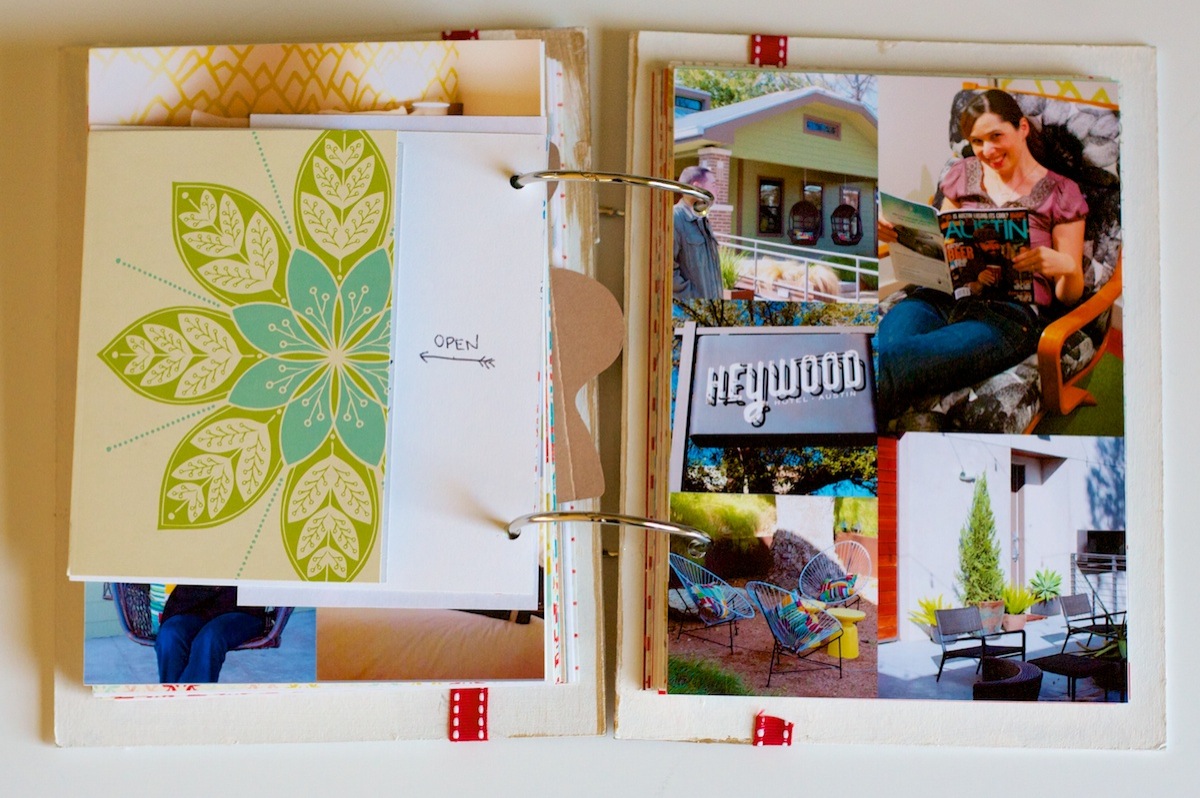
On the back of the card, I include a two-page photo spread with photos of the hotel where we stayed. The past two years we’ve stayed at the Westin at the Domain because they ofter a good military rate but this year we stayed at this awesome (but not cheap) little boutique hotel called the Heywood Hotel:

Nettio holidayfaves2012 42

Seriously, they had me at hello as soon as I saw that graphic wallpaper and modern wood bed on the website. I’m pretty sure I would have moved in had they let me. Oh and ignore my ghostly-ness in that bottom left photo – clearly my pale skin and my black coat are not a camera match made in heaven, haha.

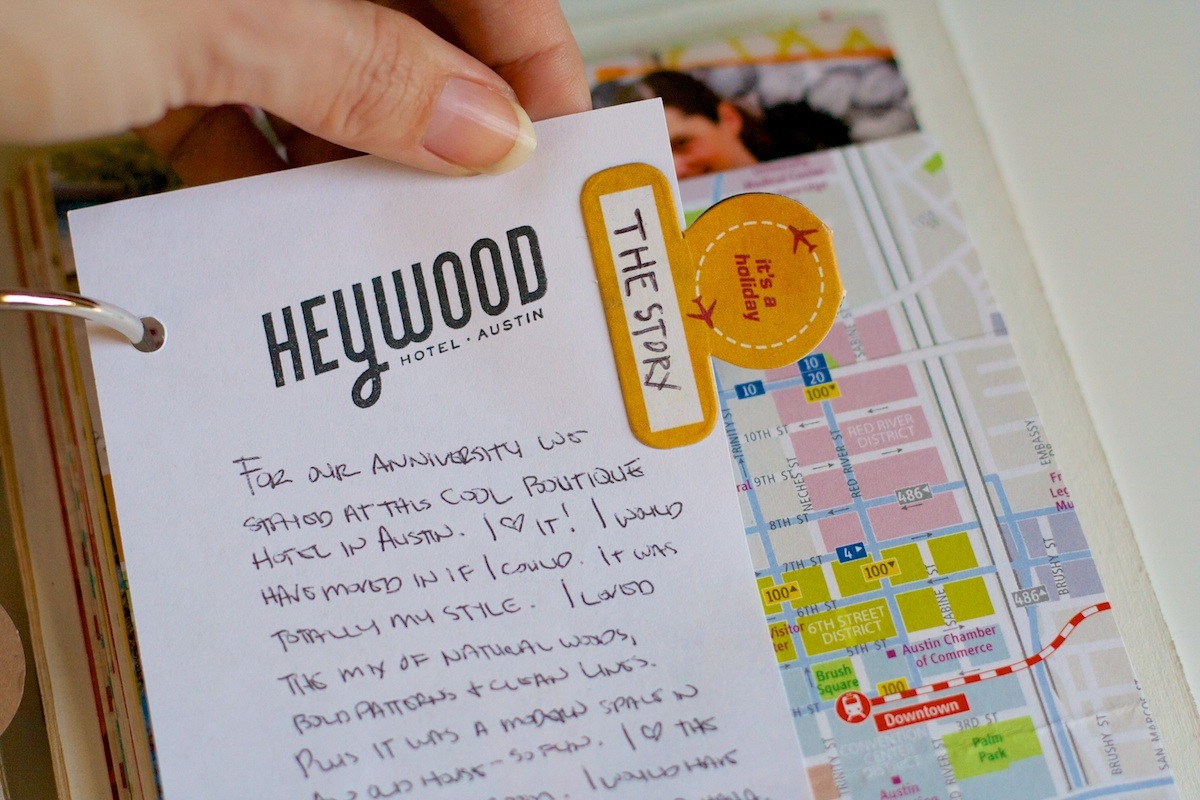
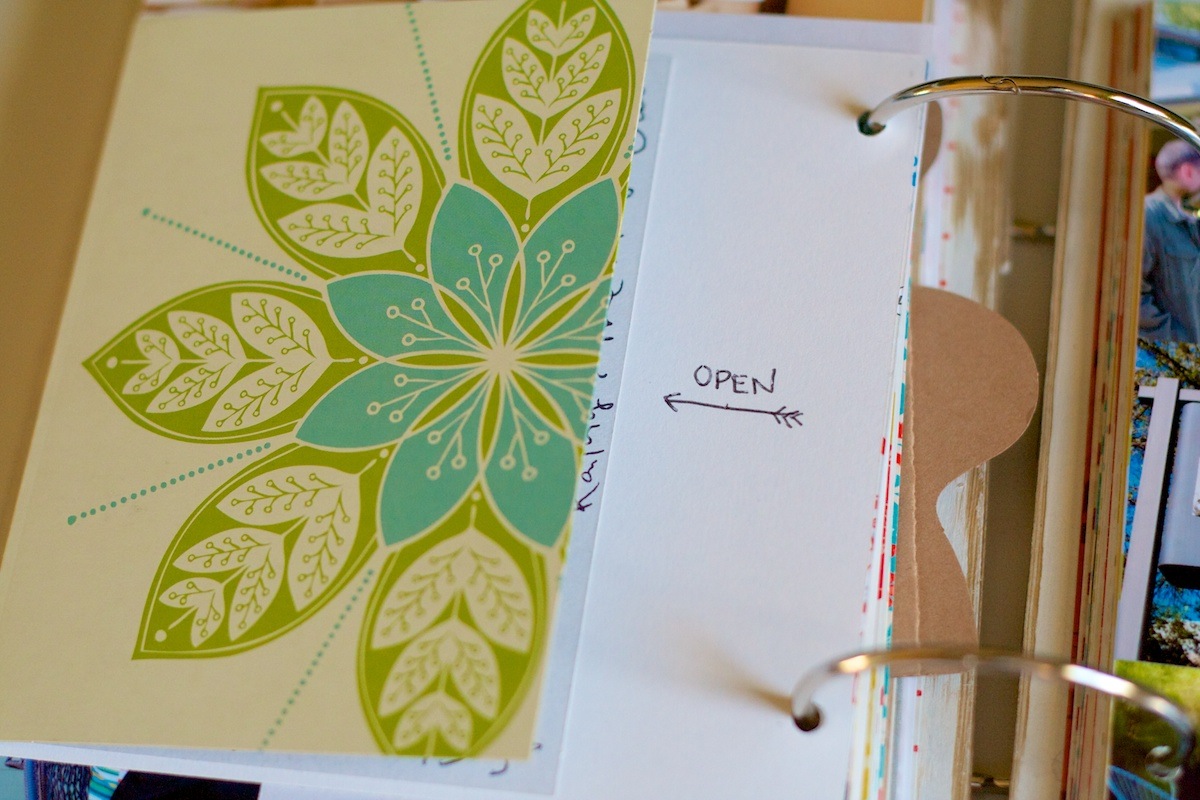
In the middle of the spread I used some paper I picked up from our room to journal about the hotel. The travel tag is from Basic Grey:

Nettio holidayfaves2012 43

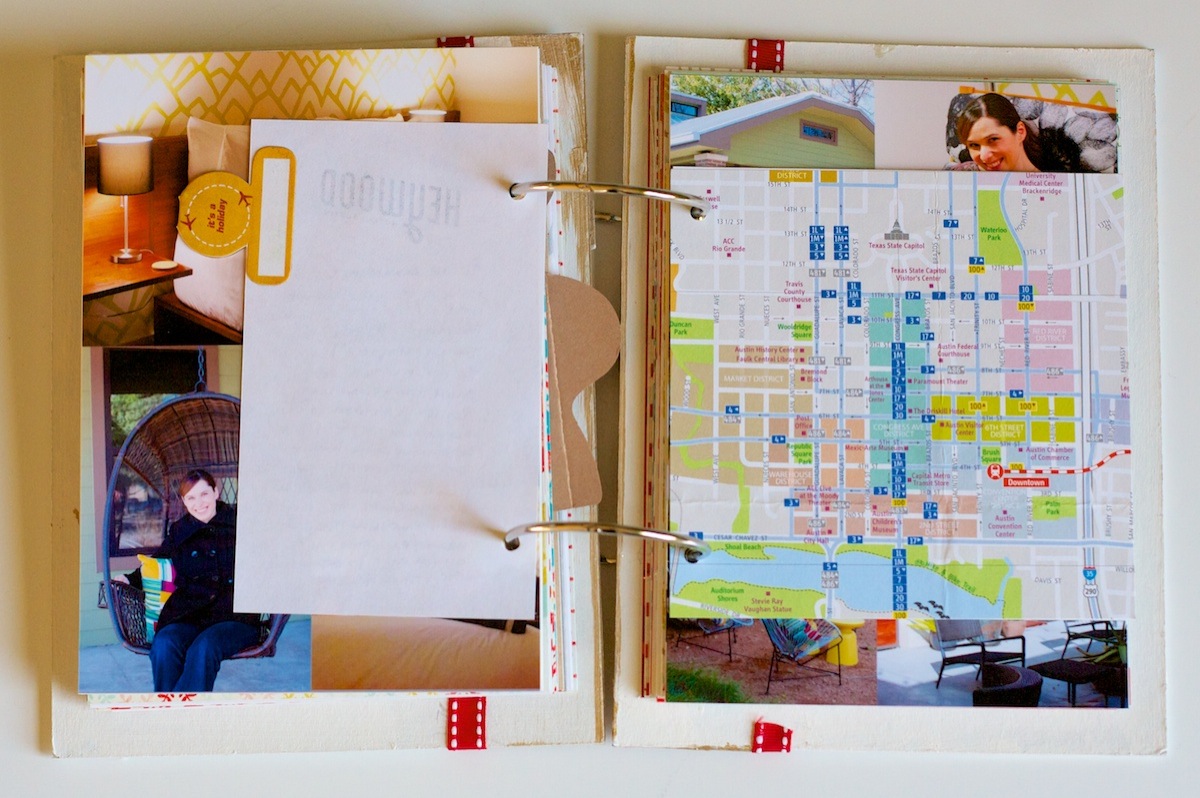
I also included the free map of Austin they gave us. Not that we needed it but it makes for great scrapbooking material:

Nettio holidayfaves2012 44

The right side of the photo spread. I so would have taken the chair from our room home with me. I’m not normally a black & white print girl but I loved how graphic and super comfortable it was. Plus I was way excited they had the most recent issue of Austin magazine which I’d been eyeing at Whole Foods the week before. #itsthelittlethingsright?

Nettio holidayfaves2012 45

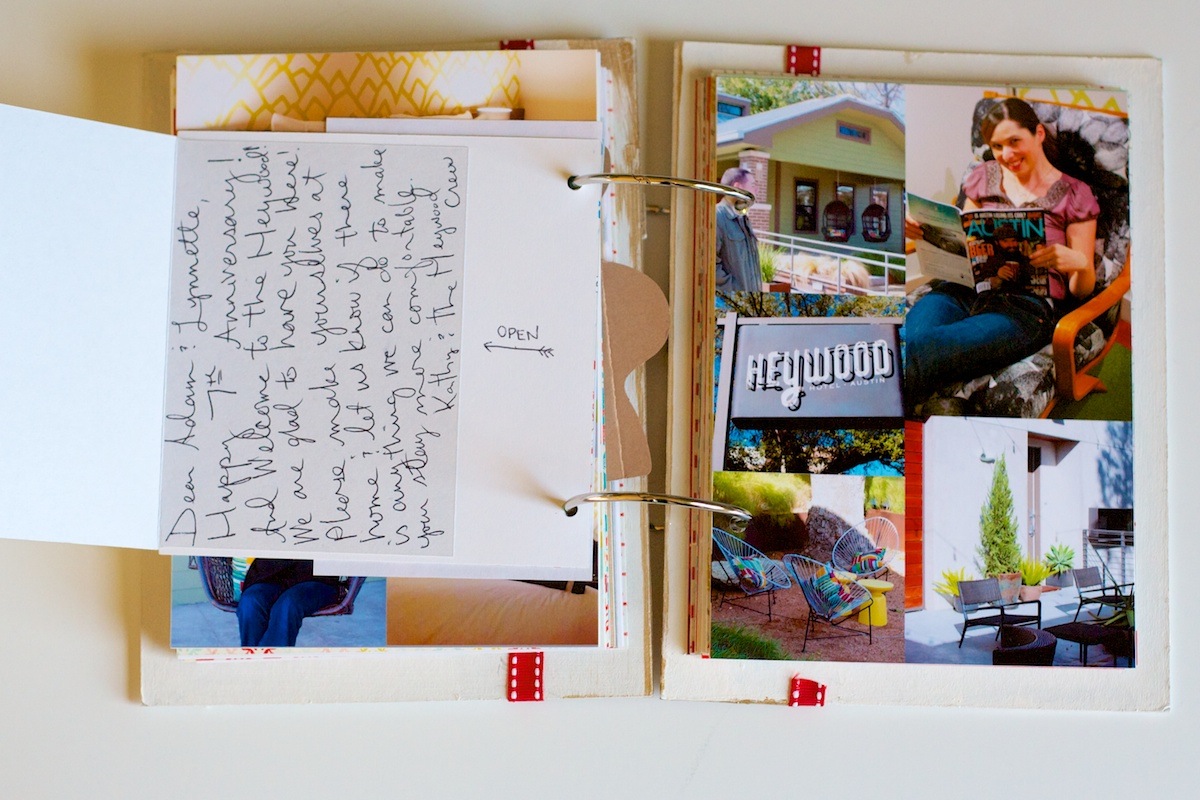
On the back of the map page, I added the card the hotel had left for us in our room. Love when places do nice things like that:

Nettio holidayfaves2012 46

Nettio holidayfaves2012 47

Holiday Faves #4

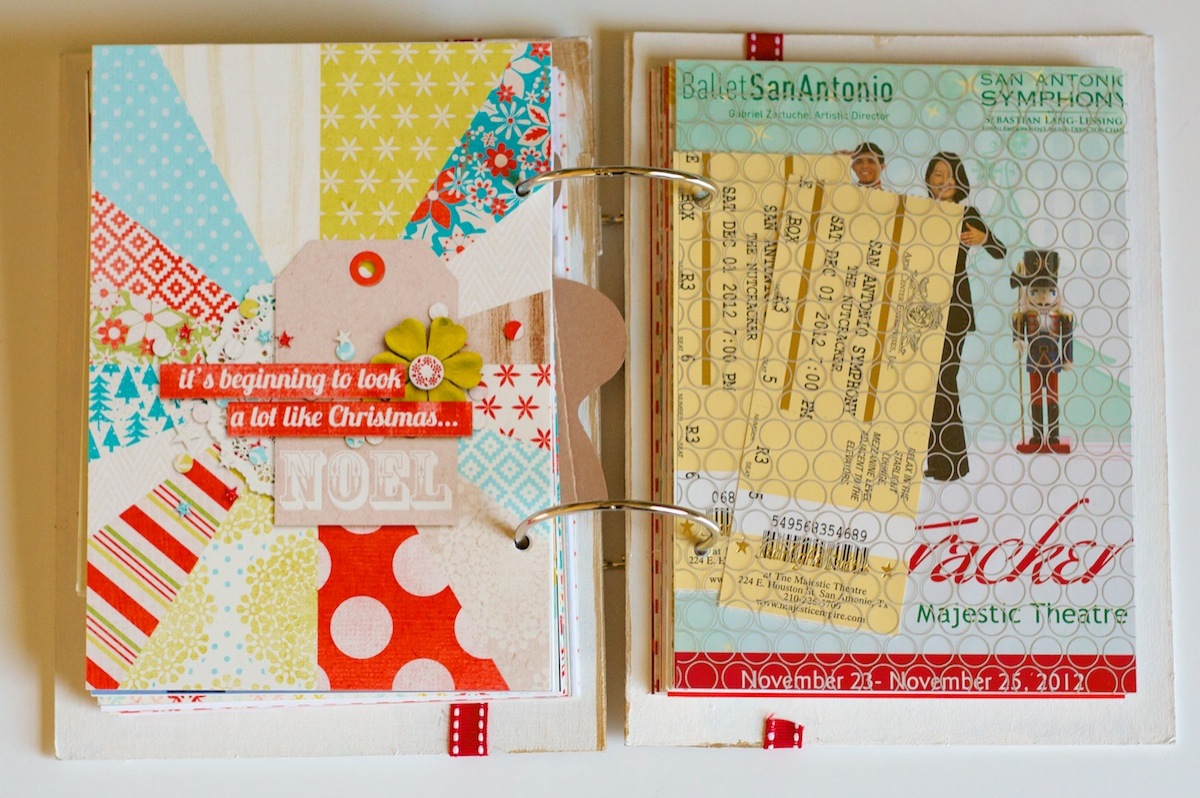
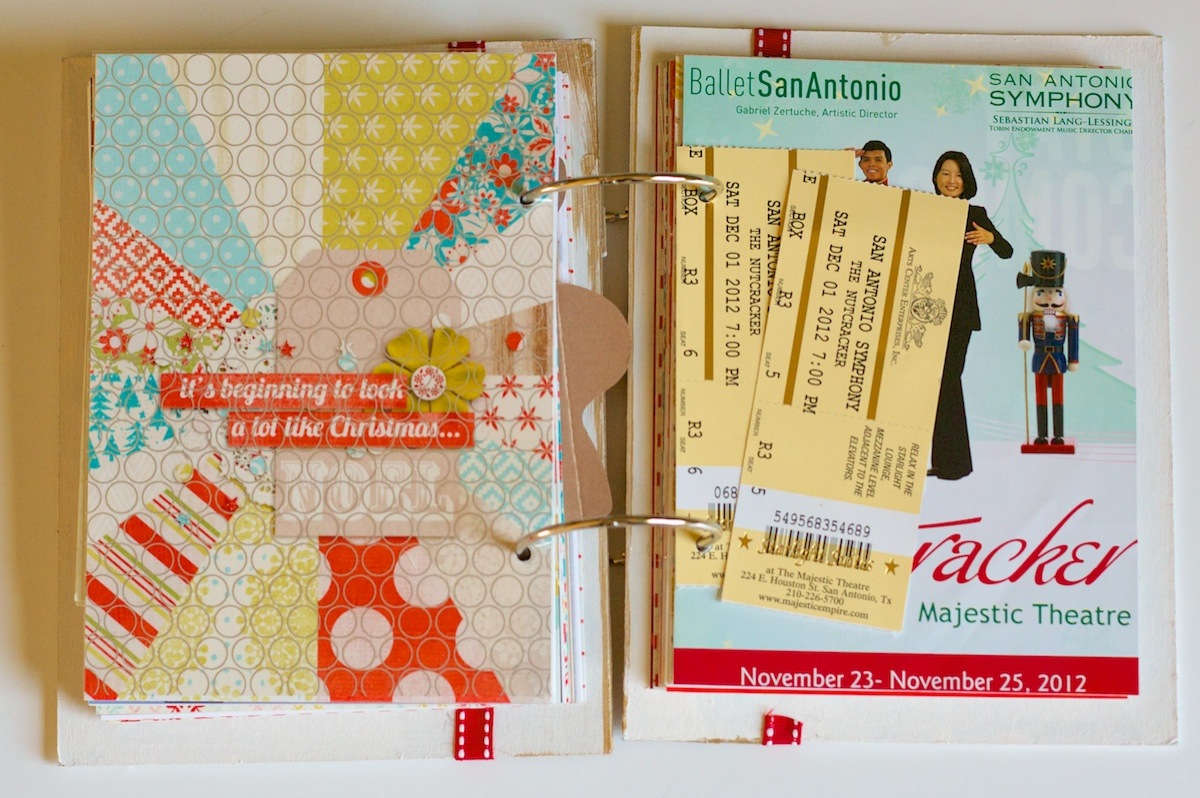
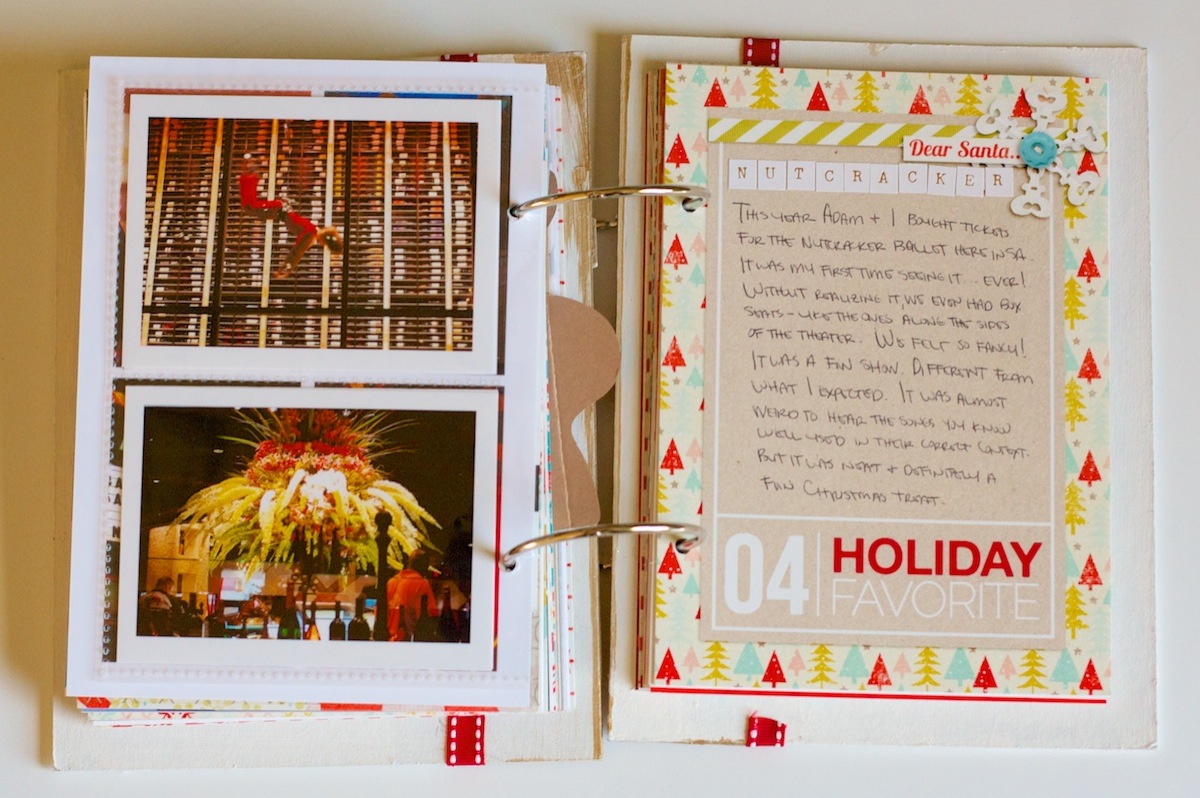
And now it’s time to leave Austin behind and head back to San Antonio for Holiday Fave #4 – The Nutcracker!

Nettio holidayfaves2012 48

I had never seen The Nutcracker before so Adam and I thought it would be fun to go this year. I have to say, it was kind of surreal hearing the music you’ve heard a thousand times in it’s actual intended context.

Nettio holidayfaves2012 49

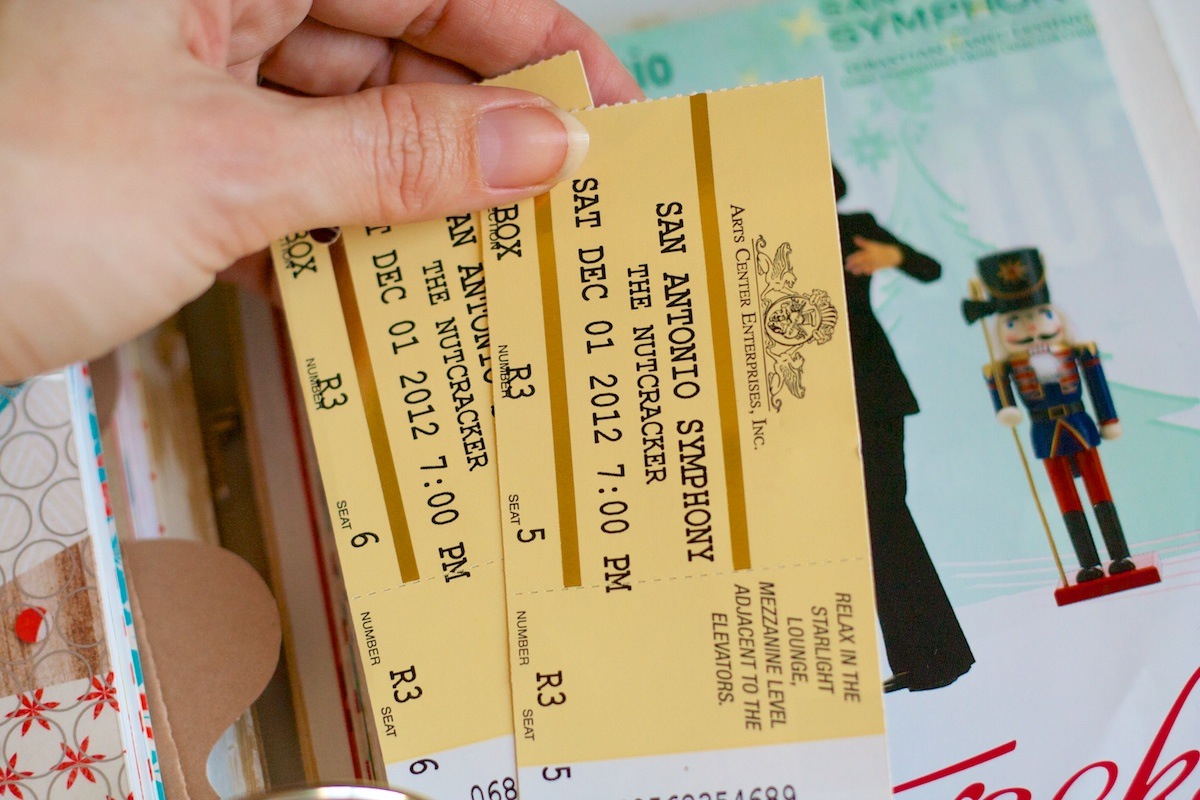
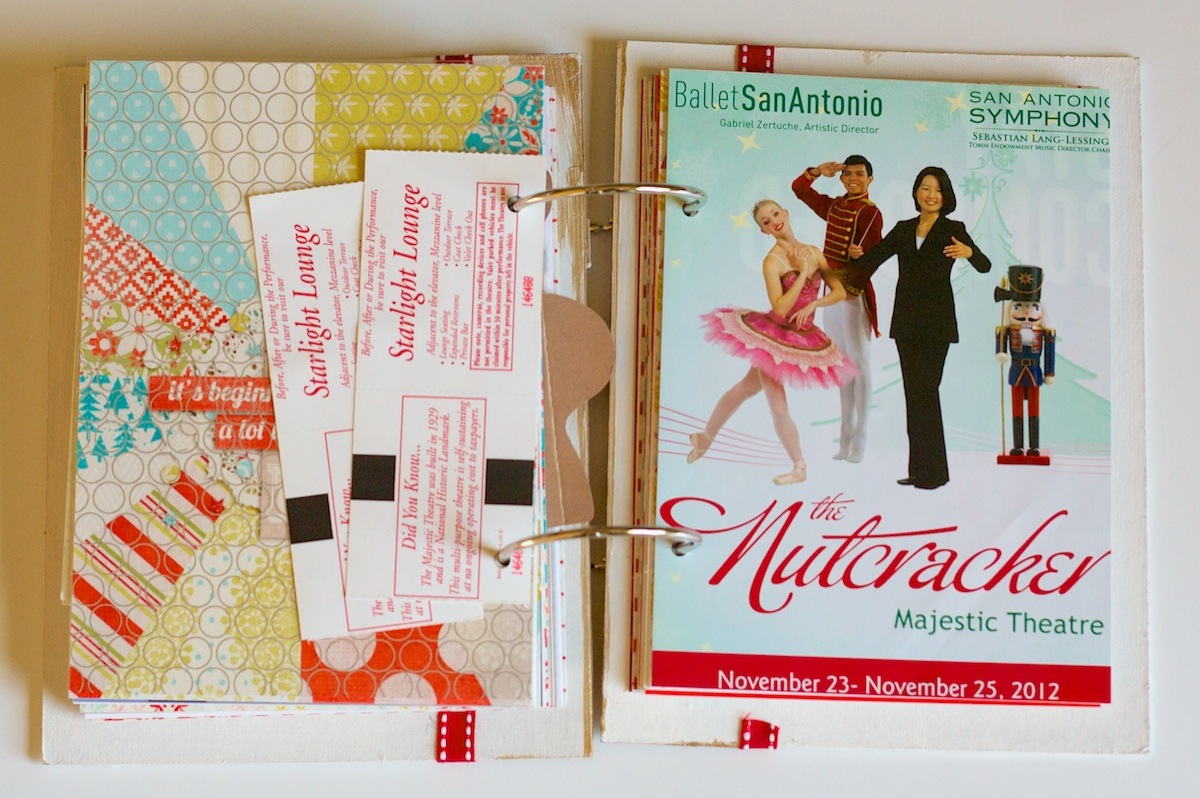
More punched tickets. To keep them together I just added one strip of tape runner to the back of the top one so when you turn the page, they move as one.
Nettio holidayfaves2012 50

The cover of the program from the ballet:

Nettio holidayfaves2012 51

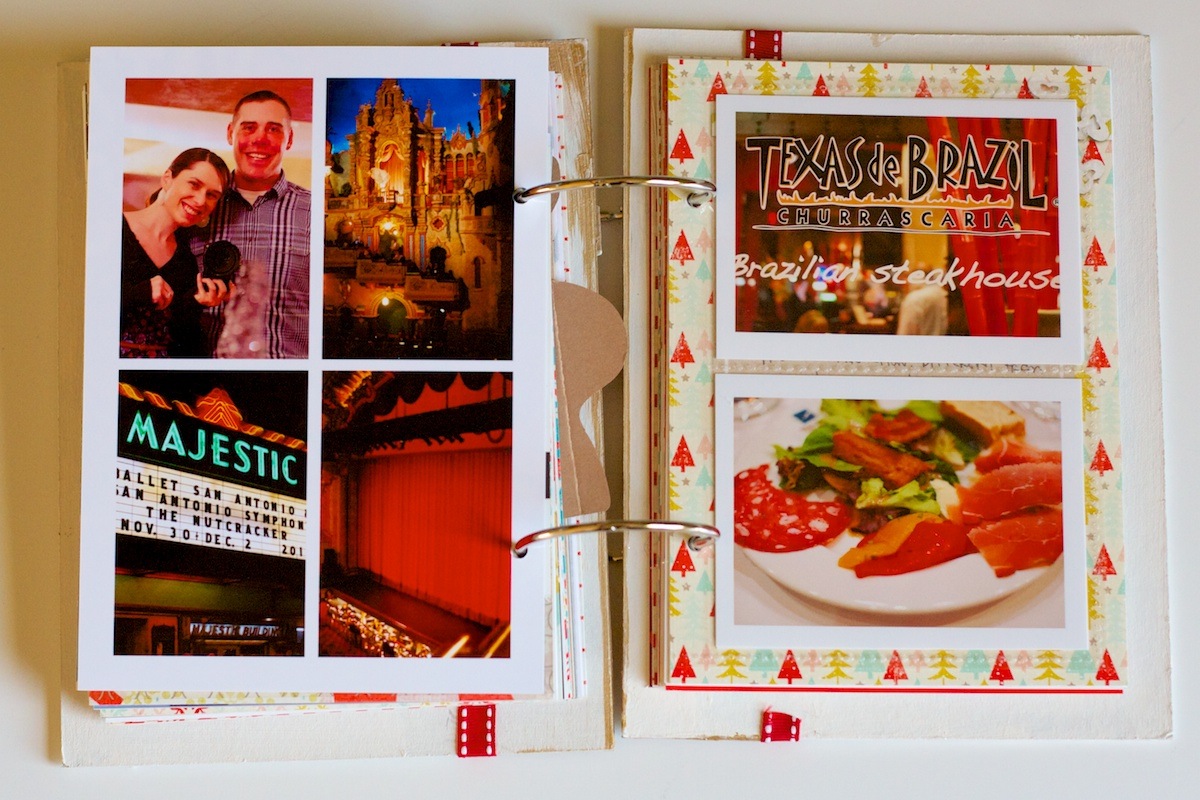
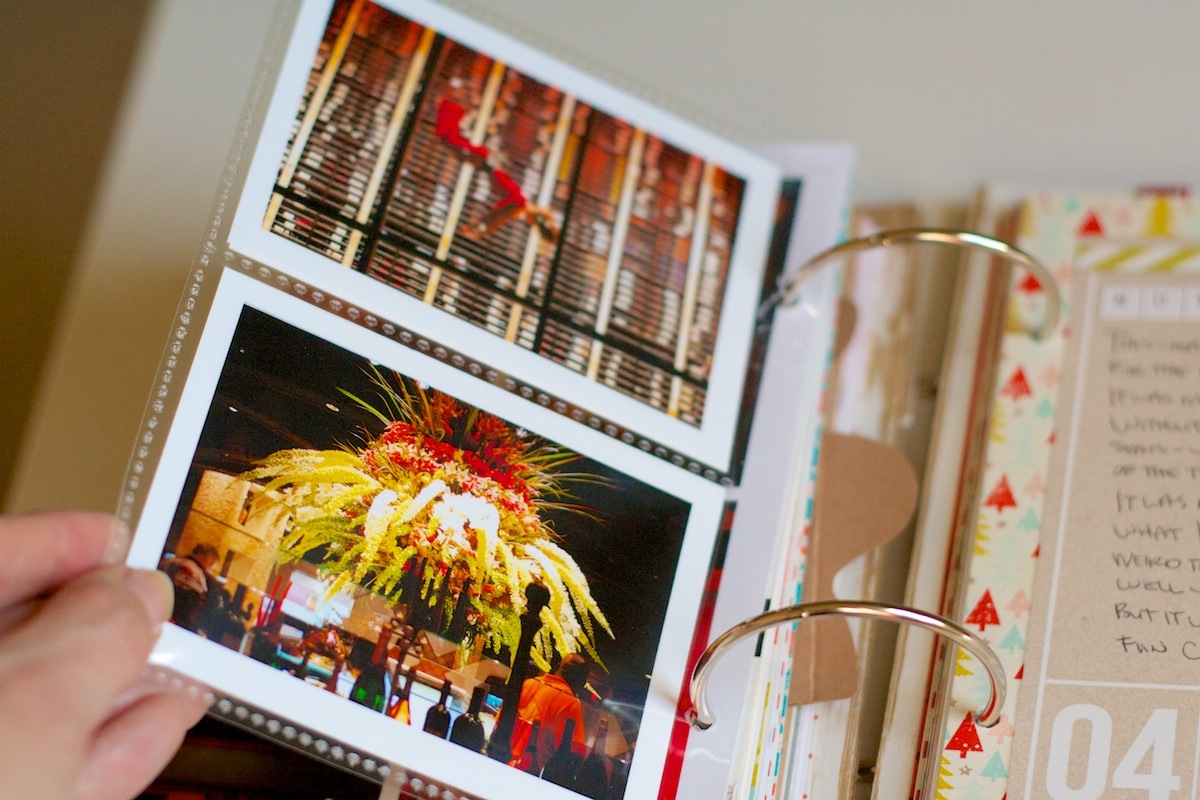
The funniest part of the night happened when we first arrived at the theater. Adam had chosen to pay a little extra to get the upgraded seats that came with valet parking so we wouldn’t have to worry about finding parking in downtown San Antonio. I had figured when the tickets came and they said “Box R3” on them that we’d be off in some corner since we bought them rather last minute. But when we got there the usher just kept walking and walking and next thing we knew we were walking past where we thought we’d be…
See those boxes hanging off the side in that top right photo? That’s what it turns out we were sitting in. Hence the “Box” on the ticket! The bottom right photo was the view from my seat. We had NO idea that’s where we’d be sitting but I told Adam, hey at least I can cross “sitting in box seats in a theater” off my bucket list now, haha.
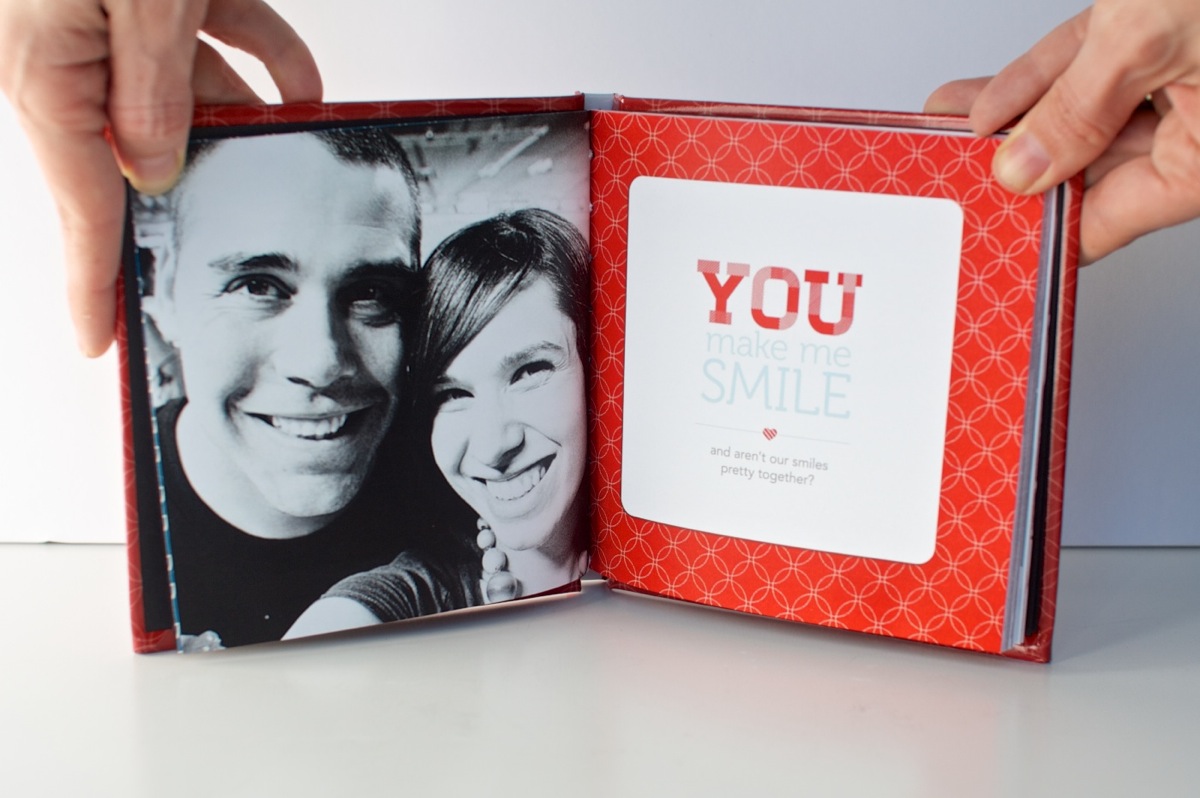
Nettio holidayfaves2012 52

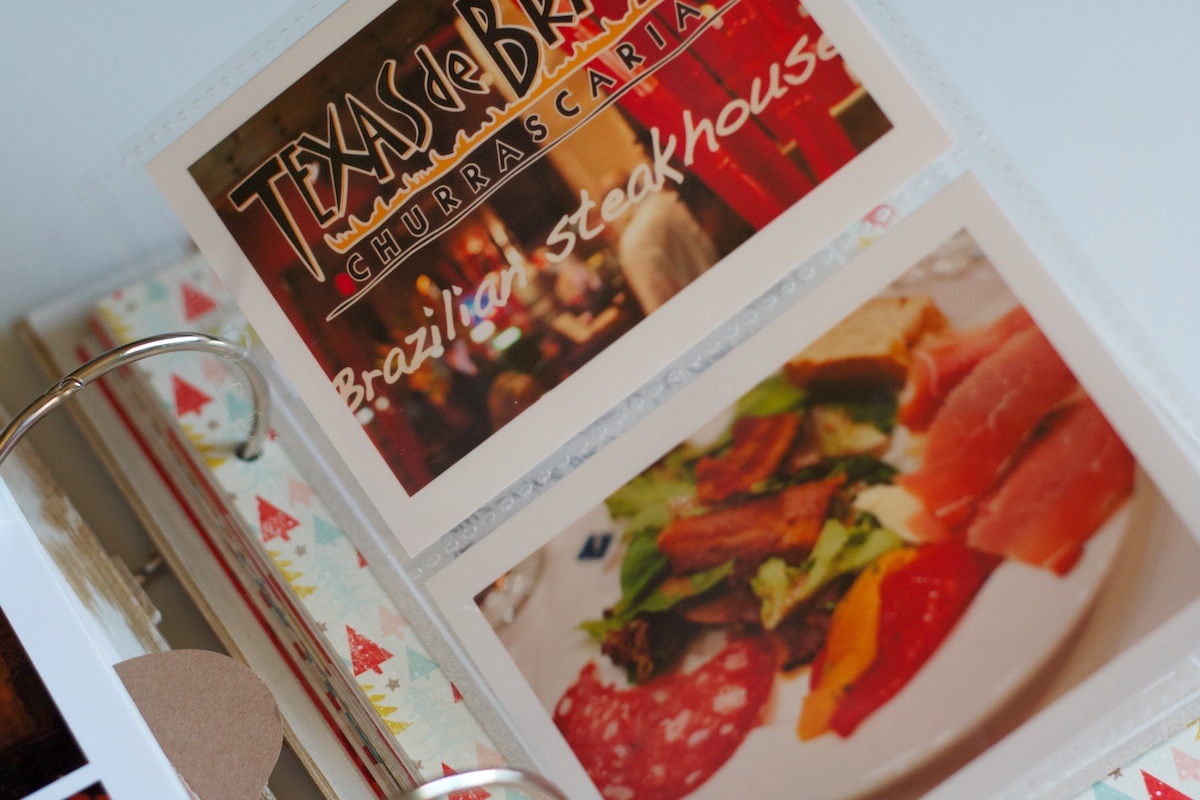
For dinner before the show we went to one of Adam’s favorite places, Texas de Brazil, since it’s right across the street from the theater which meant we could valet park and then go eat without moving the car. For the photos from dinner I trimmed down a divided page protector to make a little pocket:

Nettio holidayfaves2012 54

Nettio holidayfaves2012 53

Holiday Faves #4 journaling card on the right:

Nettio holidayfaves2012 55

Holiday Faves #5

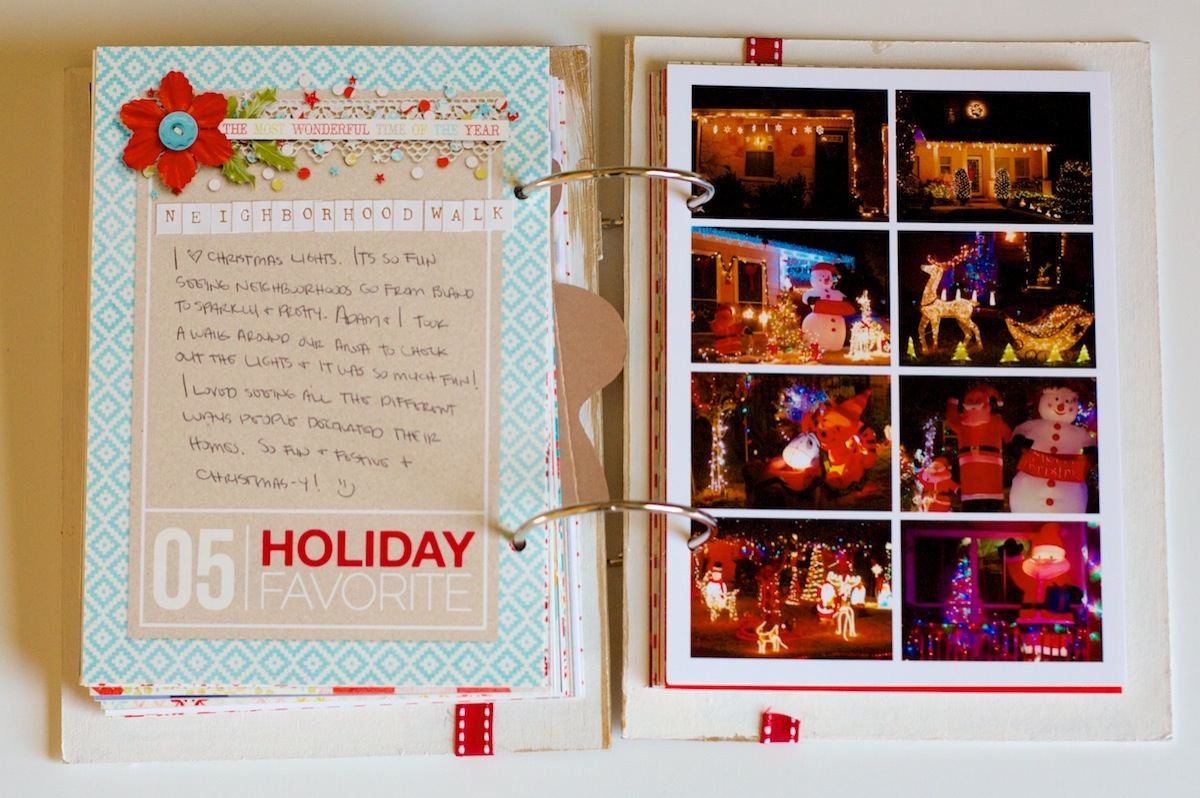
For Holiday Faves #5, I kept things fairly simple, just a journaling card and photo collage. Adam and I decided to take a walk around our neighborhood and check out the lights – definitely one of the perks of living where it’s still 70 *cough* or 90 *cough* in the winter!
Nettio holidayfaves2012 56

Well that’s it for Part 1 of my Holiday Faves Mini Album update: Faves 1-5. If you’ve made it this far, congrats! 1000 awesome points to you! I’ll be back either Friday or more likely Monday with Faves 6-10. And then it’ll be time to wrap this baby up and move on to new projects for 2013. Eeek, so excited!
Anyone else still working on your December Daily or Holiday Faves album like me? Have a completed album you want to share? Feel free to link me up because I’d love to see your stories!


Fraudulent Drugs Are A Huge Global Problem

POSTED IN Holiday Faves, Holiday Faves 2012, Hybrid Scrapbooking, Mini Albums

Holiday Faves Mini Album 2012 | The Foundation Pages

POSTED ON November 29, 2012 IN Holiday Faves, Holiday Faves 2012

Happy week-after-Thanksgiving everyone! Since Thanksgiving marks the official start of the holiday season around here, I figured it was high time to get on it and share the foundation pages for my 2012 Holiday Faves Mini Album.

If you’re new to Holiday Faves, Holiday Faves is my not-so-daily hybrid twist on Ali Edwards’ ever-popular December Daily holiday album. After three failed attempts at December Daily, I decided last year that the dailyness of it simply didn’t work for me and since I’m a fan of capturing faves, it seemed only natural to capture that same magic with my holiday album by documenting my top ten favorite things from the holiday season.

And well, it worked! Not only did I actually complete my Holiday Faves mini album last year but I loved the result so much, I’m doing it again this year. Having a Faves-inspired hybrid mini album turned out to be the perfect companion for the holiday season and the type of traveling we do every year.

2012 Holiday Faves Mini Album Plan:

For this year’s Holiday Faves mini album, I’m following the same format as last year with a few additional twists to keep it interesting. Here’s a breakdown of my plan:

  • Same 5×7-inch hybrid mini album format using my Holiday Faves 5×7 Mini Album Templates Vol. 2 as the foundation for my design. This size is perfect for me because it’s easy to travel with (being a child-free military family living far from home means we always travel for Christmas) and it saves trees since I can print two 5×7 pages on a single sheet of 8.5×11 paper.
  • Foundation of the album printed and ready to go ahead of time – This is a trick Ali Edwards highly recommends for December Daily and I have to agree with her. Having the design foundation of your album ready to go is KEY to getting the album finished. It takes away the number of design decisions you have to make during the busy holiday season and it frees you up to focus on capturing stories and photos instead. If you try to do all of that at once, I guarantee you’ll get overwhelmed and stressed out which is not fun. This is very much a case of where a little planning goes a long way.
  • A mix of Holiday Faves & Themed journaling cards – This is the biggest change from last year. Last year I documented only my top ten favorite things from the holiday season which, while I loved that, I found I missed capturing some of the broader holiday themes as well, like our decorations, music, traditions, etc. So this year I’ve included a mix of journaling cards: 10 numbered Holiday Faves cards and 10 general holiday-themed journaling cards. My hope is that by including the more general themed cards, I can use the 10 faves to capture my absolute favorite mini moments from the season. I’m a little worried about the additional work I’m adding to my album, but I figure if I use all the themed cards then great and if I don’t, that’s fine too.
  • Handwritten journaling – Last year I wrote all of my journaling by hand and I plan to do the same this year. Believe me, I would much rather use my handwriting font instead because it’s so much prettier, haha, but this is a case of not letting the perfect be the enemy of the good. Capture my favorite stories in the moment trumps all and that’s not going to happen if I have to pull out the computer and print each time, especially when we’re traveling. So this is the best compromise.
  • Photos printed at home and added later – This year we’ll be traveling to California for Christmas so my plan is to print my photos at home up until the point when we leave and then I will finish adding photos, etc once we get home in January. This is what I did last year and since I already had all the stories written down, it made the process really quick and easy.
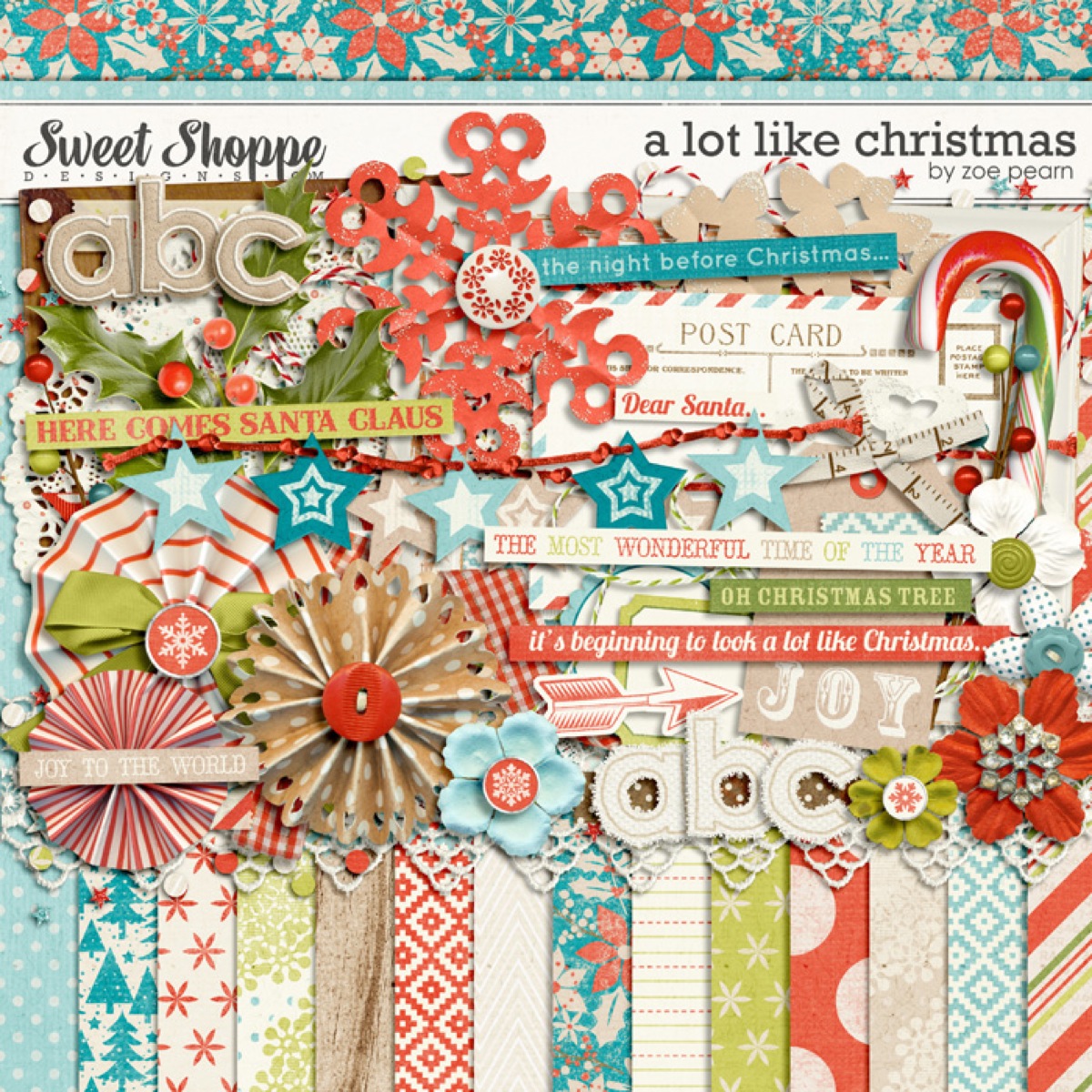
  • A mix of digi & paper supplies –  For my album I’ll be using a mix of digital scrapbooking products I already know and love as well as a few paper scrapbooking bits & pieces thrown in here and there. For my foundation pages, I used a mix of these four digital scrapbooking kits from my favorite Sweet Shoppe designers: A Lot Like Christmas by Zoe Pearn, Christmas Countdown by Zoe Pearn & Kristen CB, Tis the Season by Zoe Pearn, and Christmas Dearest by Mari K.

A fun fact, A Lot Like Christmas is a bit of a kit request from me as Zoe designed it based off a mood board I made for my Holiday Faves album. I wanted something with a color scheme that was modern and not too traditional with bold patterns, lots of kraft, all with a bit of a whimsical feel to it. And Zoe totally nailed it! I love how it turned out – the chevron/kraft/apple green/teal-y blue combo is my favorite – and best of all it prints beautifully.

Zpearn alotlikechristmas preview

Speaking of printing, let’s get to some printed Holiday Faves foundation pages shall we…

My 2012 Holiday Faves Foundation Pages

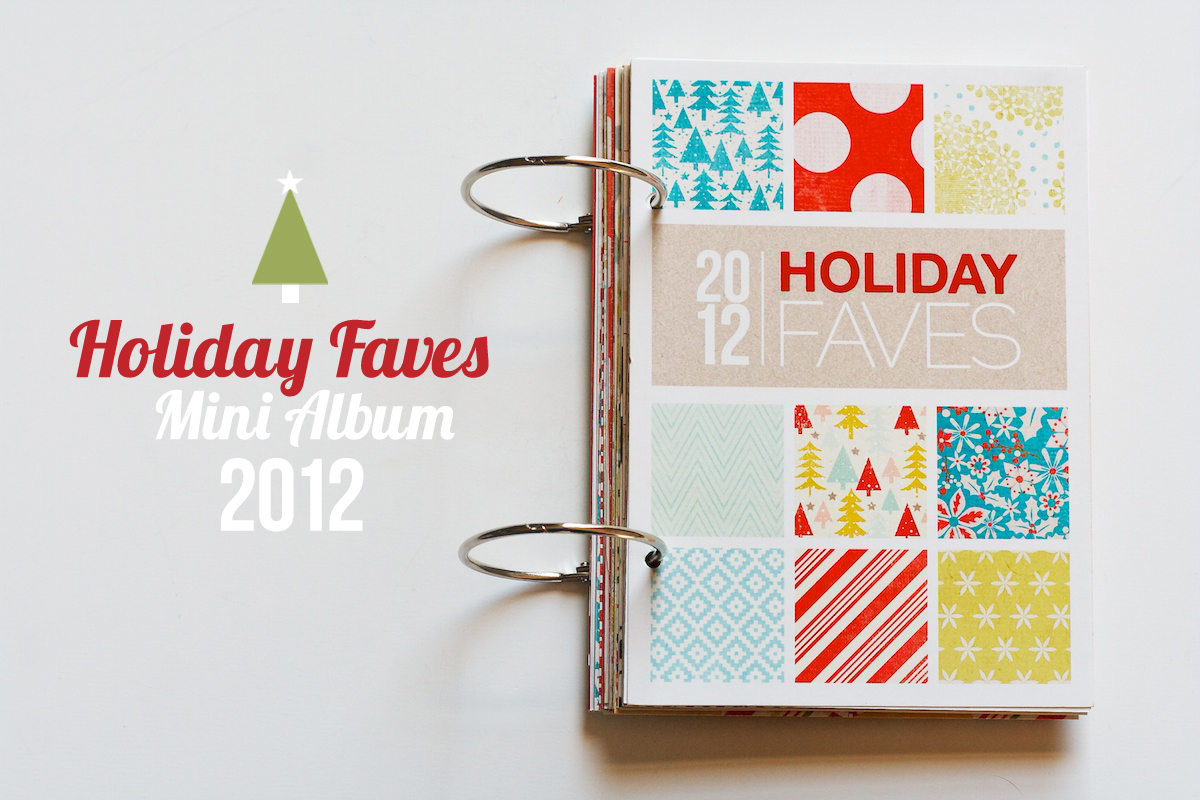
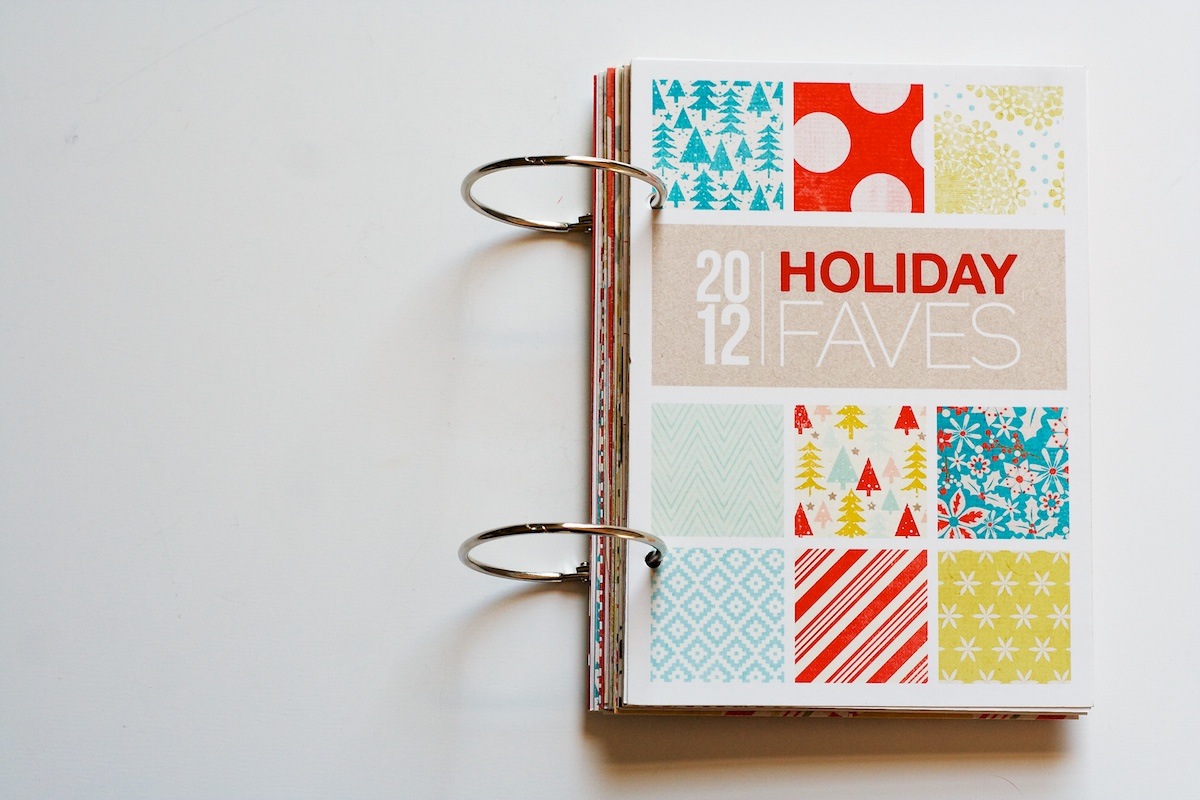
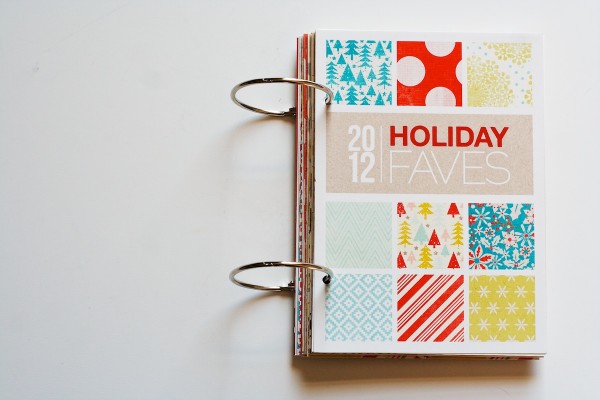
Here’s a look at my cover page. Right now it’s just printed card stock but I plan on adding a thicker chipboard cover as well to make the album a bit more sturdy. This page will then become the first page inside the album.

Nettio HF2012 Foundation 01

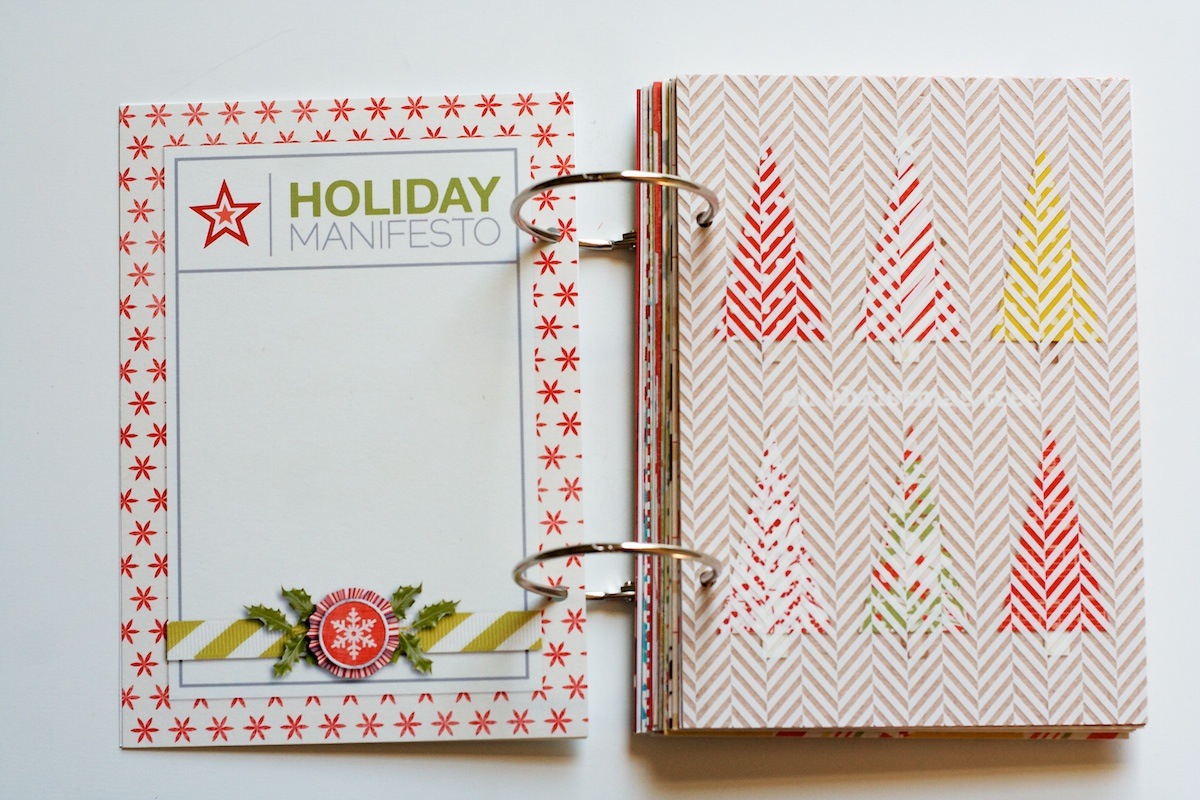
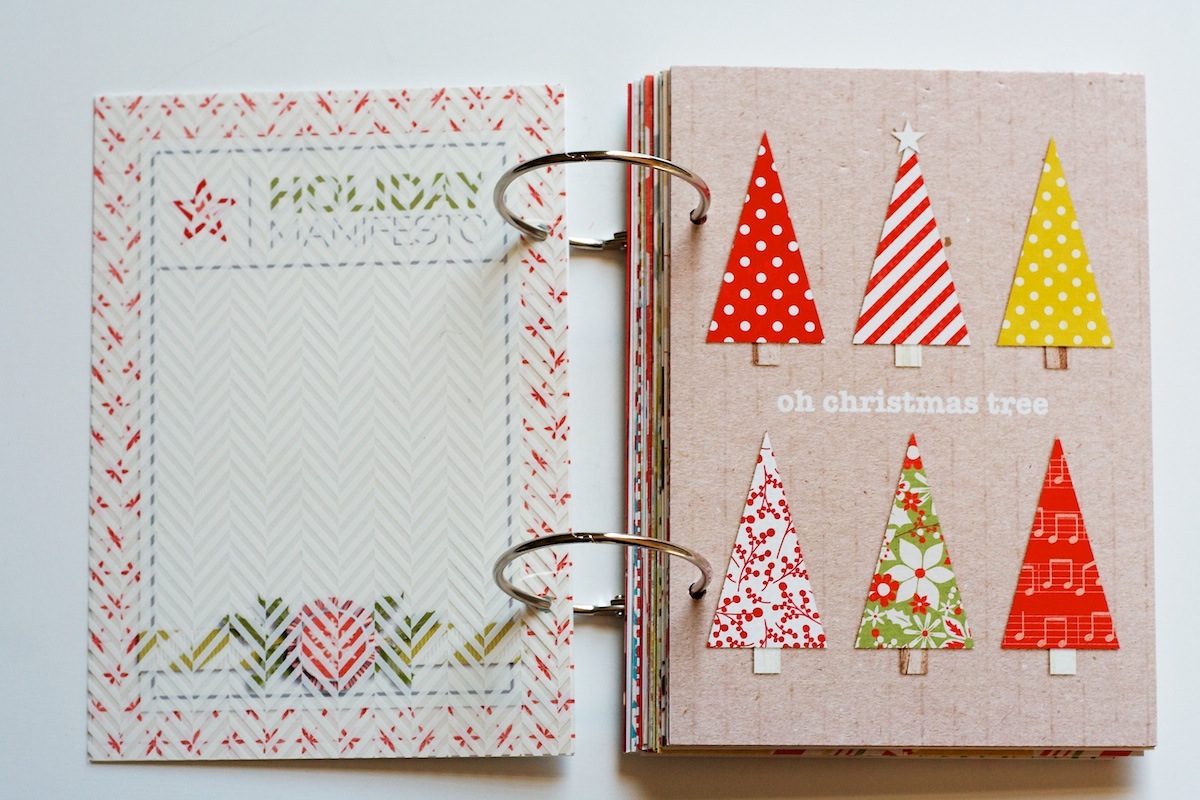
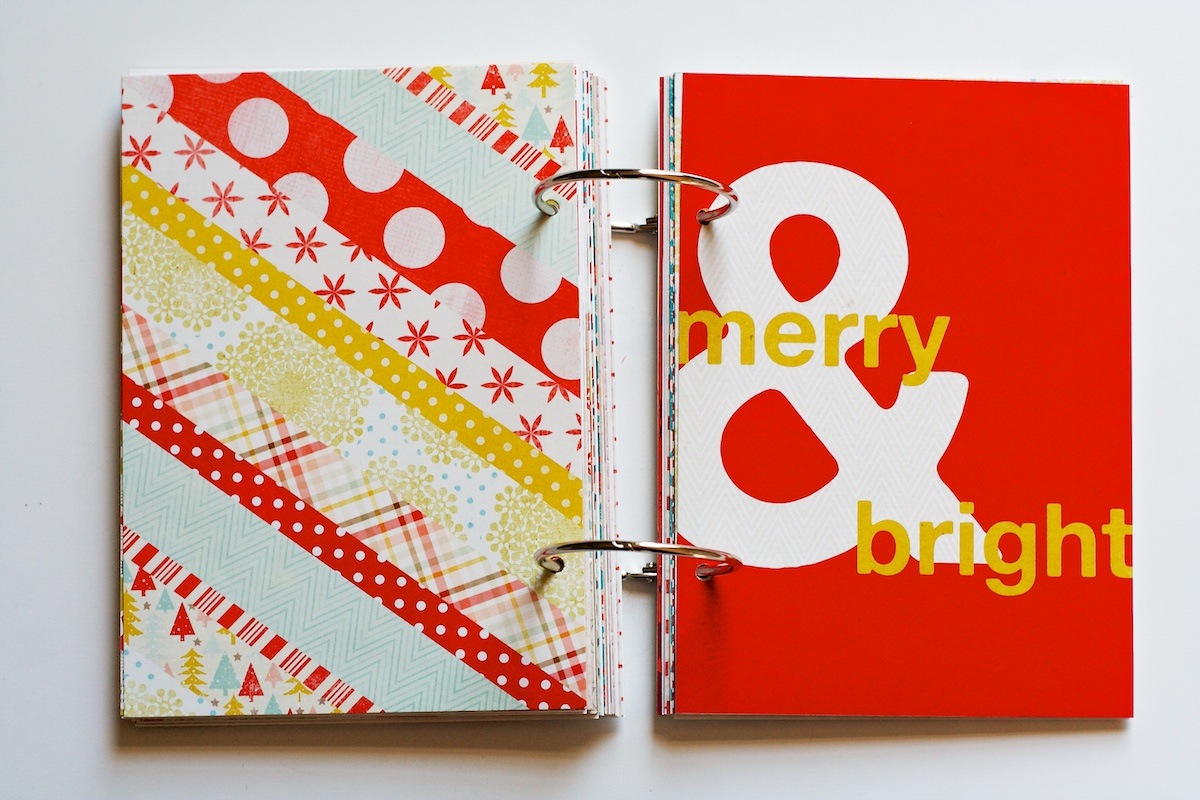
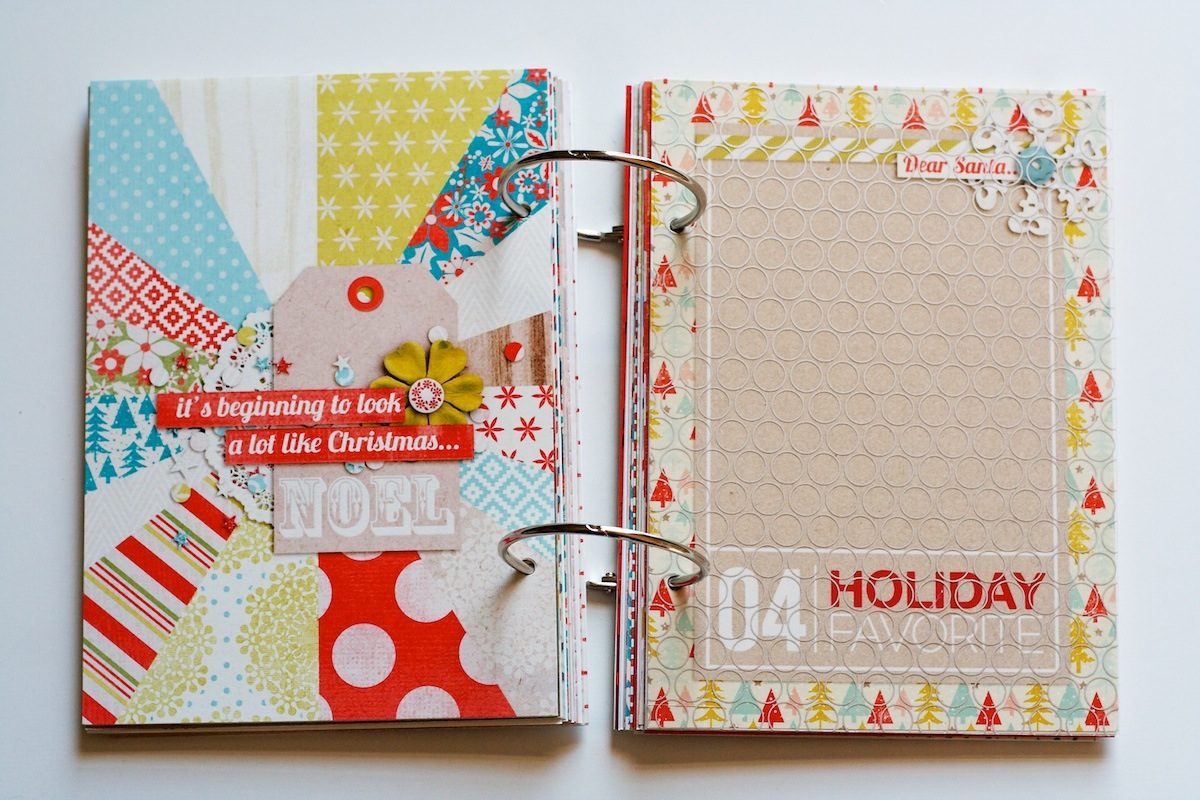
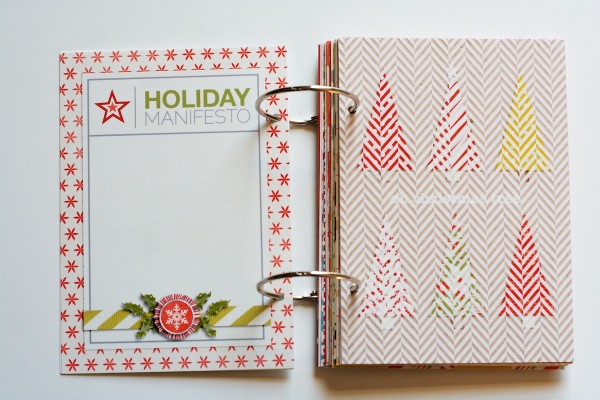
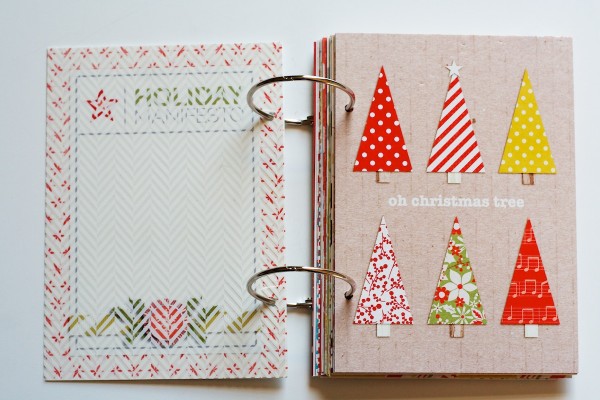
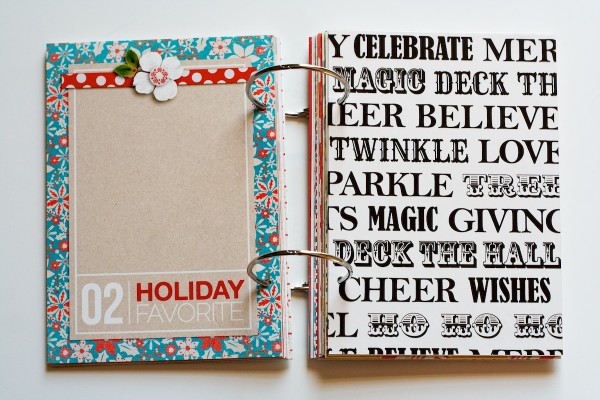
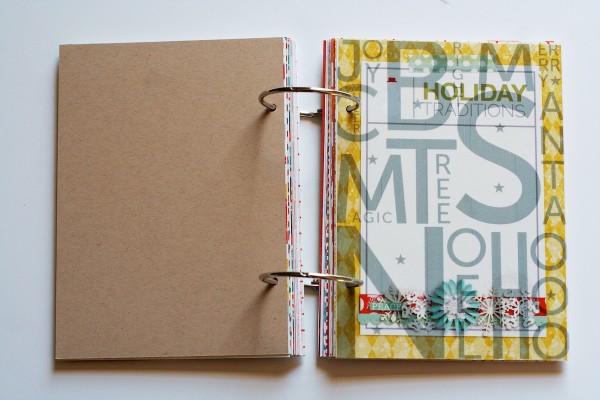
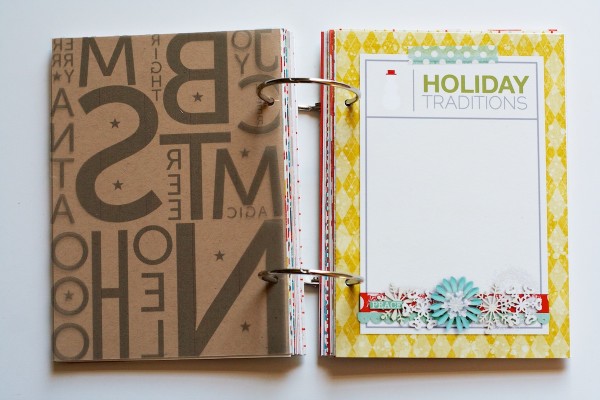
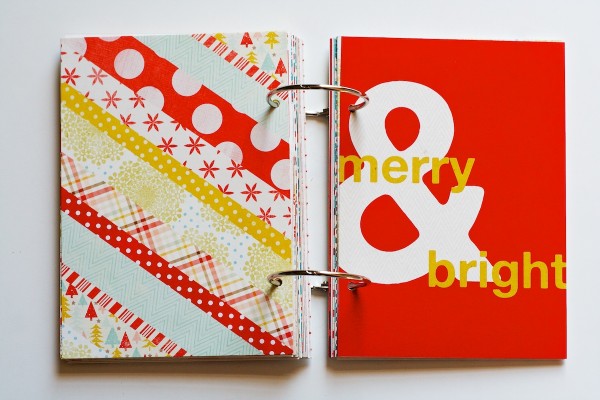
On the back of the cover page I included an additional themed journaling card as intro page. The “Holiday Manifesto” wording comes from Shimelle’s Journal Your Christmas class. Over the right page I included a Hambly overlay. I have a mix of Hambly and ink-jet printed overlays sprinkled throughout the book to add a little texture to it. I love seeing the pages through the overlays since it becomes kind of like a mini sneak peek of what’s to come in the album.

Nettio HF2012 Foundation 02

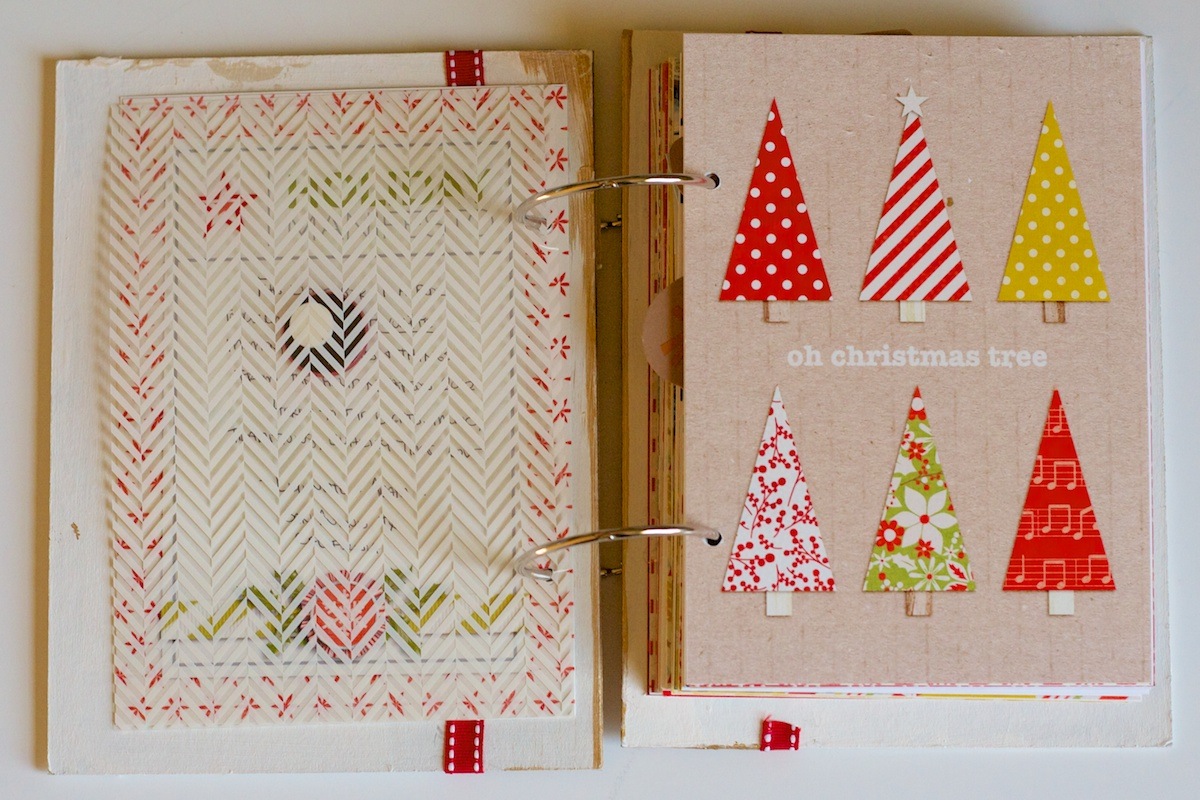
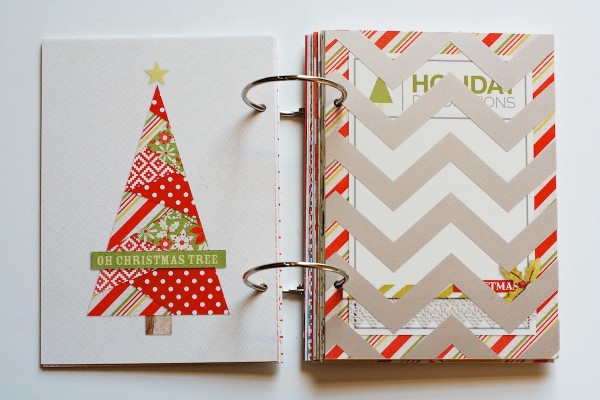
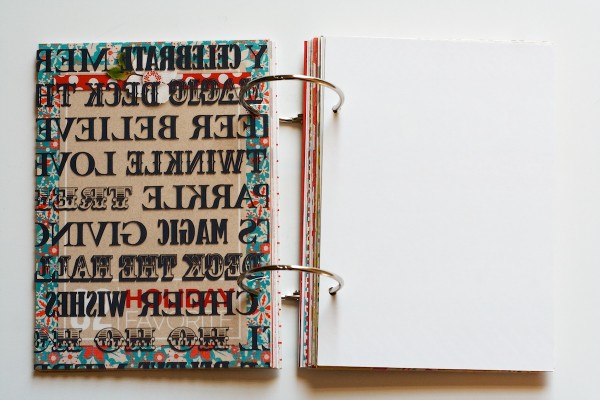
Here’s what the accent page looks like when you turn the overlay…

Nettio HF2012 Foundation 03

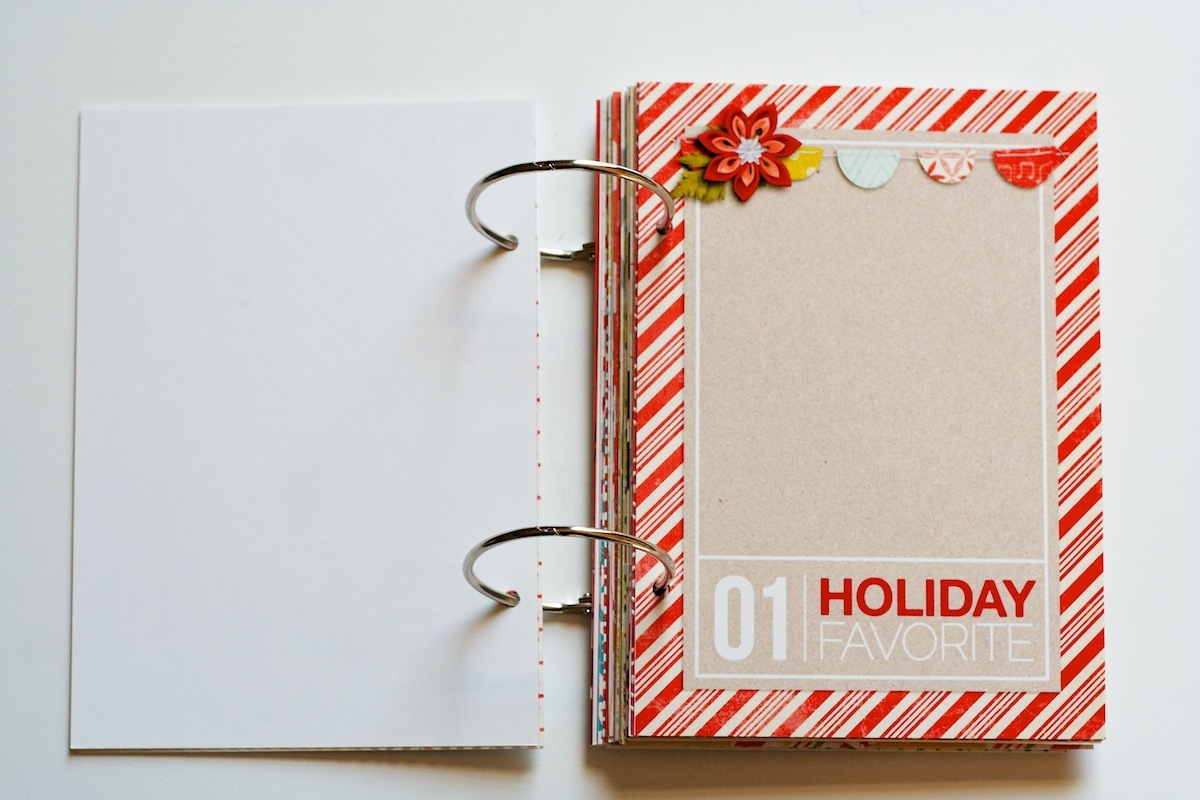
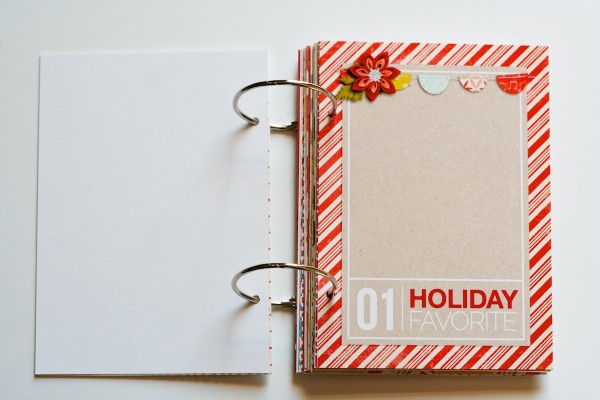
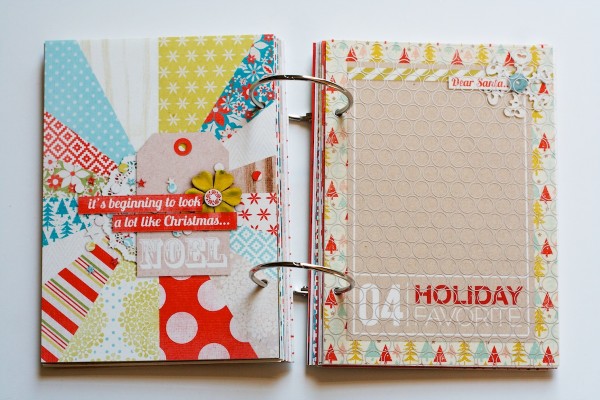
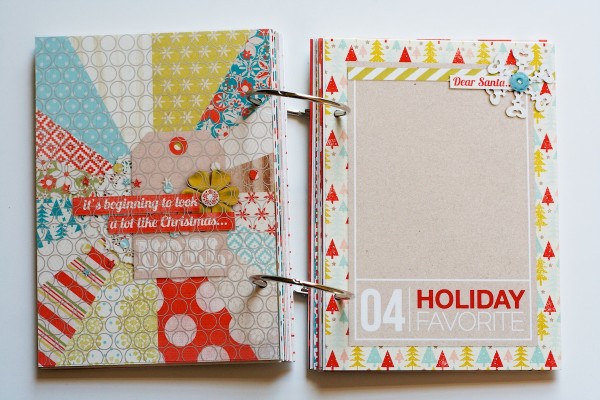
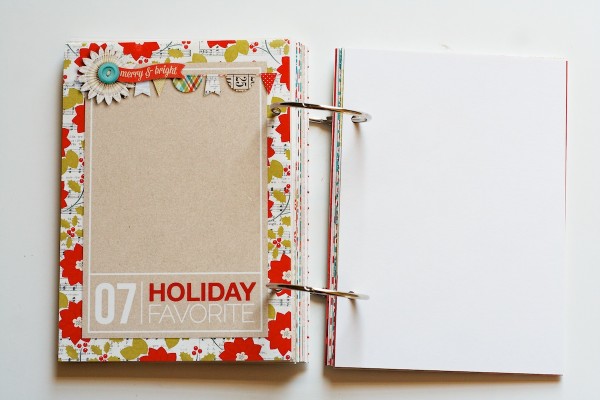
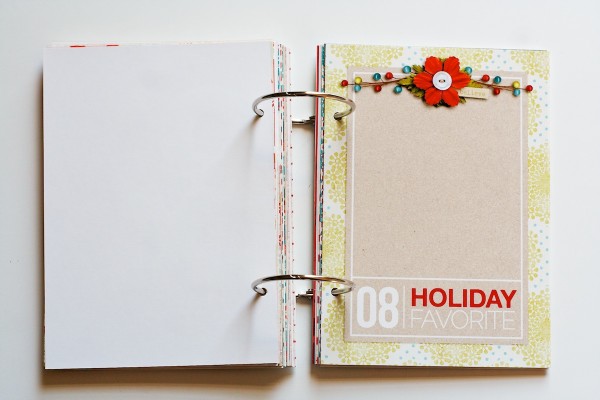
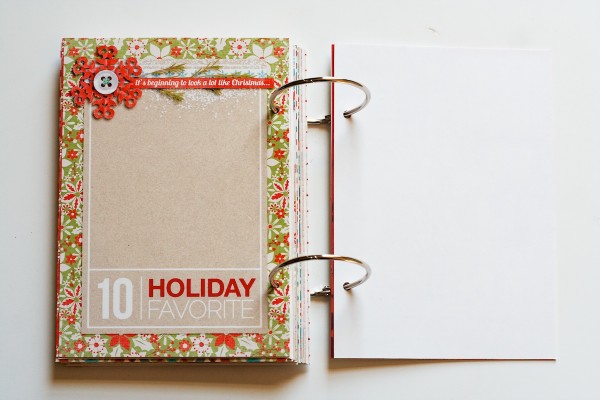
Here’s my first Holiday Faves numbered journaling card:

Nettio HF2012 Foundation 04

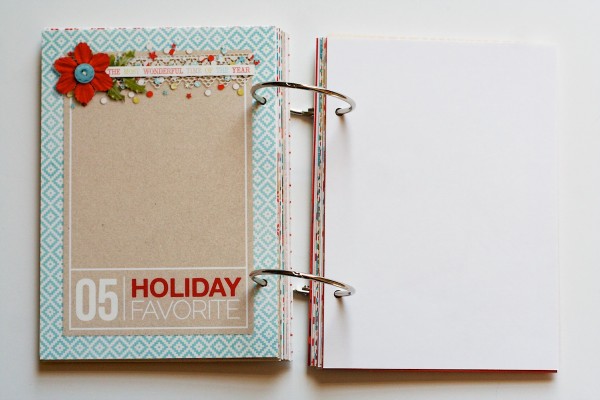
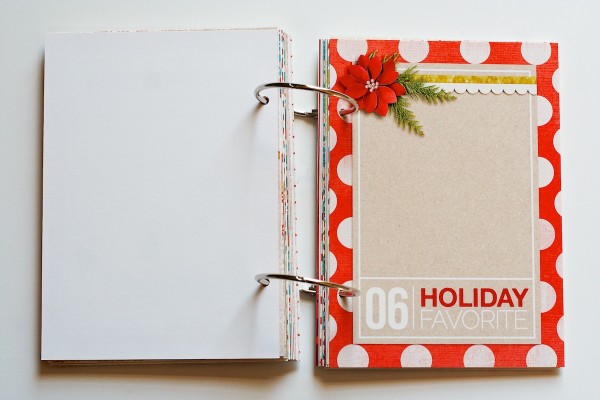
I purposely designed the themed cards and the faves cards to look a little different. I used a kraft background for the faves journaling cards and white card stock for the themed cards and then switched up the title colors: red & white for the faves, green and grey for the themes. I like that it keeps them similar but different enough that they stand out. The blank page on the left side will be for a photo.

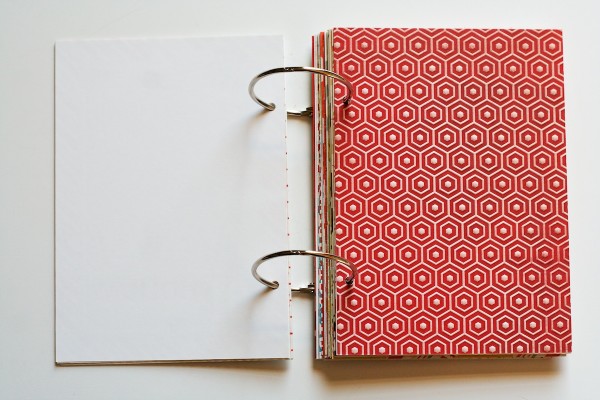
On the back of the Holiday Faves journal card is space for another photo:

Nettio HF2012 Foundation 05

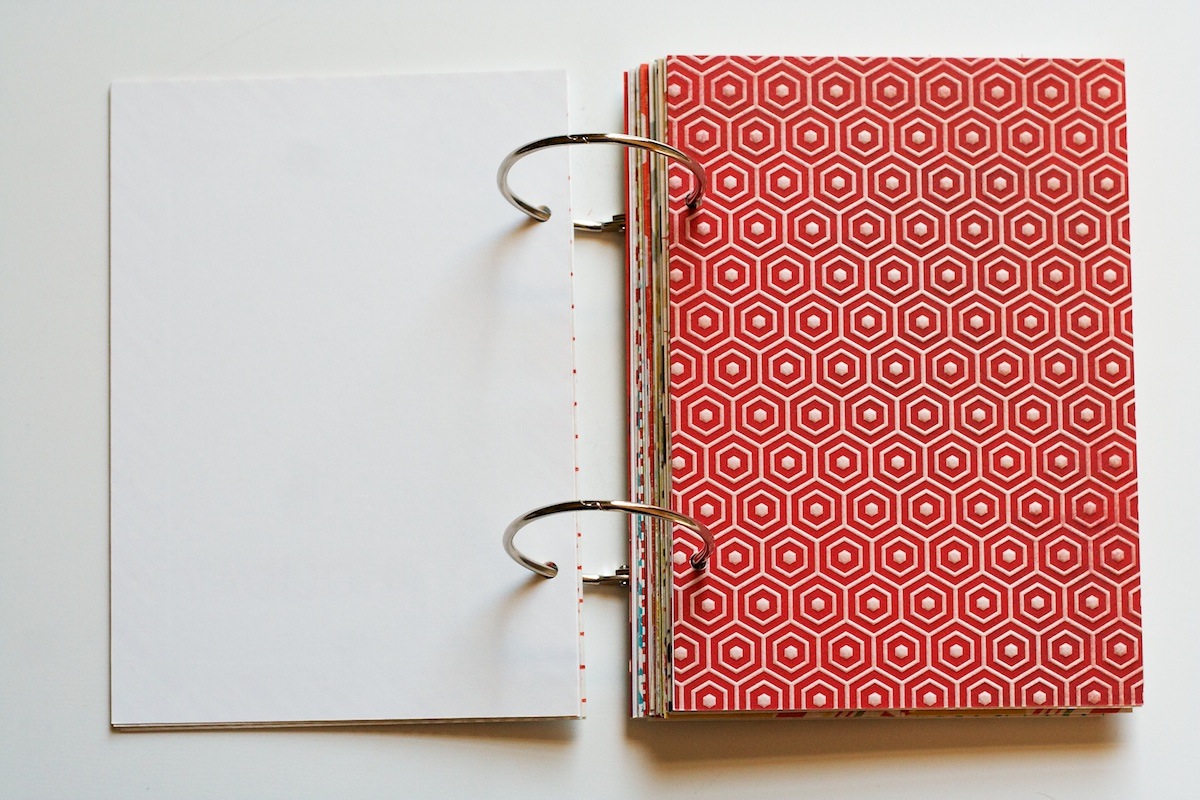
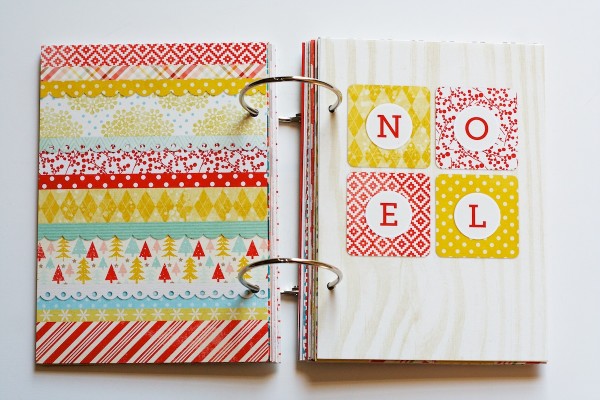
It’s hard to tell from the image but the paper on the right page is actually an embossed paper so it has this awesome raised hexagon pattern on it. I loved the texture it adds to the hybrid album. Not sure what I’ll do with that page yet – I may add another photo or I may add some embellishments and just use it as an accent page.

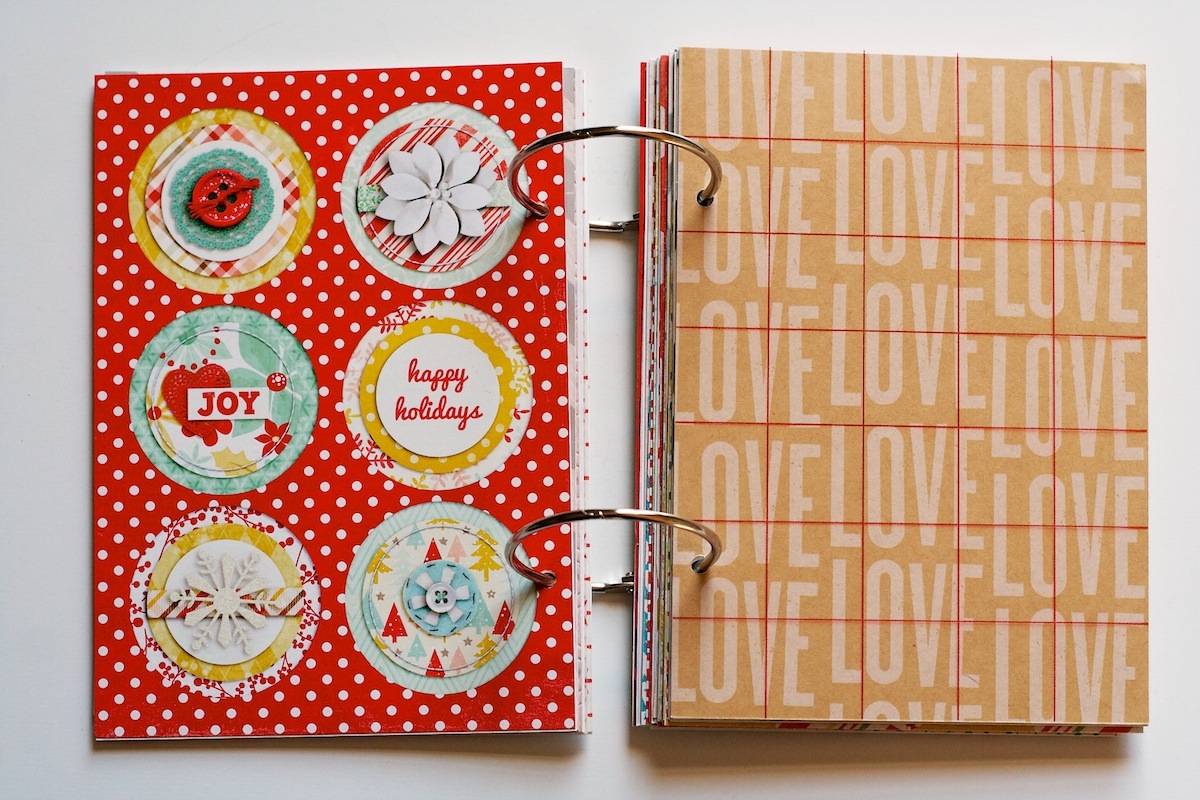
Here’s a look at a few of the foundation & accent page combos. Last year I used these foundation pages to hold memorabilia or additional photos:

Nettio HF2012 Foundation 12

Nettio HF2012 Foundation 30

Because I printed all my pages on double-sided paper (I used Epson’s Premium Presentation Matte Double-Sided paper since it’s a heavier weight than single-side and therefore more sturdy), I have quite a few blank pages and spreads in the album like this:

Nettio HF2012 Foundation 08

For now I’m choosing to leave them blank figuring I will either add photos, memorabilia or patterned paper to them as I put the album together, or if I end up not needing those pages, I can simply glue the two blanks together to make a single page. Plus this gives me more flexibility if I end up needing to move pages around.

I did the same thing last year and it worked out really well. It provides enough of a structure for the album while still giving me flexibility to adapt the pages to my stories as I go.

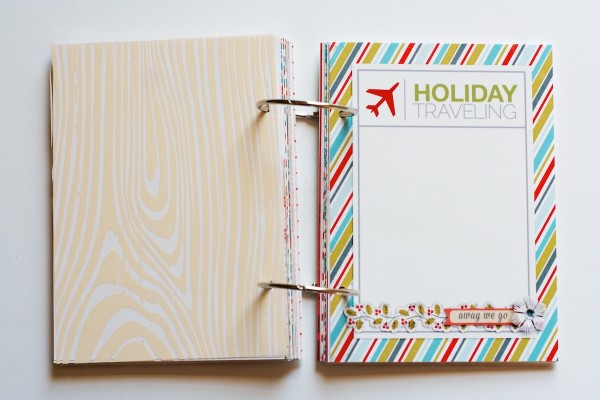
Here’s another accent & foundation page combo. The paper on the right is from an American Craft’s paper line by Amy Tan and the overlay is an ink-jet transparency I printed at home:

Nettio HF2012 Foundation 09

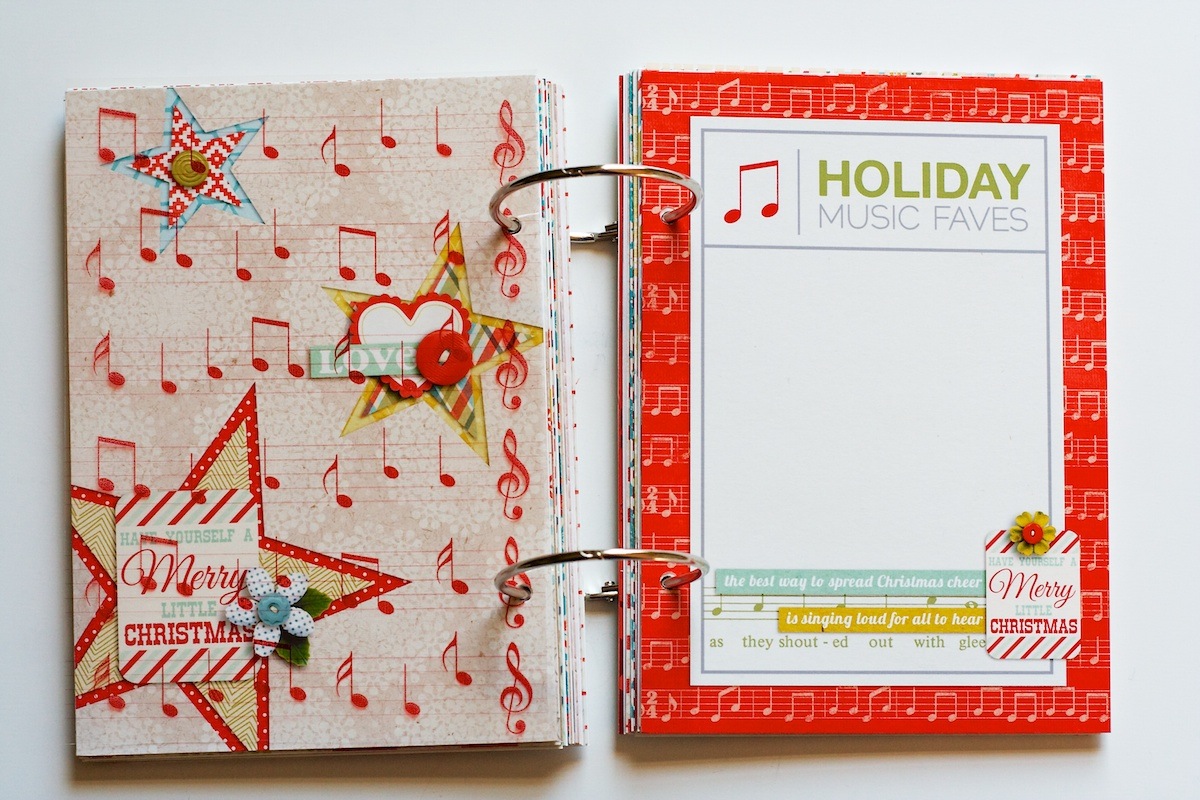
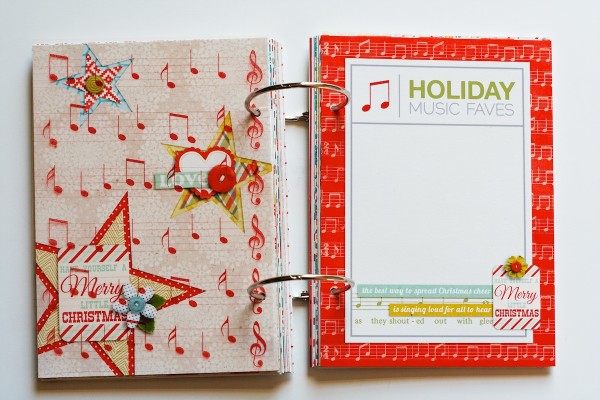
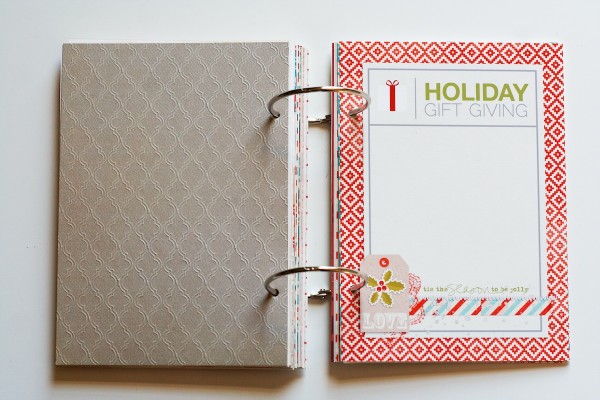
Here’s one of the themed journaling cards that comes with the templates. The music note overlay on the left is included too:

Nettio HF2012 Foundation 25b

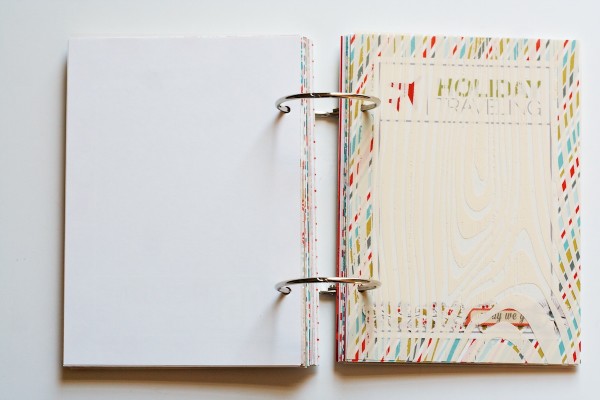
Over some of the journaling cards I added a transparent overlay figuring I will add in a full-page 5×7 photo to go behind it:

Nettio HF2012 Foundation 20

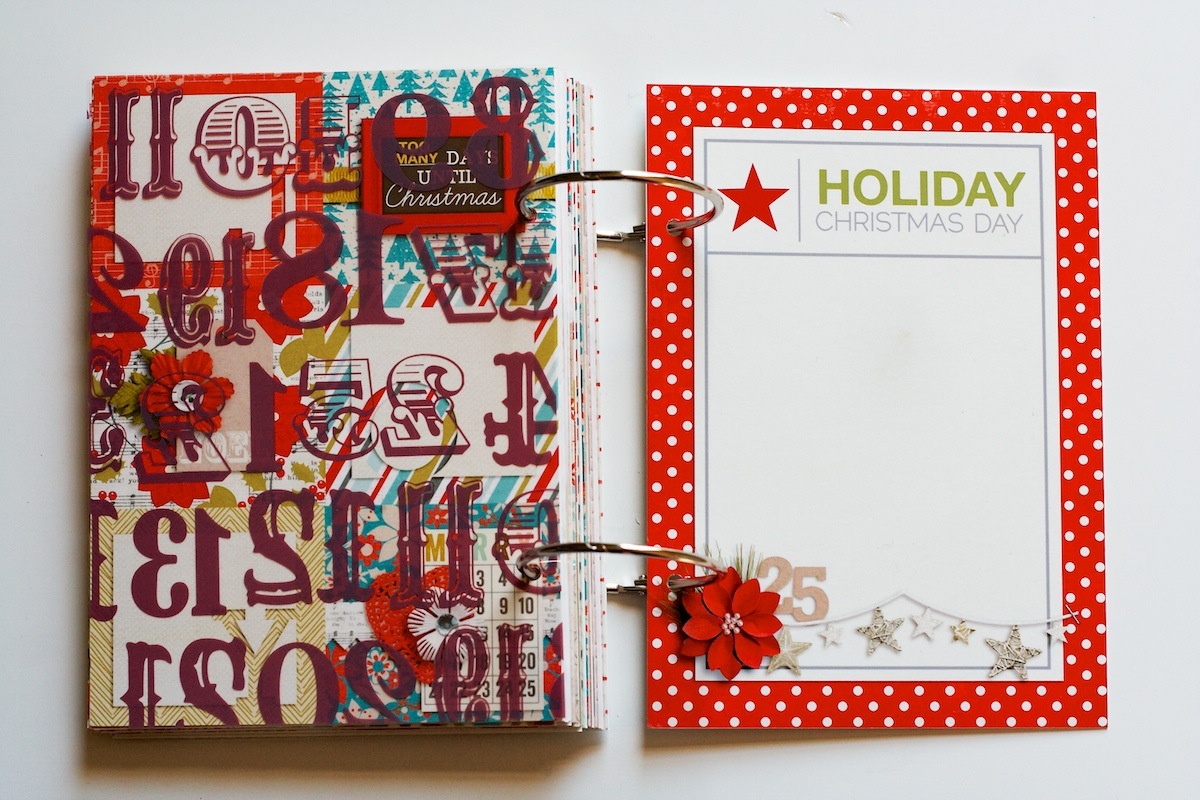
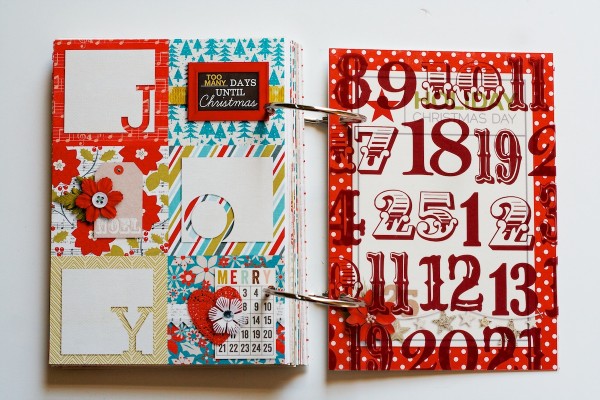
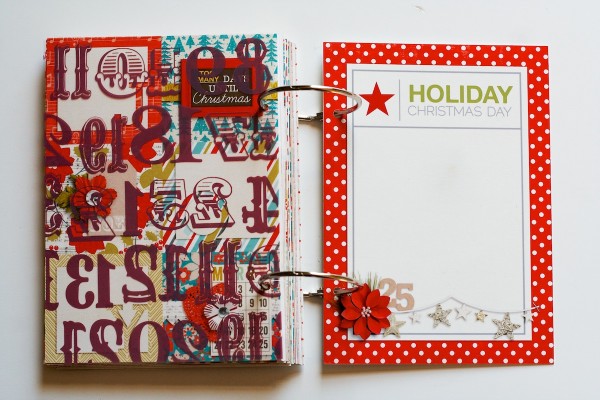
At the end of the album I also added an additional themed journaling card for Christmas Day:

Nettio HF2012 Foundation 39

If you want to customize any of your journaling cards like I did using the templates, I included a PDF with names and links to the free fonts I used in the template download. On the subtitles, I also added a small 2 pt stroke to give the text a little extra weight so you may want to do that as well.

Here’s a look at all of the pages in my album:

One thing that’s key to remember when building your Holiday Faves foundation is that it’s just that: a foundation! So don’t stress about it being perfect or choosing the “right” kits or products (because we all know with digital the options can be practically endless). Just remember this is just the beginning stage and the real magic will happen once you start adding photos and stories and bits & pieces of life into your album.

So what about you? Do you have your Holiday/December Daily album foundation pages all ready to go? Are you getting excited to start documenting yet? I’d love to see what you’re up to so feel free to link me up to your pages in the comments!

Psst…want to make your own Holiday Faves-style album? Pick up the 2012 Holiday Faves 5×7 Mini Album Templates here.

Can diabetes cause erectile dysfunction

POSTED IN Holiday Faves, Holiday Faves 2012, Mini Albums

  • 1
  • 2
  • 3
  • Next Page »
HI I'M LYNNETTE. Graphic designer, tech-lovin’ memory keeper and lover of bold colors & patterns, good food and the great outdoors. Here at Nettio Designs, I share a behind the scenes peek at my own creative & life adventures. Read more...

KICKSTART YOUR CREATIVITY


By popular demand, photo book templates are back! Grab all three sets in the shop.
ADVENTURES IN ORGANIZING
GOAL-SETTING
MEMORY KEEPING
PROJECT LOVE
LIFE ADVENTURES
TIPS & TRICKS
BEHIND THE SCENES

POPULAR PROJECTS

TO SEE ALL MY PROJECTS, CLICK HERE

MUST READ POSTS

  • WHY EVERY SCRAPPER SHOULD SCRAP A FAVES PAGE
  • HOW TO CREATE A SCRAP-WORTHY MAP WITH PHOTOSHOP
  • REMEMBERING THE IMPORTANCE OF TELLING YOUR STORY
  • WHAT DOES IT MEAN TO CREATIVELY CAPTURE YOUR LIFE ADVENTURES?
  • BROWSE BY CATEGORY

    BROWSE THE ARCHIVES

    GET IT FOR FREE

    Copyright © 2026 ·Dynamik Website Builder · Genesis Framework by StudioPress · WordPress · Log in